• $59.99
  • Free 30-day Returns
  • Price alert
    Shop it at NeweggBusiness.

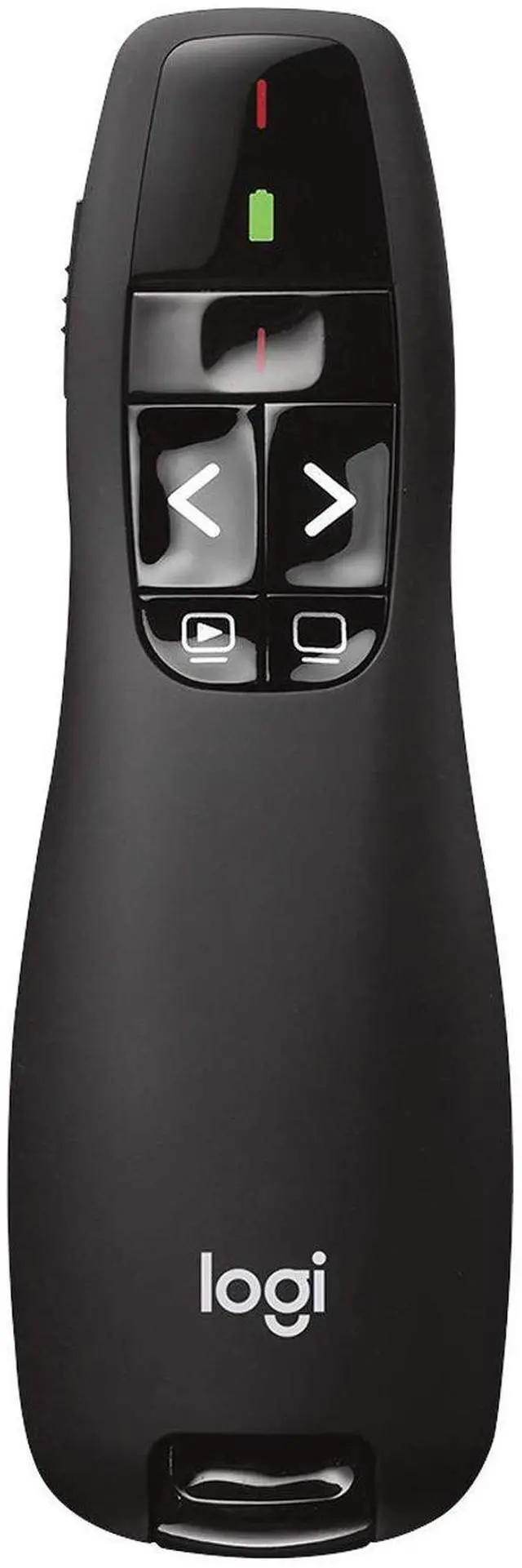
    Wireless Presenter R400 USB A PowerPoint Clicker with Laser USB-A connection, PowerPoint clicker, presentation remote control

    Limited time offer, ends 09/21 By SerendipHome PC Parts

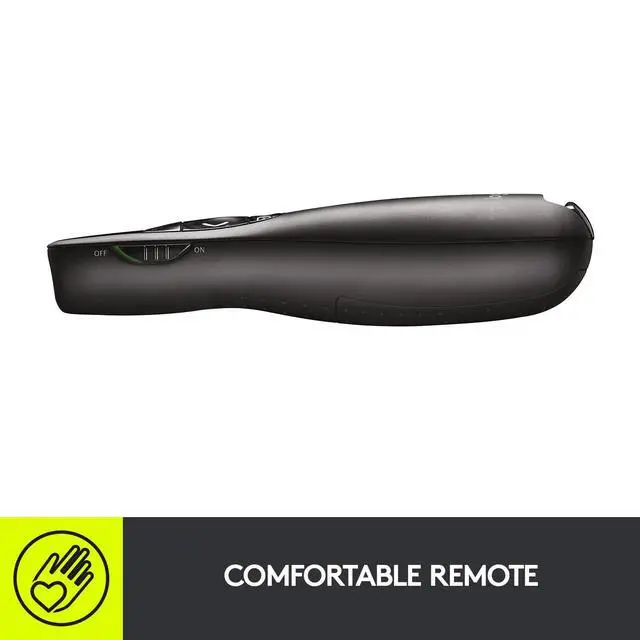
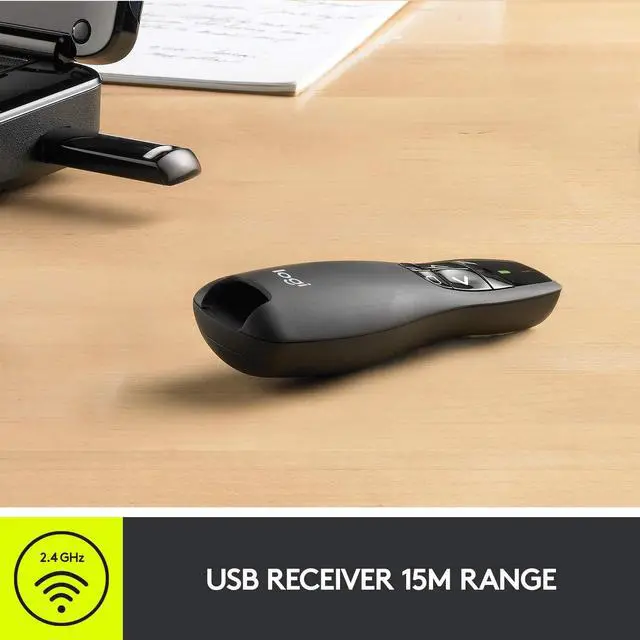
    • Presenter mode with a built-in Class 2 red laser pointer for presentations, featuring intuitive touch-keys for easy slideshow control. AAA batteries required (best with Polaroid AAA batteries). Bright red laser light - easy to see against most backgrounds; serves as a pointer clicker for presentations and as a clicker for PowerPoint presentations. Up to 50-foot wireless range for freedom to move around the room. No software to install - just plug the receiver into a USB port to begin. This wireless PowerPoint clicker solution makes presentations easy, and you can store the receiver in the presentation remote after use. 2.4GHz RF wireless technology with a built-in docking bay that stores the receiver for easy pack-up and portability; functions well as a presenter clicker wireless or computer clicker for presentations

    +
    +
    Overview
    Specs
    Reviews
    avatar

    Any questions? Our AI mode will help you find out quickly.

    Presenter mode with a built-in Class 2 red laser pointer for presentations, featuring intuitive touch-keys for easy slideshow control. AAA batteries required (best with Polaroid AAA batteries). Bright red laser light - easy to see against most backgrounds; serves as a pointer clicker for presentations and as a clicker for PowerPoint presentations. Up to 50-foot wireless range for freedom to move around the room. No software to install - just plug the receiver into a USB port to begin. This wireless PowerPoint clicker solution makes presentations easy, and you can store the receiver in the presentation remote after use.

    2.4GH z RF wireless technology with a built-in docking bay that stores the receiver for easy pack-up and portability; functions well as a presenter clicker wireless or computer clicker for presentations

    Warranty & Returns

    Warranty, Returns, And Additional Information

    Warranty

    • Please contact the Seller directly for warranty information. Warranty information may also be found on the Manufacturer's website.
    • CONTACT

    Return Policies

    Manufacturer Contact Info

    LOADING...