Your Browsing History
Meet Your Seller
D90E Inkless Portable Thermal Printer with Case 1pack, Pink Wireless Bluetooth Small Compact Mobile Printer for Travel/Office/School/Home, Compatible with iPhone, Tablet & Laptop
Limited time offer, ends 09/21 By SerendipHome PC Parts
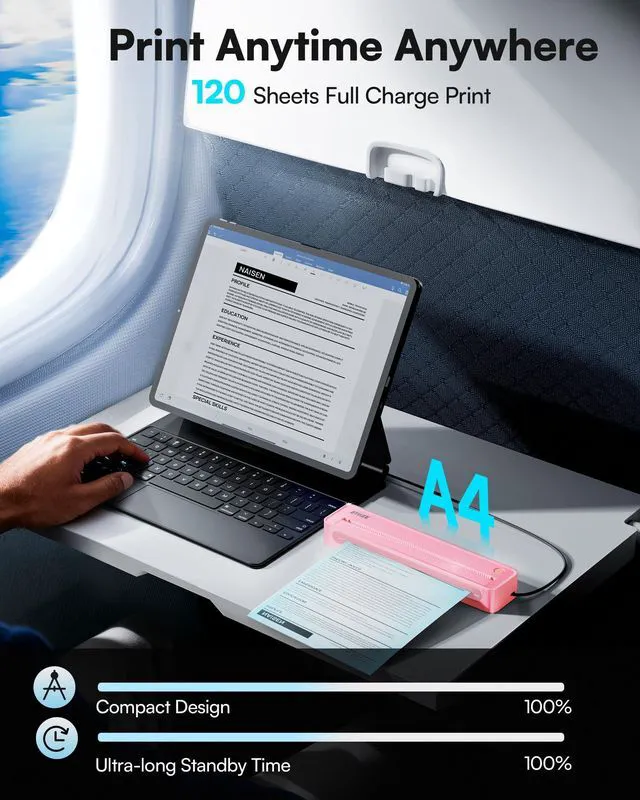
- Portable Wireless Printer - The D90E is an inkless printer and portable printer that utilizes advanced thermal technology, requiring no ink, toner, or ribbons, delivering cost-effective prints. Weighing only 2.08lb, the portable printer is remarkably lightweight and compact. Perfect for on-the-go printing during business travels, work, or university, it easily fits into backpacks or briefcases. Ideal for emergency scenarios, contracts, office documents, and more. Prints in black and white only. Bluetooth & USB Connectivity - Connect this D90E portable printer to iPhones or Android via Bluetooth. This wireless printer also works with PC over USB. As a thermal printer, it requires the Labelnize app for mobile printing; for PC, install drivers from Labelnize.com or the USB drive. This small portable printer is not compatible with Chromebooks. (Note: For laptop and computer use, connect via USB after downloading the driver from Labelnize.com.) Multiple Printing and Format The wireless portable printer supports 8.5" x 11" US Letter thermal paper. It fulfills all your various printing needs, whether you're on the go or in a car. (Note: This thermal printer is compatible exclusively with A4 thermal paper and does not accept ordinary copy paper.) Gift-Ready - This portable printer is a thoughtful present for professionals and students, combining a thermal printer and an inkless printer in one. Ideal for mobile notaries, truck drivers, business travelers, food truck operators, war
+
+
Overview
Specs
Reviews
Any questions? Our AI mode will help you find out quickly.
Try me now
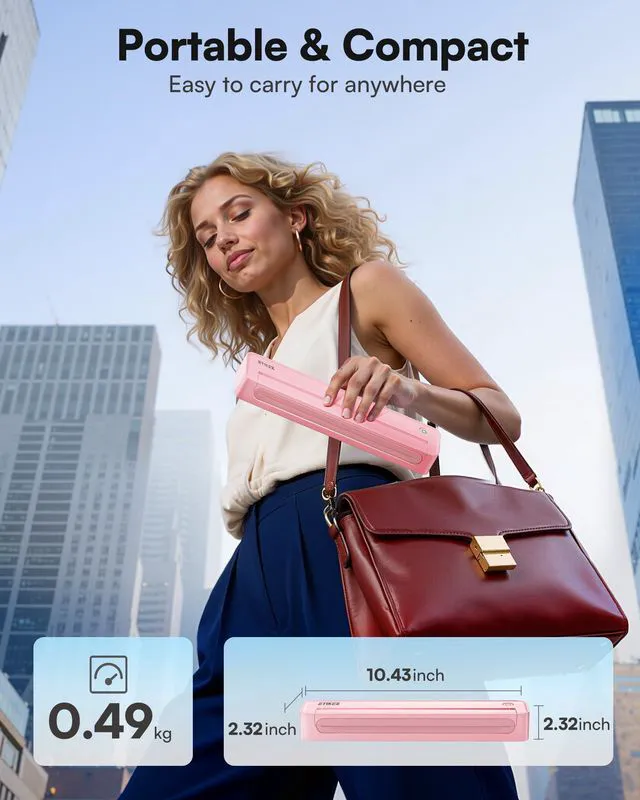
Portable Wireless Printer - The D90E is an inkless printer and portable printer that utilizes advanced thermal technology, requiring no ink, toner, or ribbons, delivering cost-effective prints. Weighing only 2.08 lb, the portable printer is remarkably lightweight and compact. Perfect for on-the-go printing during business travels, work, or university, it easily fits into backpacks or briefcases. Ideal for emergency scenarios, contracts, office documents, and more. Prints in black and white only. Bluetooth & USB Connectivity - Connect this D90E portable printer to iPhones or Android via Bluetooth.
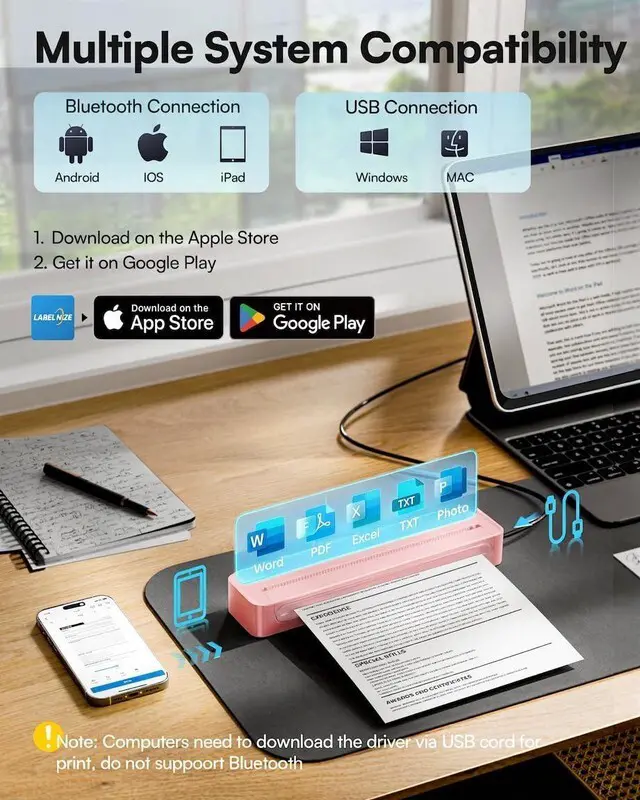
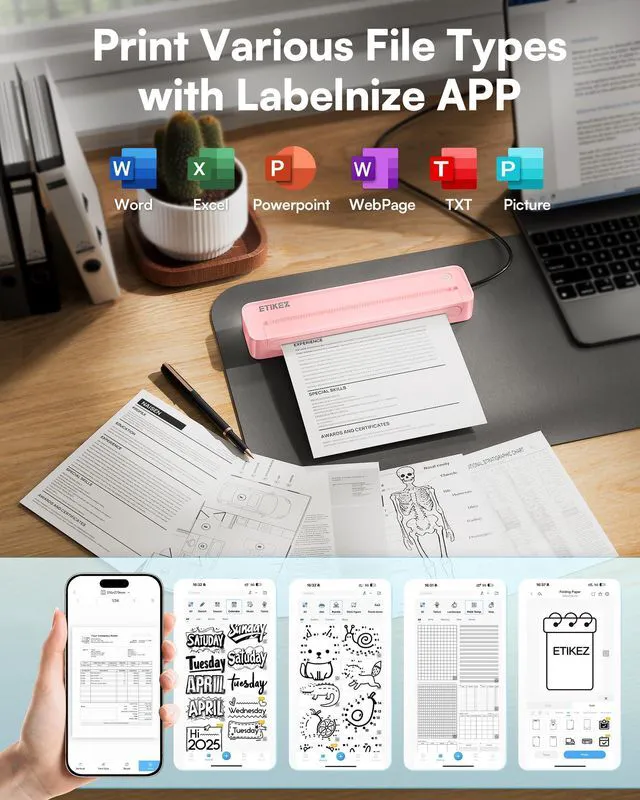
This wireless printer also works with PC over USB. As a thermal printer, it requires the Labelnize app for mobile printing; for PC, install drivers from Labelnize. com or the USB drive. This small portable printer is not compatible with Chromebooks.
(Note: For laptop and computer use, connect via USB after downloading the driver from Labelnize. com. ) Multiple Printing and Format The wireless portable printer supports 8.5" x 11" US Letter thermal paper. It fulfills all your various printing needs, whether you're on the go or in a car.
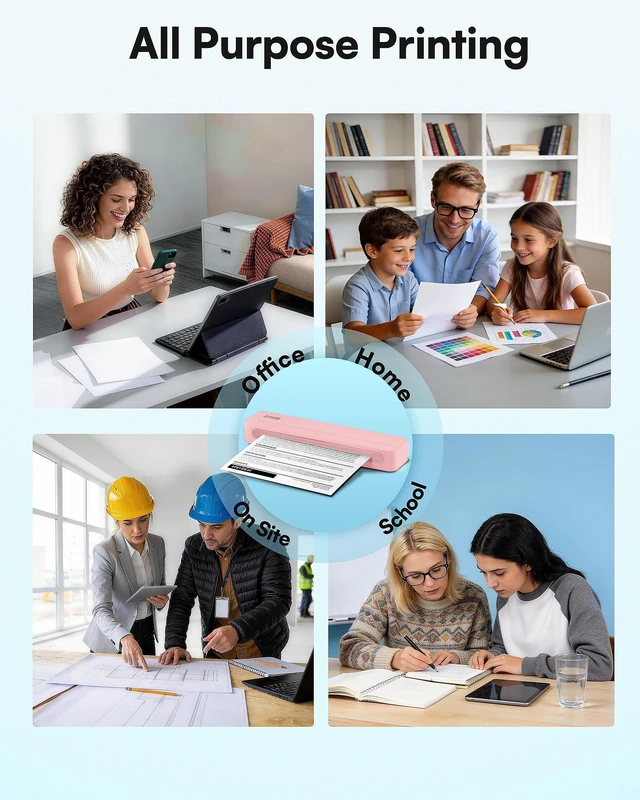
(Note: This thermal printer is compatible exclusively with A4 thermal paper and does not accept ordinary copy paper. ) Gift-Ready - This portable printer is a thoughtful present for professionals and students, combining a thermal printer and an inkless printer in one. Ideal for mobile notaries, truck drivers, business travelers, food truck operators, warehouse workers, teachers, and busy parents.
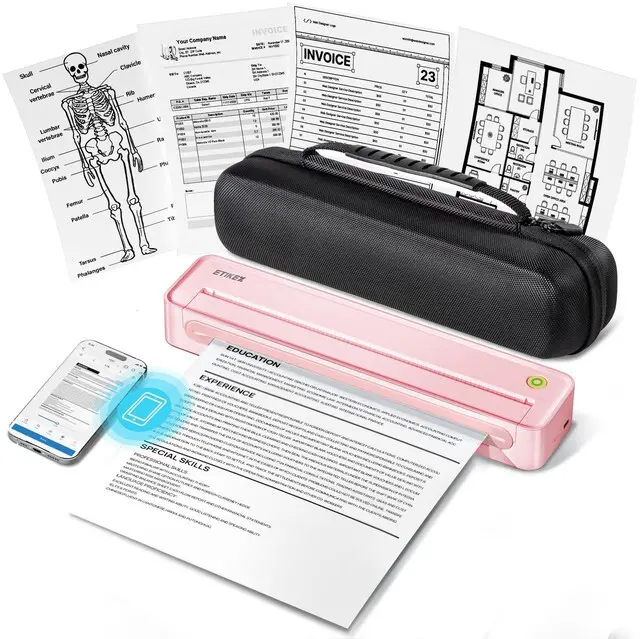
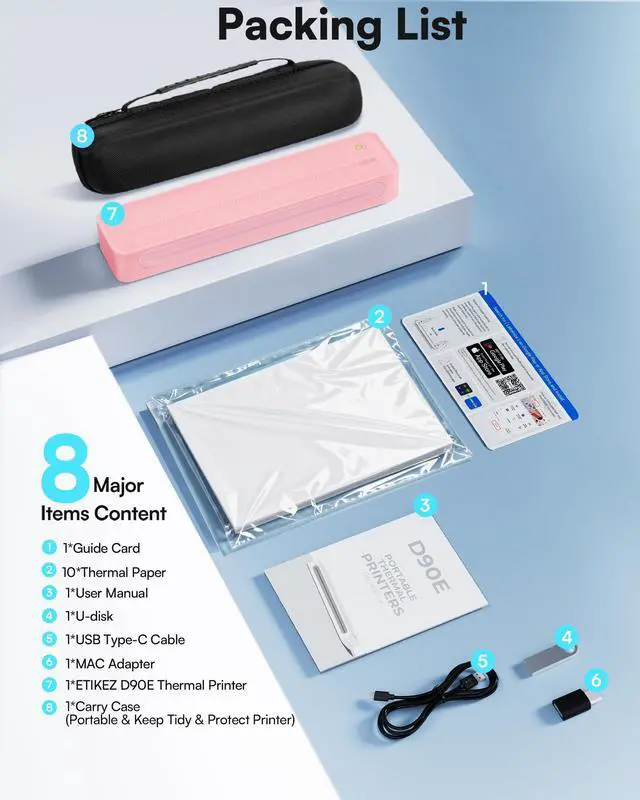
Package includes: D90E Printer ×1, USB-C Cable ×1, 10-sheet Thermal Paper Starter Pack ×1, Travel Case ×1, Quick Start Guide ×1. (Charging adapter not included. )
How to resolve paper jams: 1) Click once to pop up the paper - If the machine gets a paper jam, simply press the power button and the machine will automatically eject the paper. 2) Do not forcefully open the machine cover as it may cause injury or scratches. 3) Choose our flat thermal paper to avoid curling of the paper after printing.
Note: Cannot use regular paper for printing. How to Connect Phone or Tablet to
Print: 1) Download the APP according to the user manual. 2) Turn on the printer and enable Bluetooth on your phone. 3) Tap the App's Connect icon to pair D90E via Bluetooth, select paper and file type, then print. How to Connect Laptop or Computer to
Print: 1) Turn on and connect the D90E to Laptop with USB cable. 2) Download Driver from Labelnize. com in package. 3) Open the file you need and choose D90E to print

This wireless printer also works with PC over USB. As a thermal printer, it requires the Labelnize app for mobile printing; for PC, install drivers from Labelnize. com or the USB drive. This small portable printer is not compatible with Chromebooks.
(Note: For laptop and computer use, connect via USB after downloading the driver from Labelnize. com. ) Multiple Printing and Format The wireless portable printer supports 8.5" x 11" US Letter thermal paper. It fulfills all your various printing needs, whether you're on the go or in a car.
(Note: This thermal printer is compatible exclusively with A4 thermal paper and does not accept ordinary copy paper. ) Gift-Ready - This portable printer is a thoughtful present for professionals and students, combining a thermal printer and an inkless printer in one. Ideal for mobile notaries, truck drivers, business travelers, food truck operators, warehouse workers, teachers, and busy parents.
Package includes: D90E Printer ×1, USB-C Cable ×1, 10-sheet Thermal Paper Starter Pack ×1, Travel Case ×1, Quick Start Guide ×1. (Charging adapter not included. )
How to resolve paper jams: 1) Click once to pop up the paper - If the machine gets a paper jam, simply press the power button and the machine will automatically eject the paper. 2) Do not forcefully open the machine cover as it may cause injury or scratches. 3) Choose our flat thermal paper to avoid curling of the paper after printing.
Note: Cannot use regular paper for printing. How to Connect Phone or Tablet to
Print: 1) Download the APP according to the user manual. 2) Turn on the printer and enable Bluetooth on your phone. 3) Tap the App's Connect icon to pair D90E via Bluetooth, select paper and file type, then print. How to Connect Laptop or Computer to
Print: 1) Turn on and connect the D90E to Laptop with USB cable. 2) Download Driver from Labelnize. com in package. 3) Open the file you need and choose D90E to print
Warranty & Returns
Warranty, Returns, And Additional Information
Warranty
- Please contact the Seller directly for warranty information. Warranty information may also be found on the Manufacturer's website.
- CONTACT
Return Policies
- Return for refund within: 30 days
- Return for replacement within: 30 days
- This item is covered by SerendipHome PC Parts Return Policy
Manufacturer Contact Info
- For a directory of all our manufacturers, please click below.
- Manufacturers Directory
LOADING...