991ES
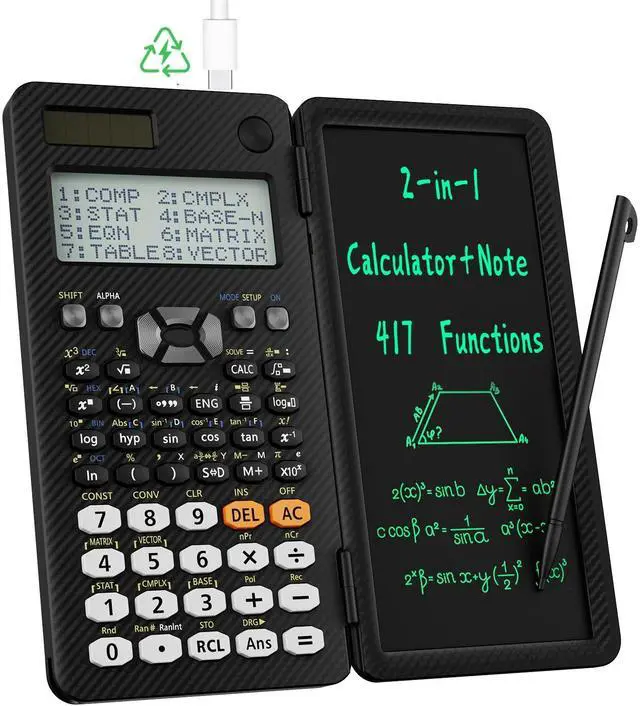
MAX Multifunctional Scientific Calculator: this business calculator offers 417 functions, suitable
for: General math and science, Pre-Algebra, Algebra 1 and 2, Geometry, Statistics and regression calculations, Calculus, fractions, decimals, Calculations involving specific number systems (BASE-N, binary, octal, decimal, hexadecimal), Complex number calculations, EQN, MATRIX, TABLE, VECTOR, SOLVE, Biology, Chemistry and more, and it includes a memory function for more user-friendly calculations.
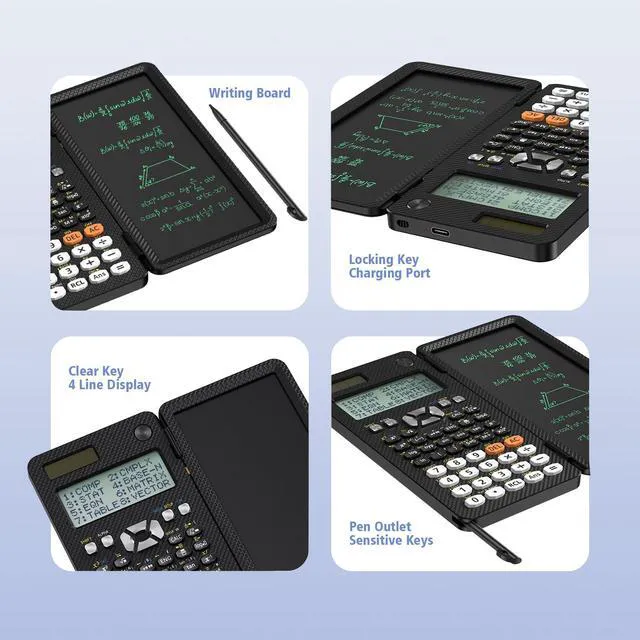
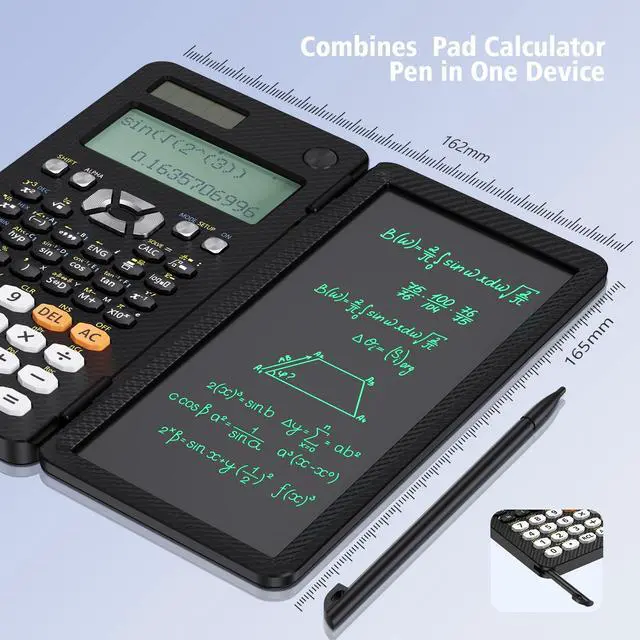
Scientific Calculator with Notepad: this scientific calculator for school and business combines calculation and notebook with a stylus pen. The LCD writing tablet allows you to take notes during calculations, which greatly assists study and work.
Note: Only when the LOCK KEY is unlocked will the writing area and the erase button function.
Multiview: the display shows 4 calculations simultaneously on the screen, notably enhancing computational efficiency. Dual Power Solar
Panel & Rechargeable: a rechargeable battery is built into this scientific calculator, lowering battery replacement frequency and being eco-friendly. It is also powered by solar energy, so you need not worry about battery depletion. Anti-Drop Body with High
Durability and Portability: the body of this scientific calculator undergoes rigorous quality testing. Thanks to the anti-drop body design, there is no concern about damage from accidental drops, and it weighs only 5 ounces, making it easy to slip into your pocketconvenient for business and school.
Fraction and Decimal Conversion: you can change results using the 'SD' key; or you can adjust the calculator settings:
1. Press the 'SHIFT' button.
2. Press the 'MODE' button.
3. Choose 1 or 2 to set the fraction or decimal mode. MthIO for fraction, LineIO for decimal
Usage Tips: this calculator's default initial input/output mode is MathI (input) / MathO (output). This is intended to preserve data integrity when working with decimals and to show expressions in the same way as textbooks (Natural Textbook). If you to switch the output to the mode you mentioned, you can do so by pressing: [Shift] [Function] [1] (select input/output mode) [2] (decimal output mode) or [3] (linear output mode).
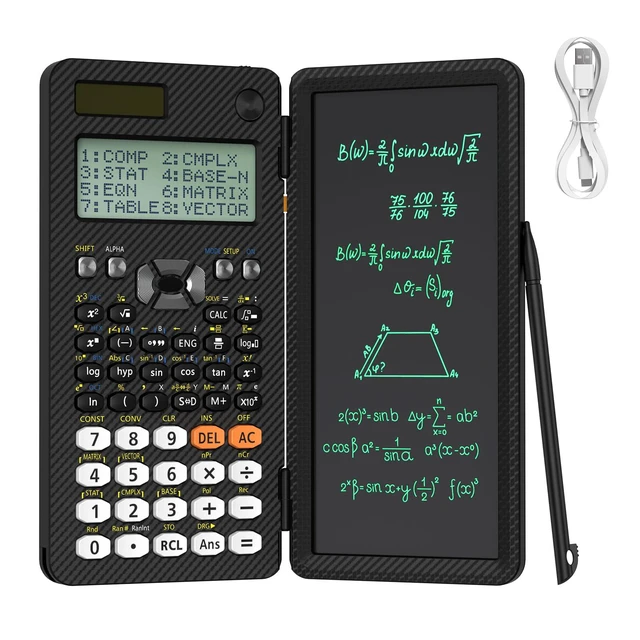
What You Get: 991ES MAX scientific calculator*1, USB-C charging cable*1, instructions*1, premium packing box*1





 here!
here!