• $39.99
  • Free 30-day Returns
  • Price alert
    Shop it at NeweggBusiness.

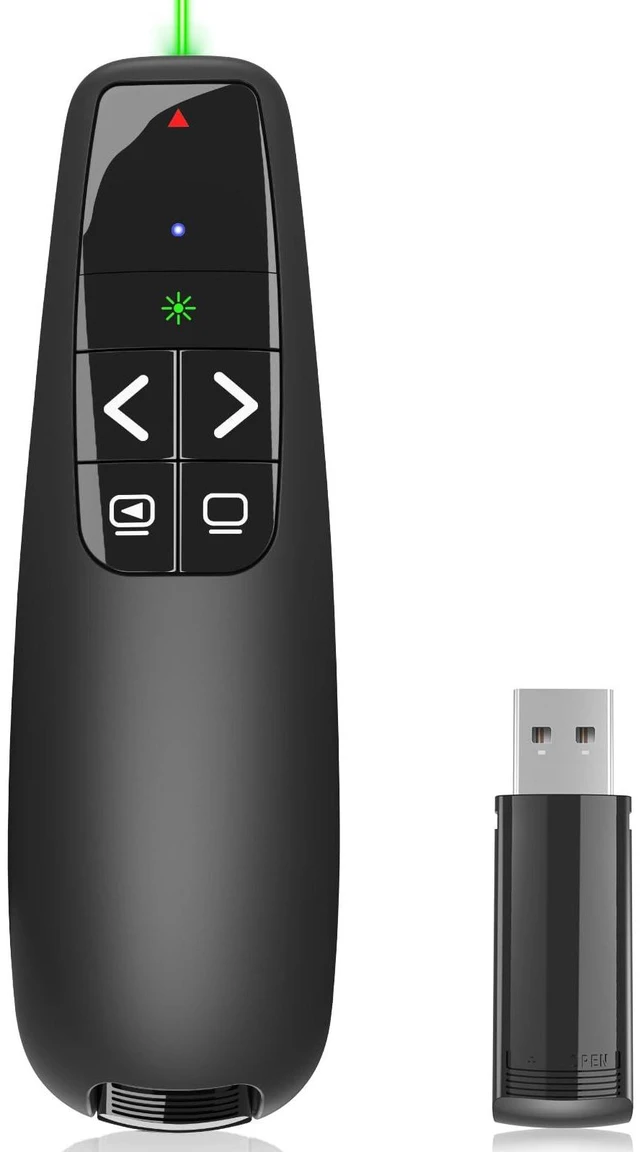
    Presentation Clicker for PowerPoint, Wireless Presenter Remote with Laser Ergonomic PowerPoint Remote Clicker with Green Laser Pointer for Computer Laptop/Windows/Mac/PPT/Google Slides Advancer

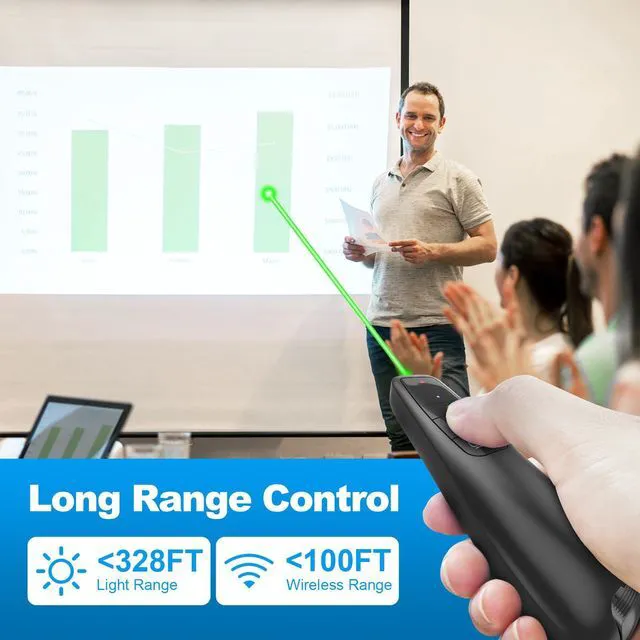
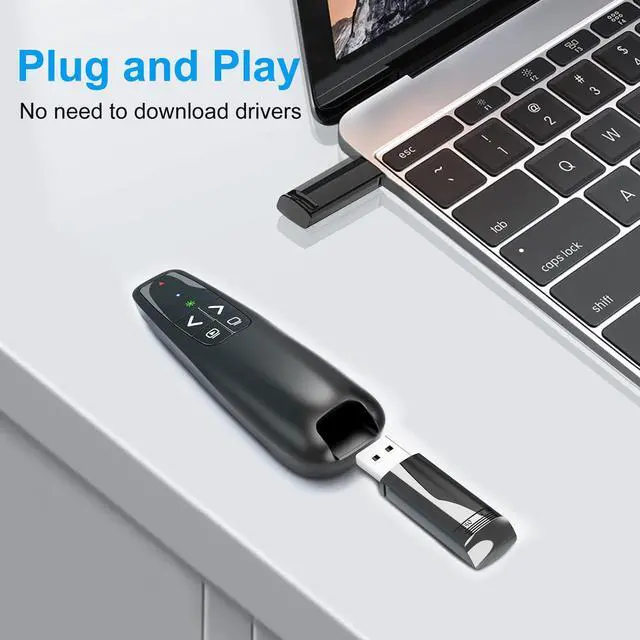
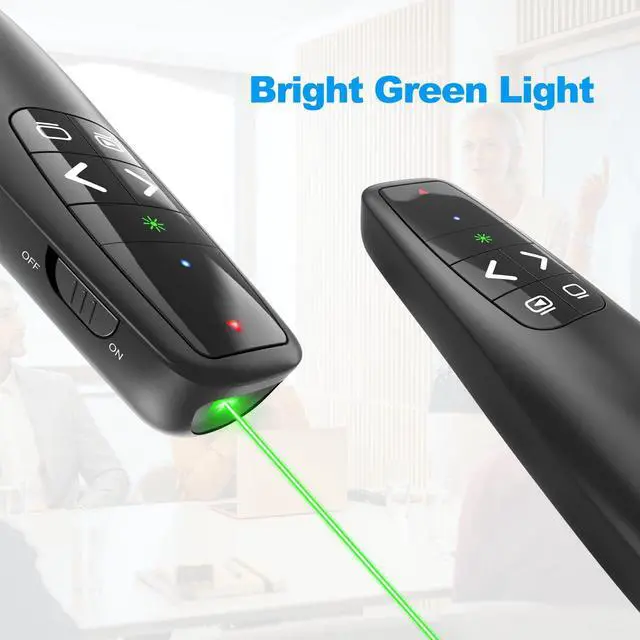
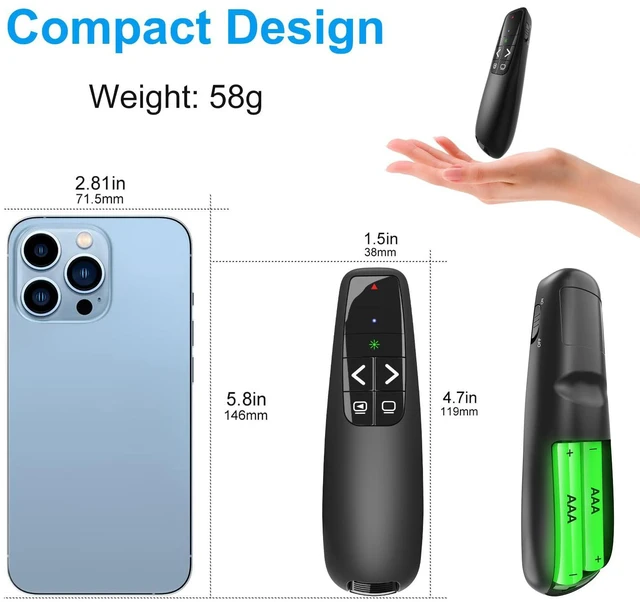
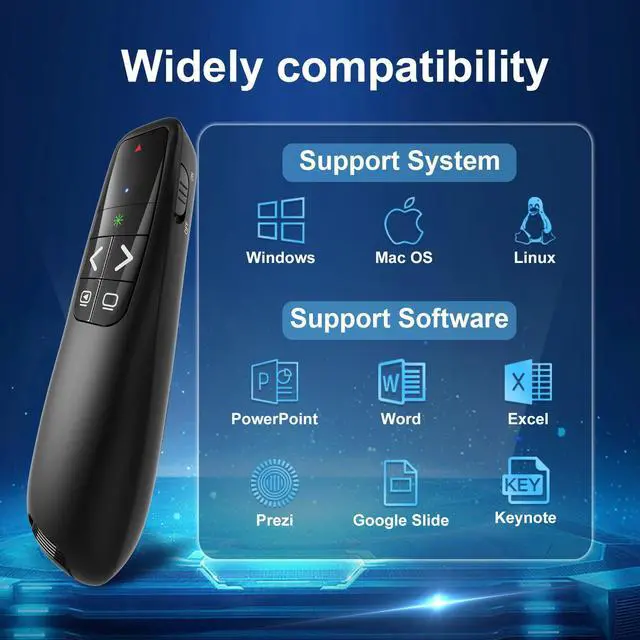
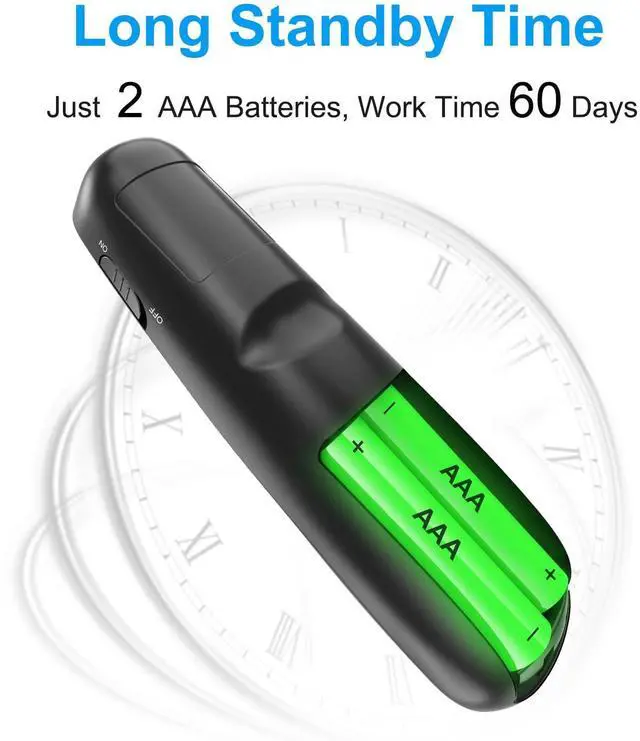
    • [Presentation Clicker with Green Laser Pointer] PowerPoint clicker control range: 98FT/30M, laser pointer range: 328FT/100M. Clicker for laptop presentations lets you move around the room instead of being stuck near the laptop and projector screen, helping you highlight key points. [Wonderful Ergonomically] Wireless presentation clicker for PowerPoint features a comfortable ergonomic design that provides a soft touch and easy grip, and the buttons on the presentation pointer are large enough to prevent accidental clicks. [Plug and Play] No installation required, no assembly, and no complicated instructions to follow. Simply plug in and use. Just insert the USB receiver into your computer and start using the laser pointer for presentations. When not in use, the USB dongle fits into a slot on the PPT remote control handle. [Widely Compatible] Wireless presenter with laser pointer works with desktop and laptop computers. Presentation remote supports systems: Windows 2003, XP, Vista, 7, 8, 10, Mac OS, Linux. Wireless presenter remote supports software: Google Slides, MS Word, Excel, PowerPoint/PPT, etc. [Long Battery Life] Presenter remote operates on just two AAA batteries (included), which is handy since you won't need to purchase unusual battery sizes. PowerPoint remote clicker is durable enough to toss into a briefcase or bag. Tip: The slide clicker has an on/off switch on the side to conserve battery when not in use

    +
    +
    Overview
    Specs
    Reviews
    avatar

    Any questions? Our AI mode will help you find out quickly.

    [Presentation Clicker with Green Laser Pointer] PowerPoint clicker control range: 98FT/30M, laser
    pointer range: 328FT/100M. Clicker for laptop presentations lets you move around the room instead of being stuck near the laptop and projector screen, helping you highlight key points. [Wonderful Ergonomically] Wireless presentation clicker for PowerPoint features a comfortable ergonomic design that provides a soft touch and easy grip, and the buttons on the presentation pointer are large enough to prevent accidental clicks. [Plug and Play] No installation required, no assembly, and no complicated instructions to follow. Simply plug in and use. Just insert the USB receiver into your computer and start using the laser pointer for presentations. When not in use, the USB dongle fits into a slot on the PPT remote control handle. [Widely Compatible] Wireless presenter with laser pointer works with desktop and laptop computers.
    Presentation remote supports systems: Windows 2003, XP, Vista, 7, 8, 10, Mac OS, Linux.
    Wireless presenter remote supports software: Google Slides, MS Word, Excel, PowerPoint/PPT, etc. [Long Battery Life] Presenter remote operates on just two AAA batteries (included), which is handy since you won't need to purchase unusual battery sizes. PowerPoint remote clicker is durable enough to toss into a briefcase or bag.
    Tip: The slide clicker has an on/off switch on the side to conserve battery when not in use

    Warranty & Returns

    Warranty, Returns, And Additional Information

    Warranty

    • Please contact the Seller directly for warranty information. Warranty information may also be found on the Manufacturer's website.
    • CONTACT

    Return Policies

    Manufacturer Contact Info

    LOADING...