Your Browsing History
Meet Your Seller
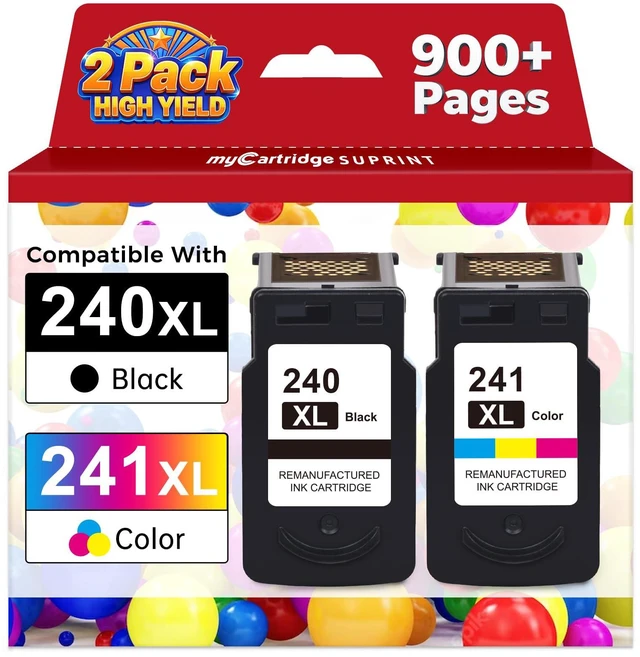
PG-240 XL/CL-241 Ink Cartridges Replaced for Canon 240XL 241XL Combo Pack 240 241 High Yield for Canon Ink 240 241 fit for PIXMA MG3620 MG3600 MG3520 TS5120 MG2120 MX472 MX452 MX512 MX532 Printer 2PK
Limited time offer, ends 09/21 By DeJin Store
- PG-240XL black ink cartridge and CL-241XL color ink cartridge combo pack, designed for use with printers including PIXMA MG3620, TS5120, MG3520, MX472, and MG3600 series, as well as Canon MG3620 ink cartridges. Broad compatibility with: Pixma MG3620, TS5120, MG3600, MX372, MX392, MX432, MX439, MX452, MX459, MX470, MX472, MX479, MX512, MX522, MX532, MG3120, MG3122, MG3220, MG3222, MG3522, MG3520, MG2120, MG2220, MG4120, MG4220. For Canon 240XL 241XL combo pack high-yield ink cartridges, estimated page yield: 650 pages per 240XL PG-240 Black ink cartridge, 560 pages per 241XL CL241 Color ink cartridge (depends on printer and usage). For Canon 240XL 241XL combo pack, cartridges come with smart chips that let you monitor and track ink levels. For Canon 240XL 241XL combo packs: cartridges undergo strict quality checks to help ensure stable compatibility with your printer and consistent print performance. PG-240XL and CL-241XL cartridges are built with precision-engineered print heads to produce crisp, clean, and vibrant images, plus sharp, clear text. Enjoy consistent, true-to-life colors and natural-looking print results every time. Troubleshooting measures: If your printer shows an error message, you can try to resolve it with the following steps: 1. Clean the circuit contacts at the top of the cartridge with an eraser. 2. Verify that the printer is updated to the latest version. 3. Turn off both the printer and the computer, unplug the power cords, and wait a few minutes befo
+
+
Overview
Specs
Reviews
Any questions? Our AI mode will help you find out quickly.
Try me now
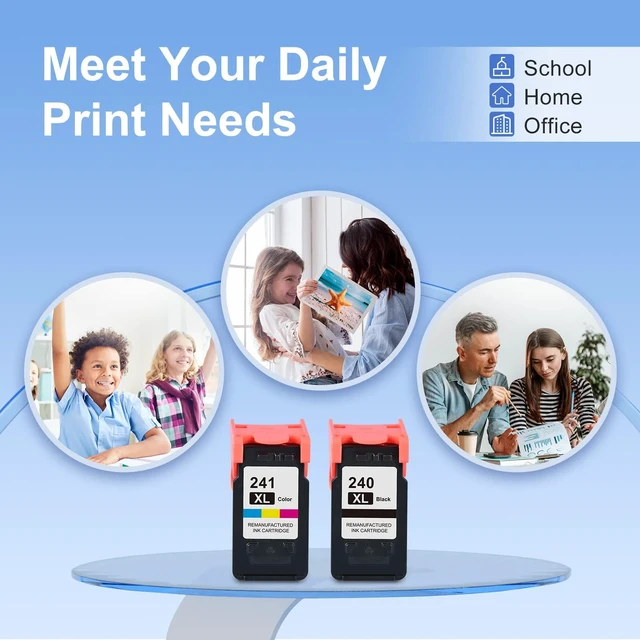
PG-240XL black ink cartridge and CL-241XL color ink cartridge combo pack, designed for use with printers including PIXMA MG3620, TS5120, MG3520, MX472, and MG3600 series, as well as Canon MG3620 ink cartridges.
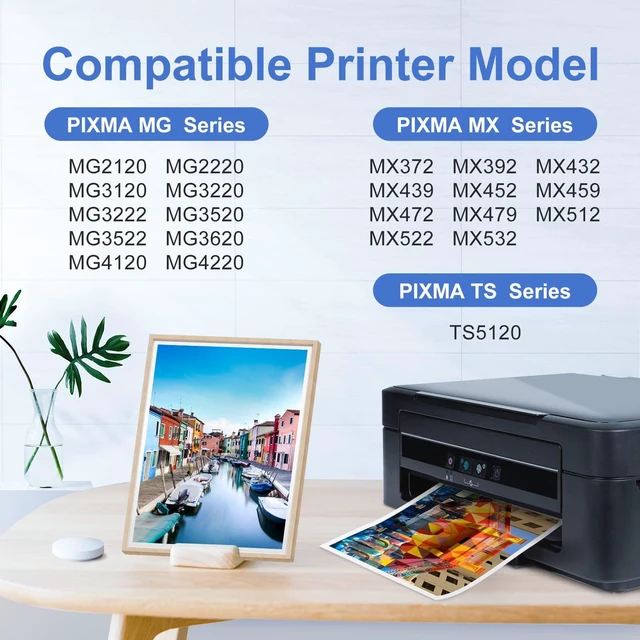
Broad compatibility with: Pixma MG3620, TS5120, MG3600, MX372, MX392, MX432, MX439, MX452, MX459, MX470, MX472, MX479, MX512, MX522, MX532, MG3120, MG3122, MG3220, MG3222, MG3522, MG3520, MG2120, MG2220, MG4120, MG4220. For Canon 240XL 241XL combo pack high-yield ink cartridges, estimated
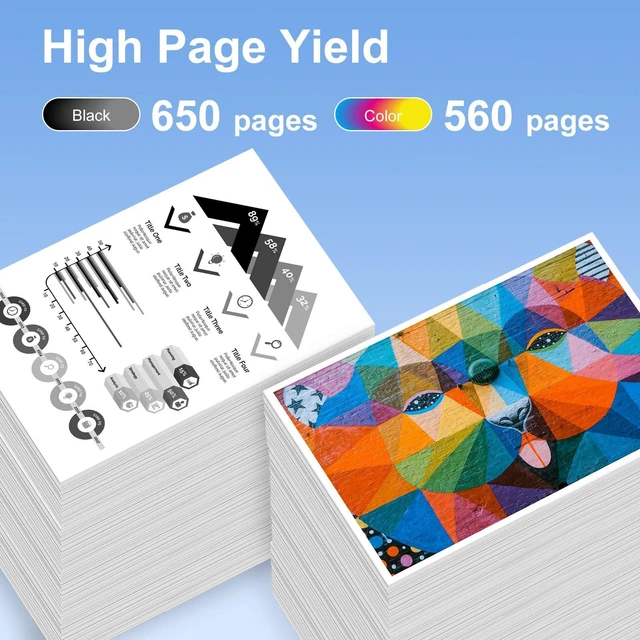
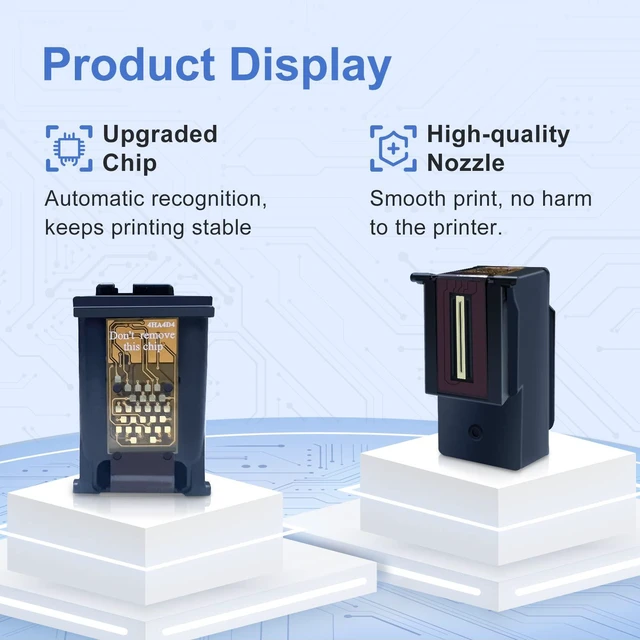
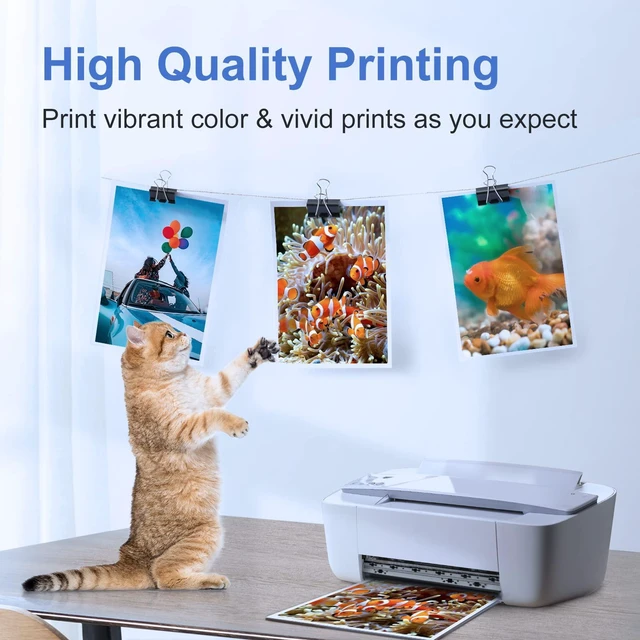
page yield: 650 pages per 240XL PG-240 Black ink cartridge, 560 pages per 241XL CL241 Color ink cartridge (depends on printer and usage). For Canon 240XL 241XL combo pack, cartridges come with smart chips that let you monitor and track ink levels. For Canon 240XL 241XL combo packs: cartridges undergo strict quality checks to help ensure stable compatibility with your printer and consistent print performance. PG-240XL and CL-241XL cartridges are built with precision-engineered print heads to produce crisp, clean, and vibrant images, plus sharp, clear text. Enjoy consistent, true-to-life colors and natural-looking print results every time.
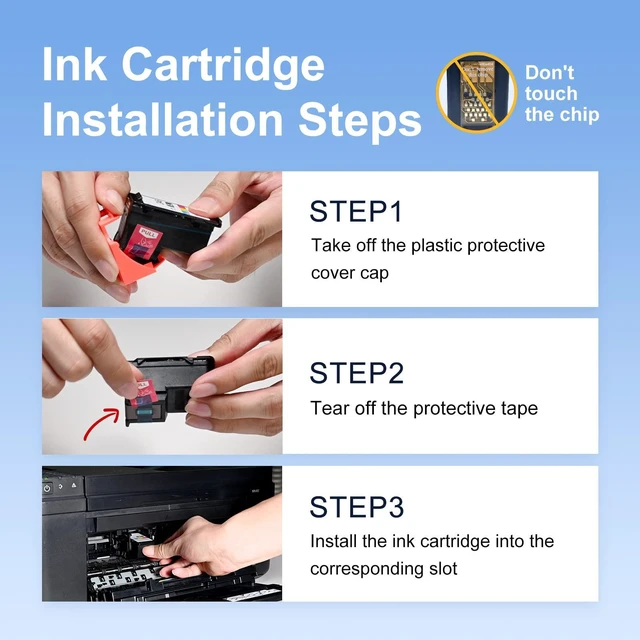
Troubleshooting measures: If your printer shows an error message, you can try to resolve it with the following steps: 1. Clean the circuit contacts at the top of the cartridge with an eraser. 2. Verify that the printer is updated to the latest version. 3. Turn off both the printer and the computer, unplug the power cords, and wait a few minutes before restarting

Broad compatibility with: Pixma MG3620, TS5120, MG3600, MX372, MX392, MX432, MX439, MX452, MX459, MX470, MX472, MX479, MX512, MX522, MX532, MG3120, MG3122, MG3220, MG3222, MG3522, MG3520, MG2120, MG2220, MG4120, MG4220. For Canon 240XL 241XL combo pack high-yield ink cartridges, estimated
page yield: 650 pages per 240XL PG-240 Black ink cartridge, 560 pages per 241XL CL241 Color ink cartridge (depends on printer and usage). For Canon 240XL 241XL combo pack, cartridges come with smart chips that let you monitor and track ink levels. For Canon 240XL 241XL combo packs: cartridges undergo strict quality checks to help ensure stable compatibility with your printer and consistent print performance. PG-240XL and CL-241XL cartridges are built with precision-engineered print heads to produce crisp, clean, and vibrant images, plus sharp, clear text. Enjoy consistent, true-to-life colors and natural-looking print results every time.
Troubleshooting measures: If your printer shows an error message, you can try to resolve it with the following steps: 1. Clean the circuit contacts at the top of the cartridge with an eraser. 2. Verify that the printer is updated to the latest version. 3. Turn off both the printer and the computer, unplug the power cords, and wait a few minutes before restarting
Warranty & Returns
Warranty, Returns, And Additional Information
Warranty
- Please contact the Seller directly for warranty information. Warranty information may also be found on the Manufacturer's website.
- CONTACT
Return Policies
- Return for refund within: 30 days
- Return for replacement within: 30 days
- This item is covered by DeJin Store Return Policy
Manufacturer Contact Info
- For a directory of all our manufacturers, please click below.
- Manufacturers Directory
LOADING...