

Your Browsing History

Meet Your Seller
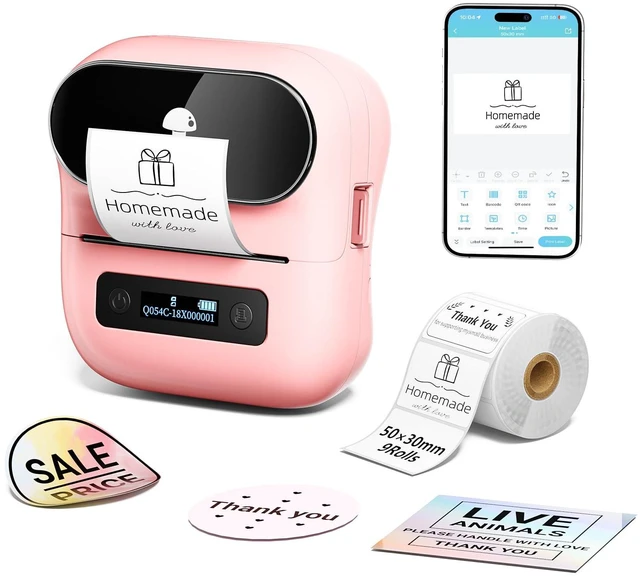


M220 Bluetooth Label Maker,Portable Thermal Printer for Small Business Office Home - 1900+ Templates 7900+ Icons - Compatible Phone, PC
Limited time offer, ends 09/21 By DeJin Store
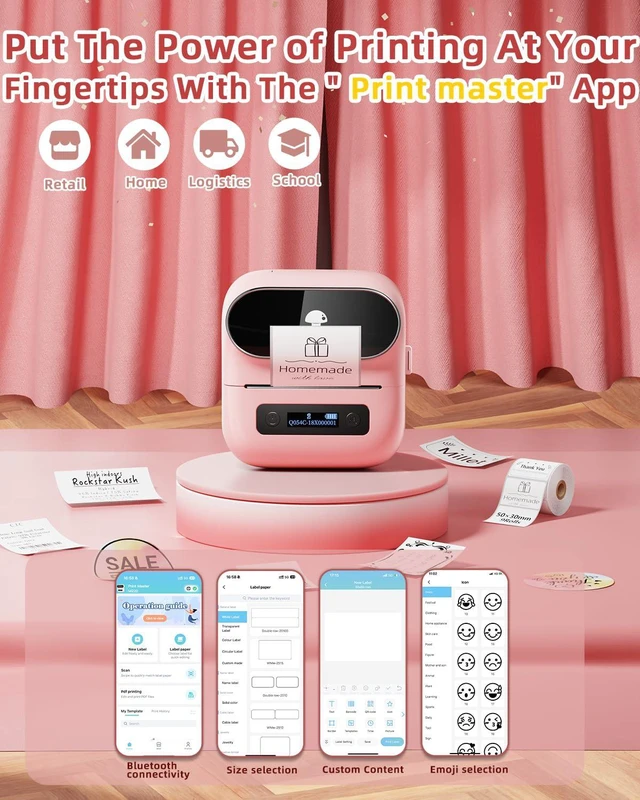
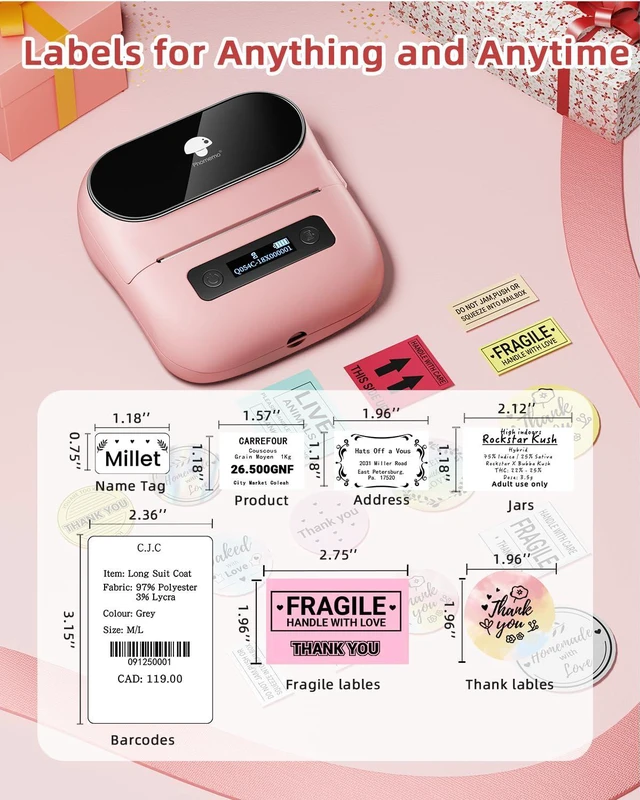
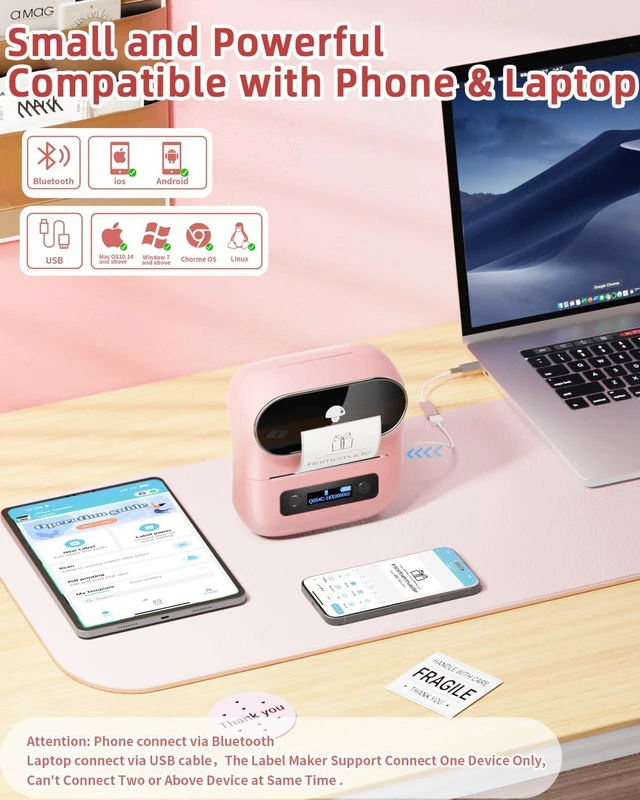
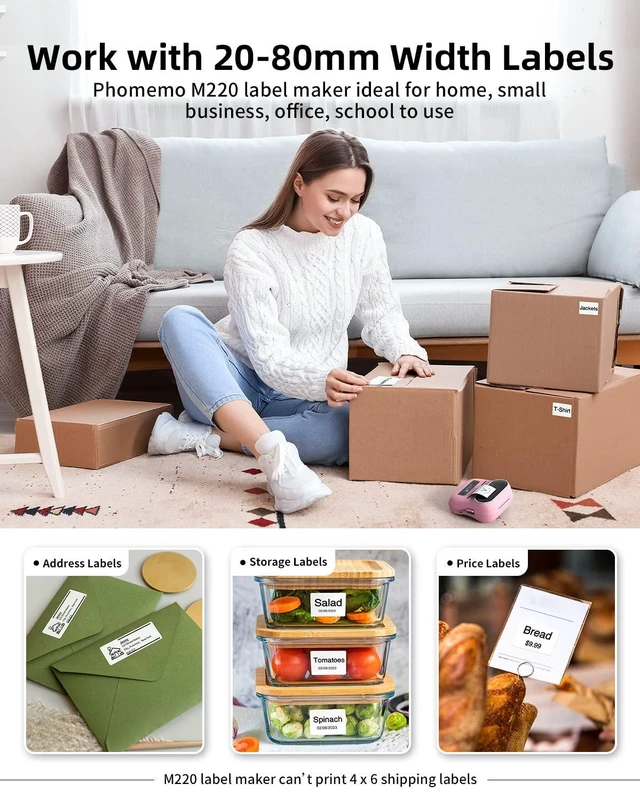
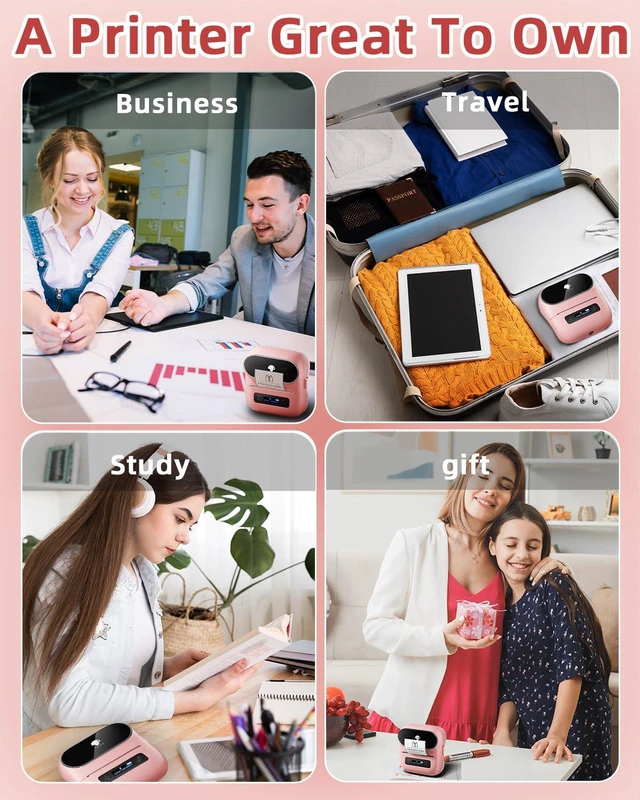
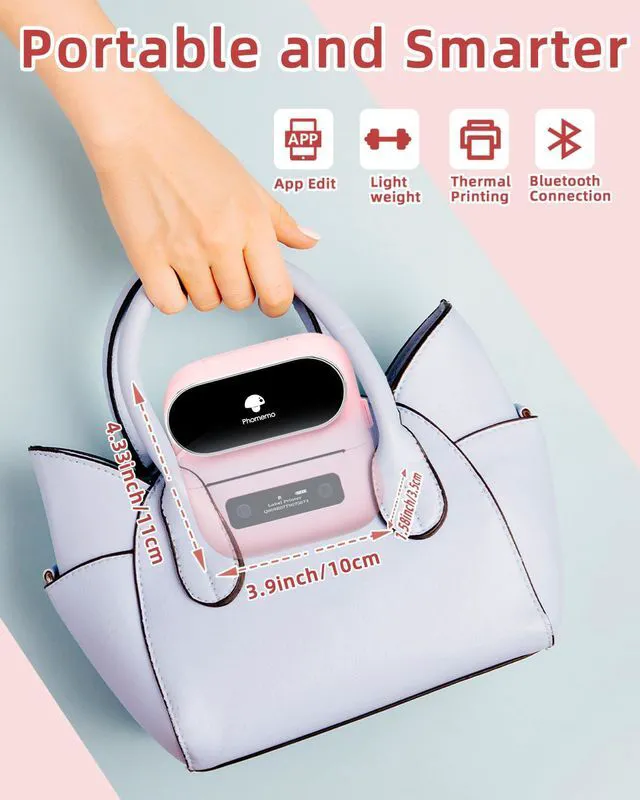
- Cost-Effective Thermal Technology - No ink, toner, or ribbons required! Print 0.78"-3.14" wide labels at 50% lower cost compared to inkjet printers. Choose from transparent and black/white thermal labels (NOTE: The label maker cannot print 4 x 6 shipping labels) Universal Device Compatibility - Connect wirelessly via Bluetooth (iOS/Android) or USB (Windows/Mac/Linux). "Print Master" app for phones, "Labelife" software for computers Professional Design Tools Included - 1900+ templates, 550+ fonts, 7900+ icons, OCR, and voice input. Create professional barcode /QR code labels, logos, addresses, and inventory tags Long-Lasting Battery Performance - 2200mAh rechargeable battery prints 36+ rolls per charge with 2-week standby. Waterproof and smudge-proof labels perfect for business and home use Simple 3-Step Setup - Download app "print master" Bluetooth pair on the App Print! No technical skills needed - ideal for beginners, small businesses, schools, and home organization projects Laptop/PC Starts Printing - Step 1: Please check your laptop/PC's operating system (OS) and download and install the correct M220 driver and the 'Labelife' app from the website. Step 2: Use the USB data cable to connect the M220 label maker to your computer. Step 3: Select the label size, edit the content, and choose M220 from the printer list
+
+
Overview
Specs
Reviews

Any questions? Our AI mode will help you find out quickly.
Try me now
Cost-Effective Thermal Technology - No ink, toner, or ribbons required! Print 0.78" - 3.14" wide labels at 50% lower cost compared to inkjet printers. Choose from transparent and black/white thermal labels (NOTE: The label maker cannot print 4 x 6 shipping labels) Universal Device Compatibility - Connect wirelessly via Bluetooth (iOS/Android) or USB (Windows/Mac/Linux). "Print Master" app for phones, "Labelife" software for computers Professional Design Tools Included - 1900+ templates, 550+ fonts, 7900+ icons, OCR, and voice input. Create professional barcode /QR code labels, logos, addresses, and inventory tags Long-Lasting Battery Performance - 2200mAh rechargeable battery prints 36+ rolls per charge with 2-week standby. Waterproof and smudge-proof labels perfect for business and home use Simple 3-Step Setup - Download app "print master" Bluetooth pair on the App Print! No technical skills needed - ideal for beginners, small businesses, schools, and home organization projects Laptop/PC Starts Printing -
Step 1: Please check your laptop/PC's operating system (OS) and download and install the correct M220 driver and the 'Labelife' app from the website.
Step 2: Use the USB data cable to connect the M220 label maker to your computer.
Step 3: Select the label size, edit the content, and choose M220 from the printer list
Step 1: Please check your laptop/PC's operating system (OS) and download and install the correct M220 driver and the 'Labelife' app from the website.
Step 2: Use the USB data cable to connect the M220 label maker to your computer.
Step 3: Select the label size, edit the content, and choose M220 from the printer list
Warranty & Returns
Warranty, Returns, And Additional Information
Warranty
- Please contact the Seller directly for warranty information. Warranty information may also be found on the Manufacturer's website.
- CONTACT
Return Policies
- Return for refund within: 30 days
- Return for replacement within: 30 days
- This item is covered by DeJin Store Return Policy
Manufacturer Contact Info
- For a directory of all our manufacturers, please click below.
- Manufacturers Directory
LOADING...