• $75.99
  • Free 30-day Returns
  • Sold by DeJin Store

    Shipped by DeJin Store

    Price alert
    Shop it at NeweggBusiness.

    Meet Your Seller

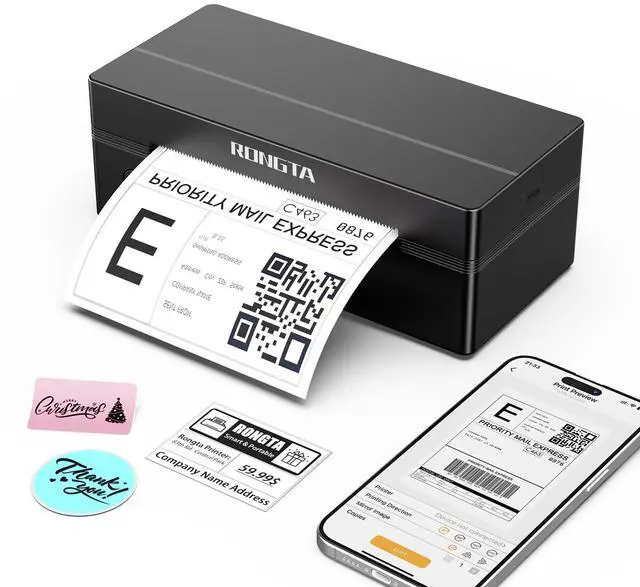
    Bluetooth Thermal Shipping Label Printer, Wireless 4x6 Label Printer for Shipping Packages&Small Business, Compatible Windows/Mac/Android/iOS, RP425

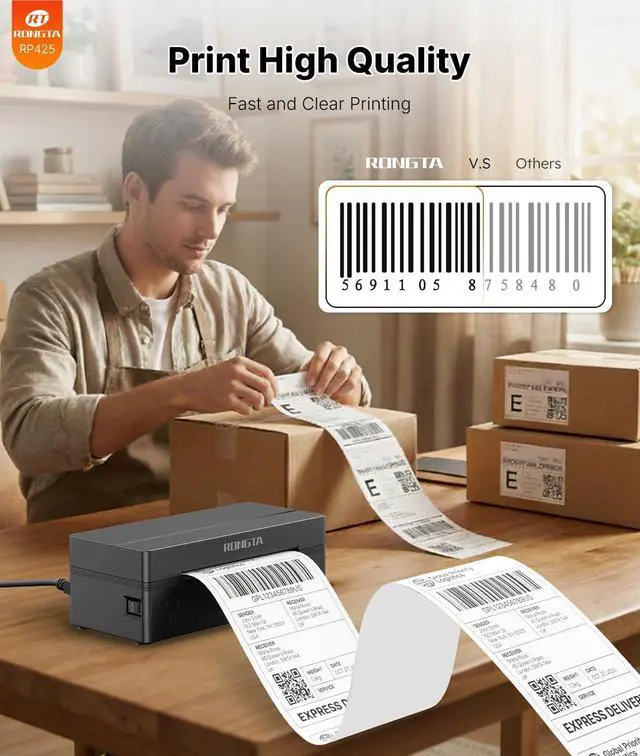
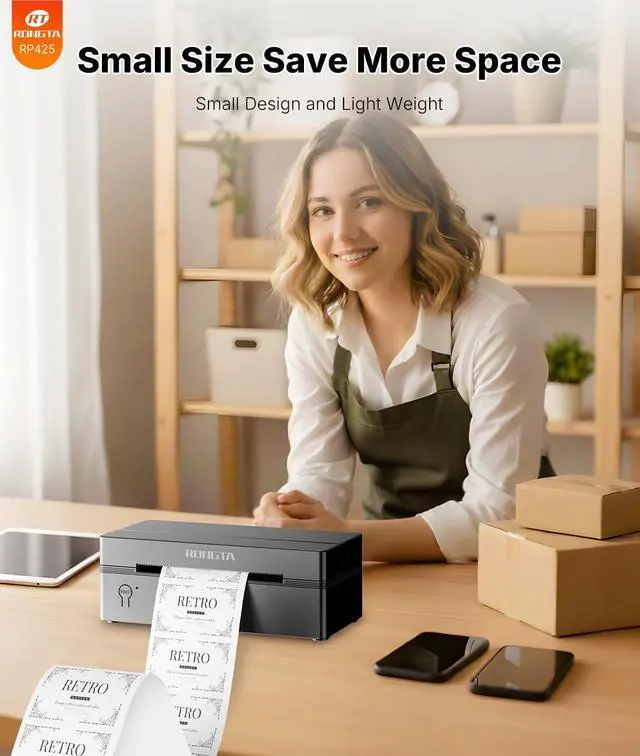
    • Phone/Tablet Start Print: Step 1: Download APP " " from Google Play or iOS App Store; Step 2: Turn on the RP425 label printer and establish a Bluetooth connection within the APP; Step 3: Tap the "+" icon to finish device pairing and choose the file type to begin printing. PC Start Print: Step 1: Download and install the RP425 driver from the Instruction Card; Step 2: Connect via Bluetooth or USB cable to your computer; Step 3: Select and open your document, then choose RP4xx in the printer list (For Chrome OS: Achieve seamless Bluetooth pairing through the matching extension). High-Speed and Easy Set: Simple setup. The package as needed. Print up to 60 labels per minute (127mm/s). Direct thermal technology, no ink or other consumables required. Easy set and print via the " " app. Automatic Label Detection: The RP425 printer can automatically catch and feed labels, supporting a label width range from 0.98" to 4.37", making it effective for printing shipping and warehouse labels, as well as suitable for your own business. The RP425 label printer has a compact size (3.26*2.56*7.08 inch), weighs only 1.25lb, and its portable design is convenient to move and helps save desk space. Compatibility: The RP425 printer supports IOS/Android phones & tablets. Works with WINXP/WIN7/WIN8/WIN10/WIN11/MAC/Chrome. Compatible with all major shipping and e-commerce platforms. Note: Apple laptops with Intel chips do not support Bluetooth connection. Multi Device Connectivity: The RP425 printer
    +
    +
    Overview
    Specs
    Reviews
    avatar

    Any questions? Our AI mode will help you find out quickly.

    Phone/Tablet Start Print: Step
    1: Download APP " " from Google Play or iOS App Store;
    Step 2: Turn on the RP425 label printer and establish a Bluetooth connection within the APP;
    Step 3: Tap the "+" icon to finish device pairing and choose the file type to begin printing.
    PC Start Print: Step
    1: Download and install the RP425 driver from the Instruction Card;
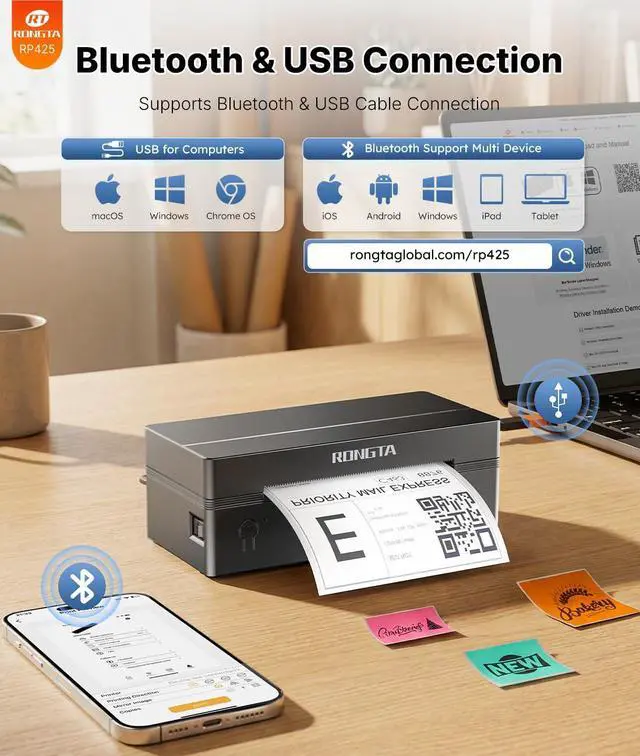
    Step 2: Connect via Bluetooth or USB cable to your computer;
    Step 3: Select and open your document, then choose RP4xx in the printer list (For
    Chrome OS: Achieve seamless Bluetooth pairing through the matching extension).
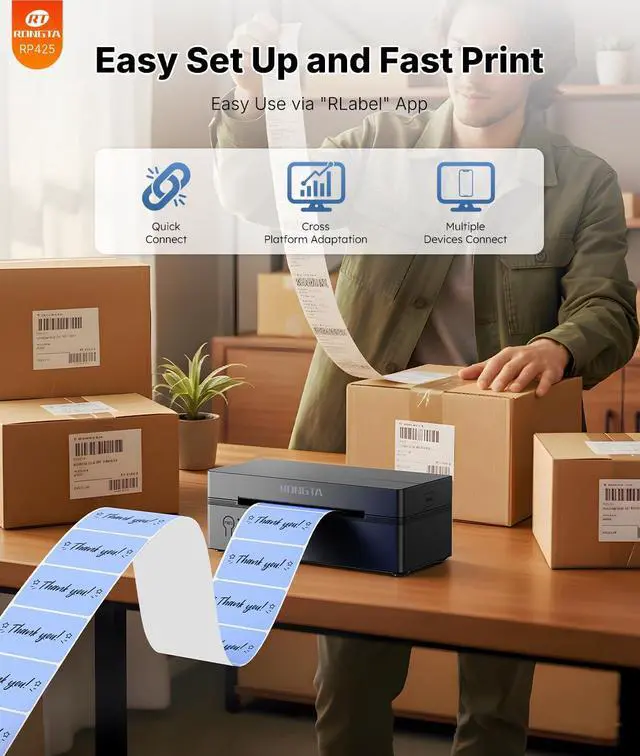
    High-Speed and Easy Set: Simple setup. The package as needed. Print up to 60 labels per minute (127mm/s). Direct thermal technology, no ink or other consumables required. Easy set and print via the " " app.
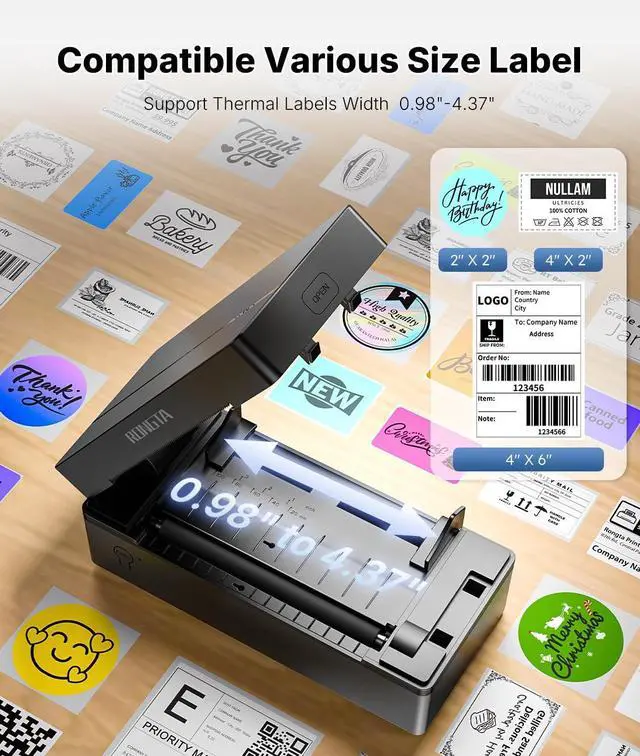
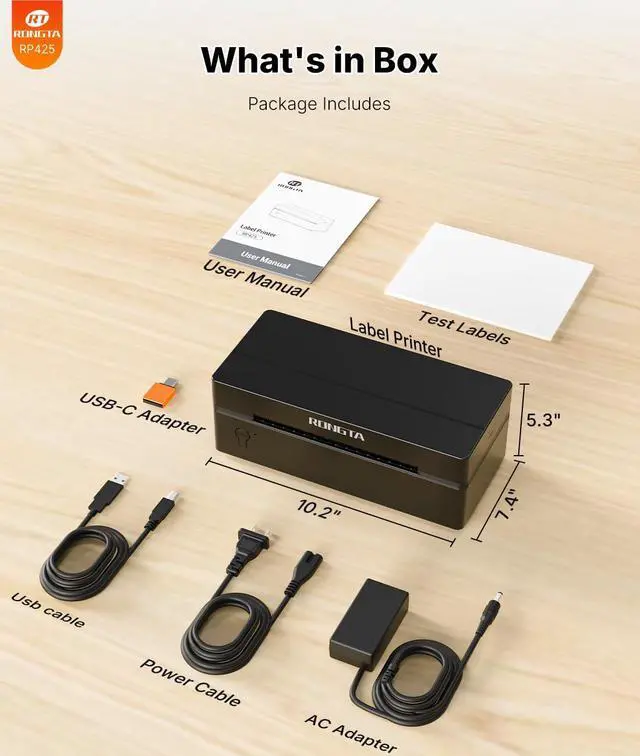
    Automatic Label Detection: The RP425 printer can automatically catch and feed labels, supporting a label width range from 0.98" to 4.37", making it effective for printing shipping and warehouse labels, as well as suitable for your own business. The RP425 label printer has a compact size ( 3.26 * 2.56 * 7.08 inch), weighs only 1.25 lb, and its portable design is convenient to move and helps save desk space.
    Compatibility: The RP425 printer supports IOS/Android phones & tablets. Works with WINXP/WIN7/WIN8/WIN10/WIN11/MAC/Chrome. Compatible with all major shipping and e-commerce platforms.
    Note: Apple laptops with Intel chips do not support Bluetooth connection.
    Multi Device Connectivity: The RP425 printer can be connected to both a computer and a mobile phone at the same time (most 3 devices at once).
    Note: The RP425 printer does not support triggering print content simultaneously on a computer and a mobile phone, as this would lead to data conflicts and confusion. But if they are not printed at the same time, it won't affect

    Warranty & Returns

    Warranty, Returns, And Additional Information

    Warranty

    • Please contact the Seller directly for warranty information. Warranty information may also be found on the Manufacturer's website.
    • CONTACT

    Return Policies

    Manufacturer Contact Info

    LOADING...