Your Browsing History
Meet Your Seller
Mini Sticker Portable Printer with 1 Roll Sticker Paper Inkless Bluetooth Thermal Printer for iPhone & Android, Pocket Printer for Labels, Barcodes, DIY Journaling, Kids Gift
Limited time offer, ends 09/21 By PlumLin Tool Store
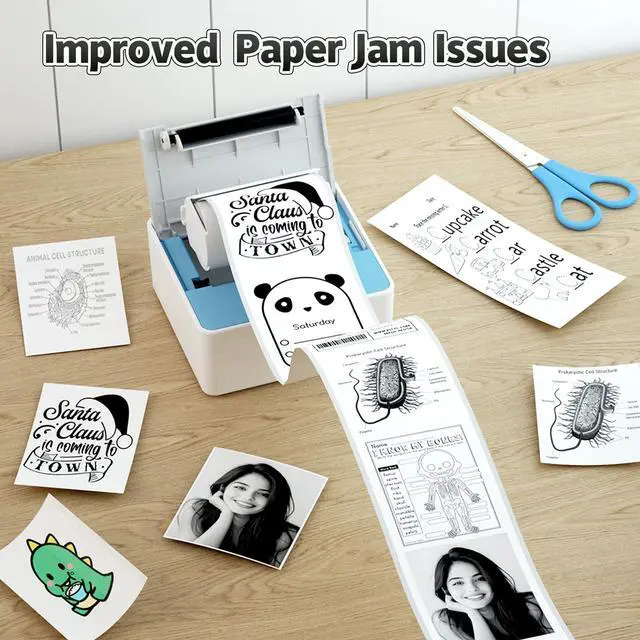
- Small & Compact Design: This portable mini printer is a compact sticker maker, featuring Bluetooth connectivity for iPhone and Android compatibility, ideal for students, professionals, and DIY enthusiasts. Carry this sticker printer easily in your bag or pocket to print study notes, labels, or to-do lists anytime, anywhere. Inkless Printing: No ink or toner required! This label printer employs thermal technology to deliver sharp, 203dpi resolution, suitable as a small printer for home use or a travel printer. Simply load the thermal sticker paper and begin printing. User-Friendly App: Connect this wireless printer via Bluetooth to print labels or photos with ease. The app provides customizable fonts and templates for creative printing. You can utilize the "scan" function of the "HerePrint" app to quickly print clear learning graphics to boost learning efficiency. Package Included: 1 x Mini Sticker Printer, 1 roll thermal paper, and user manual. USB charger cable not included. When using this portable printer, please pull the paper roll out 1-2cm, press, and close the paper bin lid. Note: If the light flashes or the application displays "Out of Paper" during use of the label maker, verify that the cover is securely closed and the paper is properly loaded and facing up. If you encounter blurred printing, try opening the printer cover, pressing the center, and then reprinting

+
+
Overview
Specs
Reviews
Any questions? Our AI mode will help you find out quickly.
Try me now
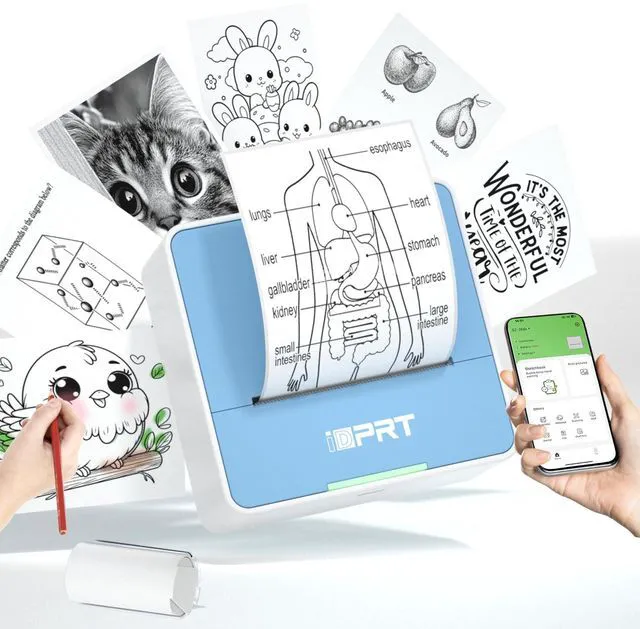
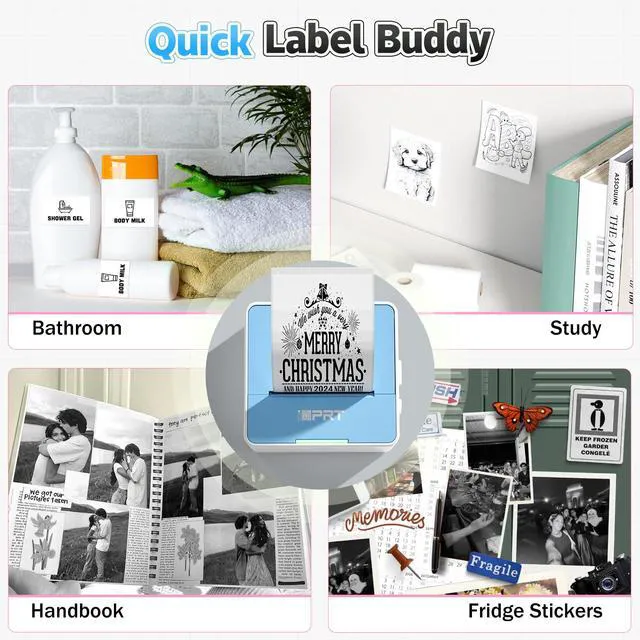
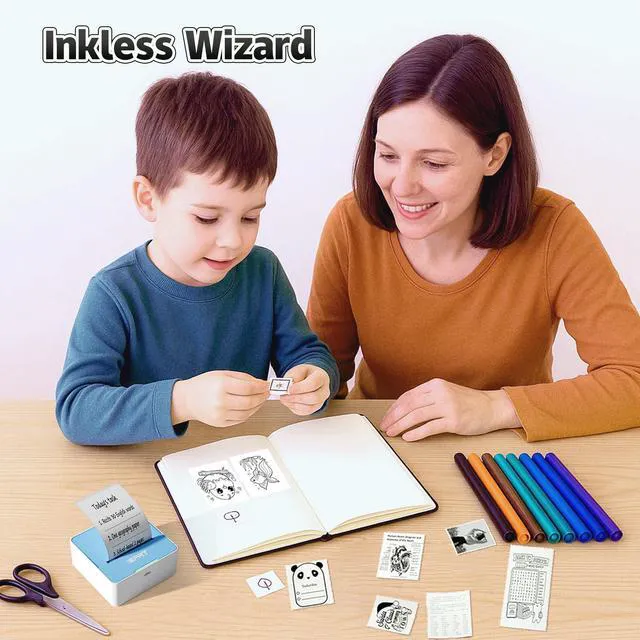
Small & Compact Design: This portable mini printer is a compact sticker maker, featuring Bluetooth connectivity for iPhone and Android compatibility, ideal for students, professionals, and DIY enthusiasts. Carry this sticker printer easily in your bag or pocket to print study notes, labels, or to-do lists anytime, anywhere.
Inkless Printing: No ink or toner required! This label printer employs thermal technology to deliver sharp, 203dpi resolution, suitable as a small printer for home use or a travel printer. Simply load the thermal sticker paper and begin printing.
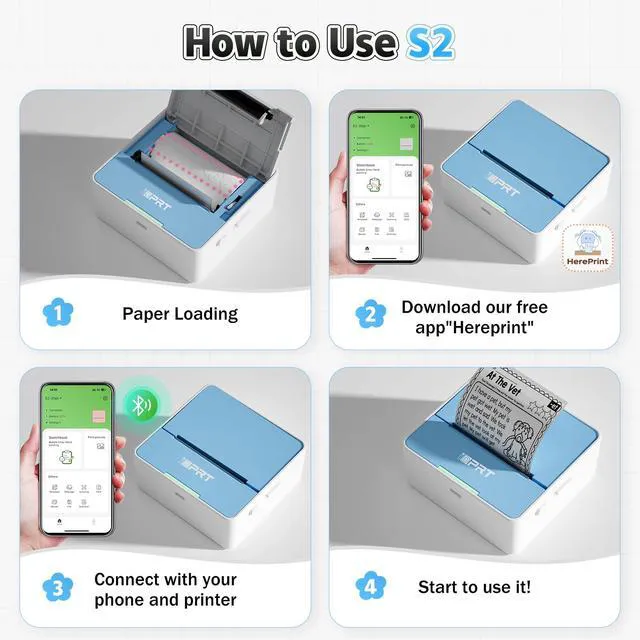
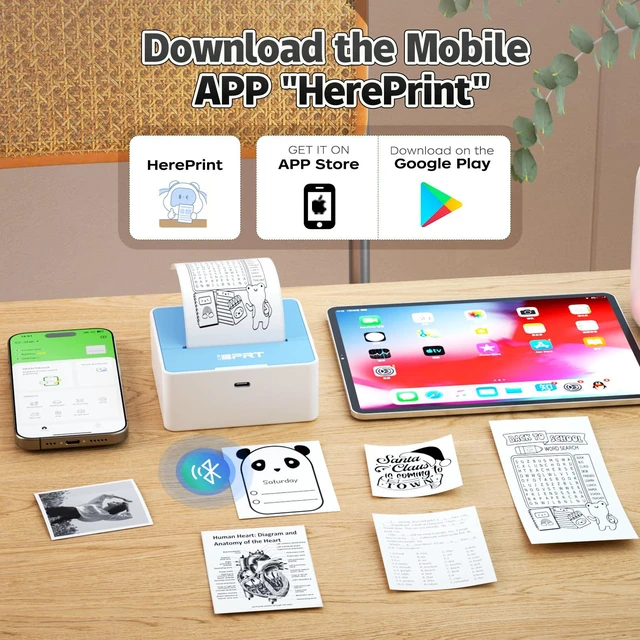
User-Friendly App: Connect this wireless printer via Bluetooth to print labels or photos with ease. The app provides customizable fonts and templates for creative printing. You can utilize the "scan" function of the "HerePrint" app to quickly print clear learning graphics to boost learning efficiency.
Package Included: 1 x Mini Sticker Printer, 1 roll thermal paper, and user manual. USB charger cable not included. When using this portable printer, please pull the paper roll out 1-2cm, press, and close the paper bin lid.
Note: If the light flashes or the application displays "Out of Paper" during use of the label maker, verify that the cover is securely closed and the paper is properly loaded and facing up. If you encounter blurred printing, try opening the printer cover, pressing the center, and then reprinting
Inkless Printing: No ink or toner required! This label printer employs thermal technology to deliver sharp, 203dpi resolution, suitable as a small printer for home use or a travel printer. Simply load the thermal sticker paper and begin printing.
User-Friendly App: Connect this wireless printer via Bluetooth to print labels or photos with ease. The app provides customizable fonts and templates for creative printing. You can utilize the "scan" function of the "HerePrint" app to quickly print clear learning graphics to boost learning efficiency.
Package Included: 1 x Mini Sticker Printer, 1 roll thermal paper, and user manual. USB charger cable not included. When using this portable printer, please pull the paper roll out 1-2cm, press, and close the paper bin lid.
Note: If the light flashes or the application displays "Out of Paper" during use of the label maker, verify that the cover is securely closed and the paper is properly loaded and facing up. If you encounter blurred printing, try opening the printer cover, pressing the center, and then reprinting
Warranty & Returns
Warranty, Returns, And Additional Information
Warranty
- Please contact the Seller directly for warranty information. Warranty information may also be found on the Manufacturer's website.
- CONTACT
Return Policies
- Return for refund within: 30 days
- Return for replacement within: 30 days
- This item is covered by PlumLin Tool Store Return Policy
Manufacturer Contact Info
- For a directory of all our manufacturers, please click below.
- Manufacturers Directory
LOADING...