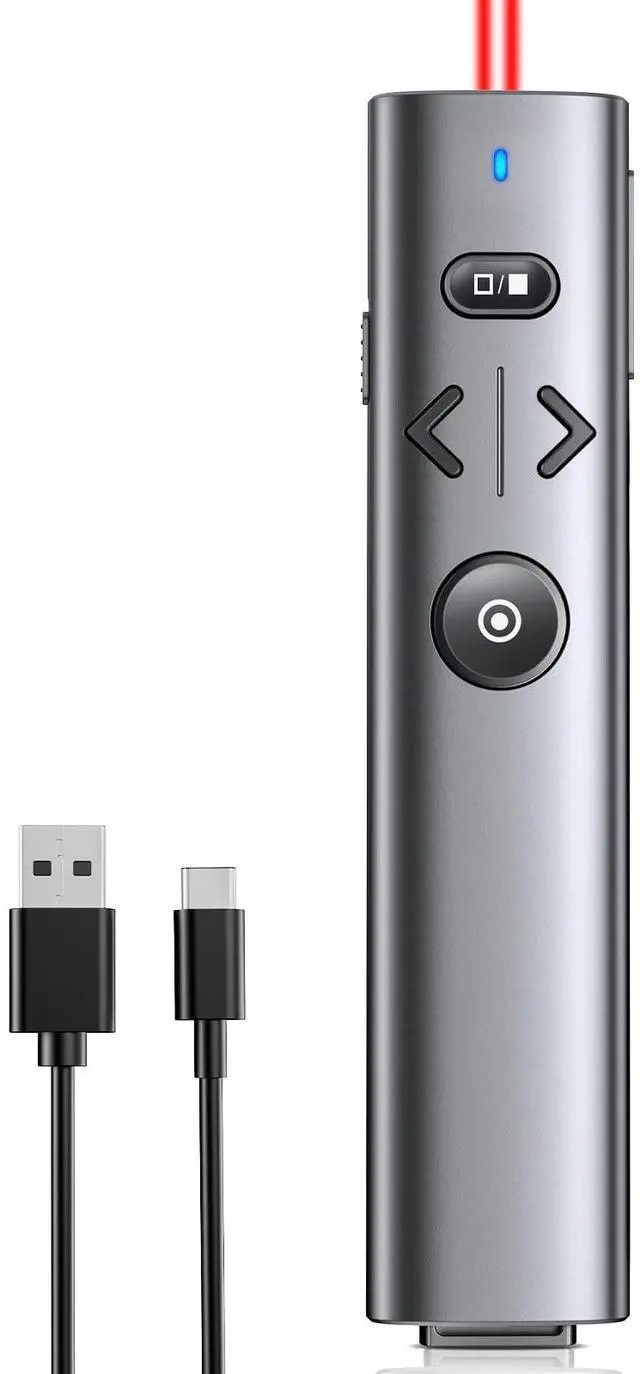
Wireless Presentation Clicker with Red Light Pointer, Clicker for Powerpoint Presentations with Volume Control, Rechargeable Long Range Presenter for Google Slide Keynote PC
WIRELESS RECEIVER PRESENTATION CLICKERThe clicker for powerpoint presentations receiver adopts a long distance wireless receiver, and wireless receiver easy to use on more devices such as Mac, laptop, and PC, can meet all your needs on different devices. This receiver has a magnetic slot for easy storage and is not easily lost. The appearance is designed with metallic paint, providing a comfortable touch and making it easy to carry, convenient for you to use anytime, anywhere
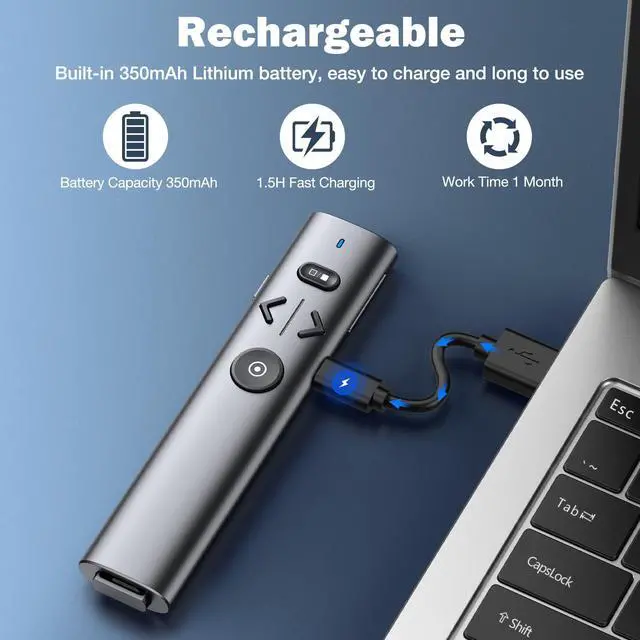
PLUG AND PLAY&RECHARGEABLEThe wireless presenter uses 2.4G wireless RF technology and a plug and play wireless receiver, without the need for software installation or complicated setup. The clicker is equipped with a built-in 350Ah battery and has an intelligent sleep mode. When not in use, it will automatically enter sleep mode to save power. Pressing any key again can wake up the pointer of the presentation, and the standby time is more than 30 days
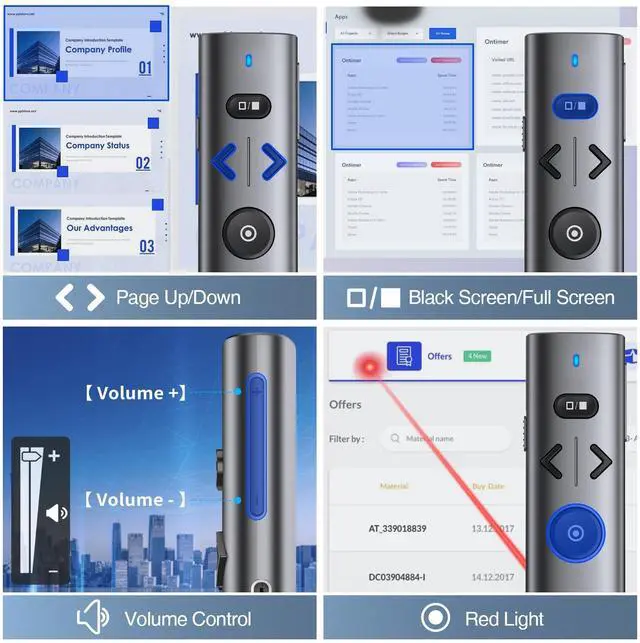
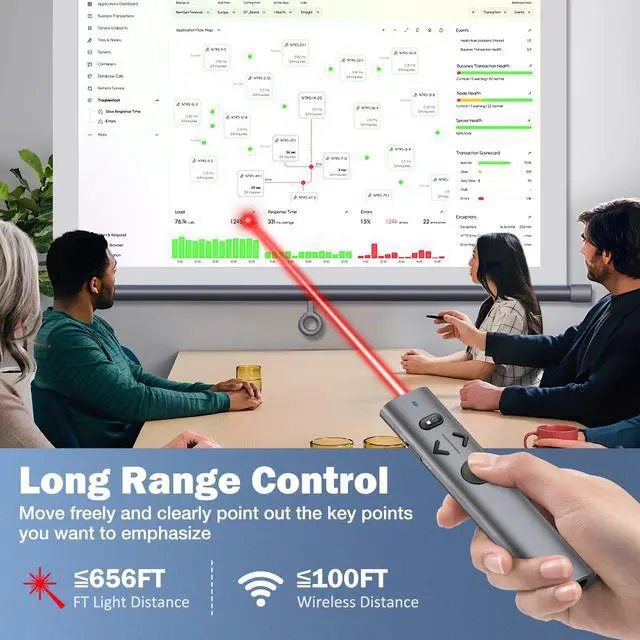
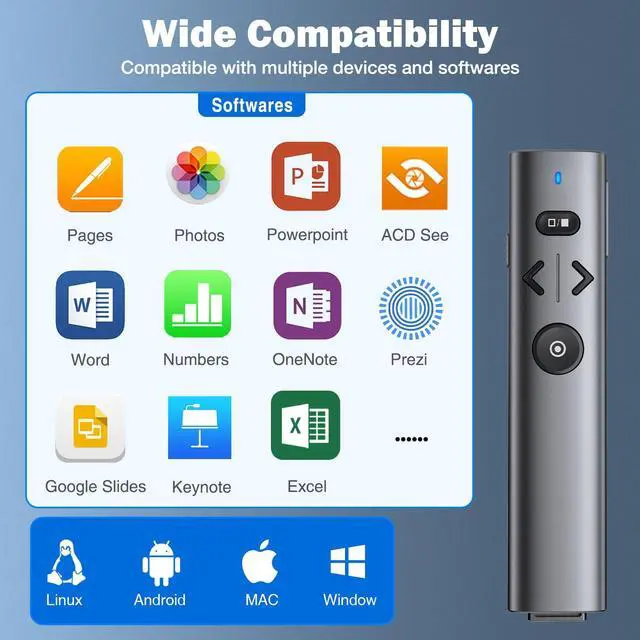
MULTI FUNCTIONAL POINTER FOR PRESENTATIONSWireless presentation clicker support functions: full screen/black screen, previous/next page, volume up/down. Presentation remote compatible systems: Windows XP 7/8/10 and above, Mac ISO 3 and above, Linux, Android 4.3 or above compatible. Powerpoint clicker supported software: PowerPoint, Keynote, Prezi, Google Slides, and more
+
+
Overview
Specs
Reviews
Any questions? Our AI beta will help you find out quickly.
Wireless Presentation Clicker with Red Light Pointer, Clicker for Powerpoint Presentations with Volume Control, Rechargeable Long Range Presenter for Google Slide Keynote PC
Learn more about the Detailed Specifications
General
Brand
HP
Details
Color
White
Specifications
WP208, Silvery, false, NinjaPlusOX, Shenzhen Qixun Space Technology Co , Ltd
Additional Information
First Listed on Newegg
April 04, 2026
There are no reviews yet.
Do you own this product?
Warranty & Returns
Warranty, Returns, And Additional Information
Warranty
Please contact the Seller directly for warranty information. Warranty information may also be found on the Manufacturer's website.