




Presentation Clicker | Mac & Windows | Slide & Volume Controls | Batteries Included

Engage Your Audience
Being confined to your computer isn’t the most effective way to deliver a presentation, especially when you’re trying to engage your audience.
This presentation clicker has a wireless range of 90 ft. (27 m) so you have control of what’s on your screen with the freedom to move around the room while controlling your presentation as if you were at your computer.

Point Out Key Messages
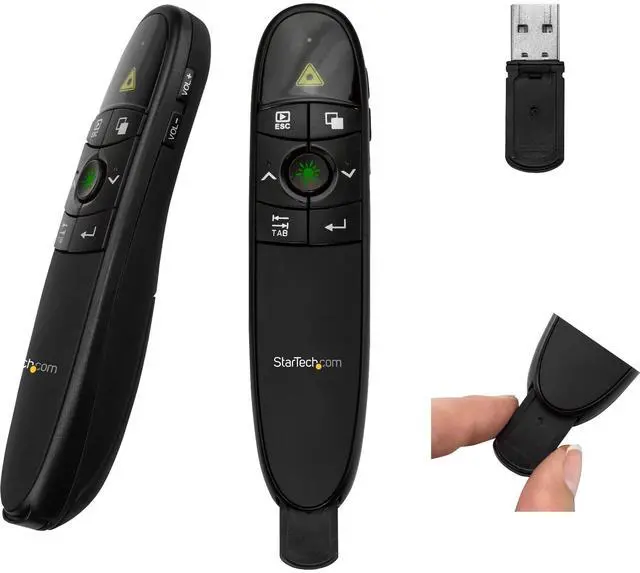
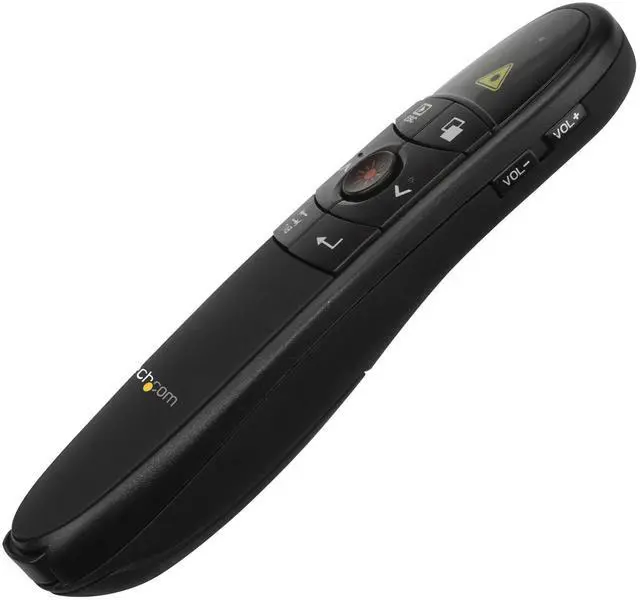
With a built-in red laser pointer, this presentation remote lets you guide your audience’s attention to critical information in your content.
It’s also perfect for use as a slide advancer in PowerPoint presentations, websites or any other documents you want to share with your audience.

Present from Anywhere
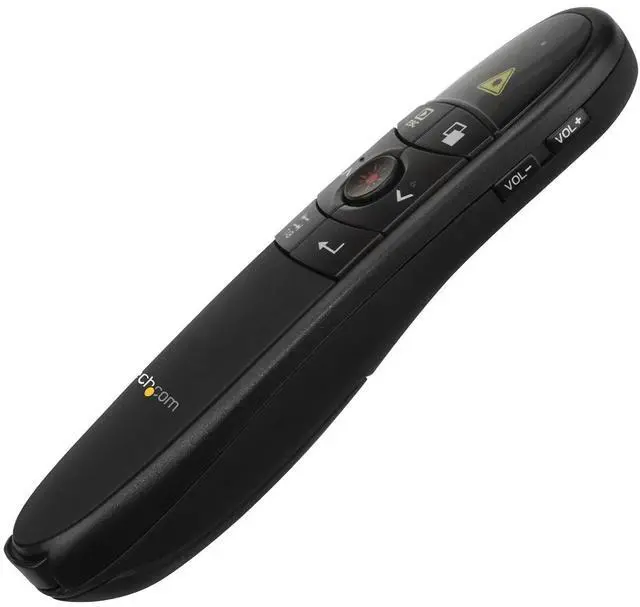
This wireless presentation clicker features a sleek, ergonomic design and includes the required batteries along with a protective carrying case, for total portability.
You can store the wireless receiver inside the presentation remote when you’re not using it.
The USB receiver works with virtually any Mac or Windows computer. Simply plug the receiver into your laptop and you're ready to present.



Presentation Clicker | Mac & Windows | Slide & Volume Controls | Batteries Included
Engage Your Audience
Being confined to your computer isn’t the most effective way to deliver a presentation, especially when you’re trying to engage your audience.
This presentation clicker has a wireless range of 90 ft. (27 m) so you have control of what’s on your screen with the freedom to move around the room while controlling your presentation as if you were at your computer.
Point Out Key Messages
With a built-in red laser pointer, this presentation remote lets you guide your audience’s attention to critical information in your content.
It’s also perfect for use as a slide advancer in PowerPoint presentations, websites or any other documents you want to share with your audience.
Present from Anywhere
This wireless presentation clicker features a sleek, ergonomic design and includes the required batteries along with a protective carrying case, for total portability.
You can store the wireless receiver inside the presentation remote when you’re not using it.
The USB receiver works with virtually any Mac or Windows computer. Simply plug the receiver into your laptop and you're ready to present.
Server Racks
Display and Video Adapters
Computer Cards and Adapters
Cables
Data Storage
Networking
Docking Stations
