


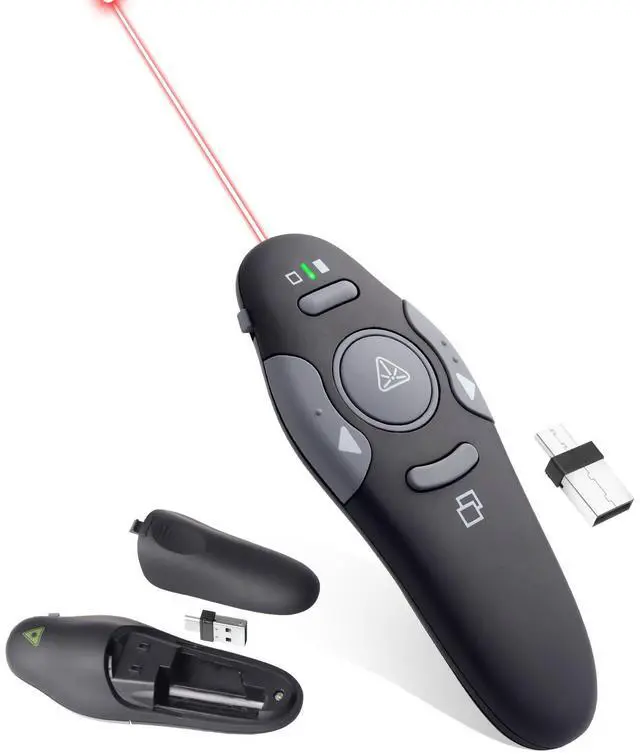
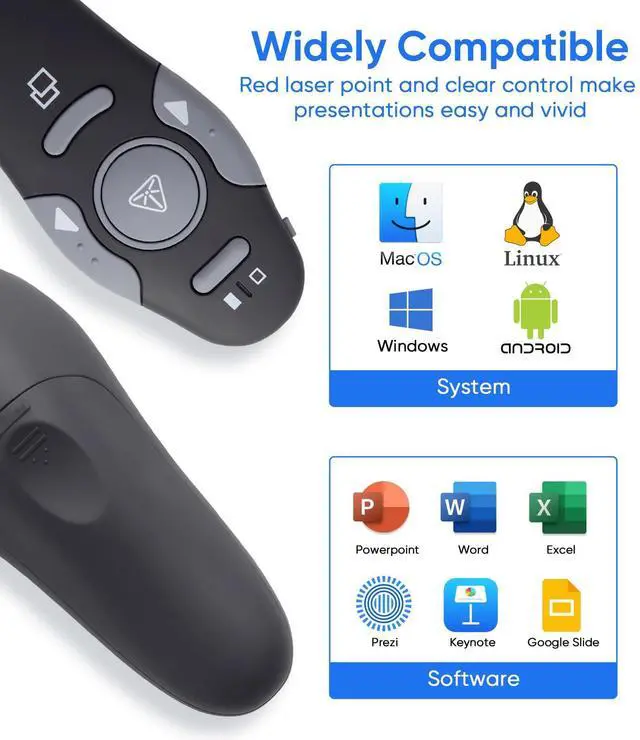
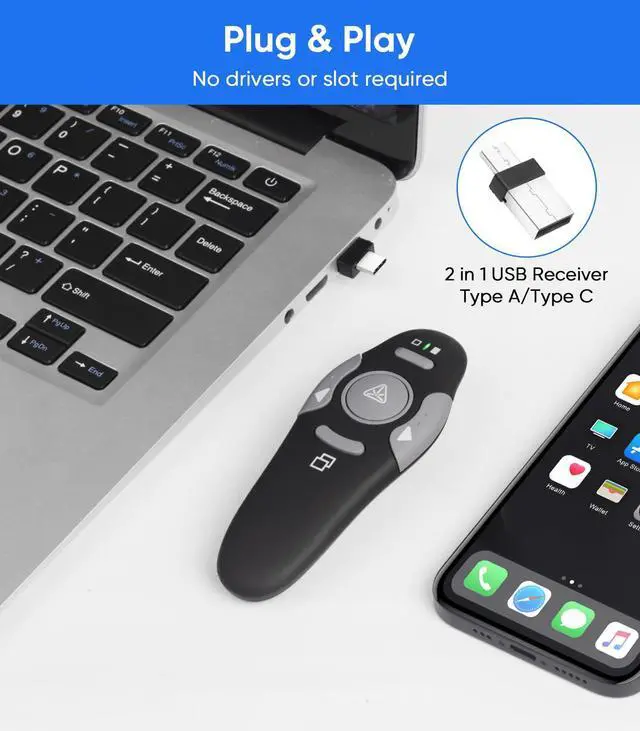
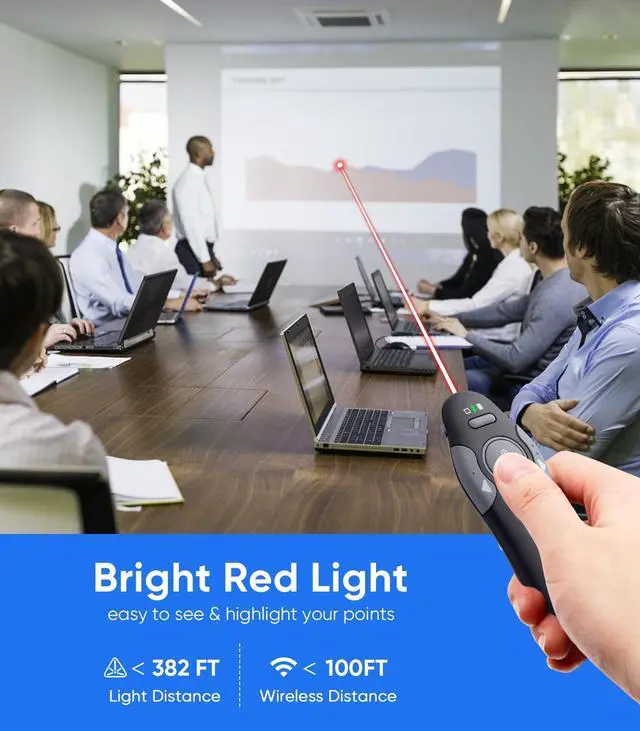
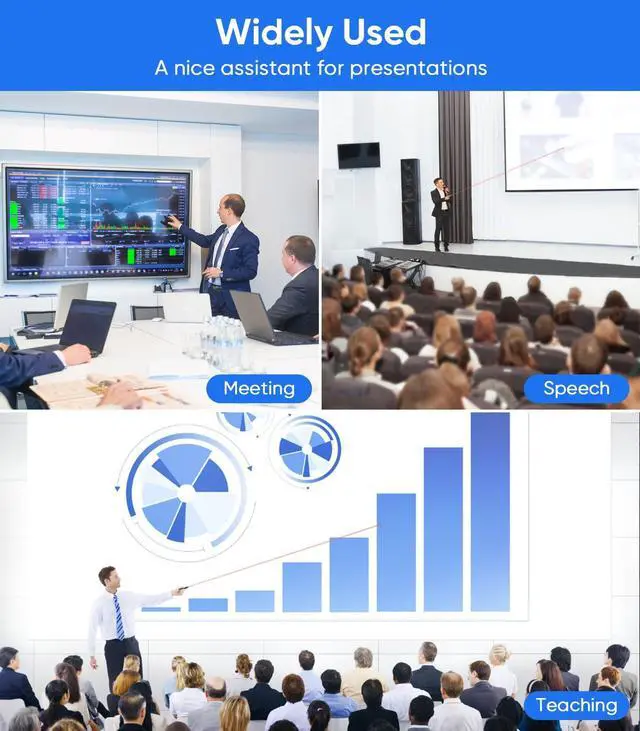


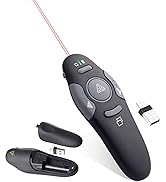
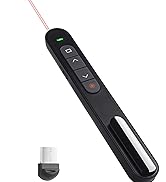
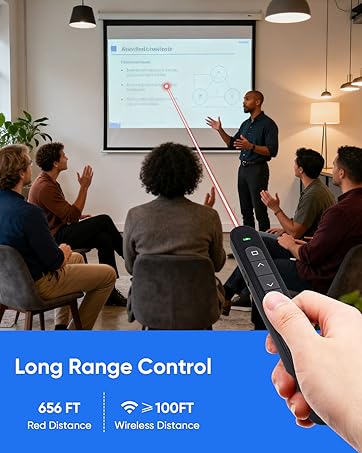
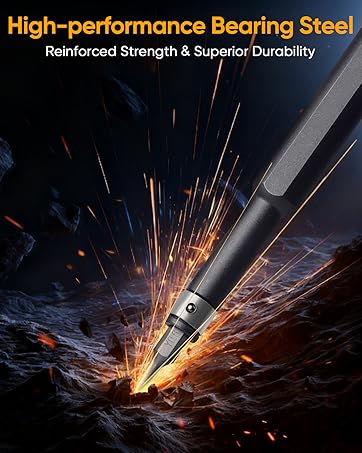


2 in 1 USB Presentation Remote Clicker- Plug and Play
No complex setup needed! Just plug the receiver into your computer or laptop, and start using the PPT presenter clicker effortlessly.

Swithch to Slide Show Mode/Full Screen
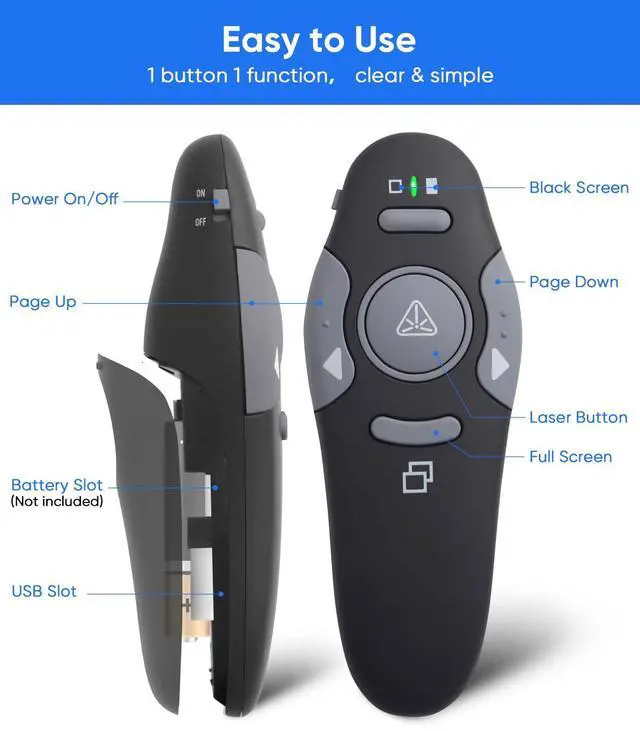
Justpress the button at the bottom, you can easily swithch your powerpoint/keynote presention to different modes: slide show mode or normal mode.
Black Screen
When you don't need the picture to develop discussion or on-site demonstrations or physical displays, you can choose the black screen mode. The black screen function is used when your presentation is in full screen screen mode(slide show mode).
Page Down/Up
The left and right buttons is controlled for page up and down. This can be used in default PPT mode and also can be used when you browse website etc.
When the presenter clicker is working normally, the indicator light will stay green.If the indicator turns red, this signals low battery and you will need to replace the batteries promptly to avoid interruptions during your presentation.(Note: Batteries are not included in the package.)
2 in 1 USB Presentation Remote Clicker- Plug and Play
No complex setup needed! Just plug the receiver into your computer or laptop, and start using the PPT presenter clicker effortlessly.
Swithch to Slide Show Mode/Full Screen
Justpress the button at the bottom, you can easily swithch your powerpoint/keynote presention to different modes: slide show mode or normal mode.
Black Screen
When you don't need the picture to develop discussion or on-site demonstrations or physical displays, you can choose the black screen mode. The black screen function is used when your presentation is in full screen screen mode(slide show mode).
Page Down/Up
The left and right buttons is controlled for page up and down. This can be used in default PPT mode and also can be used when you browse website etc.
When the presenter clicker is working normally, the indicator light will stay green.If the indicator turns red, this signals low battery and you will need to replace the batteries promptly to avoid interruptions during your presentation.(Note: Batteries are not included in the package.)
Agaritek Office Products
Wireless PPT Clicker
Precesion Screwdriver Set