






3-in-1 Document Camera & Webcam
Watch the USB Document Camera in action
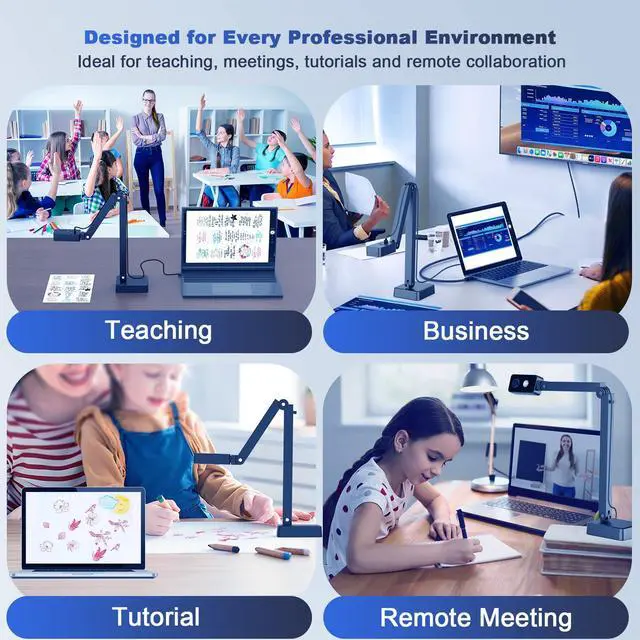
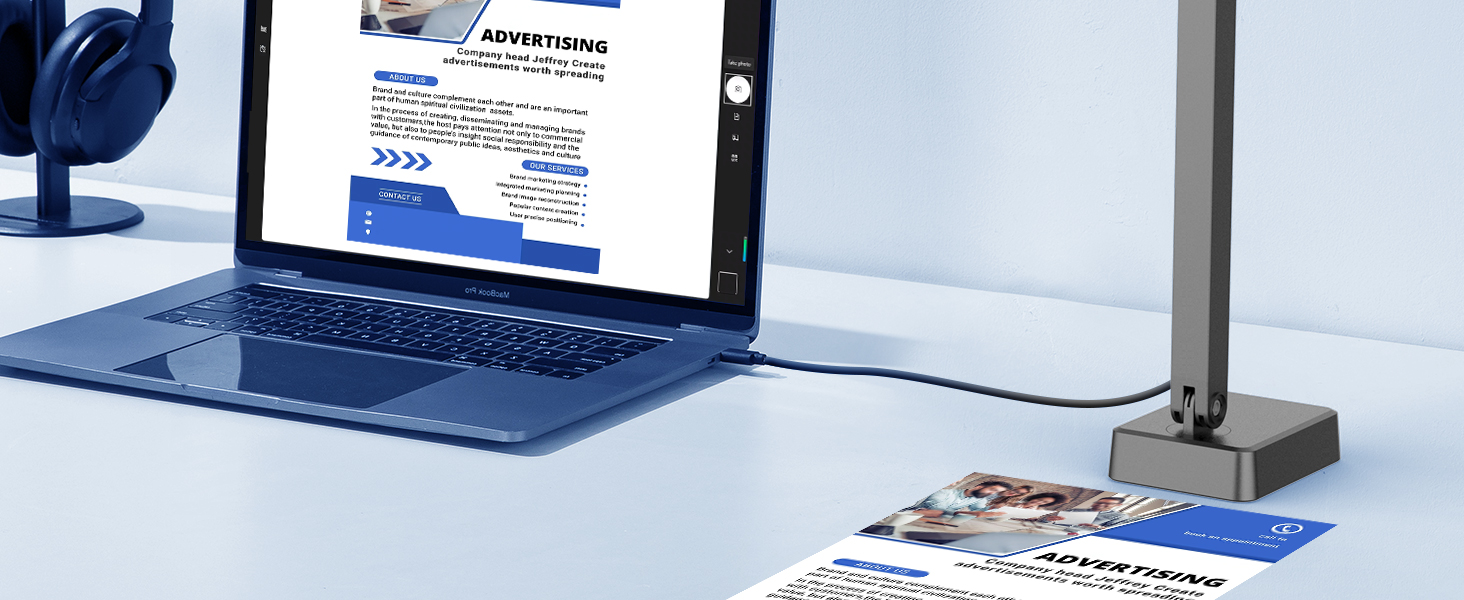
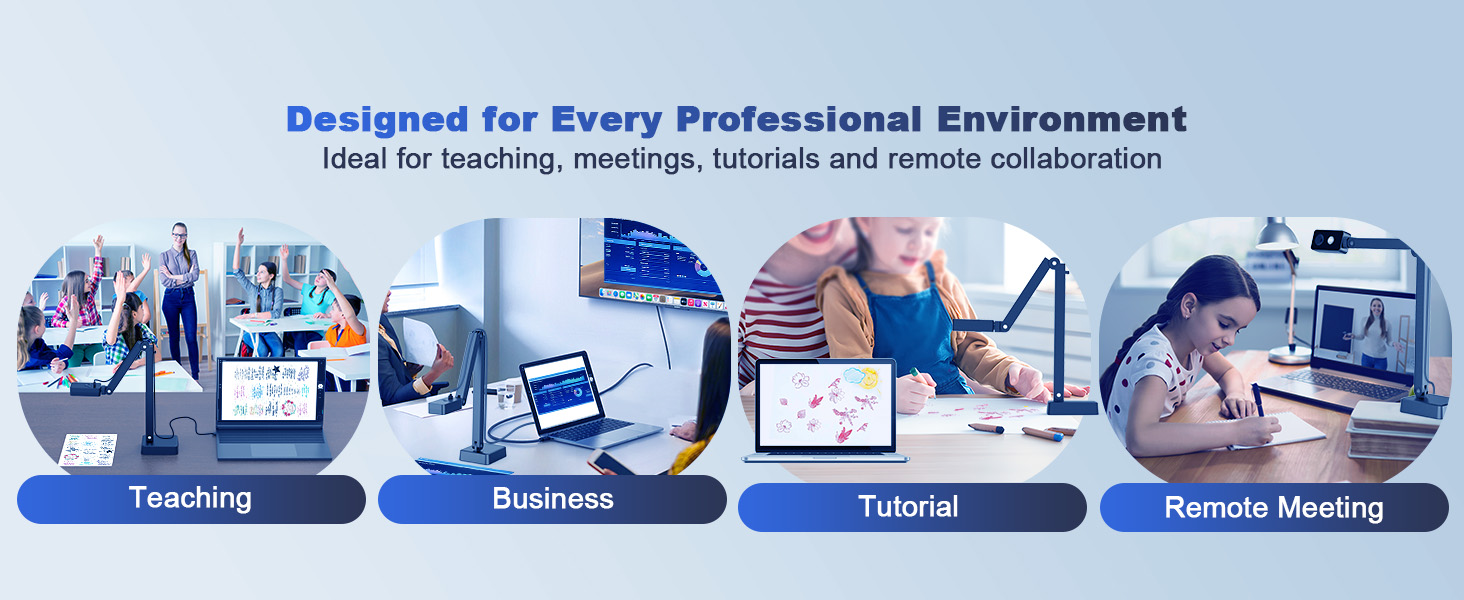
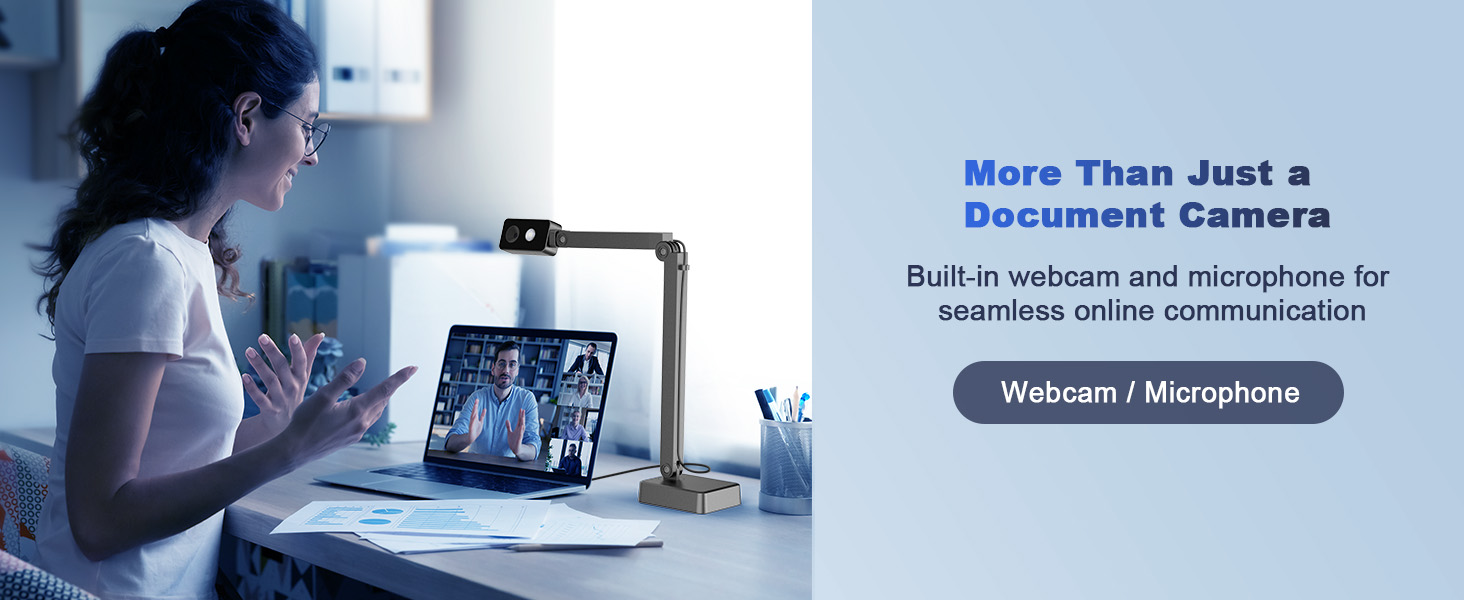
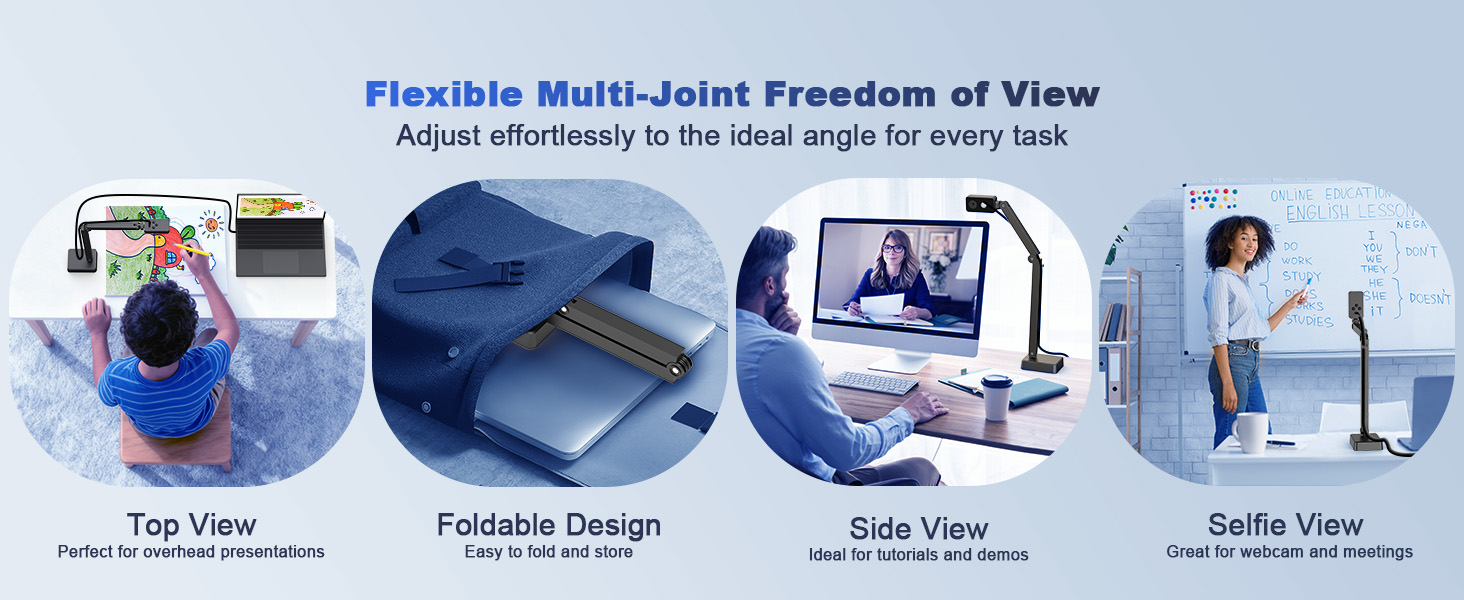
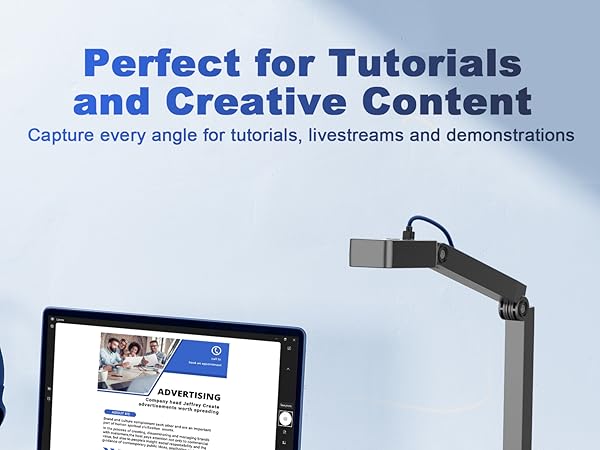
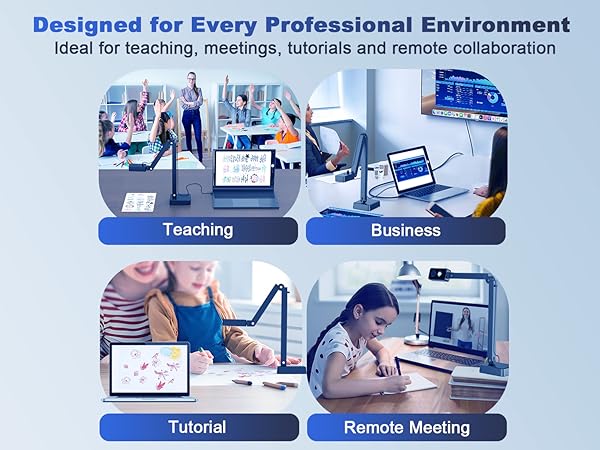
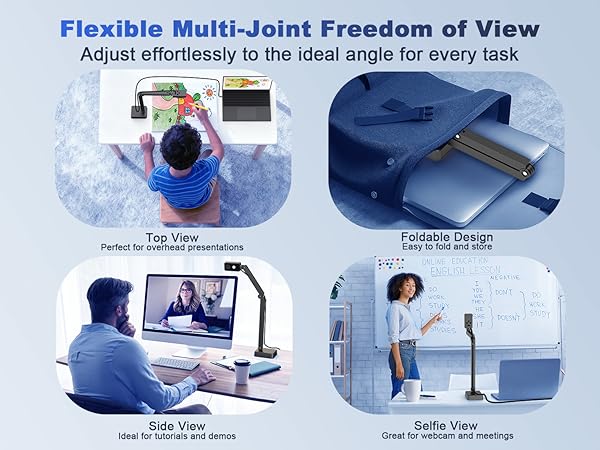
1. This visualizer camera is perfect for classrooms, online teaching, and remote work.
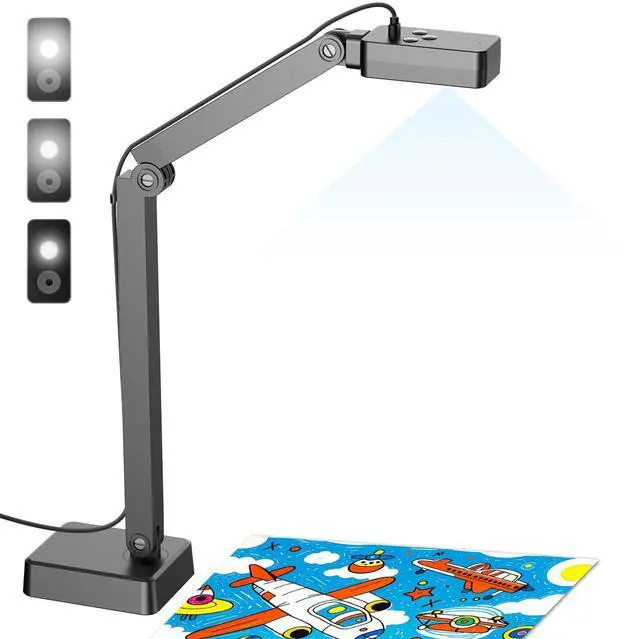
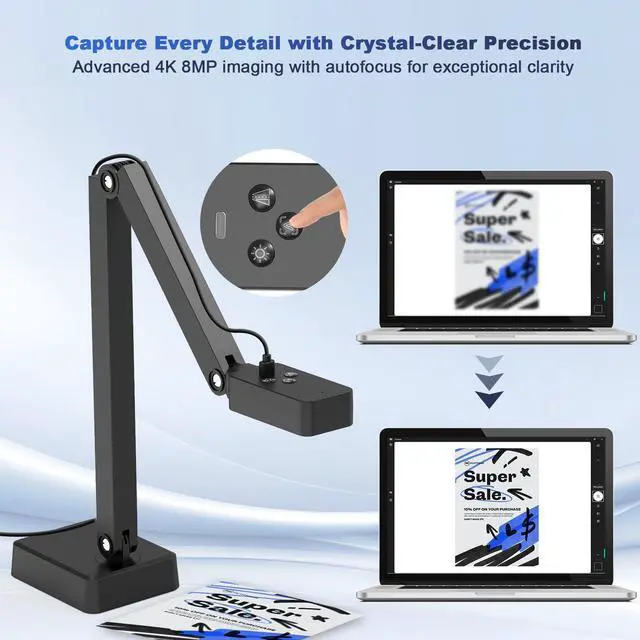
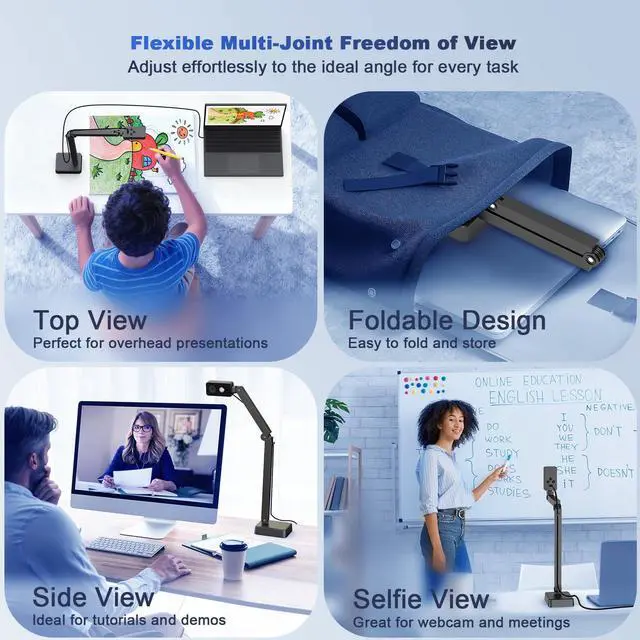
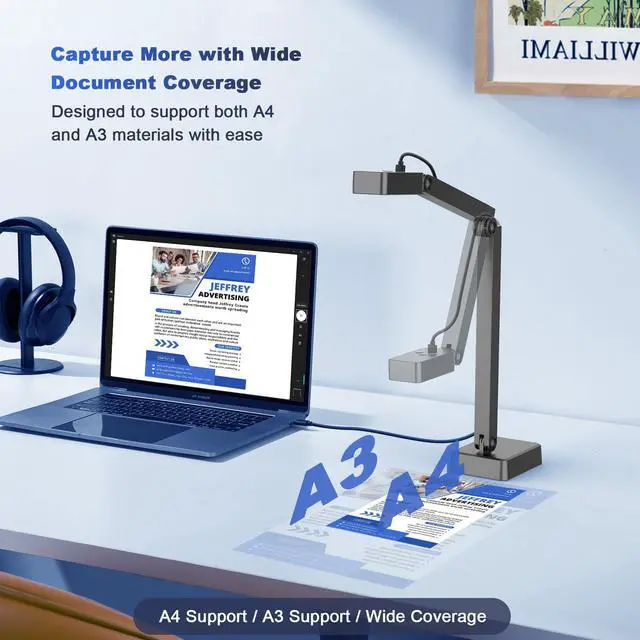
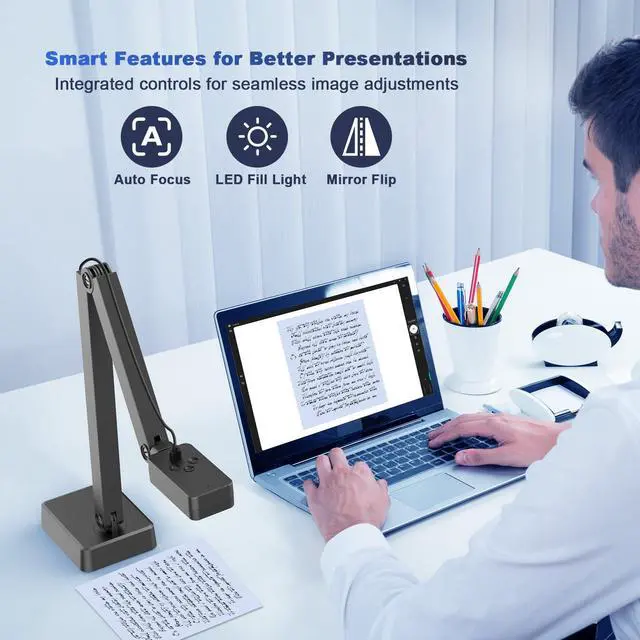
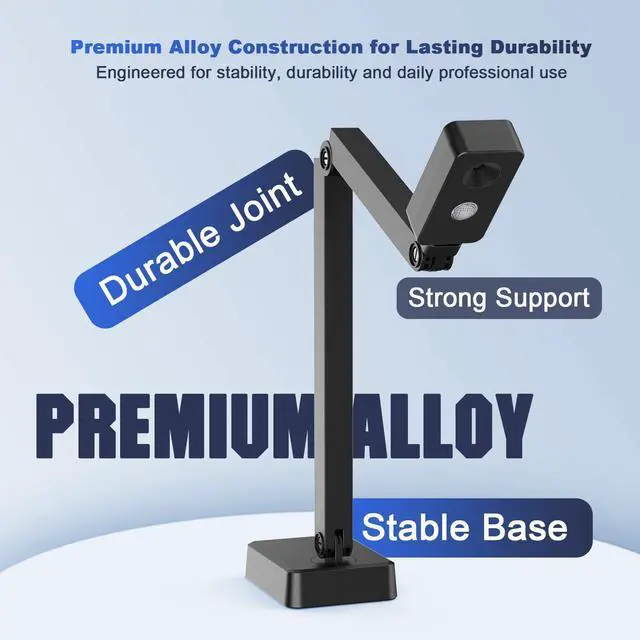
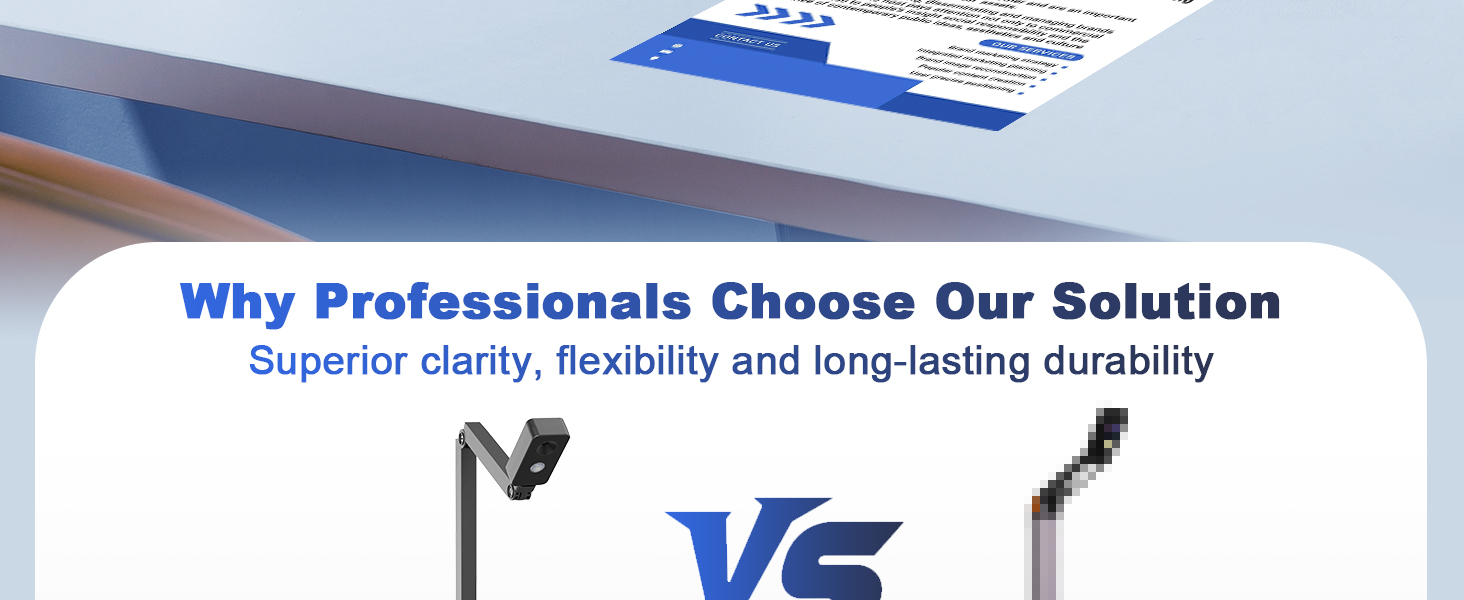
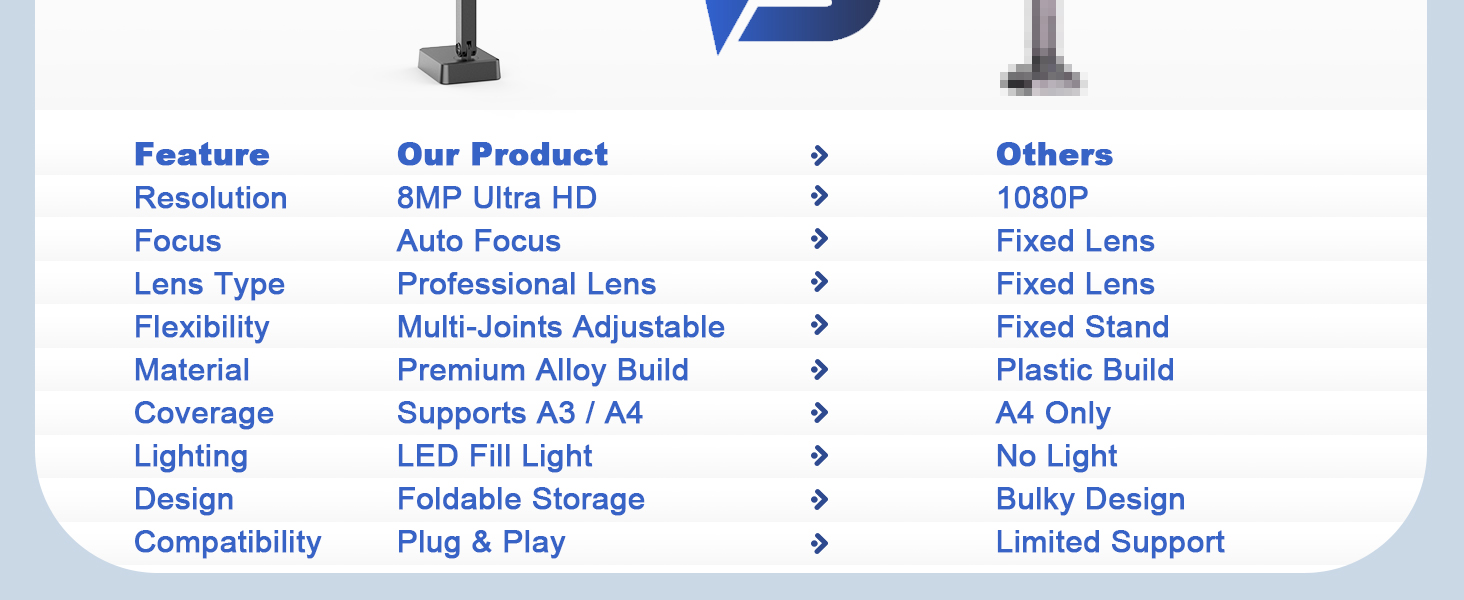
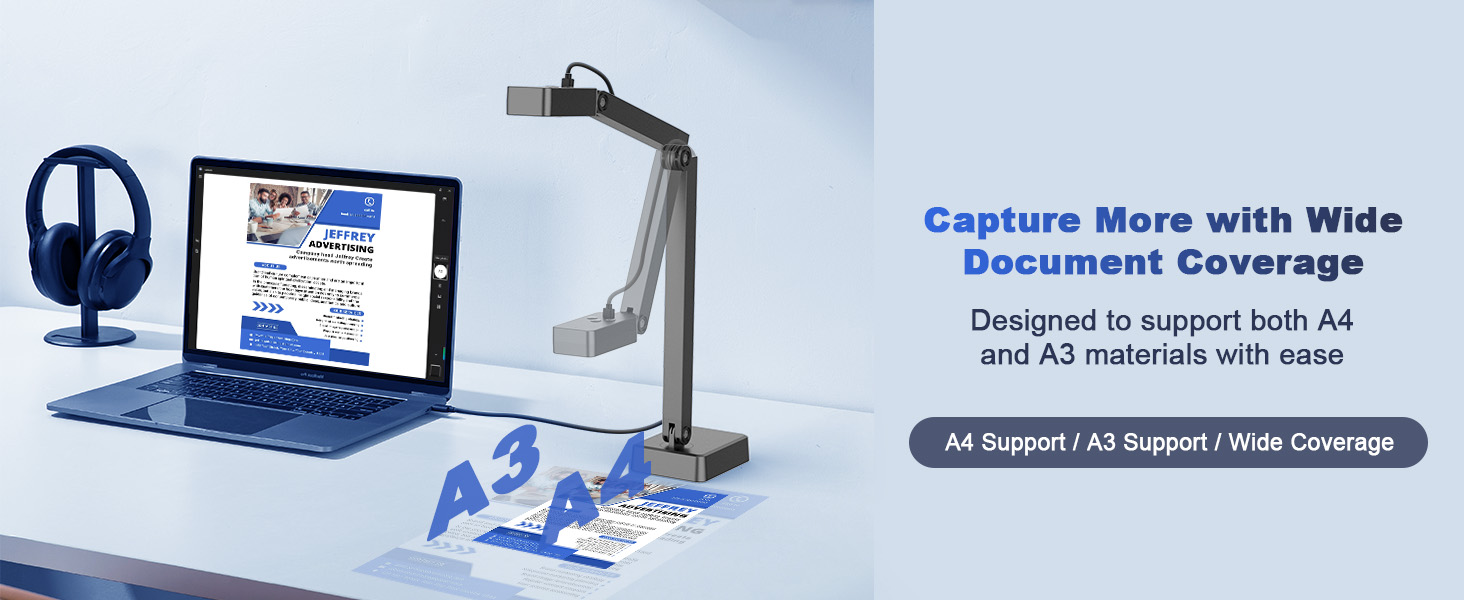
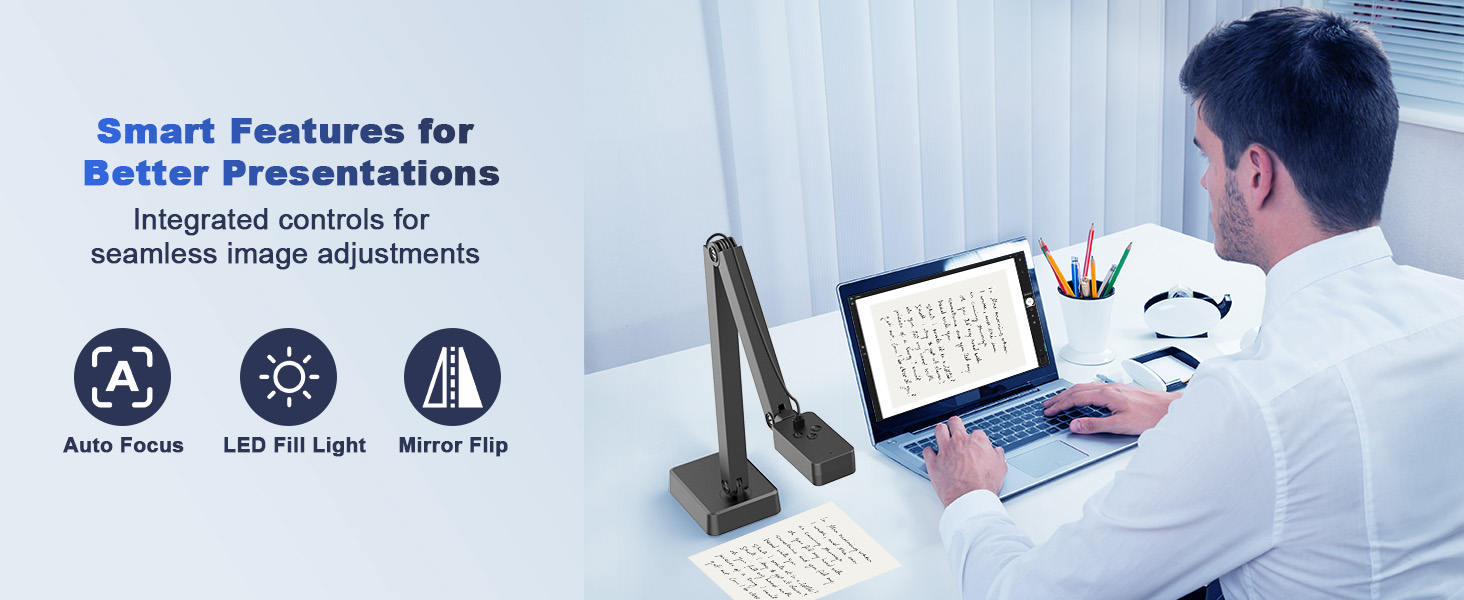
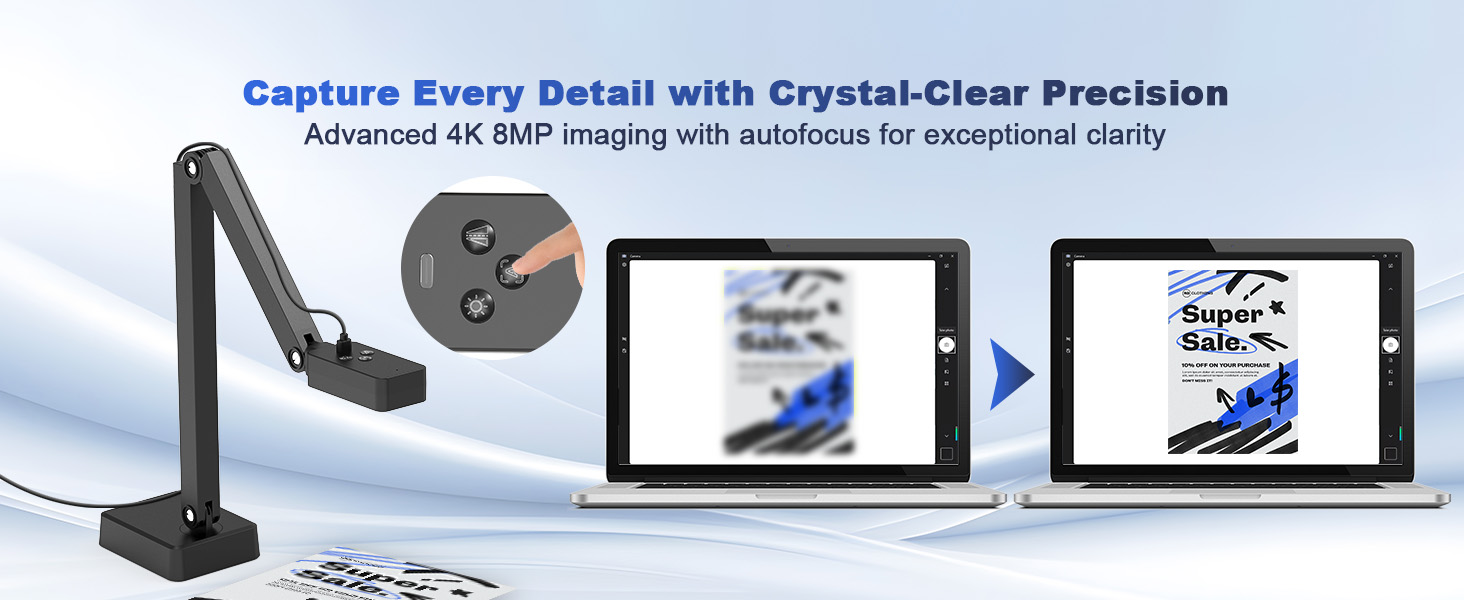
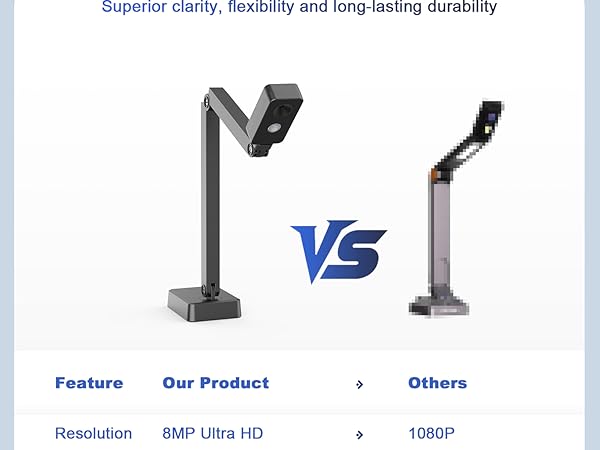
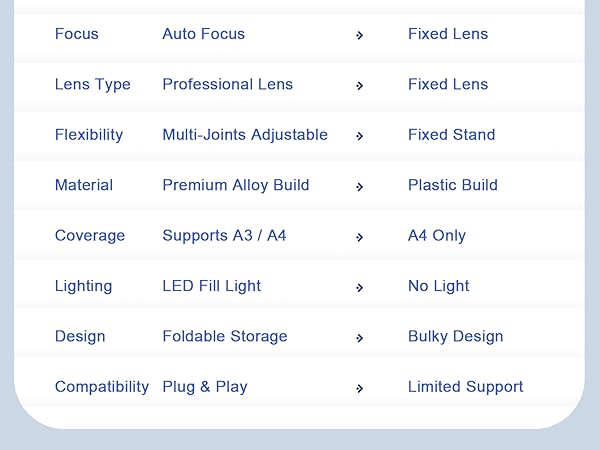
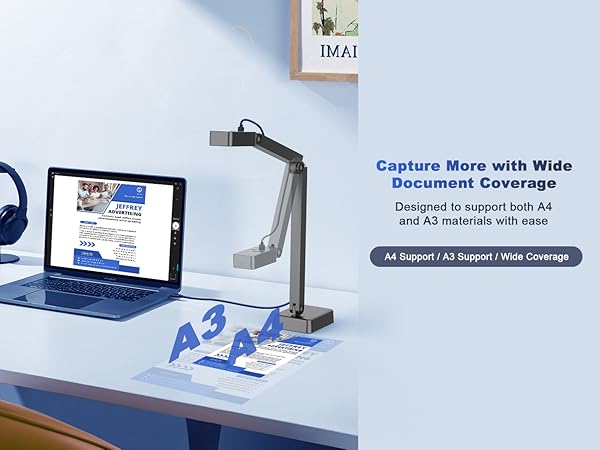
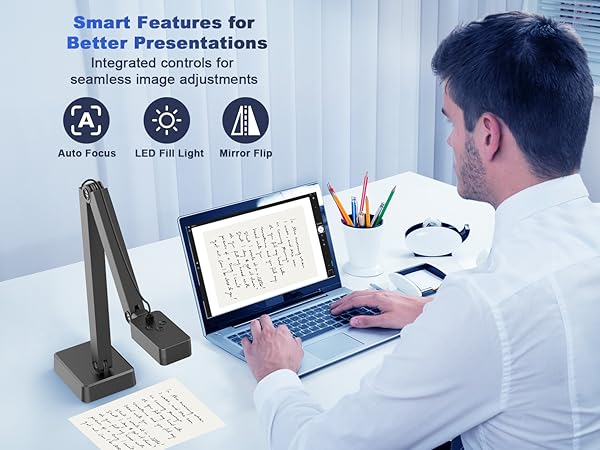
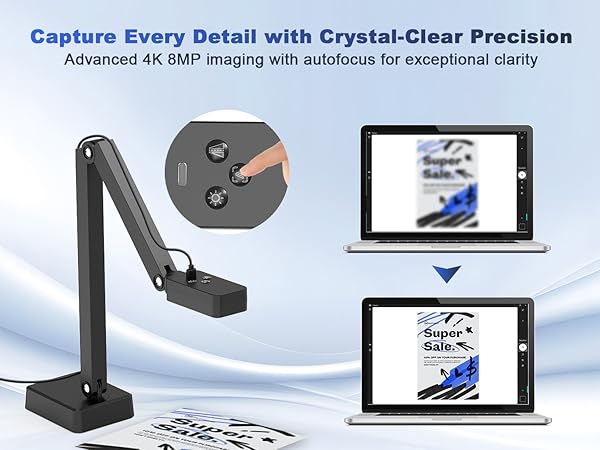
2. Key Features: adjustable alloy arm, 270° rotating camera, image rotation, A3/A4 scanning, auto-focus, and 3-level LED light.
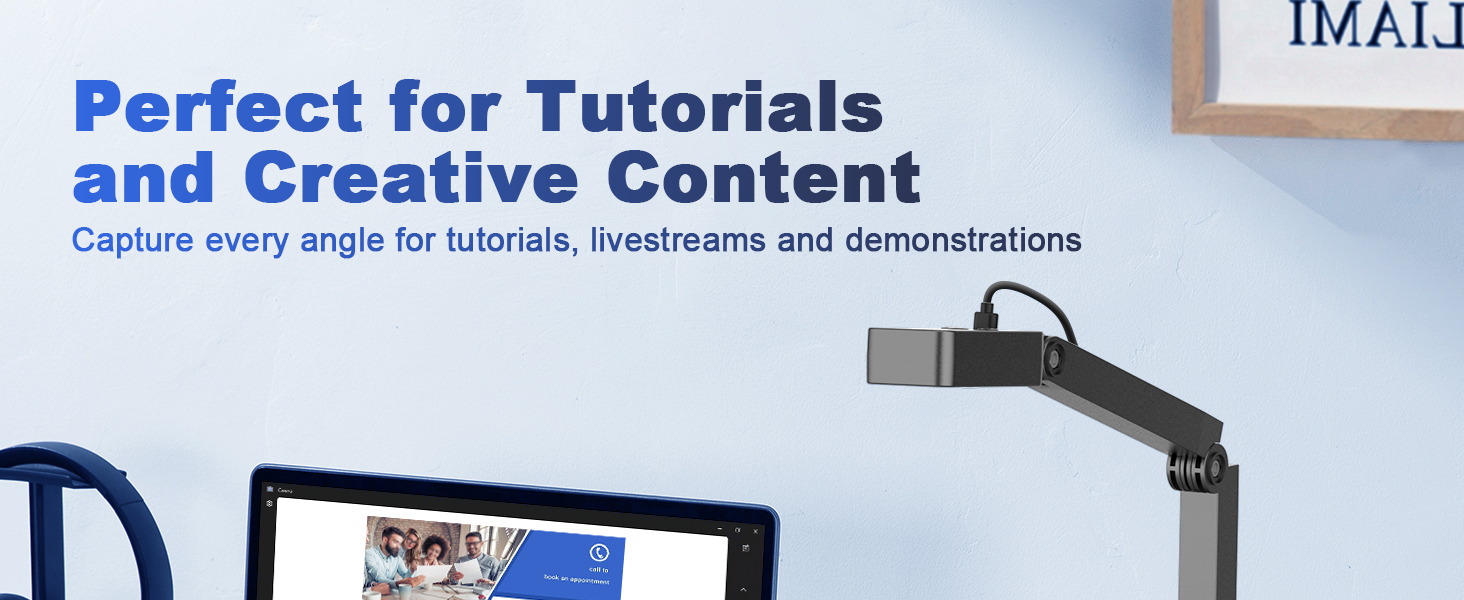
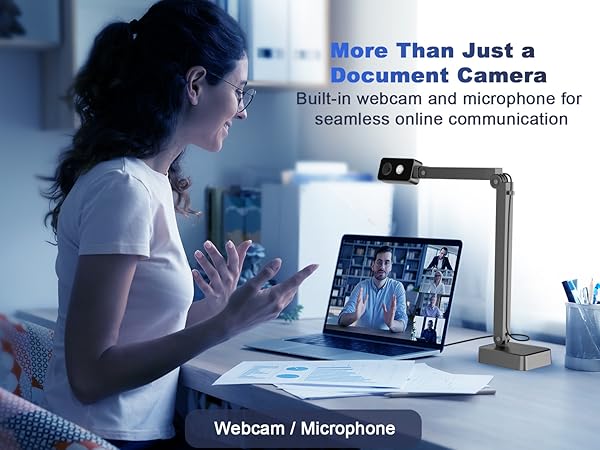
3. Compatible with Windows 7–11 and Mac 10.11+. Ideal for live demos, video recording, web meetings, online classes, and document projection.
Windows 10/11 Setup Guide – Video Tutorial
Set up your document camera on Windows 10/11 with this video
1. Connect: Plug in USB cable (use USB-C adapter if needed) ? No driver required
2. Open Camera: Search “Camera” and open the app
3. Select Camera: Click Change Camera (top-right) ? USB Document Camera
4. Start Using: View, record, or present
Document Camera Tutorial for Mac
Use USB document camera for teaching with these Mac steps
1. Connect: Plug in USB cable (use USB-C adapter if needed) ? No driver required
2. Record Video: Open QuickTime Player ? File ? New Movie Recording ? Select USB Camera
3. Take Photo: Open Photo Booth ? Camera ? Select USB Camera
Universal Systems & Platforms Compatibility
Supports Windows PCs, Macs, and Chromebooks
Enjoy universal compatibility with Windows PCs, Macs, and Chromebooks, giving you the flexibility to use the document camera with almost any device. It works seamlessly with popular e-learning and video conferencing apps such as TikTok, Zoom, Skype, Google Meet, Microsoft Teams, and FaceTime, so you can easily start online lessons, live streaming, meetings, and presentations anytime.