here!
I’m your shopping assistant for PC builds, upgrades, and everything tech.
Got questions? Ask away!
Start a conversation
here!
I’m your shopping assistant for PC builds, upgrades, and everything tech.
Got questions? Ask away!
Start a conversation



Any questions? Ask CelesteSM will help you find out quickly.
How do I create pixel art — and why do imported photos look different?
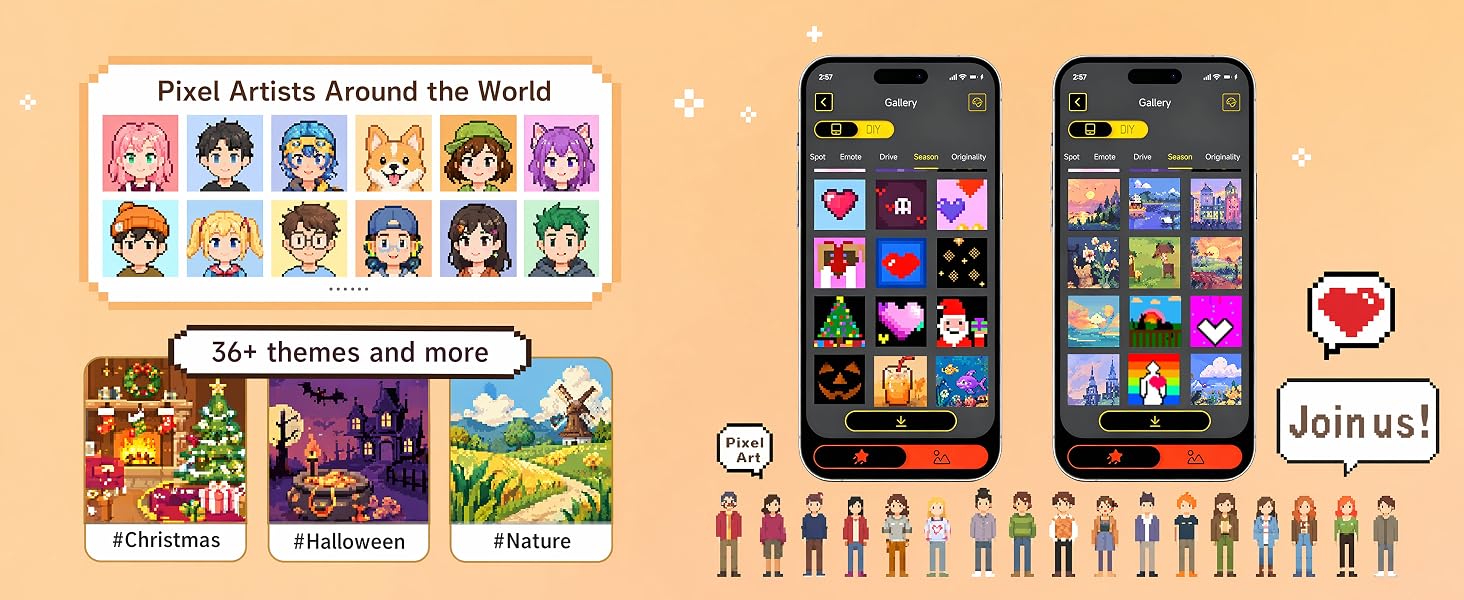
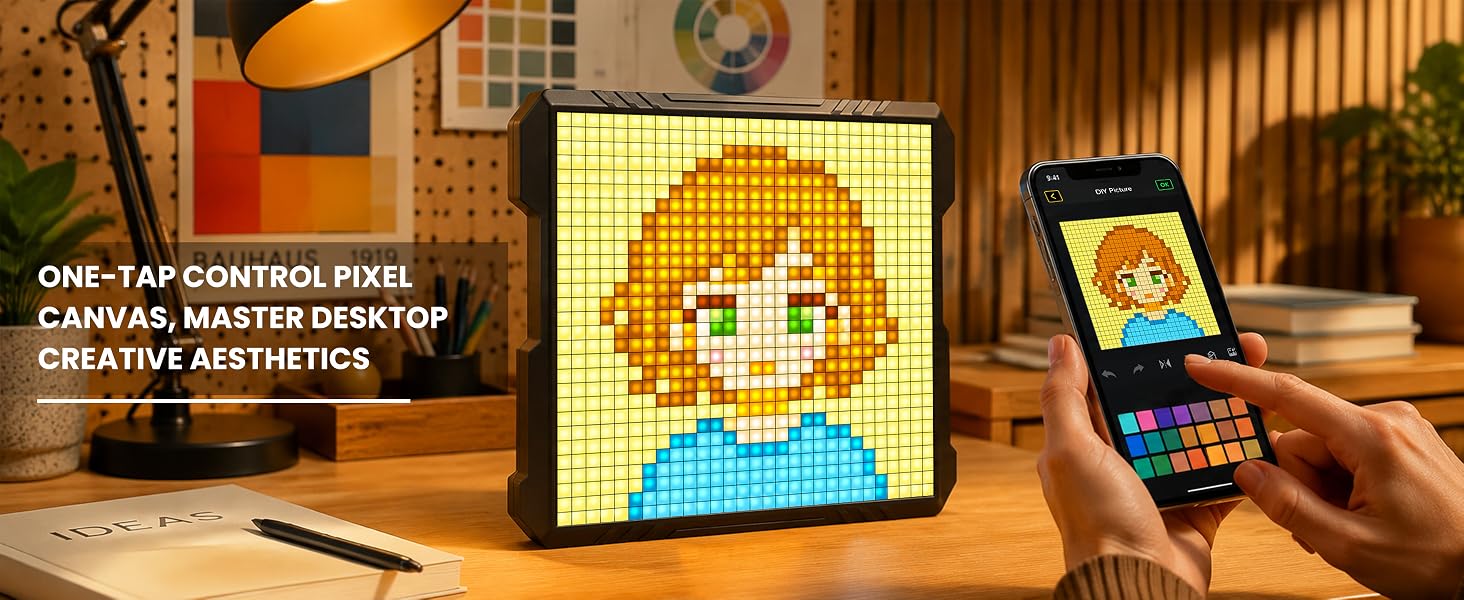
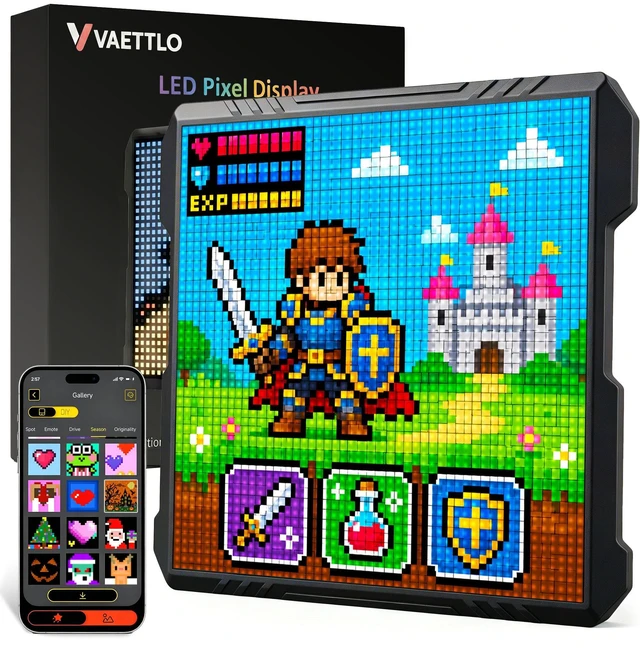
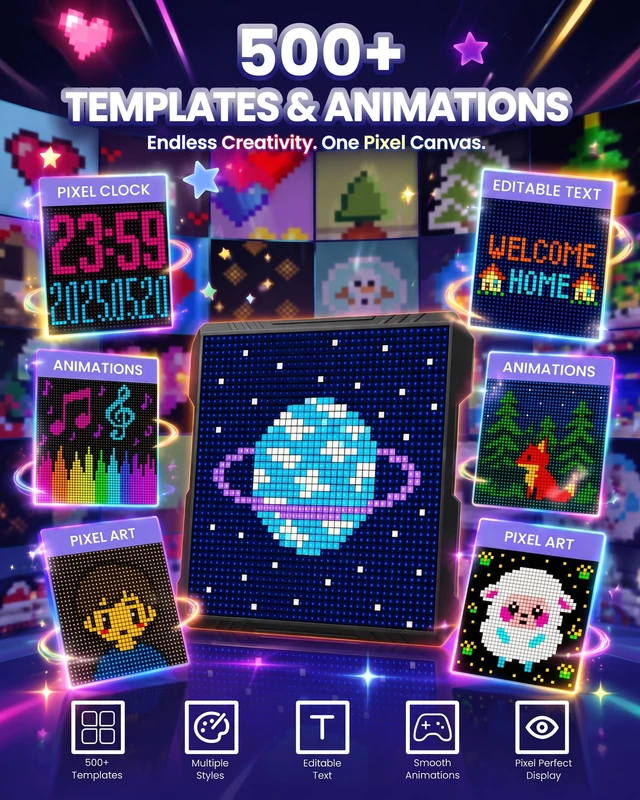
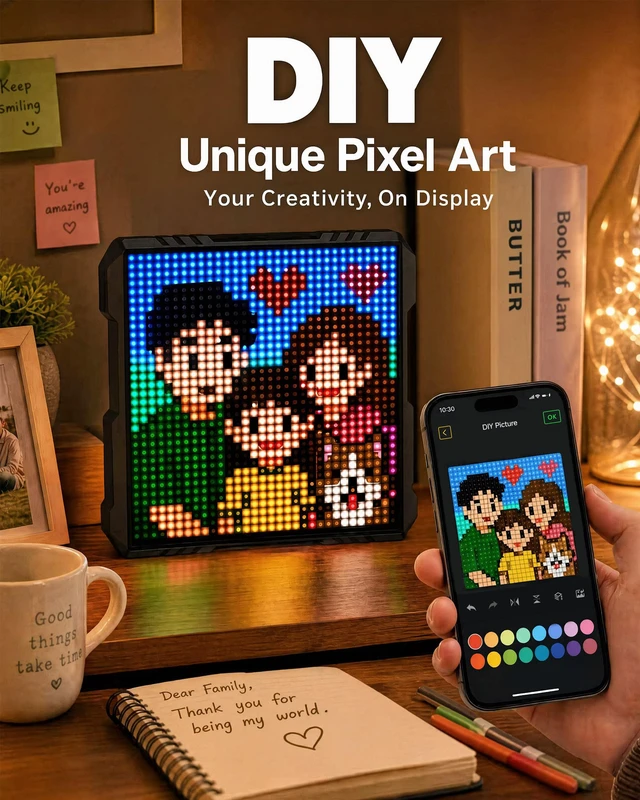
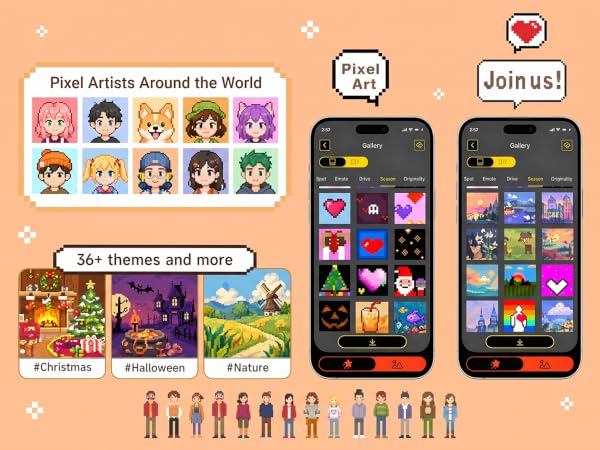
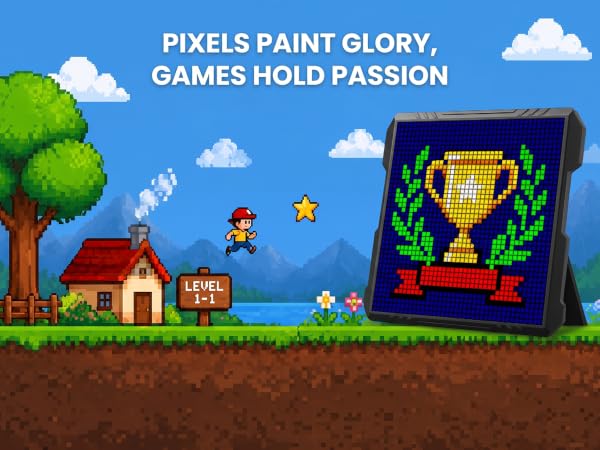
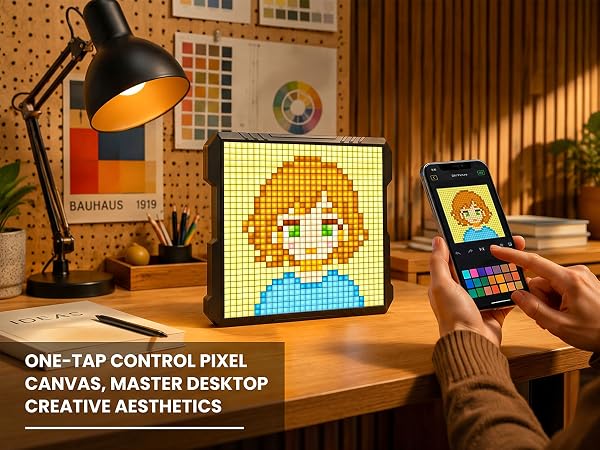
Hand-draw it, type text, upload photos/videos, or convert media to pixel animation. At 32×32 (1,024 LEDs) images render as pixel art, so fine detail becomes blocks — icons and text look sharpest.
Works on walls and desks? Is brightness adjustable?
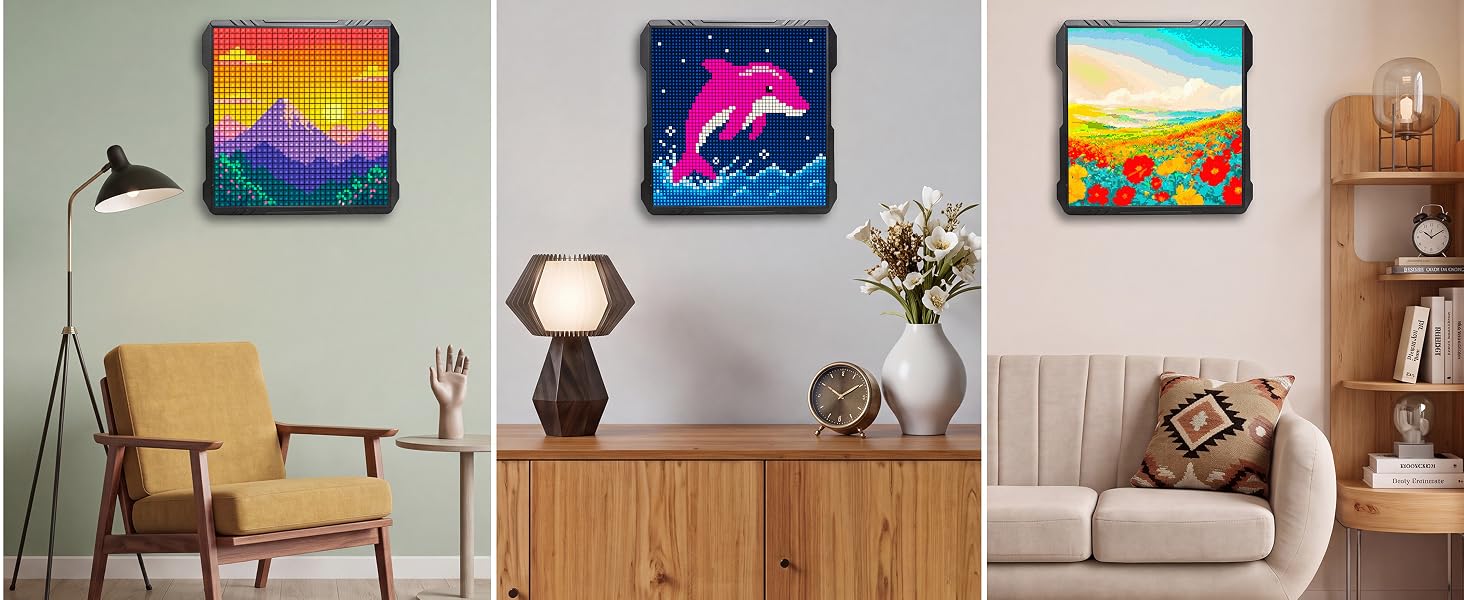
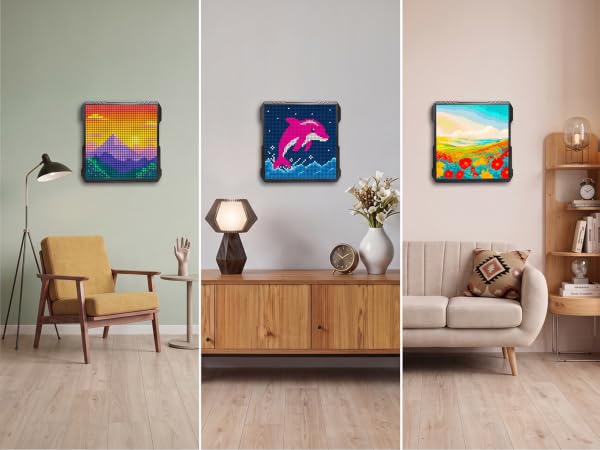
Yes — a foldable stand for desks, a back mounting hole for walls. Multiple brightness levels are adjustable in the app.
What connectivity does it have? Can it display scrolling text messages?
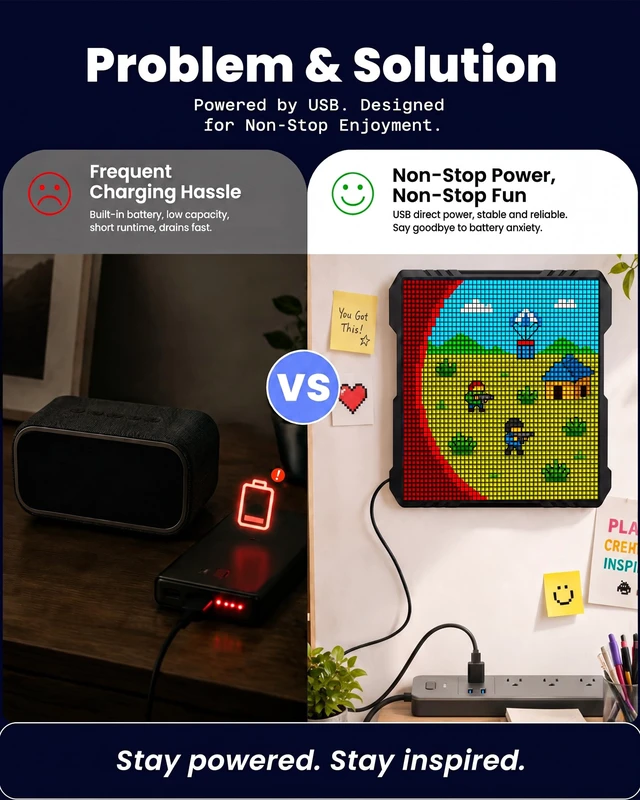
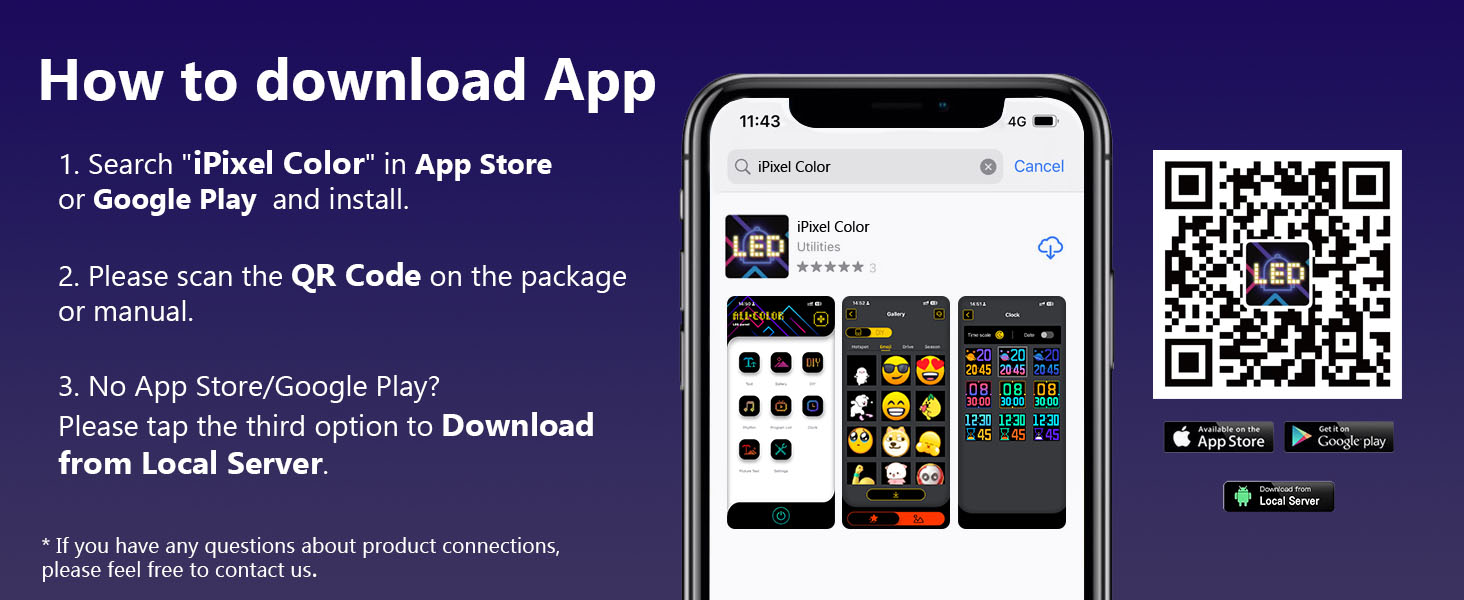
It connects via Bluetooth to your phone. The unit runs on constant USB power without built-in batteries.Enter your text in the app’s Text module and pick scrolling effects such as move left for greetings and reminders.
Why you might like this?
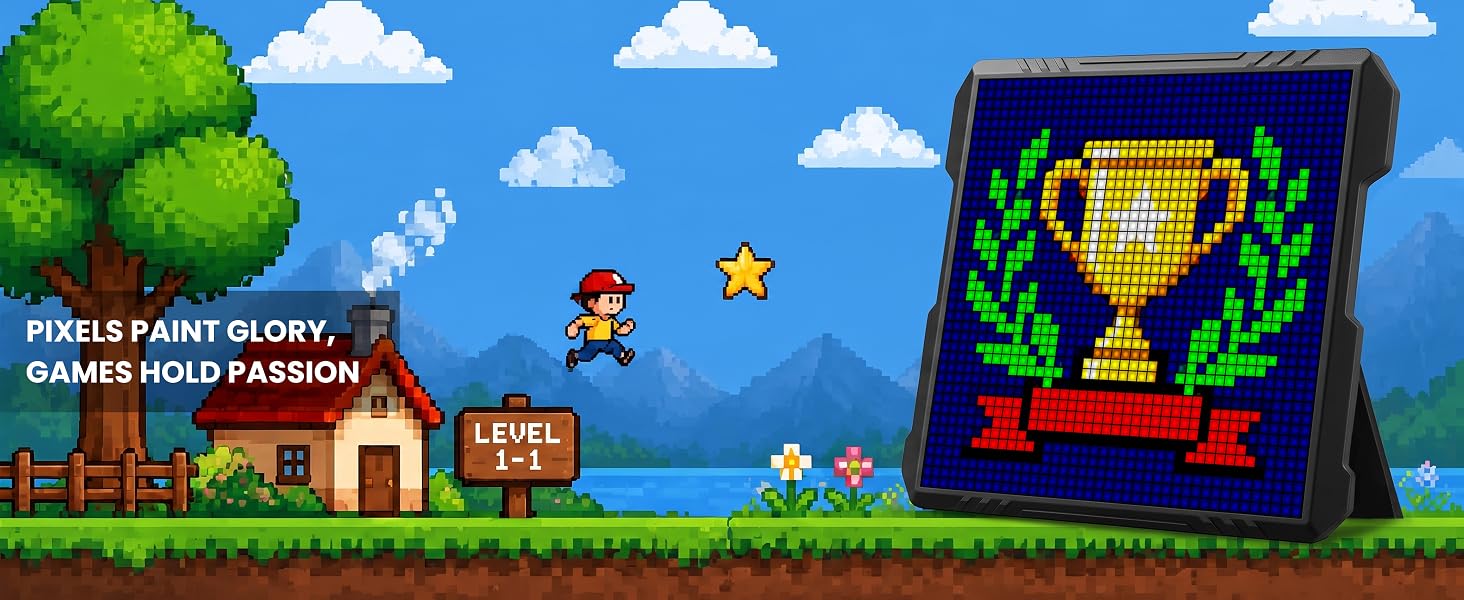
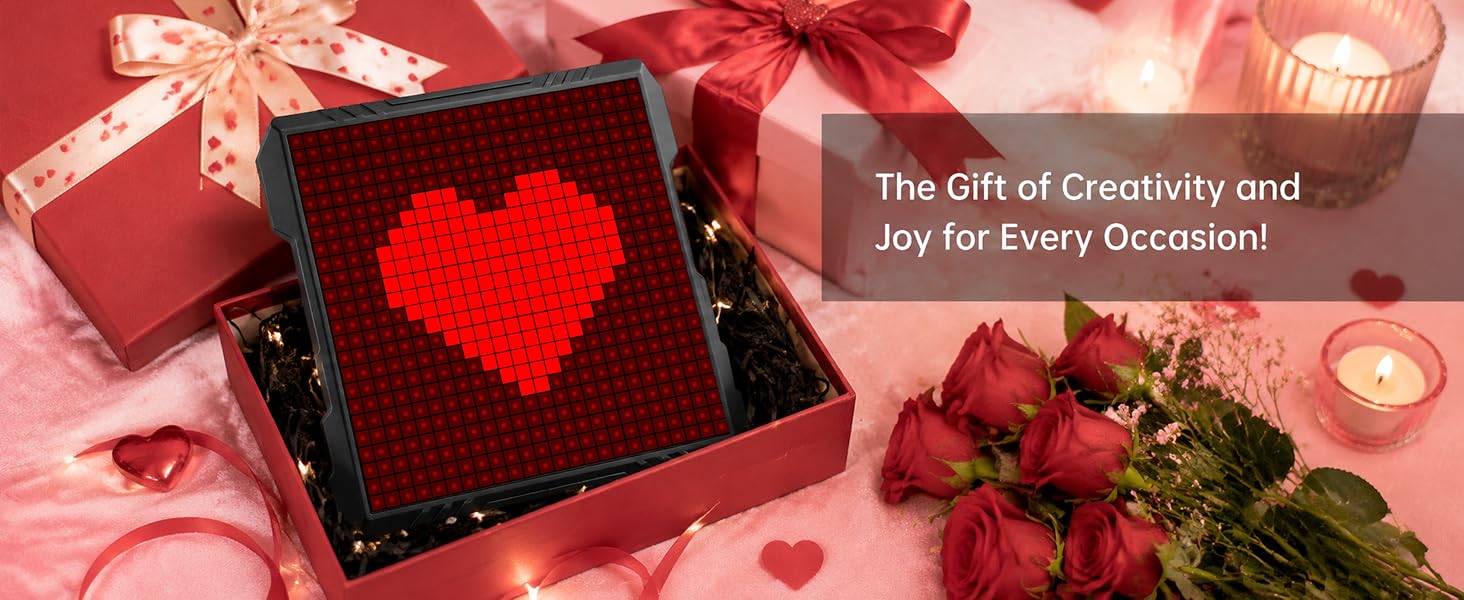
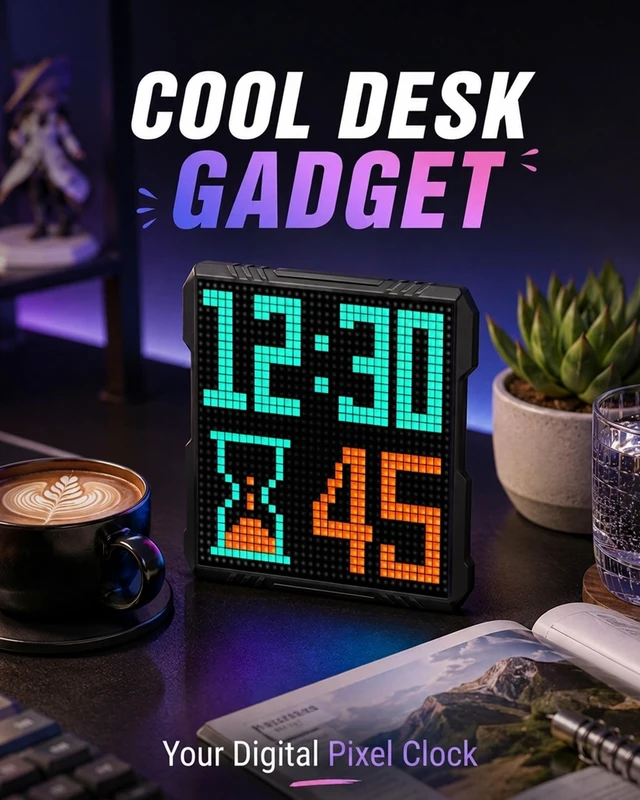
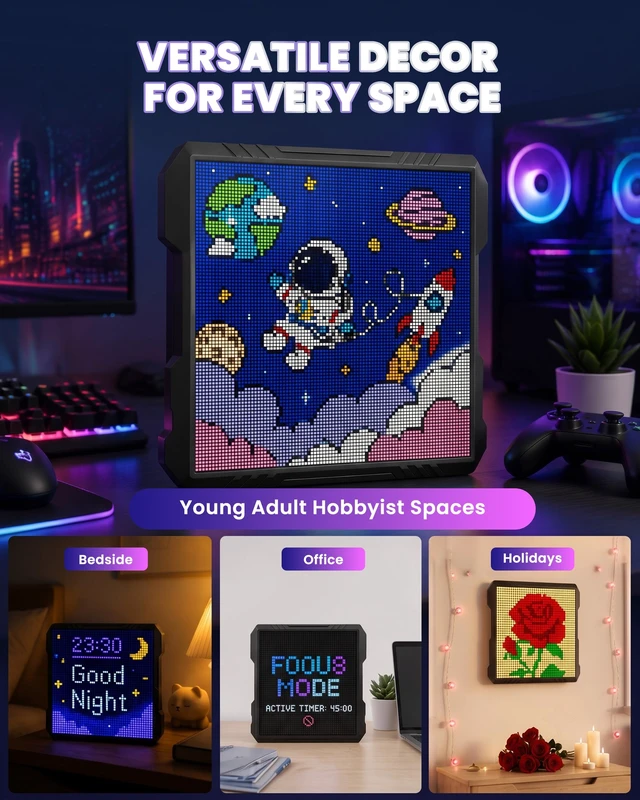
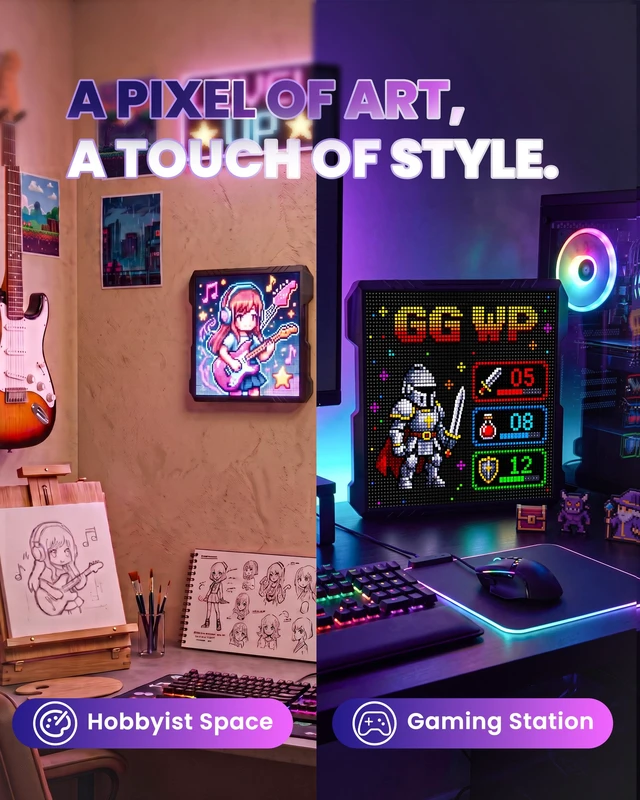
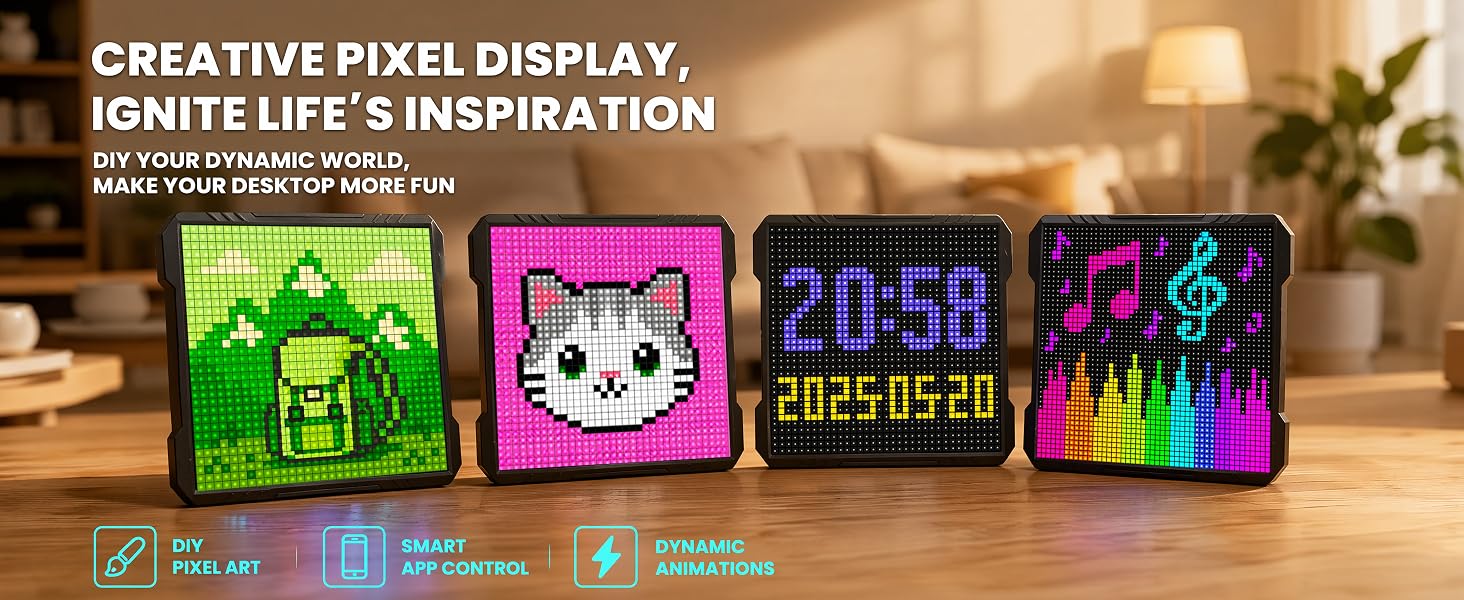
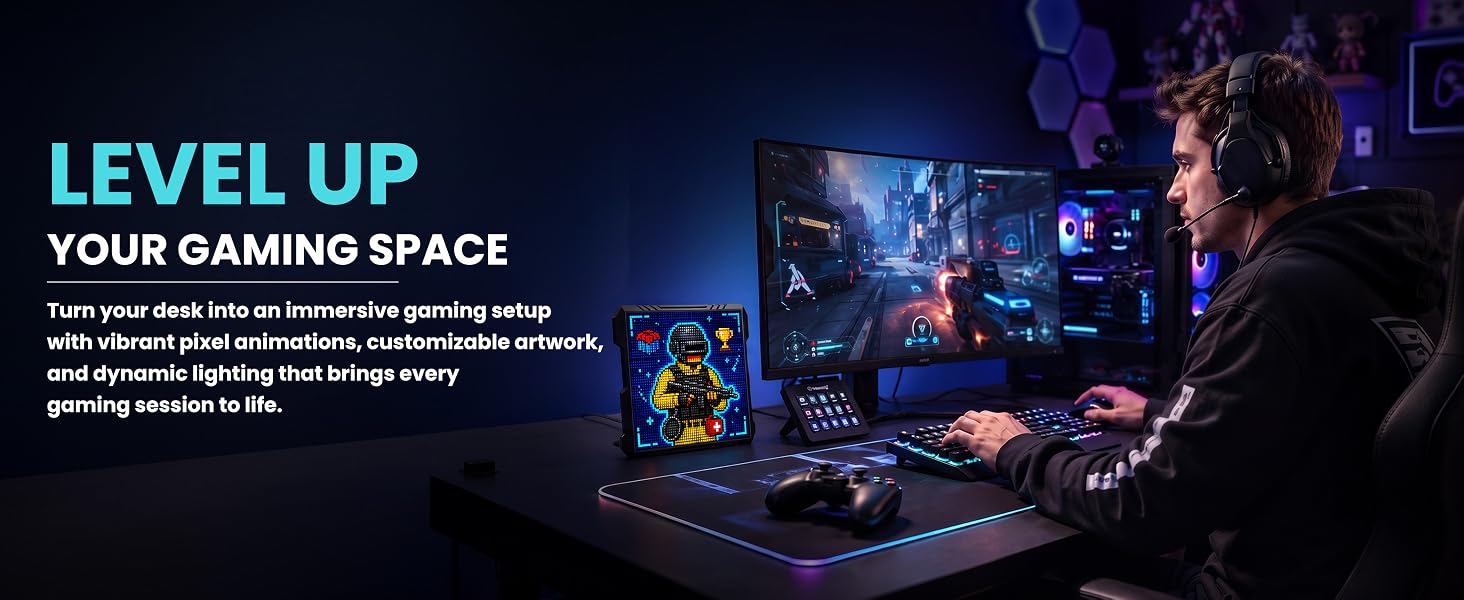
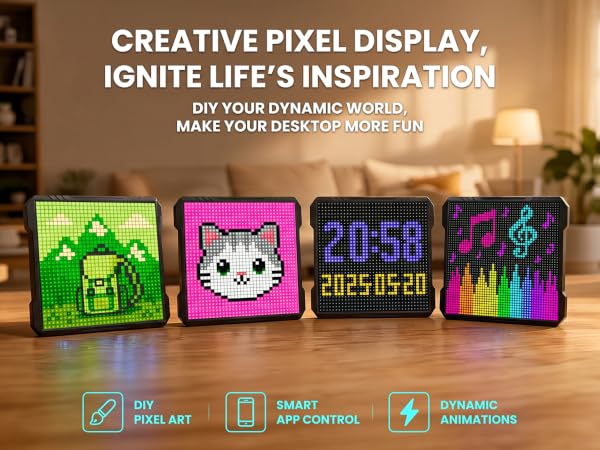
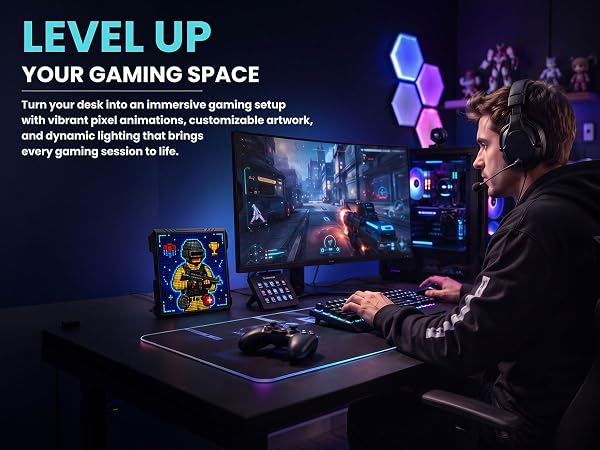
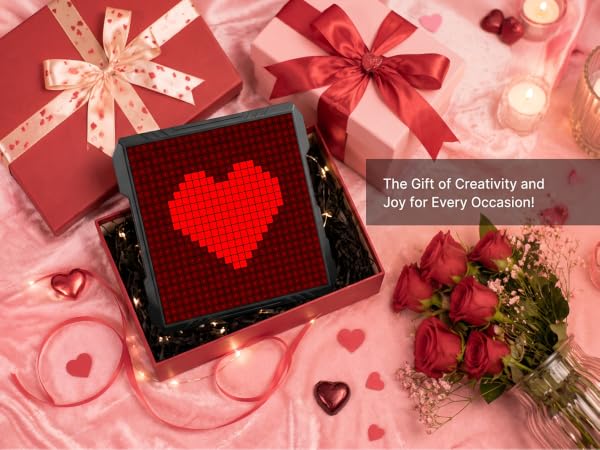
This 32×32 RGB pixel display offers unlimited DIY fun: pixel clock, gaming ambient décor, message board, or a creative tech gift for gamers and teens.
How does it connect, power, and show scrolling text? Any power button?
Pairs over Bluetooth; runs on USB power with no battery. Type in the app's Text module, pick a scroll effect like slide-left. No physical button — tap the power icon in the app.

How do I create pixel art — and why do imported photos look different?
Hand-draw it, type text, upload photos/videos, or convert media to pixel animation. At 32×32 (1,024 LEDs) images render as pixel art, so fine detail becomes blocks — icons and text look sharpest.
Works on walls and desks? Is brightness adjustable?
Yes — a foldable stand for desks, a back mounting hole for walls. Multiple brightness levels are adjustable in the app.
What connectivity does it have? Can it display scrolling text messages?
It connects via Bluetooth to your phone. The unit runs on constant USB power without built-in batteries.Enter your text in the app’s Text module and pick scrolling effects such as move left for greetings and reminders.
Why you might like this?
This 32×32 RGB pixel display offers unlimited DIY fun: pixel clock, gaming ambient décor, message board, or a creative tech gift for gamers and teens.
How does it connect, power, and show scrolling text? Any power button?
Pairs over Bluetooth; runs on USB power with no battery. Type in the app's Text module, pick a scroll effect like slide-left. No physical button — tap the power icon in the app.