Your Browsing History
Meet Your Seller
2x3 Premium Sticky-Backed ZINK Photo Paper (50 Sheets) - Compatible With Step, Step Slim, Printomatic, Printomatic+, Smile+, Step Touch
Limited time offer, ends 09/21 By SerendipHome PC Parts
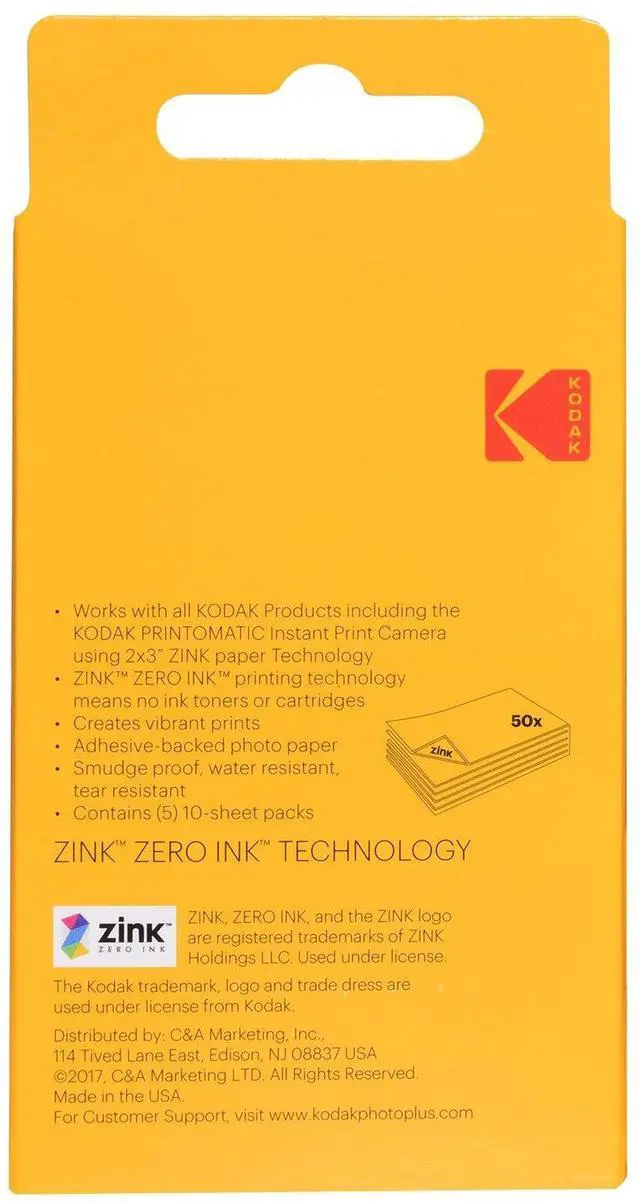
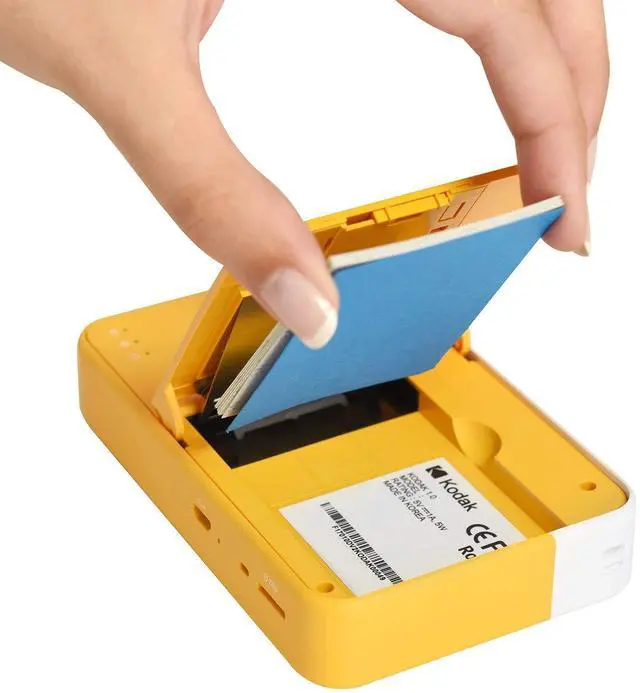
- STUNNINGLY VIBRANT DETAIL - Premium quality photo paper recreates every color and memorable moment with outstanding and brilliant detail. FRIENDLY PHOTOS - Zink paper removes the need for costly film and wasteful cartridges, ink and toners. LIFEPROOF PRINTS - Zink paper is coated with a glossy, protective polymer layer that is water resistant, tear resistant and dry to the touch. Zink prints are fade resistant, even when exposed to light, heat, and humidity. PRINT AND POST - Share or frame your Mini 2x3 photo prints, or peel off the sticky back and post them in a book. To get the best possible photo quality, make sure you properly calibrate your camera's printer by inserting the Blue Color Calibration sheet with the barcode facing down. The glossy side of the paper should be facing up. Avoid extremely cold environments as low temperatures can shorten the battery life and reduce camera performance

+
+
Overview
Specs
Reviews
Any questions? Our AI mode will help you find out quickly.
Try me now
STUNNINGLY VIBRANT DETAIL - Premium quality photo paper recreates every color and memorable moment with outstanding and brilliant detail. FRIENDLY PHOTOS - Zink paper removes the need for costly film and wasteful cartridges, ink and toners. LIFEPROOF PRINTS - Zink paper is coated with a glossy, protective polymer layer that is water resistant, tear resistant and dry to the touch. Zink prints are fade resistant, even when exposed to light, heat, and humidity. PRINT AND POST - Share or frame your Mini 2x3 photo prints, or peel off the sticky back and post them in a book.
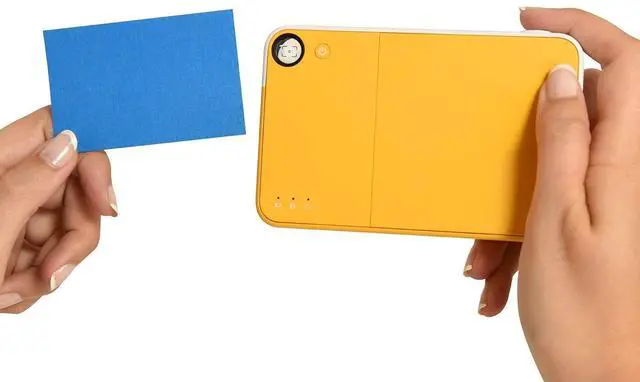
To get the best possible photo quality, make sure you properly calibrate your camera's printer by inserting the Blue Color Calibration sheet with the barcode facing down. The glossy side of the paper should be facing up. Avoid extremely cold environments as low temperatures can shorten the battery life and reduce camera performance
Warranty & Returns
Warranty, Returns, And Additional Information
Warranty
- Please contact the Seller directly for warranty information. Warranty information may also be found on the Manufacturer's website.
- CONTACT
Return Policies
- Return for refund within: 30 days
- Return for replacement within: 30 days
- This item is covered by SerendipHome PC Parts Return Policy
Manufacturer Contact Info
- For a directory of all our manufacturers, please click below.
- Manufacturers Directory
LOADING...