






About Us
We are a small business hoping to provide fun, interesting, and useful products for the home and office, with an eye on sustainability.

Frenchie Charcuterie Board
Not only cute but made from sustainable and durable natural bamboo.
Laptop and Monitor Memo Board
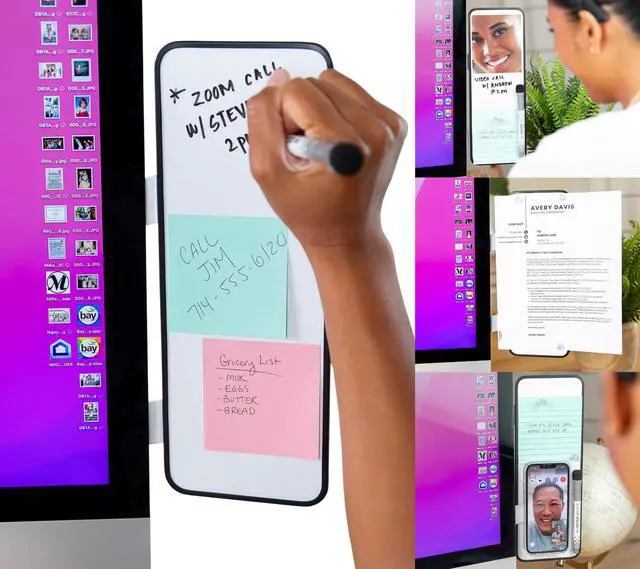
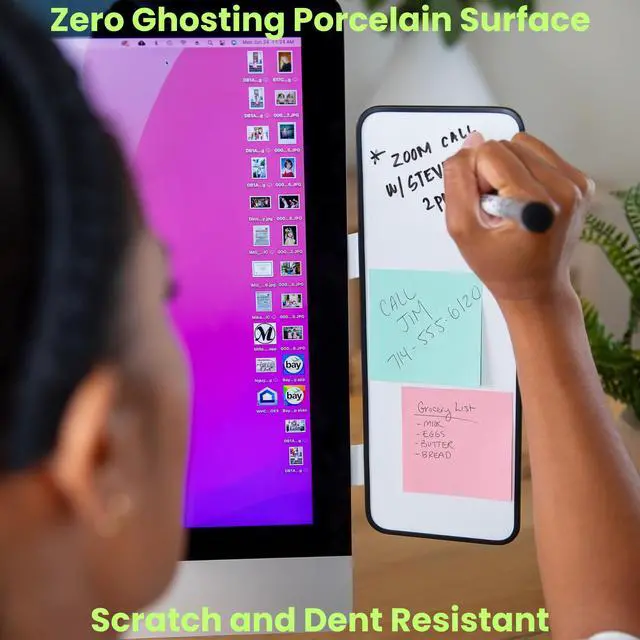
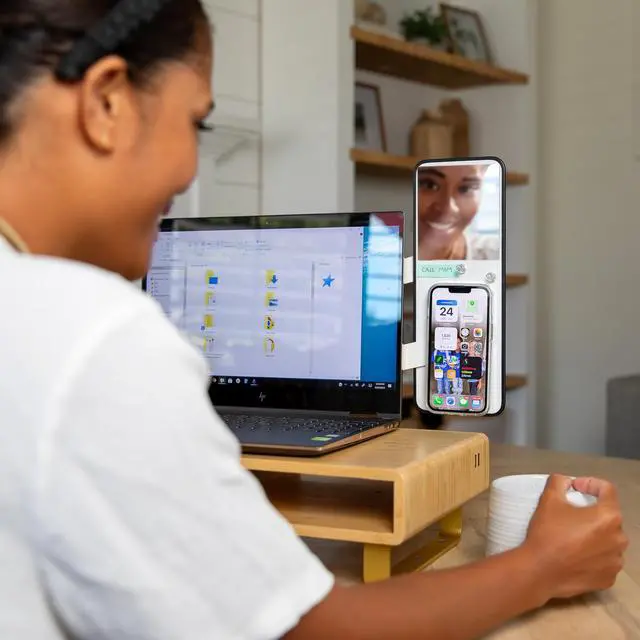
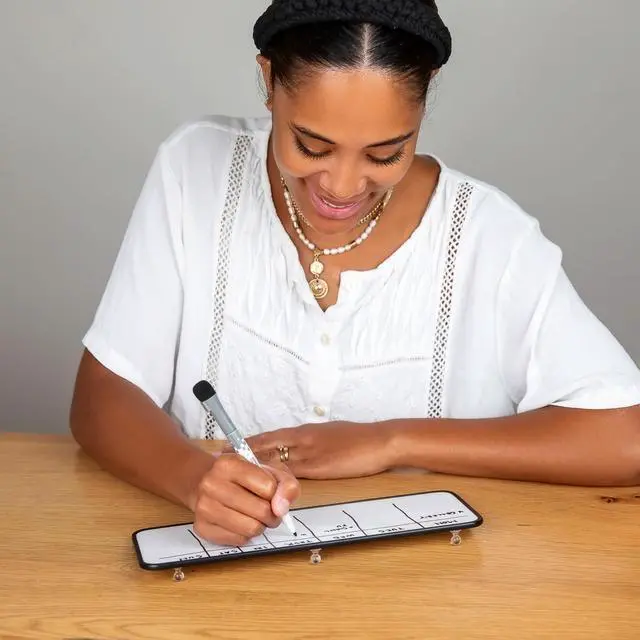
Multi-use removable double-sided magnetic whiteboard that is also a phone mount, doc holder, and note holder for a laptop or monitor.
Organize Your Workspace, Remove Clutter, and Work More Efficiently

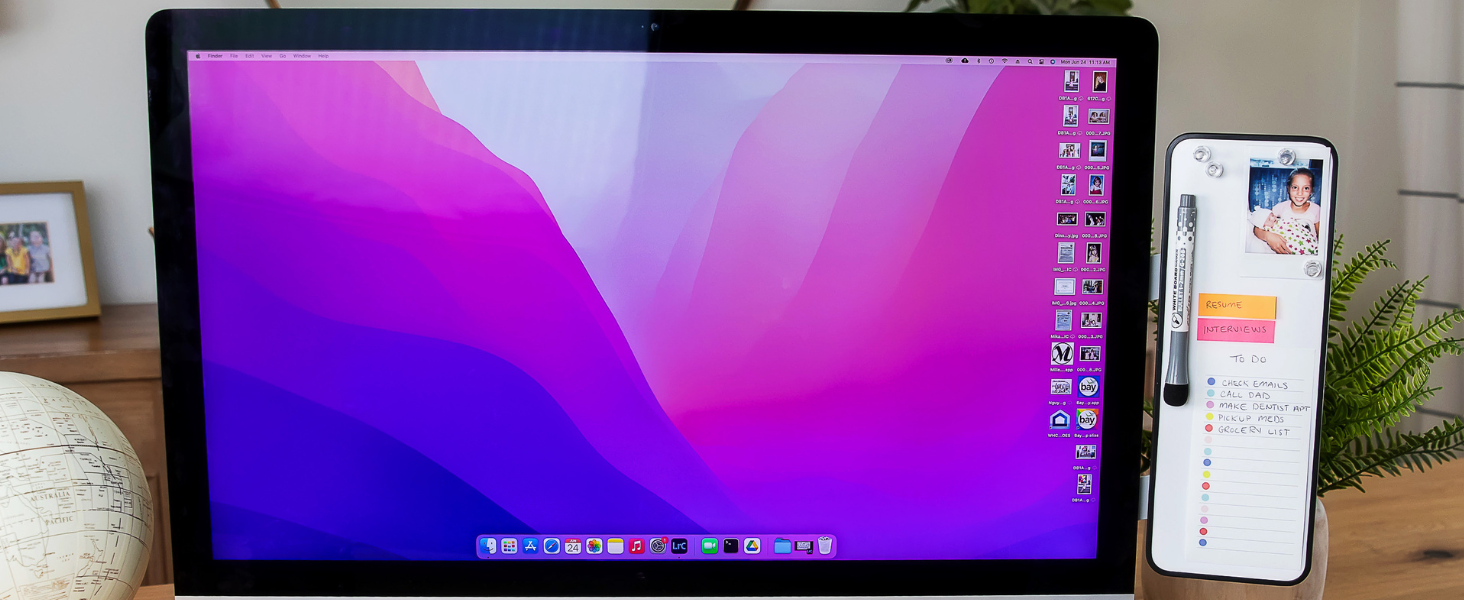
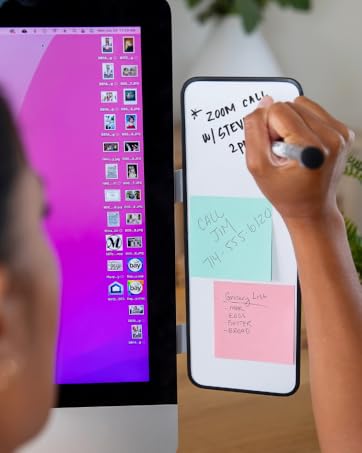
A place for all of your notes, sticky or otherwise
Use the included magents to support non-sticky notes or pictures
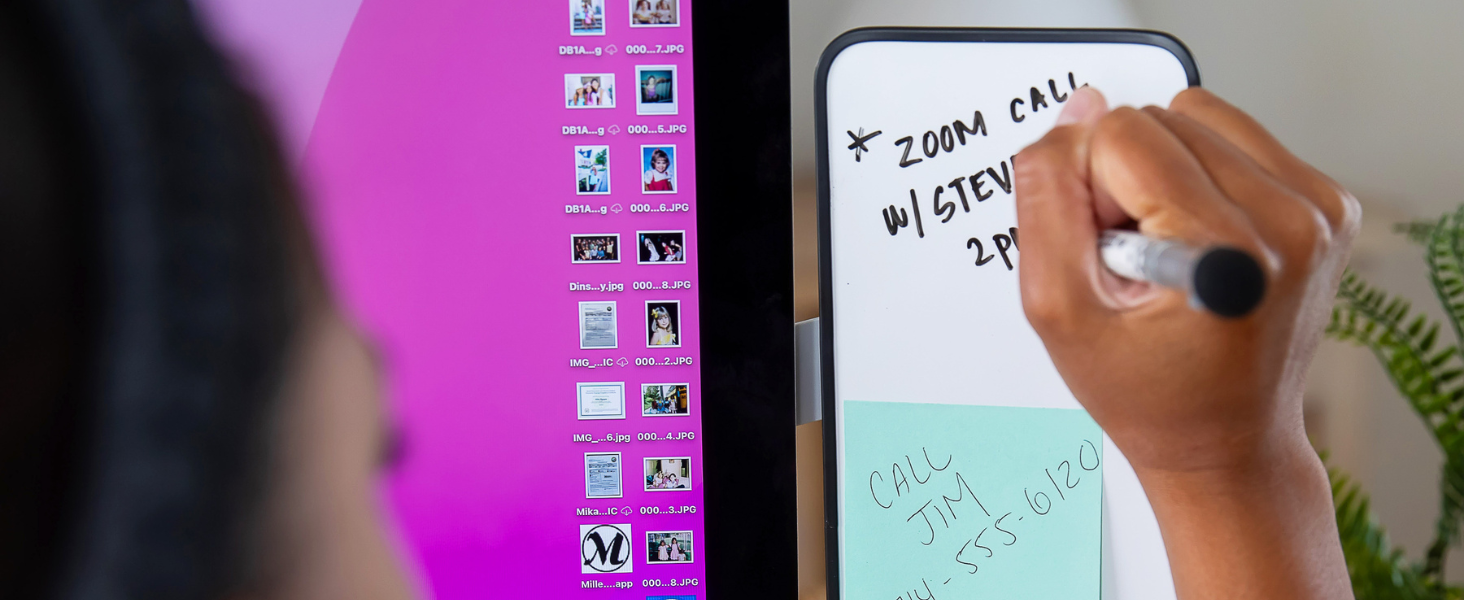
Premium Porcelain Double-Sided Magnetic Whiteboard
Comes with dry erase marker with eraser on cap
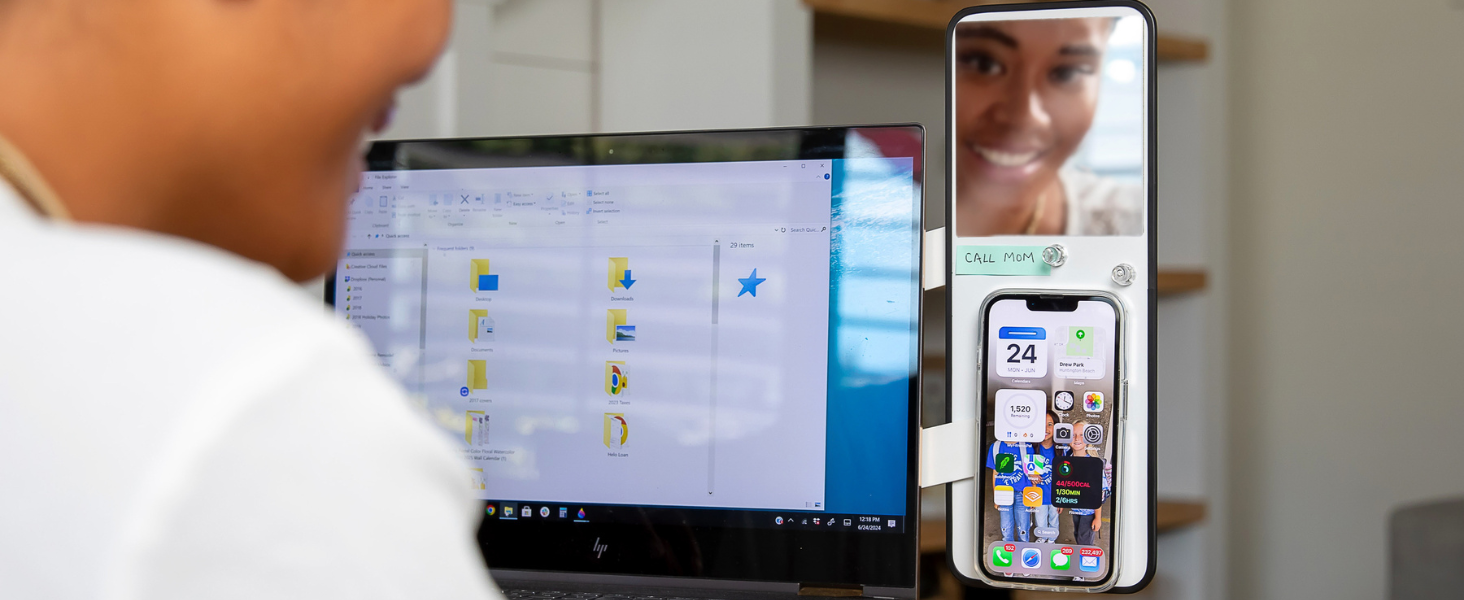
Great for Keeping Both Your Desk and Face Clean
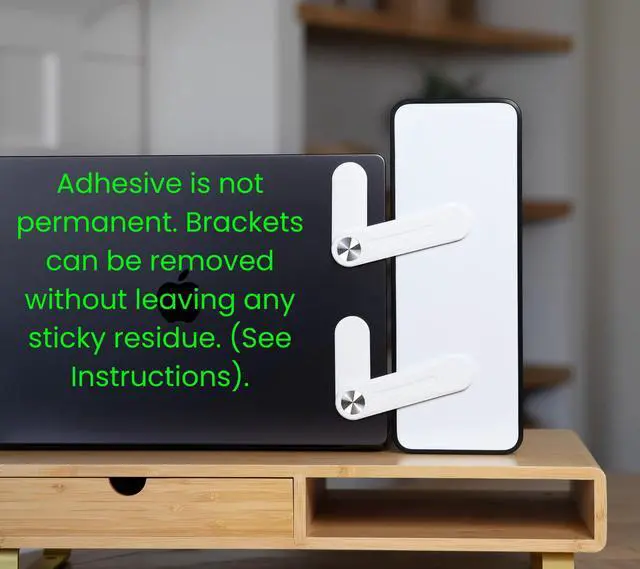
Mounting bracket doubles as a phone mount
Mirror for checking your face or over your sholder
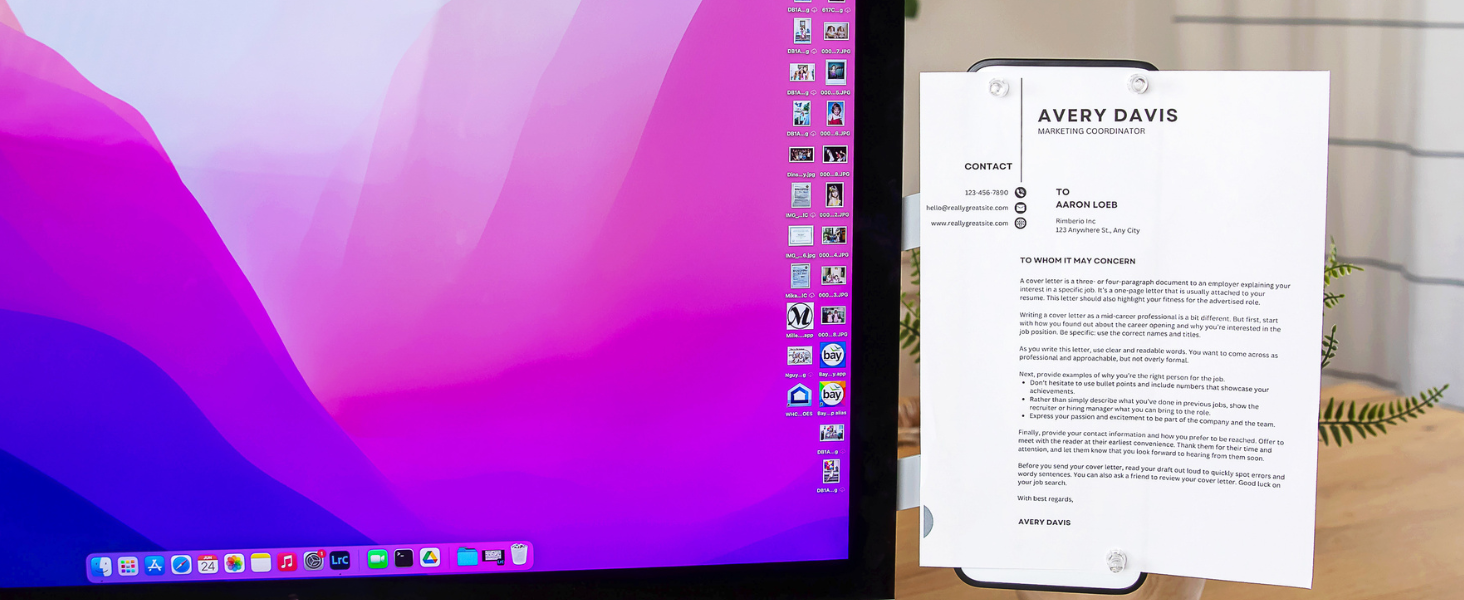
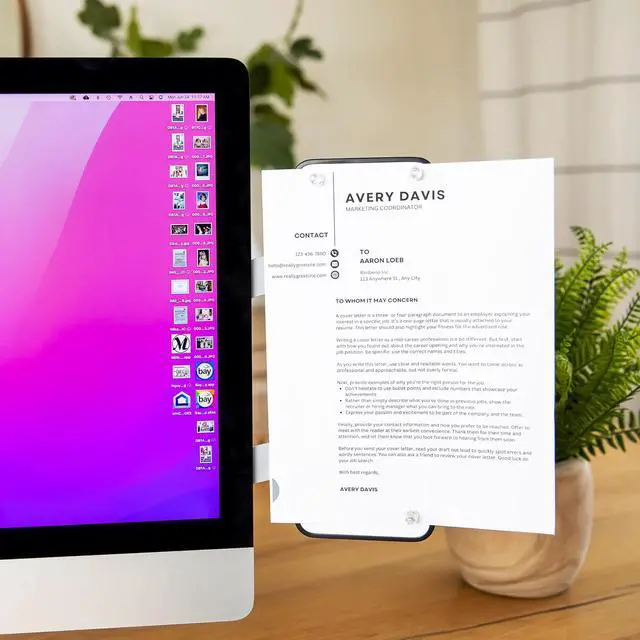
Use the Included Magnets to Support a Document
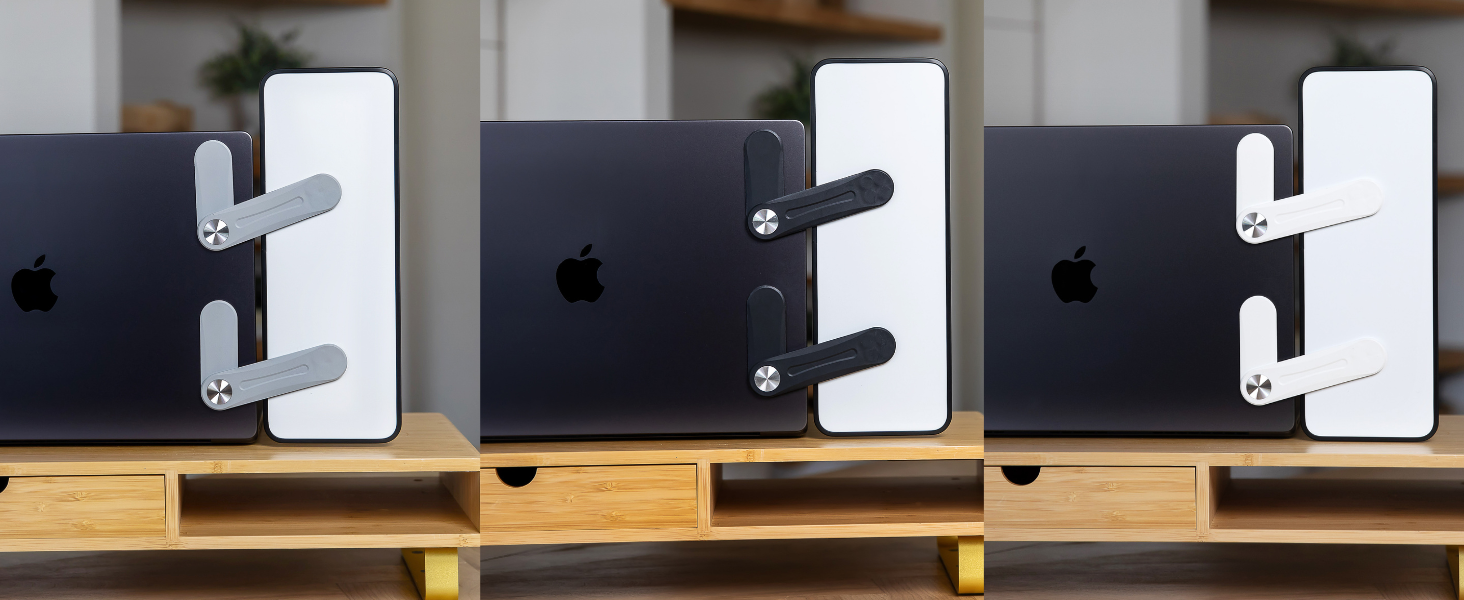
Three Bracket Colors to Choose From
Gray, Black, or White
What's Included

1
2
3
4
5
6
Installation Instructions


Are the mounting brackets removable from the monitor after application?
Yes! The mounting brackets use a special 3M adhesive that provides a strong bond, but also allows you to remove the brackets without leaving any sticky residue. See the included instruction sheet for a suggested removal procedure.
Is the mirror removable?
No. Once adhereed to the whiteboard surface, attempted removal will likely damage either the whiteboard or the mirror. But this is why the whiteboard is double-sided!
Do I need to use the metal disk to mount my phone?
If you have an iPhone with MagSafe, you will not need the metal disk unless you use a phone case that does not also have the MagSafe feature.
NOTE: Applying the metal disk directly on the phone may interfere with wireless charging capabilities.
Is the whiteboard removable from the brackets?
Yes! The whiteboard is magnetically attached to the brackets, so attachment to and removal from the brackets is a snap.
Phone Mount (Metal disk may not be necessary if using an iPhone with MagSafe)

Step 1
Remove Paper Backing from Metal Disk

Steps 2 and 3
Apply Metal Disk to Back of Phone or Phone Case and Remove Protective Film from Metal Disk

Step 4
Arrange One of Mounting Brackets in Front of the Whiteboard and Align Metal Disk with Magnet of Mounting Bracket

Step 5
Place Metal Disk Against Magnet to Support Phone
Three Variations
 Black Mounting Brackets |  Gray Mounting Brackets |  White Mounting Brackets |
|---|---|---|
Common Features Double-sided magnetic whiteboard, four magnets, dry-erase marker, and mirror | Common Features Double-sided magnetic whiteboard, four magnets, dry-erase marker, and mirror | Common Features Double-sided magnetic whiteboard, four magnets, dry-erase marker, and mirror |
Unique Feature Black magnetic mounting brackets | Unique Feature Gray magnetic mounting brackets | Unique Feature White magnetic mounting brackets |
Organize Your Workspace, Remove Clutter, and Work More Efficiently

A place for all of your notes, sticky or otherwise
Use the included magents to support non-sticky notes or pictures
Premium Porcelain Double-Sided Magnetic Whiteboard
Comes with dry erase marker with eraser on cap
Great for Keeping Both Your Desk and Face Clean
Mounting bracket doubles as a phone mount
Mirror for checking your face or over your sholder
Use the Included Magnets to Support a Document
Three Bracket Colors to Choose From
Gray, Black, or White


What's Included
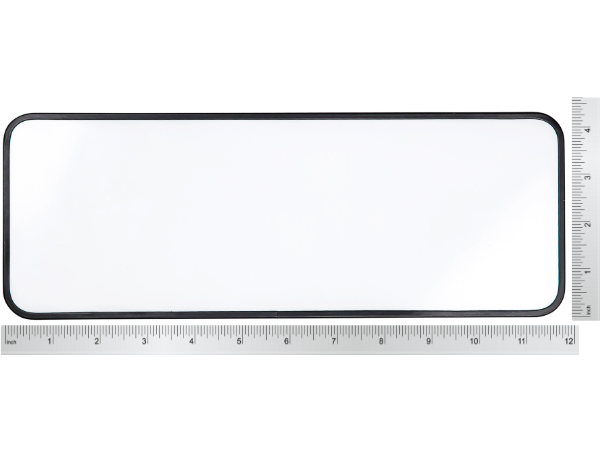
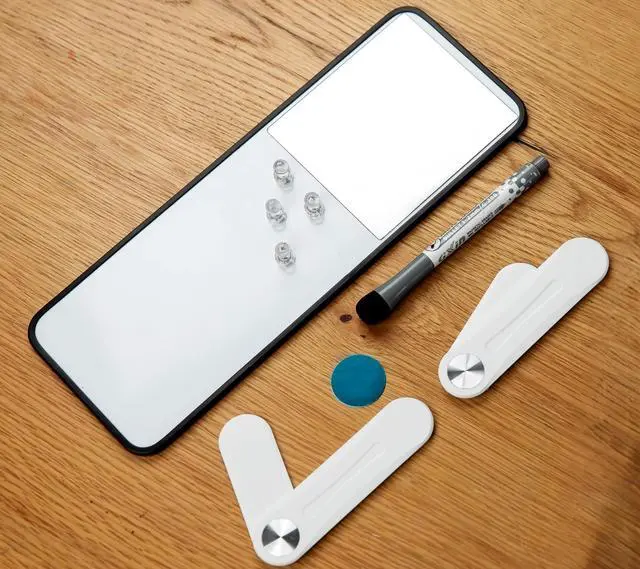
Double-Sided Magnetic Whiteboard 11.8" x 4.3"
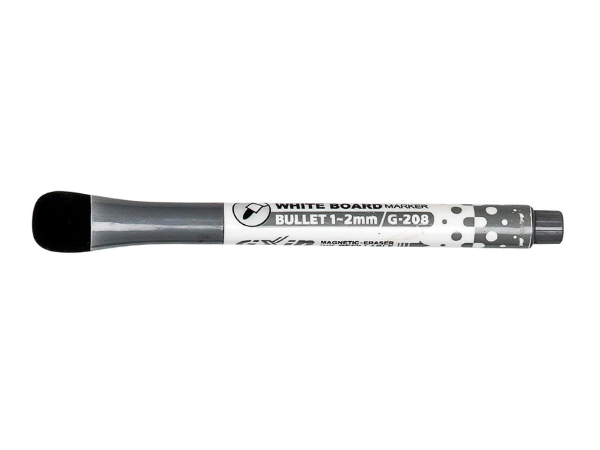
Dry Erase Marker with Eraser Cap
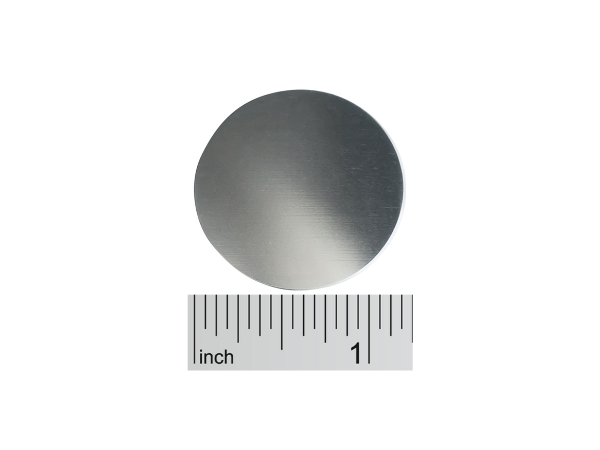
Metal Disk for Supporting Phone on Bracket
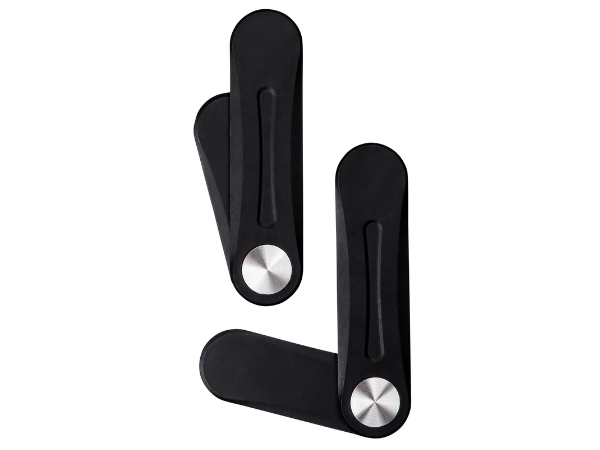
Two Removable Magnetic Mounting Brackets
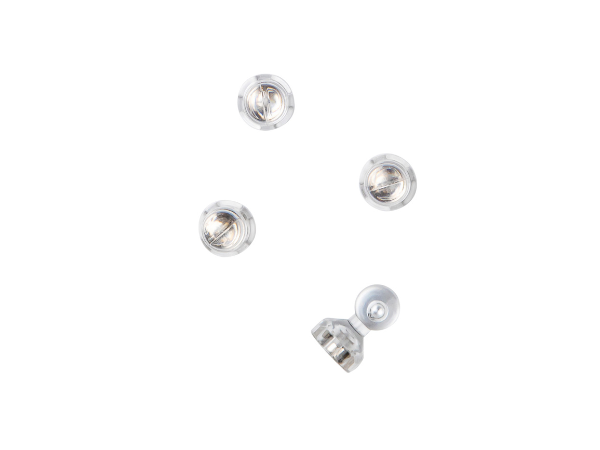
Four Clear Pin-Style Magnets
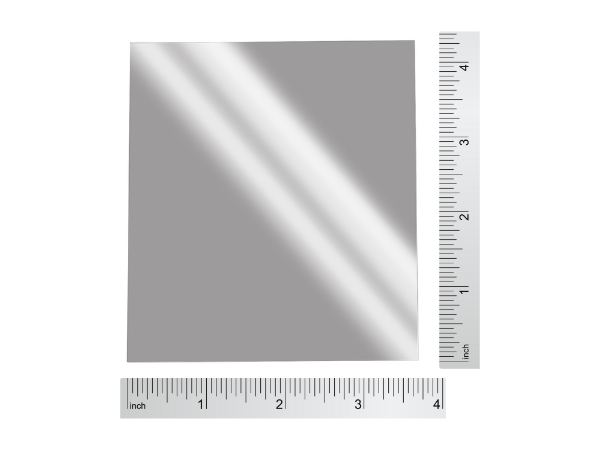
Personal or Security Mirror 4.3" x 3.7"
Installation Instructions


Are the mounting brackets removable from the monitor after application?
Yes! The mounting brackets use a special 3M adhesive that provides a strong bond, but also allows you to remove the brackets without leaving any sticky residue. See the included instruction sheet for a suggested removal procedure.
Is the mirror removable?
No. Once adhereed to the whiteboard surface, attempted removal will likely damage either the whiteboard or the mirror. But this is why the whiteboard is double-sided!
Do I need to use the metal disk to mount my phone?
If you have an iPhone with MagSafe, you will not need the metal disk unless you use a phone case that does not also have the MagSafe feature.
NOTE: Applying the metal disk directly on the phone may interfere with wireless charging capabilities.
Is the whiteboard removable from the brackets?
Yes! The whiteboard is magnetically attached to the brackets, so attachment to and removal from the brackets is a snap.
Phone Mount (Metal disk may not be necessary if using an iPhone with MagSafe)
Step 1
Remove Paper Backing from Metal Disk
Steps 2 and 3
Apply Metal Disk to Back of Phone or Phone Case and Remove Protective Film from Metal Disk
Step 4
Arrange One of Mounting Brackets in Front of the Whiteboard and Align Metal Disk with Magnet of Mounting Bracket
Step 5
Place Metal Disk Against Magnet to Support Phone
Three Variations
About Us
We are a small business hoping to provide fun, interesting, and useful products for the home and office, with an eye on sustainability.
Frenchie Charcuterie Board
Not only cute but made from sustainable and durable natural bamboo.
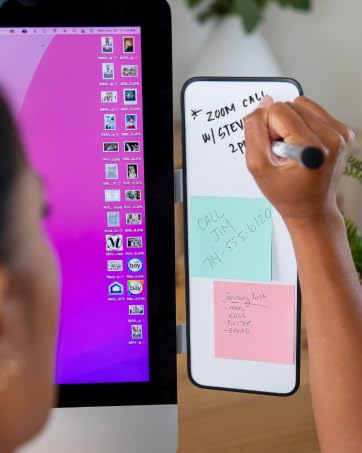
Laptop and Monitor Memo Board
Multi-use removable double-sided magnetic whiteboard that is also a phone mount, doc holder, and note holder for a laptop or monitor.
