

Your Browsing History
- $22.99
- Free 30-day Returns
Ships from China.
Sold by QGeeM Factory Store
Shipped by QGeeM Factory Store

Meet Your Seller


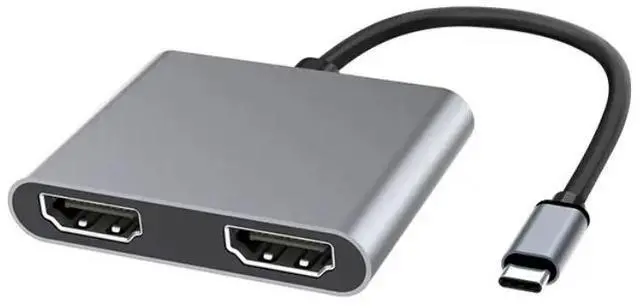
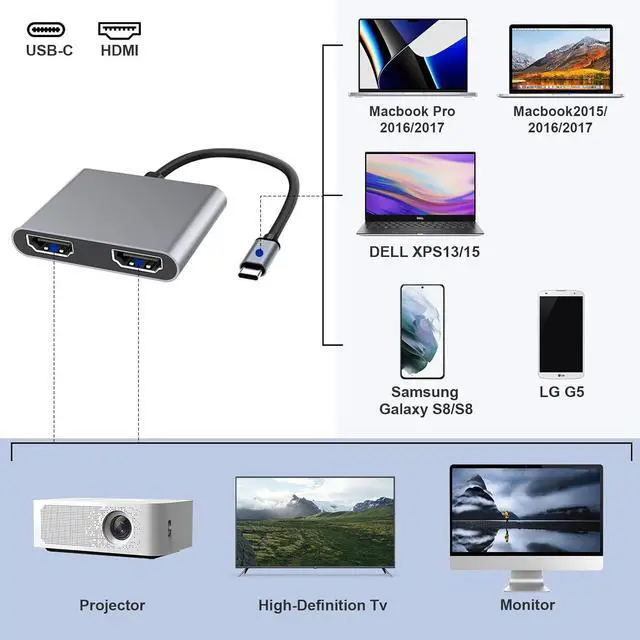


USB C to Dual HDMI Adapter, Type C to HDMI Splitter for Dual Monitors Extended Display, 4K@60Hz for 1 Port 4K@30Hz for 2 Ports,Converter for Dell XPS 13/15/17, HP, Lenovo, Surface Type C Laptop-UH02-6
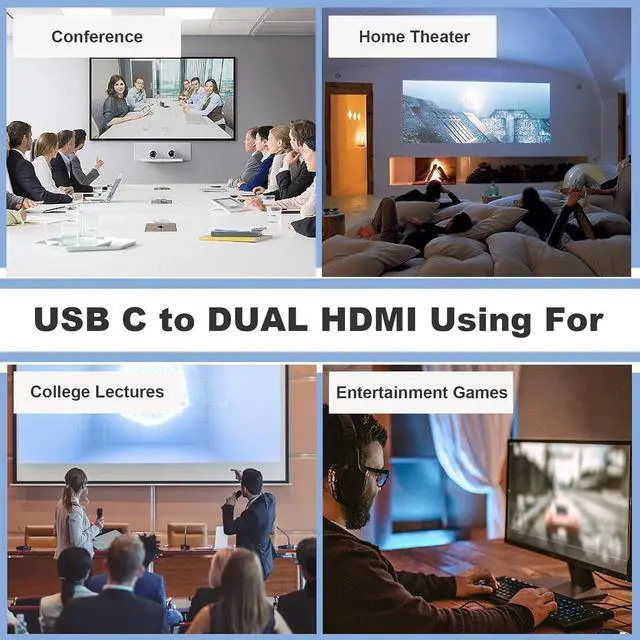
- USB-C to HDMI adapter: 2 in 1 USB-C to HDMI hub, you can easily extend your laptop's connectivity options by adding 2 4K HDMI ports. This USB C to HDMI splitter 1 in 2 out support connecting 2 monitors on laptop or PC, providing you the convenience of an expanded or mirrored display. This USB C to HDMI is made from aluminum alloy case with mini size, so its very durable and portable.(Note: For aluminum alloy products, it is normal for the heating temperature to be within 50/122. Please feel free to use it.)
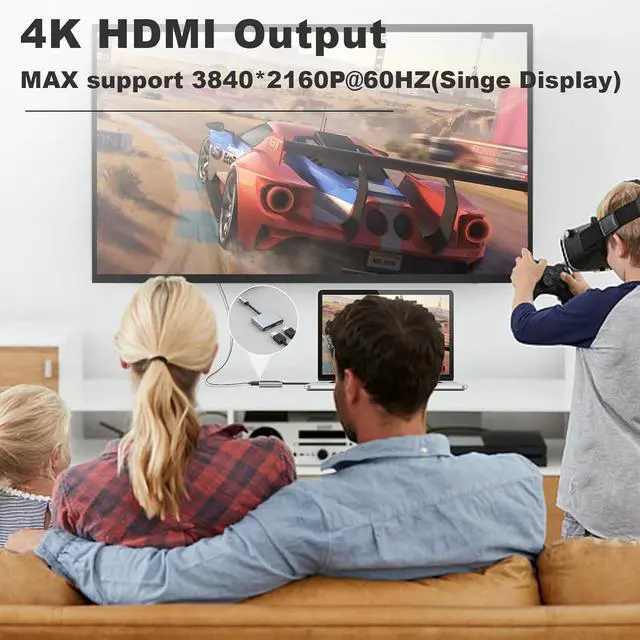
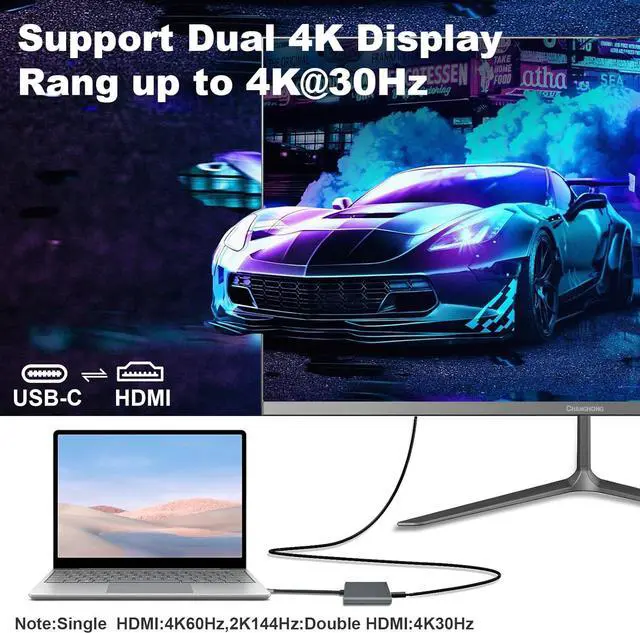
- UHD Resolution Max Up to 4K@60Hz: This USB C to dual HDMI adapter supports a single HDMI output with a maximum resolution of 4K@60Hz. Connect two HDMI outputs for dual displays, each with a maximum resolution of 4K@30Hz. For 4K resolution output, we recommend using an HDMI 2.0 (19+1 pin) cable with a maximum length of 3m/9.8 feet. For 1080P resolution output, recommend using an HDMI 2.0 (19+1 pin) cable with a maximum length of 8m/26feet, or using an HDMI 1.4 (19+1 pin) cable with a maximum length of 5m/16.4 feet
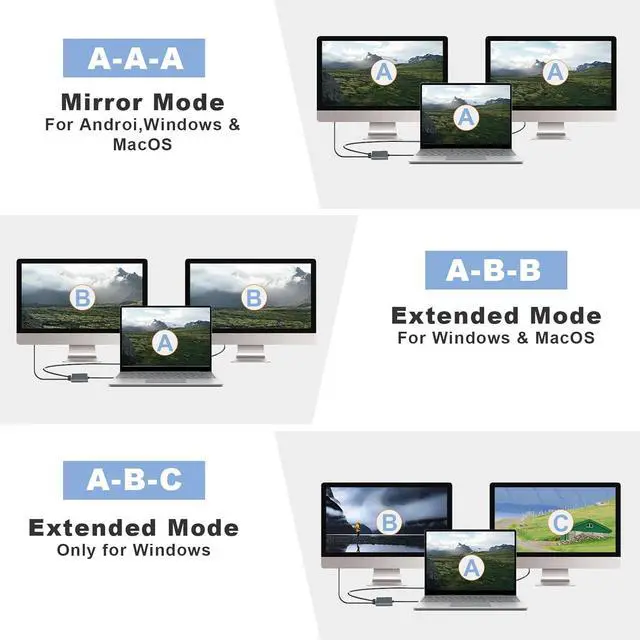
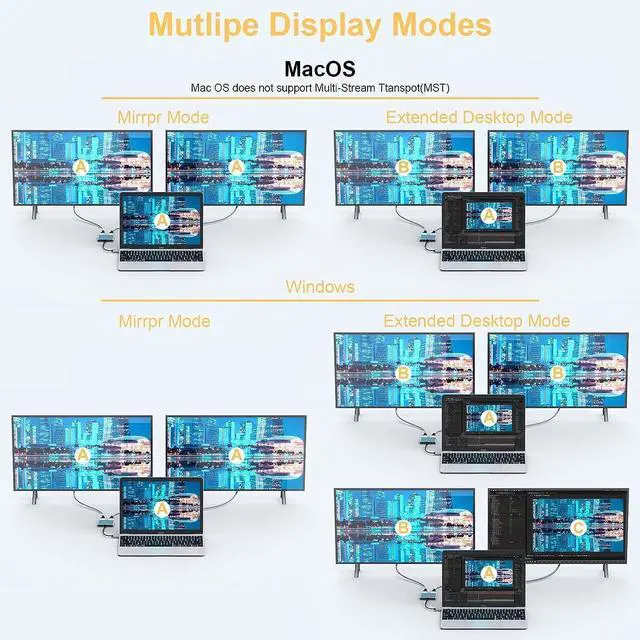
- Extended & Mirror Mode Display: This USB C to HDMI Converter allows you to easily customize your display setup on Windows systems, supporting extended mode and mirror mode. For Mac OS users, this USB C to 2 HDMI adapter supports extended ABB mode and copy mode, but does not support extending 3 different displays. But, please note that for Android and other OS systems with a Type-C port, screen mirroring is the only supported display mode with this adapter
+
+
Specs
Reviews

Any questions? Our AI mode will help you find out quickly.
Try me now
Learn more about the Detailed Specifications
| Brand | QGeeM |
|---|---|
| Part Number | 2 |
| Type | USB-C to HDMI Adapters |
|---|
| First Listed on Newegg | May 29, 2026 |
|---|
Warranty & Returns
Warranty, Returns, And Additional Information
Warranty
- Please contact the Seller directly for warranty information. Warranty information may also be found on the Manufacturer's website.
- CONTACT
Return Policies
- Return for refund within: 30 days
- Return for replacement within: 30 days
- This item is covered by QGeeM Factory Store Return Policy
Manufacturer Contact Info
- For a directory of all our manufacturers, please click below.
- Manufacturers Directory
LOADING...