

Your Browsing History
- Free 30-day Returns
$18.99
Ships from China.


Meet Your Seller

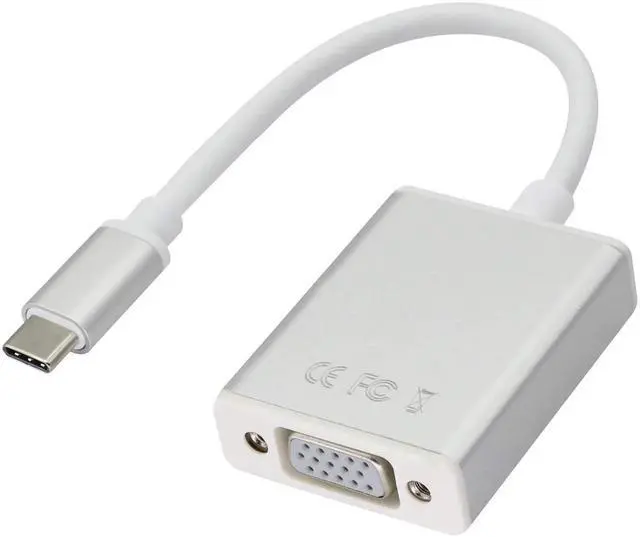
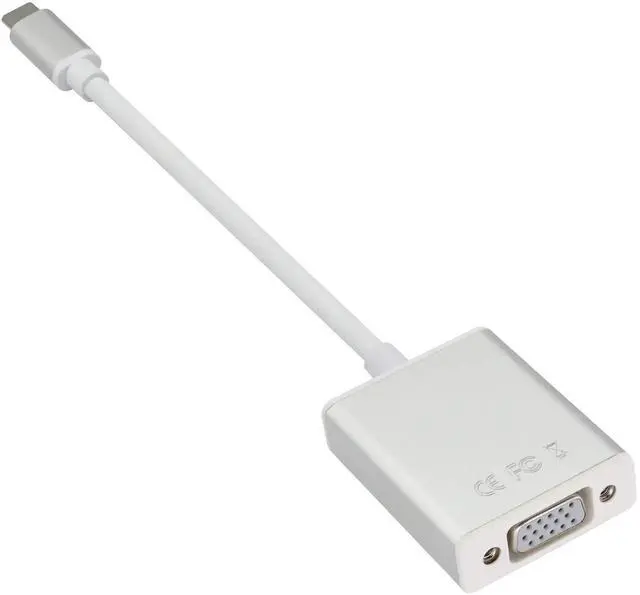
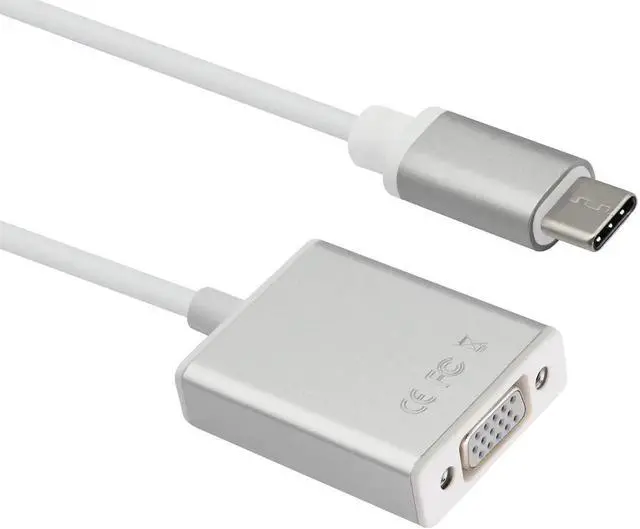
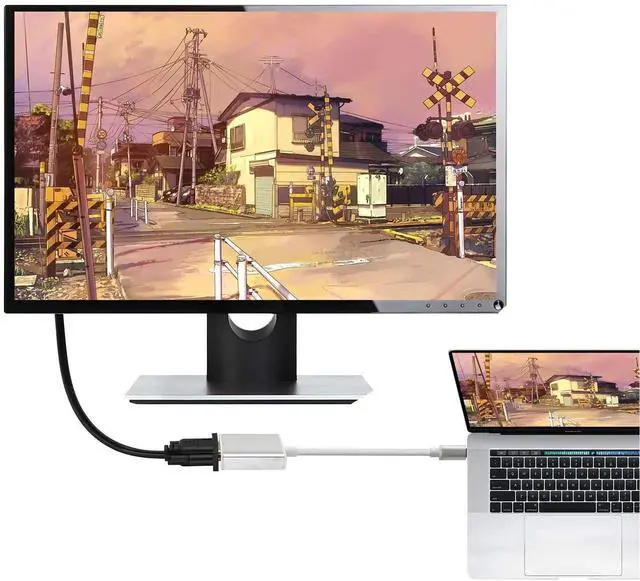


USB C to VGA Adapter, Type C to VGA Converter Cable, Screen Display for MacBook 2017/2016 Pro 2019/2018,Lenovo, Samsung S8/9, Note8, Huawei Mate 10 and More (21cm/8inch) (VGA)
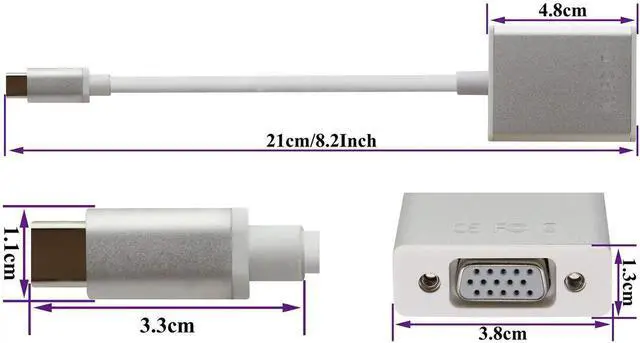
- Quantity:(1-Pack) Size:Length(20cm/8.2inch) Material: Aluminum alloy housing PVC plastic. Color:(Silver plus white)
- Connectors 1 :USB Type c male Input jack. (USB C-male port can connect many Type-C devices) Connectors 2 : VGA female output jack
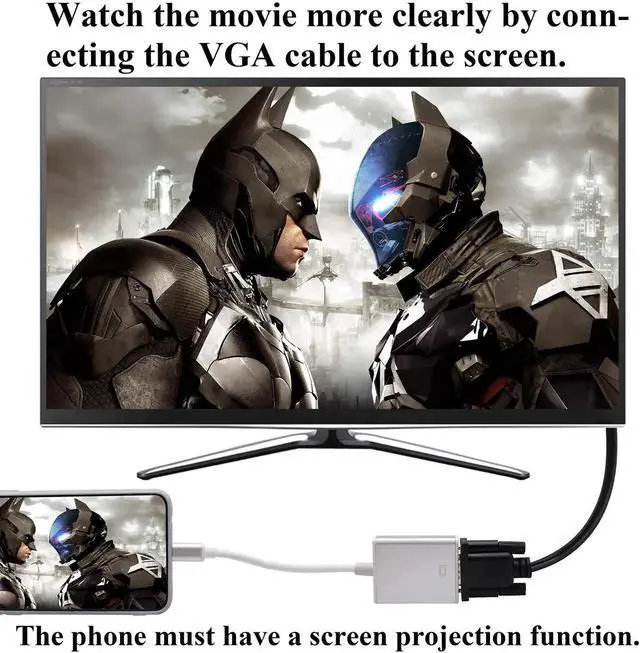
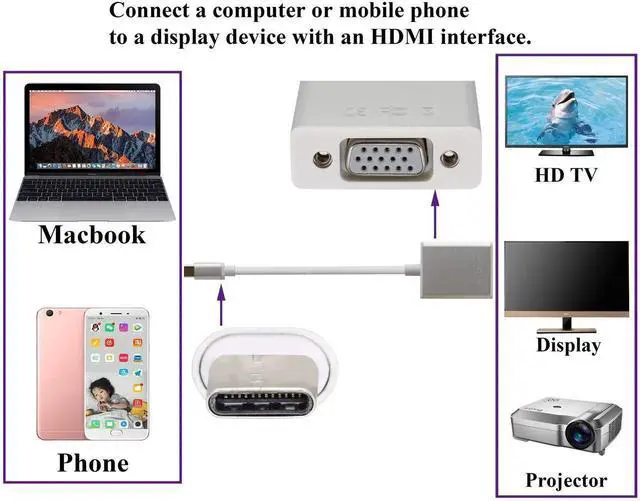
- VGA Female Port :Mirror or extend your USB-C device such as laptop display to VGA-enabled projector, HDTV, monitor, or other VGA-compatible display.(VGA up to [email protected]: VGA out allows only video. There will be no audio output.Note: Make sure that your input phone or laptop and output monitor type C port support video input and output, For easy video projection)
- USB 3.1 Type C Male Port : It also compatible with other USB-C devices (Notebooks and Smartphones) like Samsung Galaxy S10/S10 /S10e/S9/S9 /S8/S8 /Note8/Note9, Huawei Mate10/Mate10 Pro/P20/P20 Pro, MacBook Pro 2018/2017/2016, MacBook 2018/2017/2016, MacBook Air 2018 and USB-C port devices for devices supporting video projection input
+
+
Overview
Specs
Reviews

Any questions? Our AI mode will help you find out quickly.
Try me now
Quantity:(1-Pack)
Size:Length(20cm/8.2inch)
Material: Aluminum alloy housing PVC plastic.
Color:(Silver plus white)
Connectors 1 :USB Type c male Input jack. (USB C-male port can connect many Type-C devices)
Connectors 2 : VGA female output jack
VGA Female Port :Mirror or extend your USB-C device such as laptop display to VGA-enabled projector, HDTV, monitor, or other VGA-compatible display.
{Note: VGA out allows only video. There will be no audio output.HDMI our allows video and audio.
Compatible Devices(not a full list):
HUAWEI Mate 10 / Mate 10 Pro / Mate 20 / Mate 20 Pro / Mate X / P20 / P20 Pro / P30 / P30 Pro / Honor Note 10 /
Samsung Galaxy S8 / S8 / Note8 / S9 / S9 / Note9 / S10 /S10e / S10 / Note 10 and Tab S4.
LG G5 / G7 / G7 / Q8 / V20 / V30 / V35
HTC 10 / HTC U Ultra / U11 / HTC U12
Thinkpad E580 / T470 / T480 / X1 Carbon (2017) / A485 / A285 / E485 / E585 / Yoga 900 / 910 / 920
MacBook Pro 2019 / 2018 / 2017 / 2016 / Mac Pro / iPad Pro* iMac (Mid 2017) and newer / iMac Pro
Dell XPS 15 / 13 / 12
HP Spectre 13 laptop
windows: Windows Menu--> Setting--> Display--> Advanced Display Settings, set your laptop's resolution same as or lower the resolution of external monitor.
Windows system: Please press Windows key + P combination command-->choose Duplicate or Extend.
- Aluminum housing: Rugged aluminum shell cable,which make it more durable and sturdier than normal cables.
Warranty & Returns
Warranty, Returns, And Additional Information
Warranty
- Please contact the Seller directly for warranty information. Warranty information may also be found on the Manufacturer's website.
- CONTACT
Return Policies
- Return for refund within: 30 days
- Return for replacement within: 30 days
- This item is covered by Chancelv Return Policy
Manufacturer Contact Info
- For a directory of all our manufacturers, please click below.
- Manufacturers Directory
LOADING...