




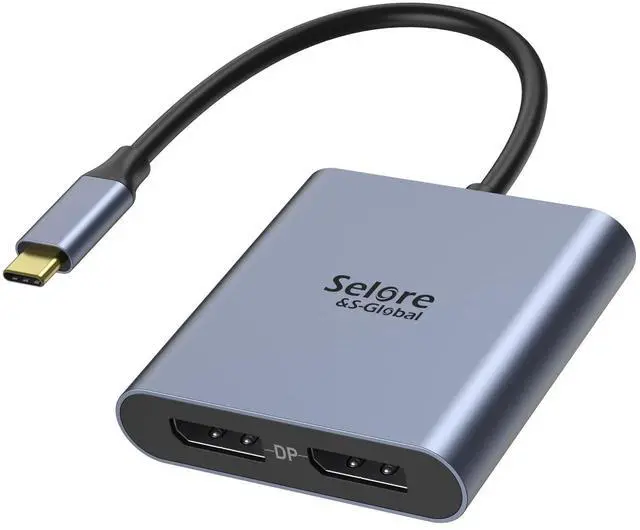
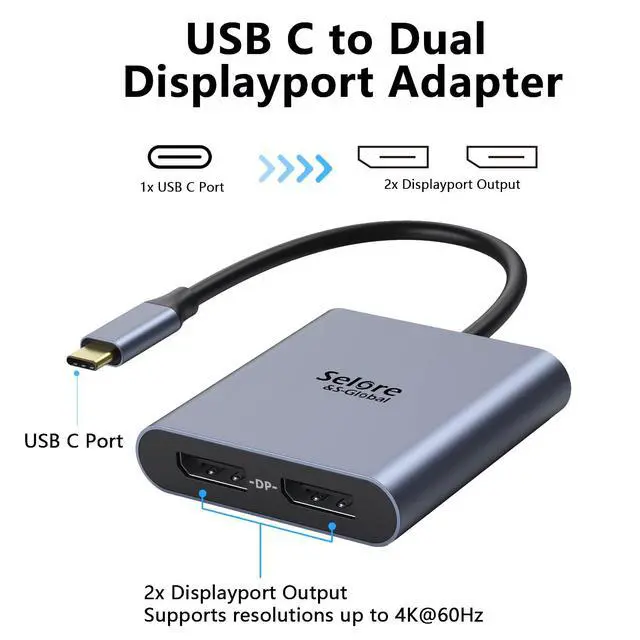
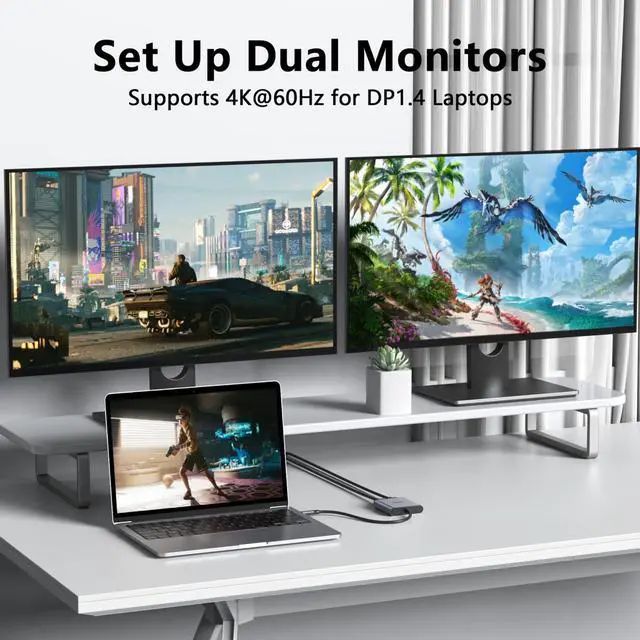
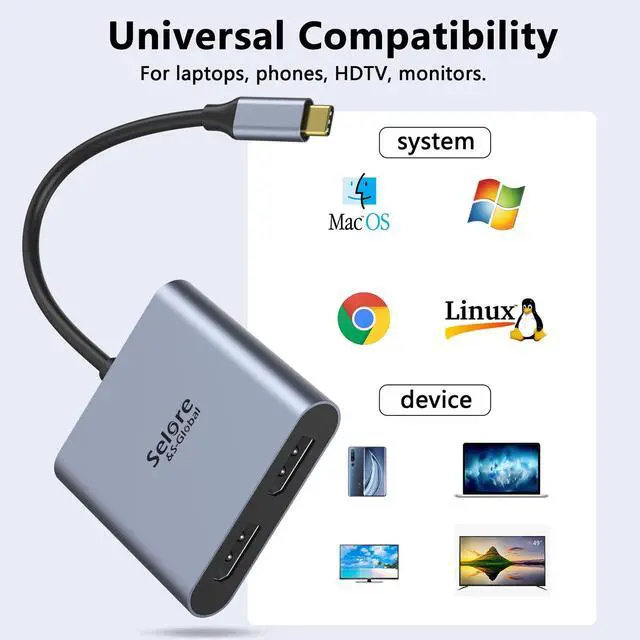


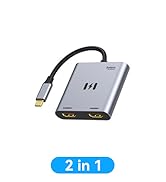
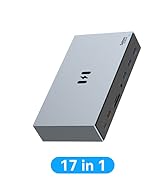
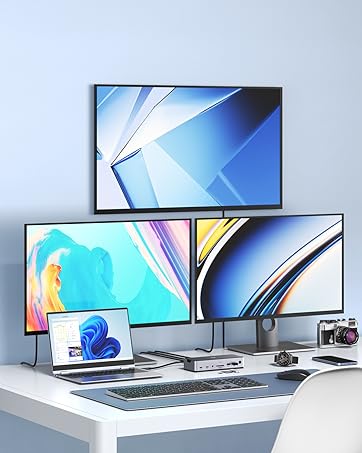


USB C to dual DisplayPort adapter supports Dual Monitors 4K@60Hz when the source is DP1.4

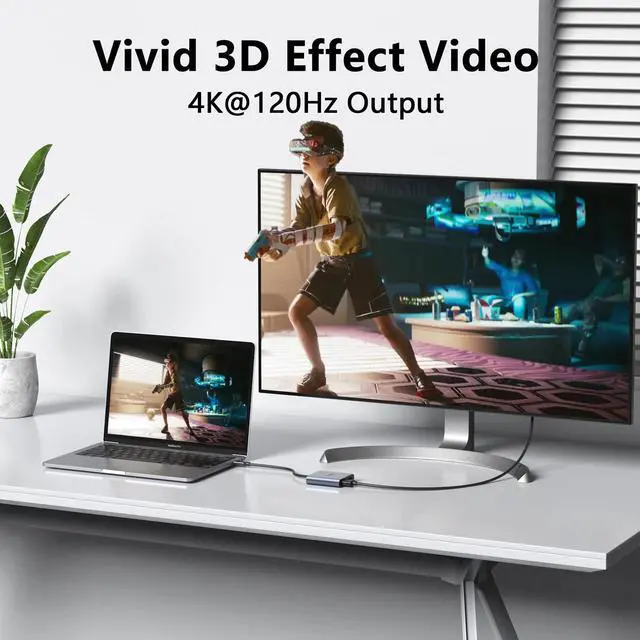
This DisplayPort adapter resolution is up to 4K@120Hz, you play games on screen without any millisecond delay.

Displayport Splitter Adapter

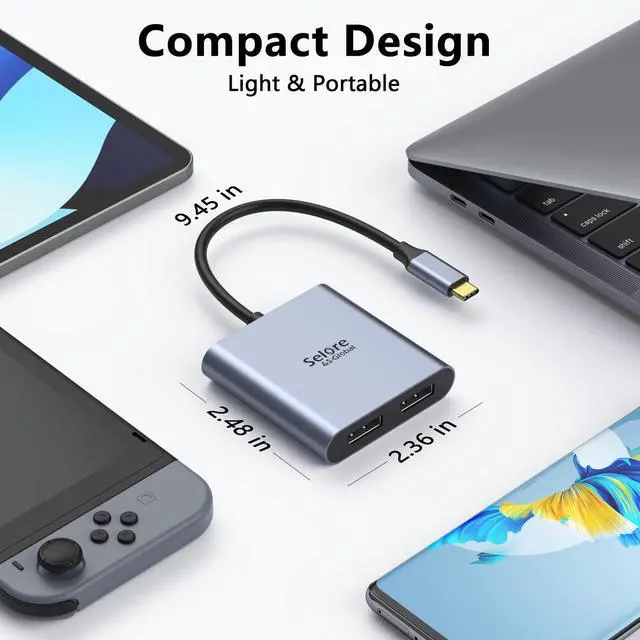
Lightweight and Portable
Dual 4K DisplayPort Adapter is easy to use and carry, perfect for office, school, home and travel.

Plug and Play
The dual monitor DisplayPort adapter plugs into the device and can be used directly.

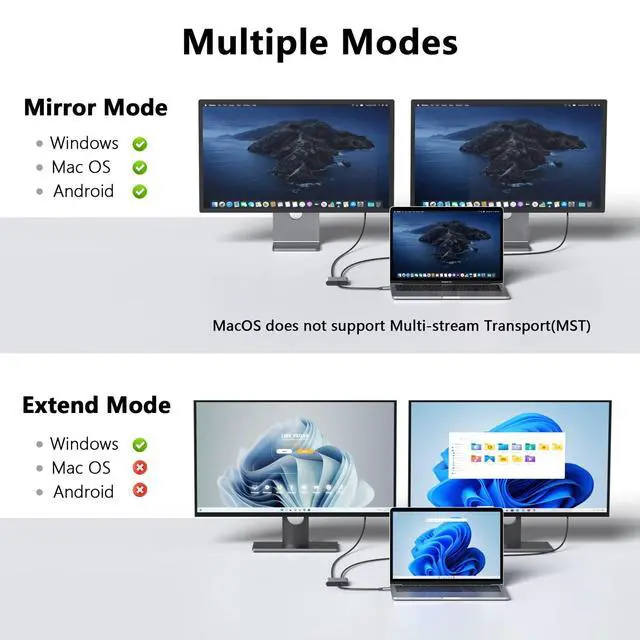
Does this adapter support two independent screens (Extended Mode) on Mac?
No. On macOS, this adapter only supports Mirror Mode (duplicate display). Extended Mode (separate desktops) is not supported due to macOS system limitations.
How to set up dual monitors on Windows?
1) Ensure your laptop's USB-C port supports DP Alt Mode. 2) Connect monitors to adapter, then plug into PC. 3) Go to Settings > System > Display and select “Extend these displays”.
One monitor has no signal. What to do?
Follow these steps: 1) Check connection order (Monitors?Adapter?PC). 2) Try a different DP cable. 3) Go to Display Settings and click “Detect”. 4) Update your graphics driver.
How to check if my computer is compatible?
For Mac: It is compatible, but only mirrored mode is supported. If you are unsure, it is recommended that you carefully review the official specifications of your computer model or use a system information tool to confirm before purchasing.
Any important usage tips?
Yes: 1) Use certified DP 1.4 cables for 4K@60Hz. 2) Always connect monitors first. 3) For Mac users, expect Mirror Mode only. 4) For stability, connect the adapter directly to your computer, not through another hub.


USB C to dual DisplayPort adapter supports Dual Monitors 4K@60Hz when the source is DP1.4

This DisplayPort adapter resolution is up to 4K@120Hz, you play games on screen without any millisecond delay.

Displayport Splitter Adapter
Lightweight and Portable
Dual 4K DisplayPort Adapter is easy to use and carry, perfect for office, school, home and travel.
Plug and Play
The dual monitor DisplayPort adapter plugs into the device and can be used directly.

Does this adapter support two independent screens (Extended Mode) on Mac?
No. On macOS, this adapter only supports Mirror Mode (duplicate display). Extended Mode (separate desktops) is not supported due to macOS system limitations.
How to set up dual monitors on Windows?
1) Ensure your laptop's USB-C port supports DP Alt Mode. 2) Connect monitors to adapter, then plug into PC. 3) Go to Settings > System > Display and select “Extend these displays”.
One monitor has no signal. What to do?
Follow these steps: 1) Check connection order (Monitors?Adapter?PC). 2) Try a different DP cable. 3) Go to Display Settings and click “Detect”. 4) Update your graphics driver.
How to check if my computer is compatible?
For Mac: It is compatible, but only mirrored mode is supported. If you are unsure, it is recommended that you carefully review the official specifications of your computer model or use a system information tool to confirm before purchasing.
Any important usage tips?
Yes: 1) Use certified DP 1.4 cables for 4K@60Hz. 2) Always connect monitors first. 3) For Mac users, expect Mirror Mode only. 4) For stability, connect the adapter directly to your computer, not through another hub.
MST for Windows
USB C Hub
MacBook Adapter
Docking Station
Power Bank
