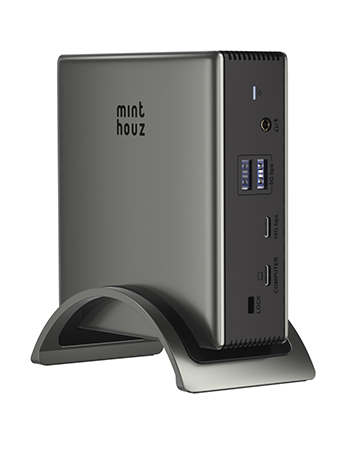
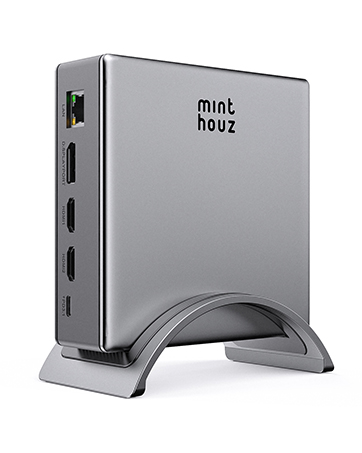
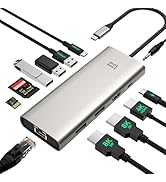
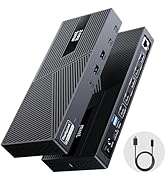
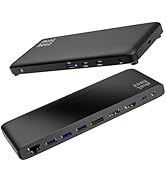
USB C Docking Station Dual Monitor Adapter for Dell HP, Laptop Docking Station 3 Monitors Quad Display USB C Hub Dongle to 4K HDMI+DP,4 USB2.0,100W PD,2.5G Ethernet,12 in 1Dock for Lenovo,Surface
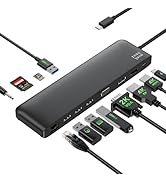
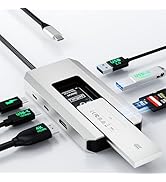
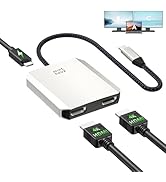
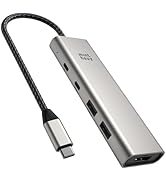
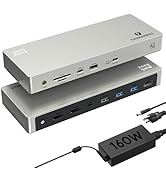
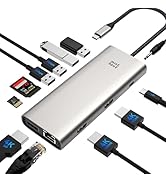
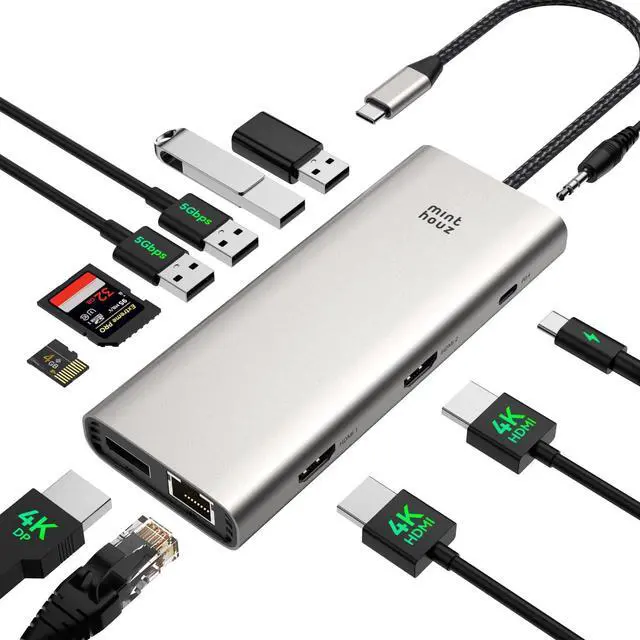
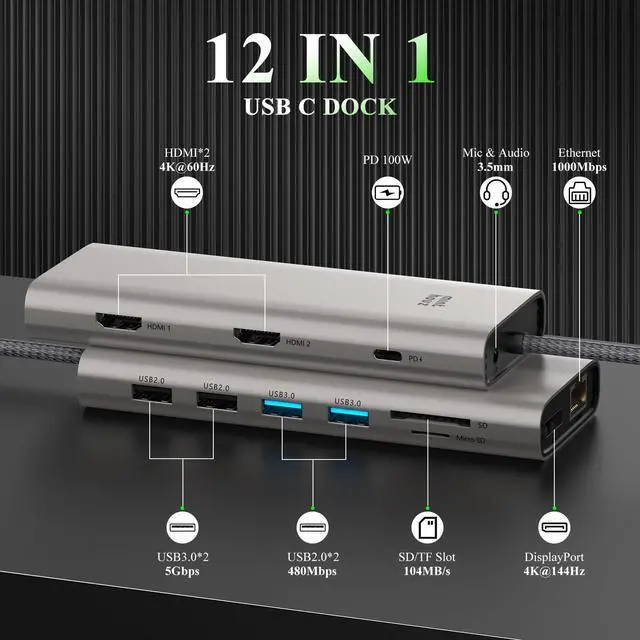
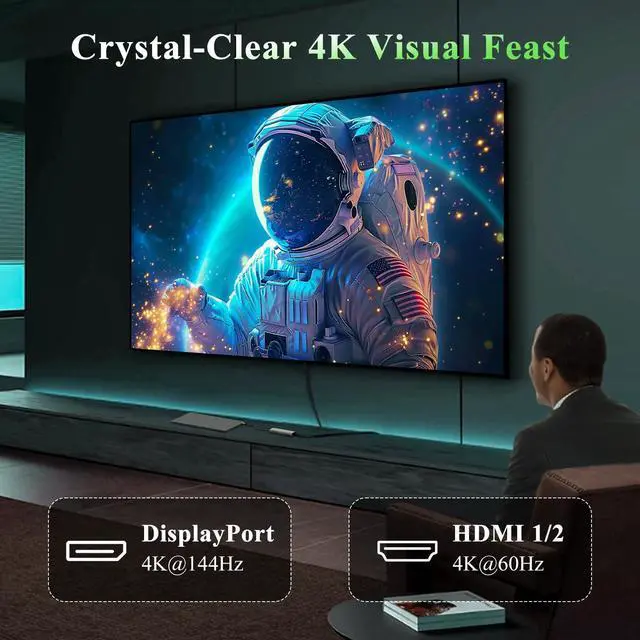
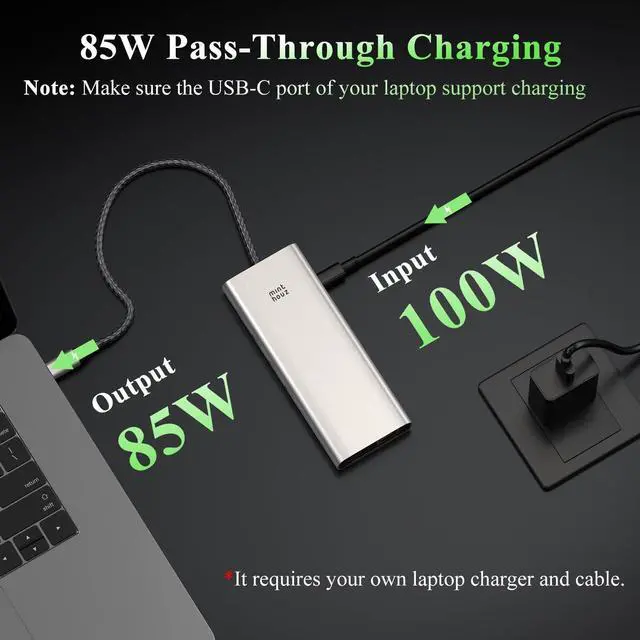
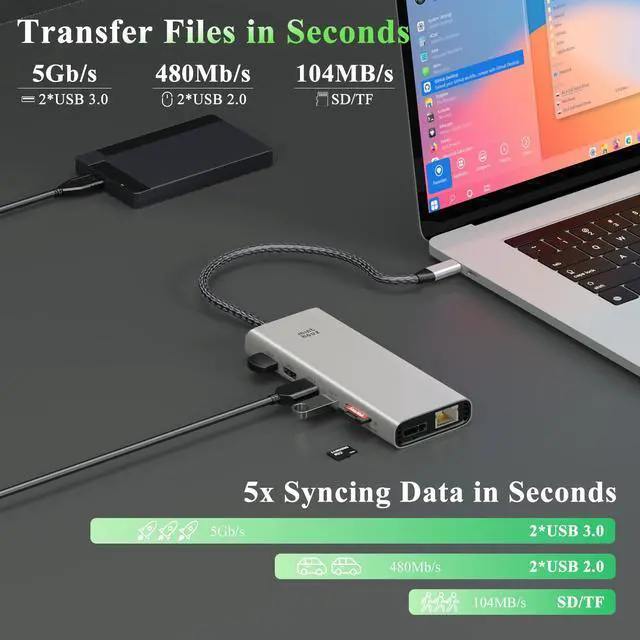
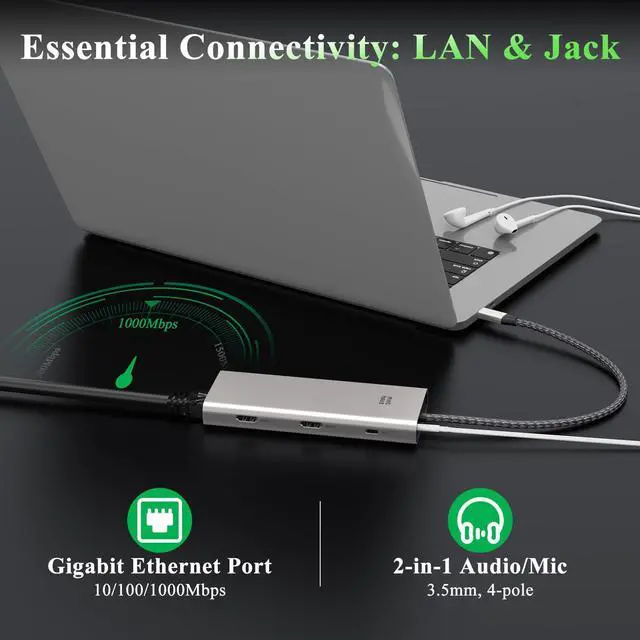
12 in 1 Laptop Docking StationPlug and play. With this usb c hub multiple adapter with 4K@144Hz DP, 4K@60Hz HDMI *2, USB-C PD 100W In, 2x 5Gbps USBa 3.0, 2x USB 2.0, Gigabit Ethernet, SD/TF slots, and a 2-in-1 Audio/Mic laptop docking station dual monitor,Note: Multi-Stream Transport (MST) is not supported on Mac laptops.
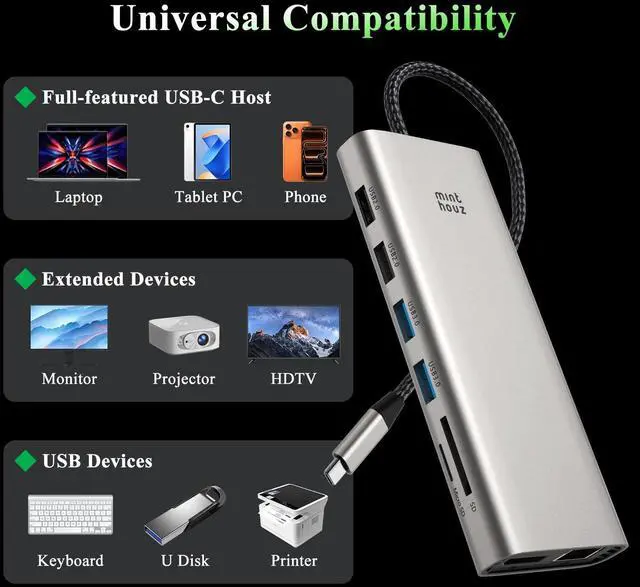
Broad Compatibility USB C Hub multiport adapter with Full-featured USB Type-C port (support Display, charging, data transfer protocol), for Dell XPS13/15/17, Dell latitude 5420/7420, Lenovo Thinkpad, Lenovo Yoga, HP Elitebook 840,HP envy, Surface pro 7 8, MacBook Pro/Air. laptop docking station No driver installation requiredsimply plug in and start using hassle-free
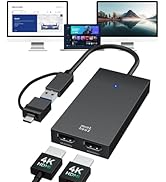
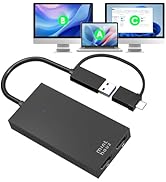
Docking Station 3 Monitors USB C Dock dual monitor for visual creators and gamers, usb c docking station delivers ultra HD images with triple 4K (under DP1.4 & DSC1.2) through HDMI and DP1/DP2 ports,Ensure your laptop's USB-C port supports video output. This computer docking station for laptops dual monitor for laptop will help you easily to achieve docking station 3 monitors, make your work/life more efficient
+
+
Overview
Specs
Reviews
Any questions? Our AI beta will help you find out quickly.
USB C Docking Station Dual Monitor Adapter for Dell HP, Laptop Docking Station 3 Monitors Quad Display USB C Hub Dongle to 4K HDMI+DP, 4 USB 2.0, 100W PD, 2.5G Ethernet, 12 in 1Dock for Lenovo, Surface
Learn more about the Detailed Specifications
Additional Information
First Listed on Newegg
May 26, 2026
There are no reviews yet.
Do you own this product?
Warranty & Returns
Warranty, Returns, And Additional Information
Warranty
Please contact the Seller directly for warranty information. Warranty information may also be found on the Manufacturer's website.