



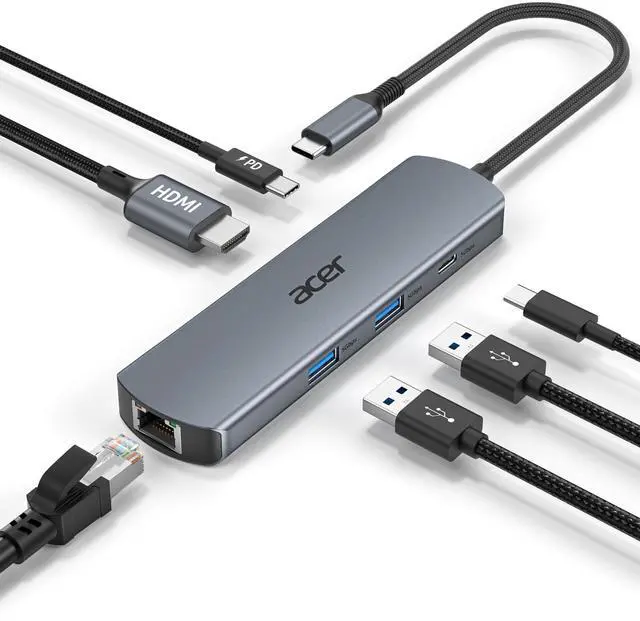
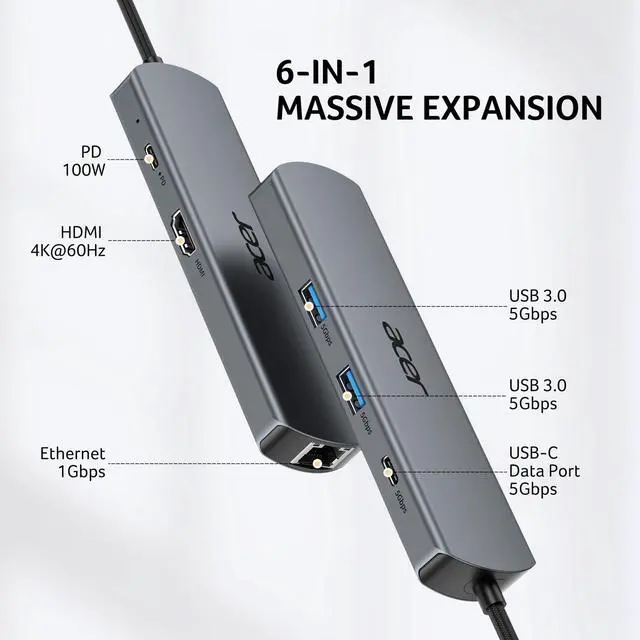
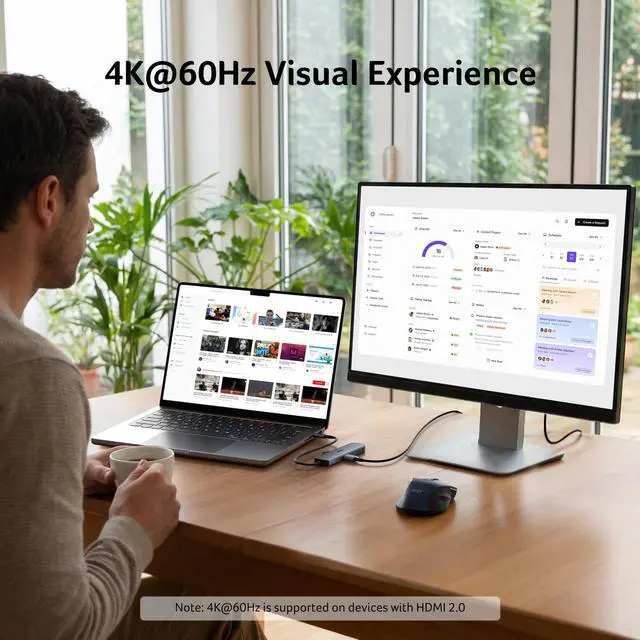
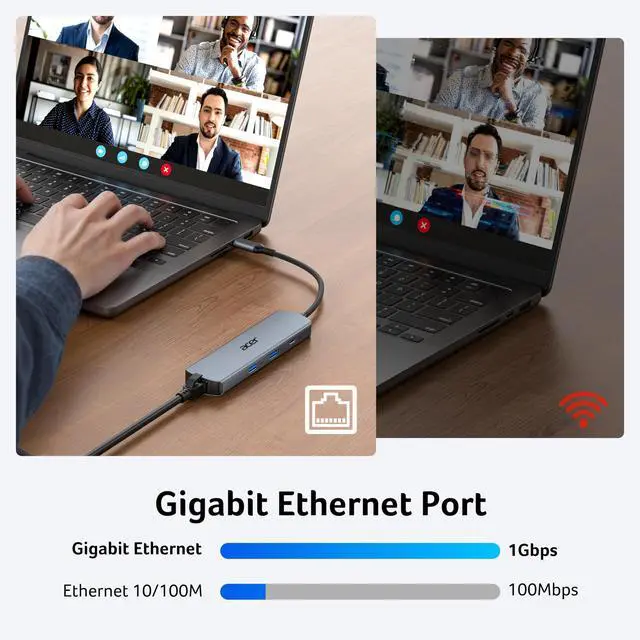


6-IN-1 USB-C Hub with Immersive 4K Spectacle, Smooth Online Meetings with Gigabit Ethernet, Fast Data and Reliable Host Power Delivery


Acer USB C HUBS
 6 in 1 USB C Hub |  4 in 1 USB C Hub | 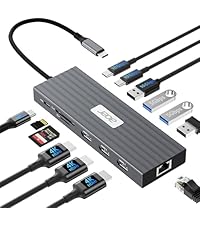 13 in 1 Docking Station | 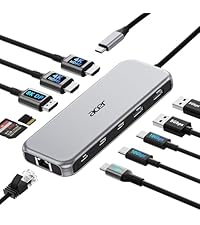 11 in 1 Docking Station | 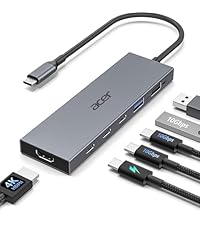 6 in 1 USB C Hub | 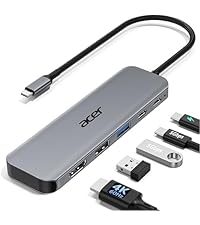 5 in 1 USB C Hub | |
|---|---|---|---|---|---|---|
Customer Reviews | — | — | — | — | — | — |
Price | — | — | — | — | — | — |
Display Ports | 1*HDMI | 1*USB C Video Output | 3*HDMI | 2*HDMI+1*DP | 1*HDMI | 1*HDMI |
Max Connected Displays | Single | Single | Triple | Triple | Single | Single |
Max Display Resolution(Single) | 4K@60Hz | 4K@60Hz | 4K@60Hz | 8K@30Hz | 4K@60Hz | 4K@60Hz |
RJ45/Ethenet | 1000Mbps | / | 1000Mbps | 1000Mbps | / | / |
USB Ports | 2*USBA+1*USBC | 2*USBC | 4*USBA+2*USBC | 2*USBA+2*USBC | 2*USBA+2*USBC | 2*USBA+1*USBC |
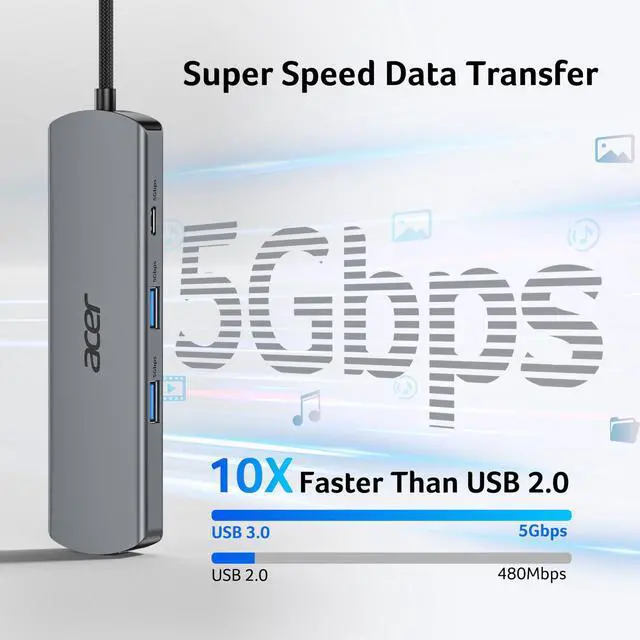
Max Transfer Speed | 5Gbps | 10Gbps | 10Gbps | 10Gbps | 10Gbps | 5Gbps |
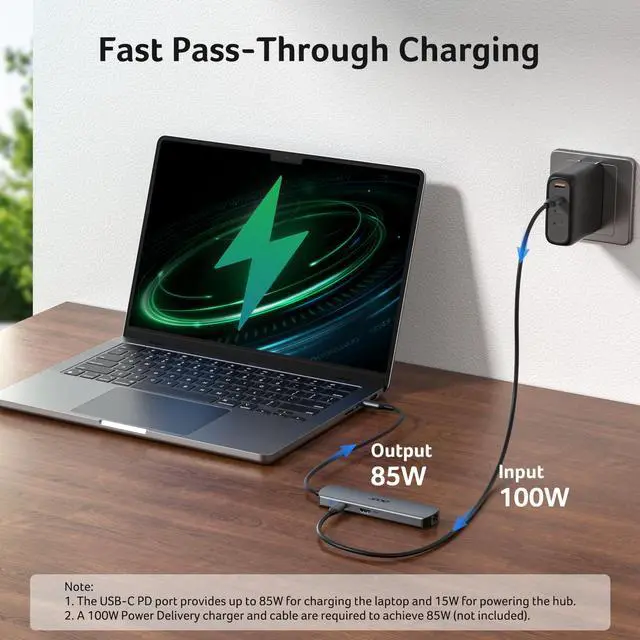
USB-C PD Input | 100W | 100W | 100W | 100W | 100W | 100W |
SD/TF | / | / | 104Mbps | 104Mbps | / | / |


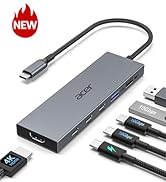
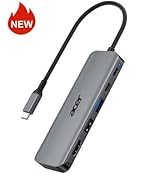
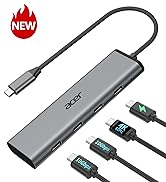
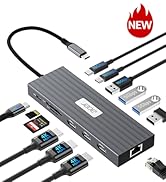
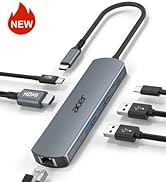
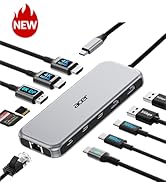
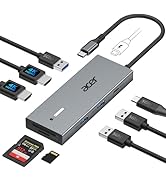
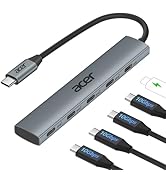
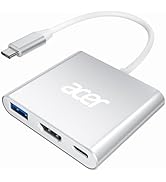
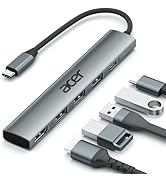
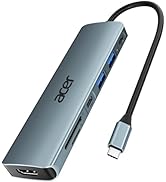
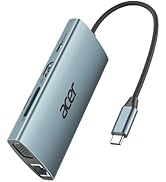
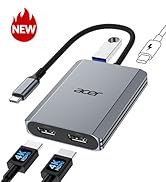
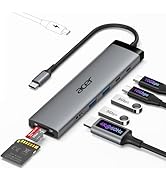
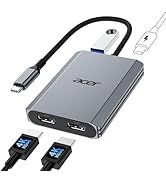
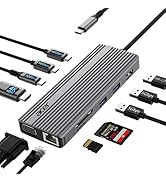

6-IN-1 USB-C Hub with Immersive 4K Spectacle, Smooth Online Meetings with Gigabit Ethernet, Fast Data and Reliable Host Power Delivery


| Q1 | Why is my HDMI not working with the hub? |
|---|---|
| A1 | 1) Ensure your device supports DP 1.4 Alt Mode and HDMI 2.0 or higher. 2) Check your HDMI cable and monitor settings. 3) Connected correctly. |
| Q2 | How can I achieve 1000Mbps with this hub? |
| A2 | Please make sure: 1) Your network service and your device is compatible 1 Gbps. 2) Use CAT6 & up Ethernet cables. 3) The cable is securely plugged into the usb hub. |
| Q3 | Why isn’t my laptop charging at full speed with PD? |
| A3 | 1) Ensure your laptop supports USB-C PD. 2) Use a PD-compatible host charger of 100W or higher. 3) Use a compatible cable and connect correctly. |
| Q4 | The external monitor does not automatically reconnect after sleep. What should I do? |
| A4 | This may occur due to system power management after sleep, where the HDMI signal is not automatically restored. To fix it: 1) Reconnect the HDMI cable or hub; 2) Wake the computer before the monitor; 3) Update system and graphics drivers; 4) Use a high-quality HDMI cable. For better stability, we recommend disabling deep sleep or adjusting power settings when using external displays for extended periods. |
| Q5 | Why is my Ethernet connection unstable or disconnecting? |
| A5 | This issue may be caused by multiple factors such as cable quality, network environment, or system settings. To improve stability: 1) Check and replace the Ethernet cable if needed; 2) Try a different router port; 3) Reconnect the hub and ensure a secure connection; 4) Update system and network drivers. Using a high-quality cable and a stable network can also help improve performance. |
| Q6 | Can I connect two or more external monitors to this hub? |
| A6 | No. This hub supports only one external monitor. It has a single HDMI port, and the USB-C port is for data transfer only (it does not support video output or charging). Therefore, you cannot use this hub for dual-monitor or multi-monitor setups. |
Acer USB C HUBS
6 in 1 USB C Hub | 4 in 1 USB C Hub | 13 in 1 Docking Station | 11 in 1 Docking Station | 6 in 1 USB C Hub | 5 in 1 USB C Hub |
|---|---|---|---|---|---|
| Customer Reviews | |||||
| — | — | — | — | — | — |
| Price | |||||
| — | — | — | — | — | — |
| Display Ports | |||||
| 1*HDMI | 1*USB C Video Output | 3*HDMI | 2*HDMI+1*DP | 1*HDMI | 1*HDMI |
| Max Connected Displays | |||||
| Single | Single | Triple | Triple | Single | Single |
| Max Display Resolution(Single) | |||||
| 4K@60Hz | 4K@60Hz | 4K@60Hz | 8K@30Hz | 4K@60Hz | 4K@60Hz |
| RJ45/Ethenet | |||||
| 1000Mbps | / | 1000Mbps | 1000Mbps | / | / |
| USB Ports | |||||
| 2*USBA+1*USBC | 2*USBC | 4*USBA+2*USBC | 2*USBA+2*USBC | 2*USBA+2*USBC | 2*USBA+1*USBC |
| Max Transfer Speed | |||||
| 5Gbps | 10Gbps | 10Gbps | 10Gbps | 10Gbps | 5Gbps |
| USB-C PD Input | |||||
| 100W | 100W | 100W | 100W | 100W | 100W |
| SD/TF | |||||
| / | / | 104Mbps | 104Mbps | / | / |
New Product Display
USB Hub--High Parameters
USB C Multiport HUB
USB Hubs