here!
here!
I’m your shopping assistant for PC builds, upgrades, and everything tech.
Got questions? Ask away!
Start a conversation
here!
I’m your shopping assistant for PC builds, upgrades, and everything tech.
Got questions? Ask away!
Start a conversation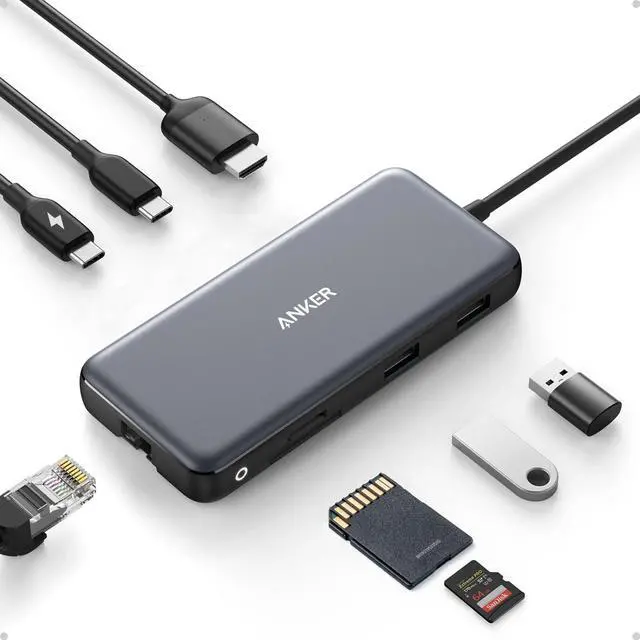



Any questions? Ask CelesteSM will help you find out quickly.


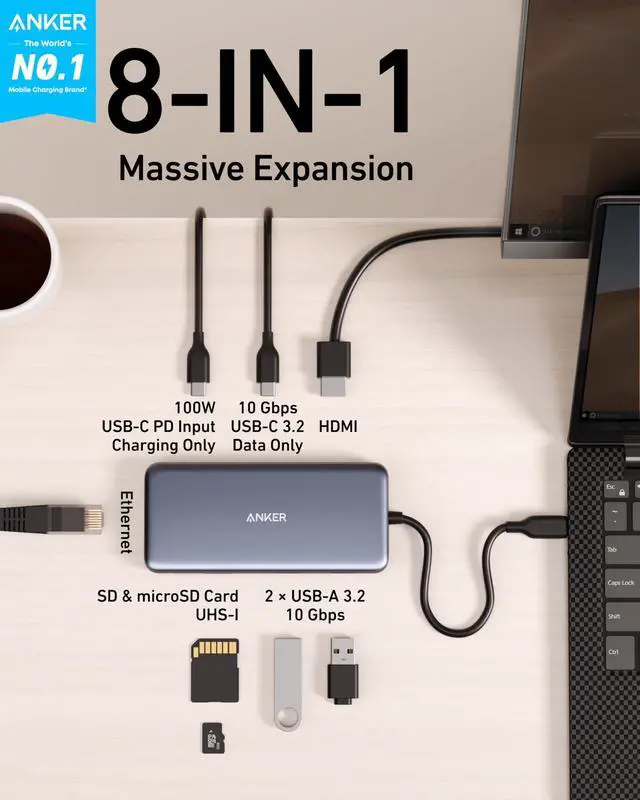
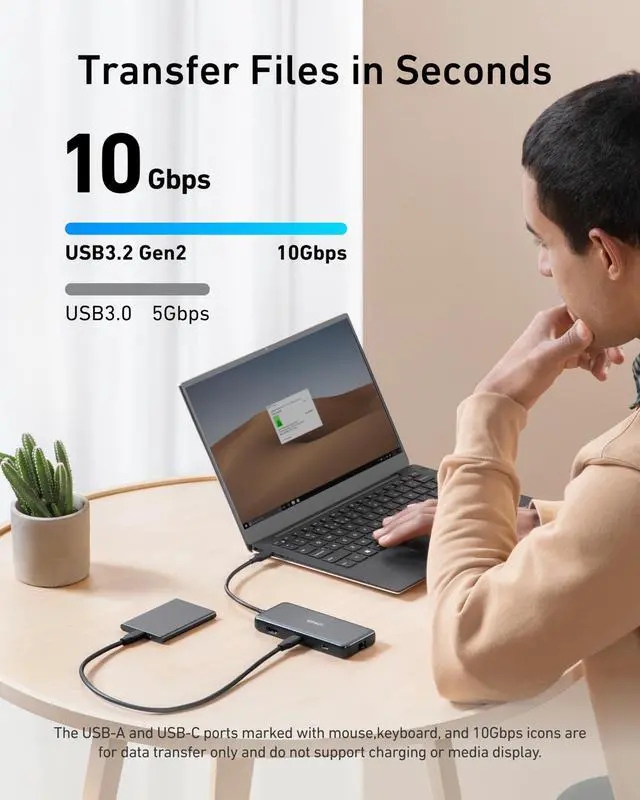
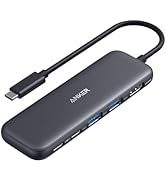
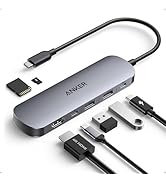
Transfer movies, photos, and music at speeds of up to 10 Gbps via the USB-C 3.2 Gen 2 port and the dual USB-A 3.2 Gen 2 ports.
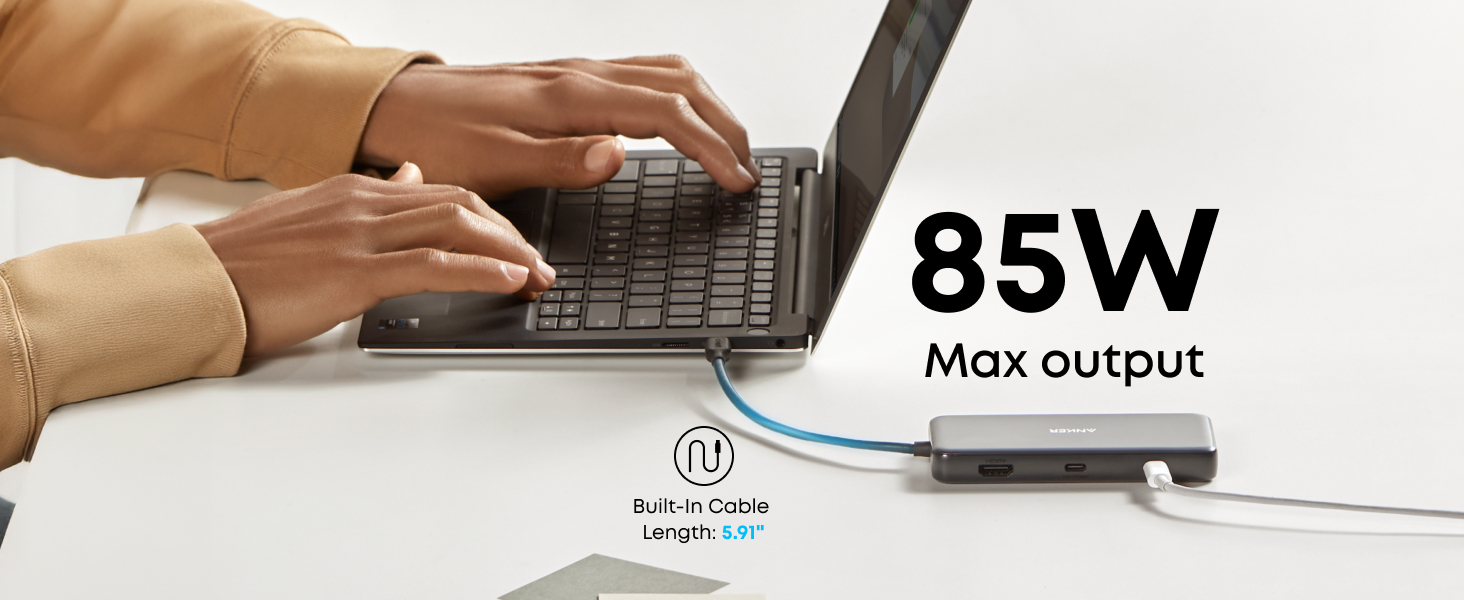
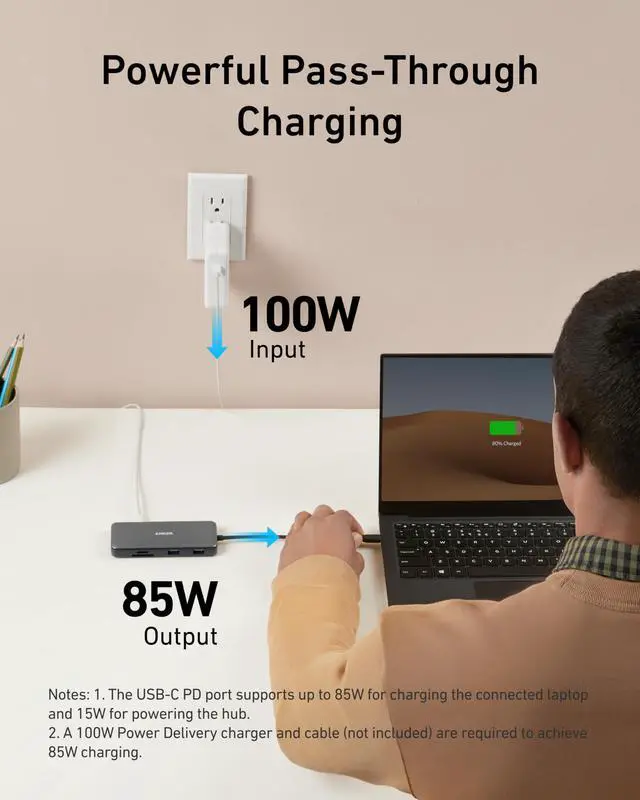
Supports up to 100W (minus 15W for operation) pass-through charging so you can power up a 15” MacBook Pro at full speed—all while accessing the hub's other functions. (Charger not included).
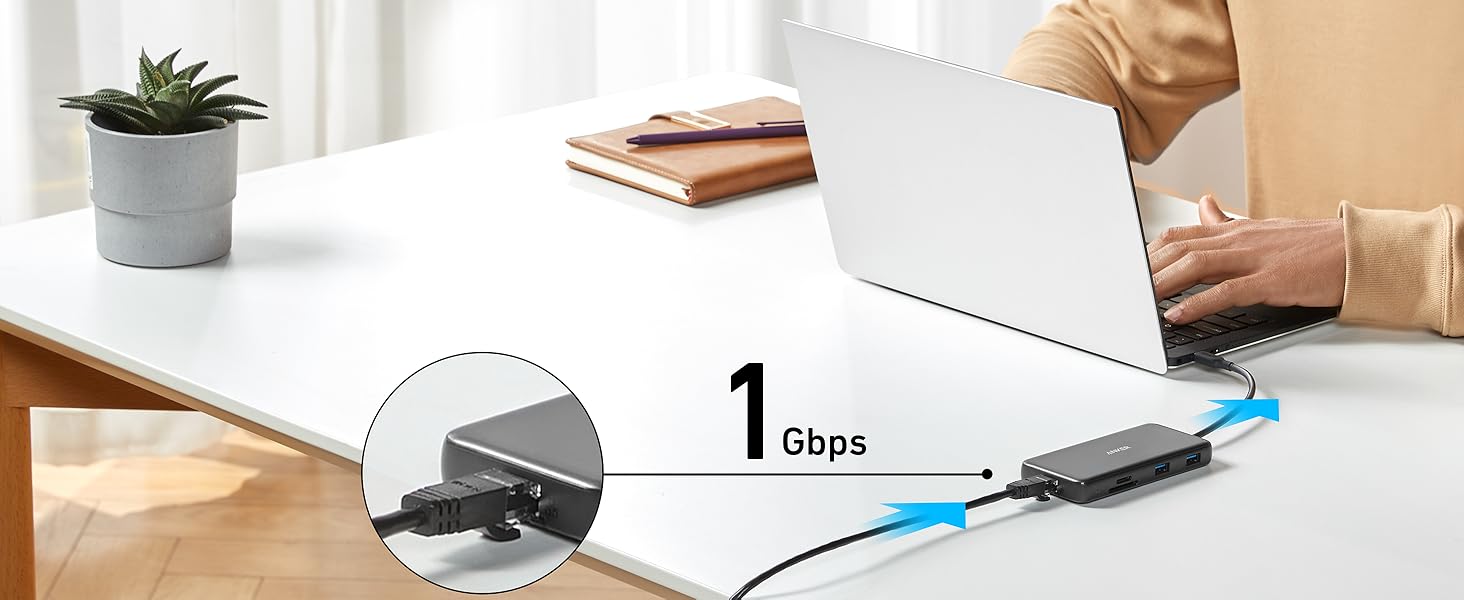
Connect your wireless router to the hub's Ethernet port to access a stable wired internet connection of up to 1 Gbps.

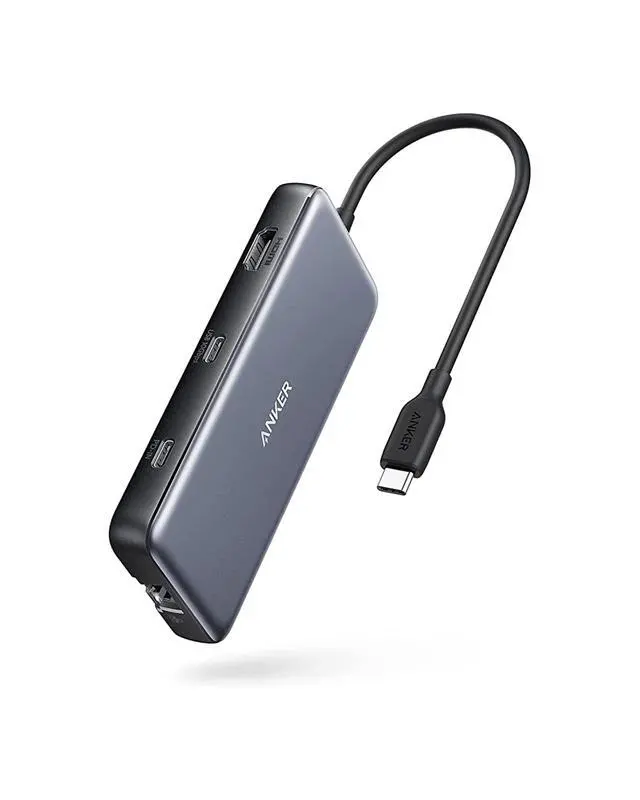
At only 0.6 inches thick and weighing just 4.4 oz, Anker 555 USB-C Hub (8-in-1) fits easily into your bag for effortless portability.

10Gbps | Data transfer Speed | 5Gbps |
1 × HDMI 4K@60Hz | Video Output Ports | 1 × HDMI 4K@60Hz |
2 | USB-A Data Ports | 2 |
1 | USB-C Data Ports | 1 |
1 × 100W | USB-C PD Inputs | 1 × 100W |
/ | Audio Ports | / |
SD/TF & Ethernet | SD/TF & Ethernet | SD/TF |
10Gbps | Data transfer Speed | 10Gbps |
1 × HDMI 4K@60Hz | Video Output Ports | 1 × HDMI 4K & DP 4K |
2 | USB-A Data Ports | 3 |
1 | USB-C Data Ports | 1 |
1 × 100W | USB-C PD Inputs | 1 × 100W |
/ | Audio Ports | 1 |
SD/TF & Ethernet | SD/TF & Ethernet | SD/TF & Ethernet |
10Gbps | Data transfer Speed | 5Gbps |
1 × HDMI 4K@60Hz | Video Output Ports | 1 × HDMI 4K & DP 4K |
2 | USB-A Data Ports | 3 |
1 | USB-C Data Ports | 1 |
1 × 100W | USB-C PD Inputs | 1 × 100W |
/ | Audio Ports | 1 |
SD/TF & Ethernet | SD/TF & Ethernet | SD/TF & Ethernet |
10Gbps | Data transfer Speed | 5Gbps |
1 × HDMI 4K@60Hz | Video Output Ports | 2 × HDMI 4K@30Hz |
2 | USB-A Data Ports | 2 |
1 | USB-C Data Ports | / |
1 × 100W | USB-C PD Inputs | 1 × 100W |
/ | Audio Ports | / |
SD/TF & Ethernet | SD/TF & Ethernet | SD/TF & Ethernet |
How can this hub achieve 85W Power Delivery charging?
To get 85W charging, use a USB-C wall charger and a USB-C to C cable that both support 100W PD charging.
Does this hub get hot?
When the hub is fully loaded, it may reach a surface temperature of around 149°F. However, this is normal for products of this kind.
Can I use the USB-C port on the hub to connect a monitor?
No, Anker 555 USB-C Hub supports display output only through its HDMI port. The USB-C ports do not support video output and cannot be used to connect a monitor.
Does the USB-C Power Delivery port support charging for tablets (including iPad Pro) or phones?
This hub can not provide pass-through charging to tablets (including iPad Pro) or phones when using the original wall charger that came with your mobile device. To support full-speed charging for iPad Pro, use an adapter that supports at least (45W).
Frequently Asked Questions: Why can't my HDMI resolution reach 4K@60Hz?
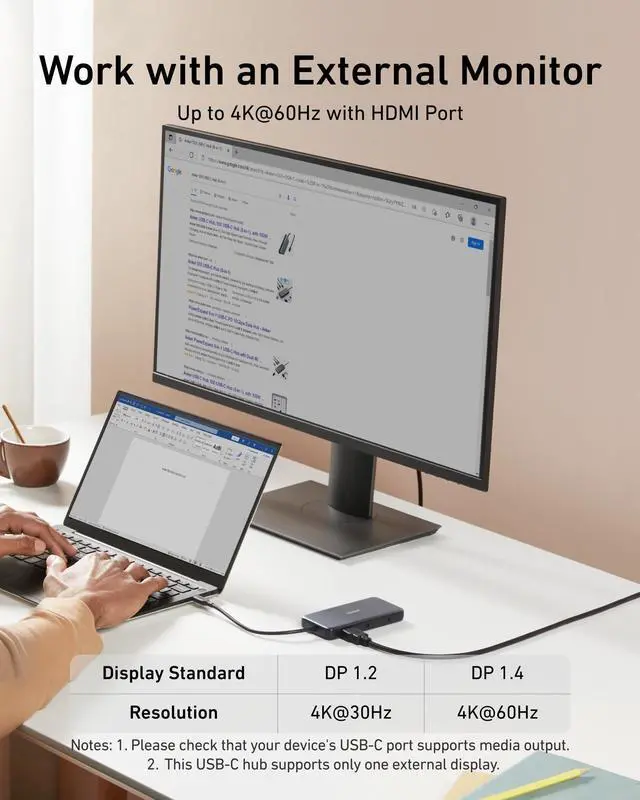
The HDMI port supports a variety of resolutions up to 4K@60Hz, including 1080p, 1080i, 720p, and 480p. For 4K@60Hz resolution, please confirm your device supports DP 1.4. Below are some devices that support DP1.4:
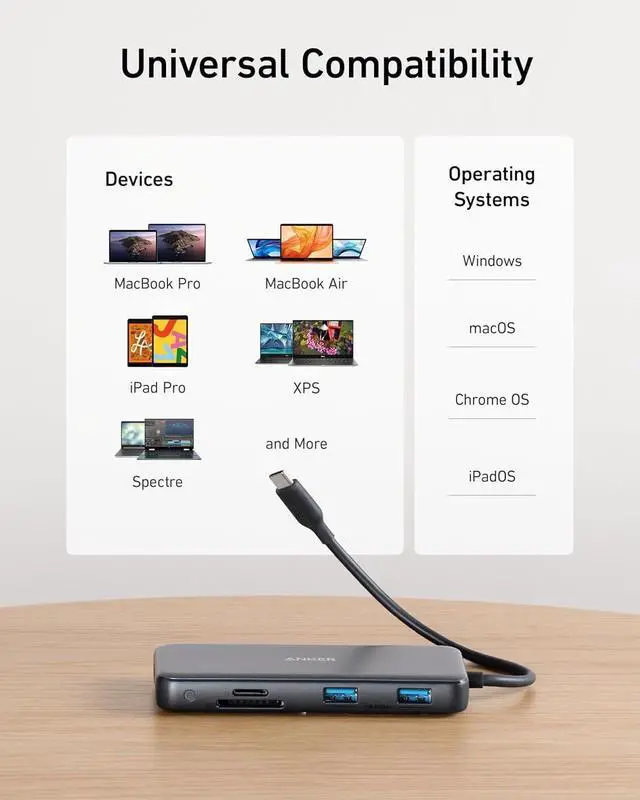
MacBook Air 2021/2022,
MacBook Pro 14/16" 2021, MacBook Pro 15” 2018 / 2019, MacBook Pro 16” 2019
iPad Pro 2018 / 2019 / 2020/2021/2022 (Only iPad Pros with iPadOS are compatible)
Notes
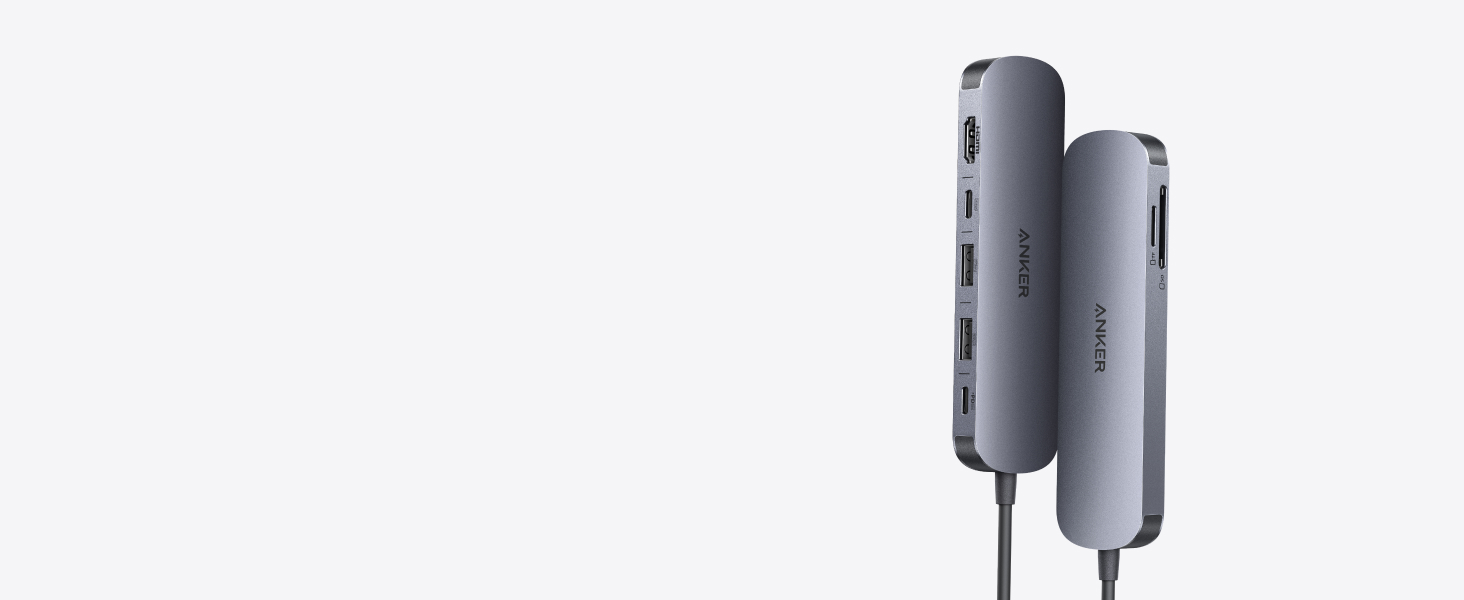
Experience cinematic 4K@60Hz output on an external display, transfer data at 5Gbps across three USB ports, and deliver up to 85W of pass-through charging—all in a sleek hub with SD/TF card slots.
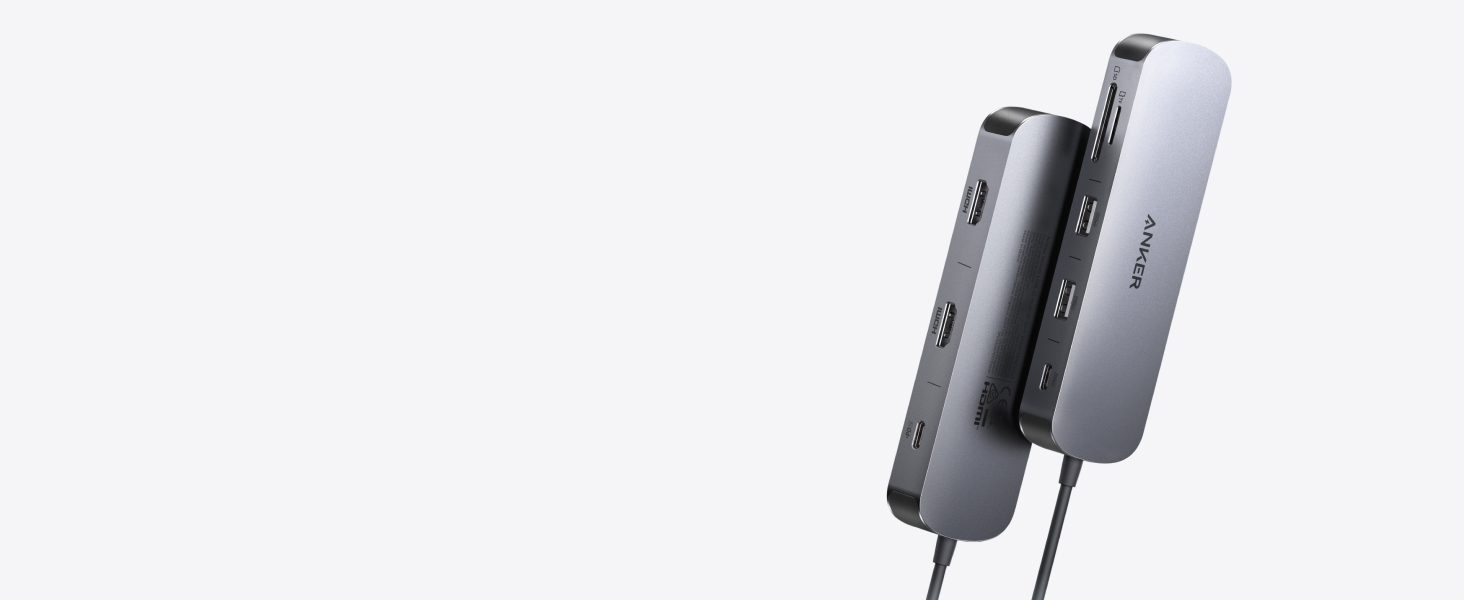
Power two external monitors at up to 4K@60 Hz for seamless multitasking, transfer files at 10Gbps across every USB port, and deliver up to 85W of pass-through charging.
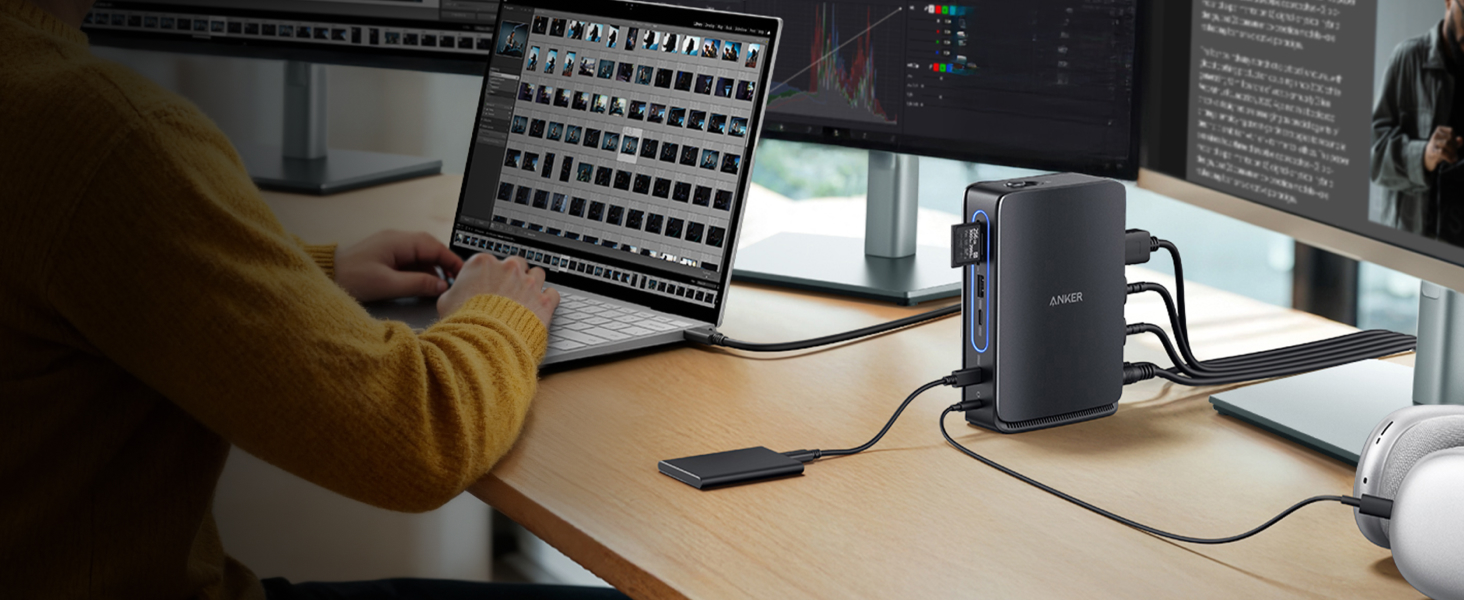
Switch effortlessly between full desktop setups and mobile work with a 13-in-1 dock for every connection, plus a detachable 6-in-1 hub for quick, on-the-go access.
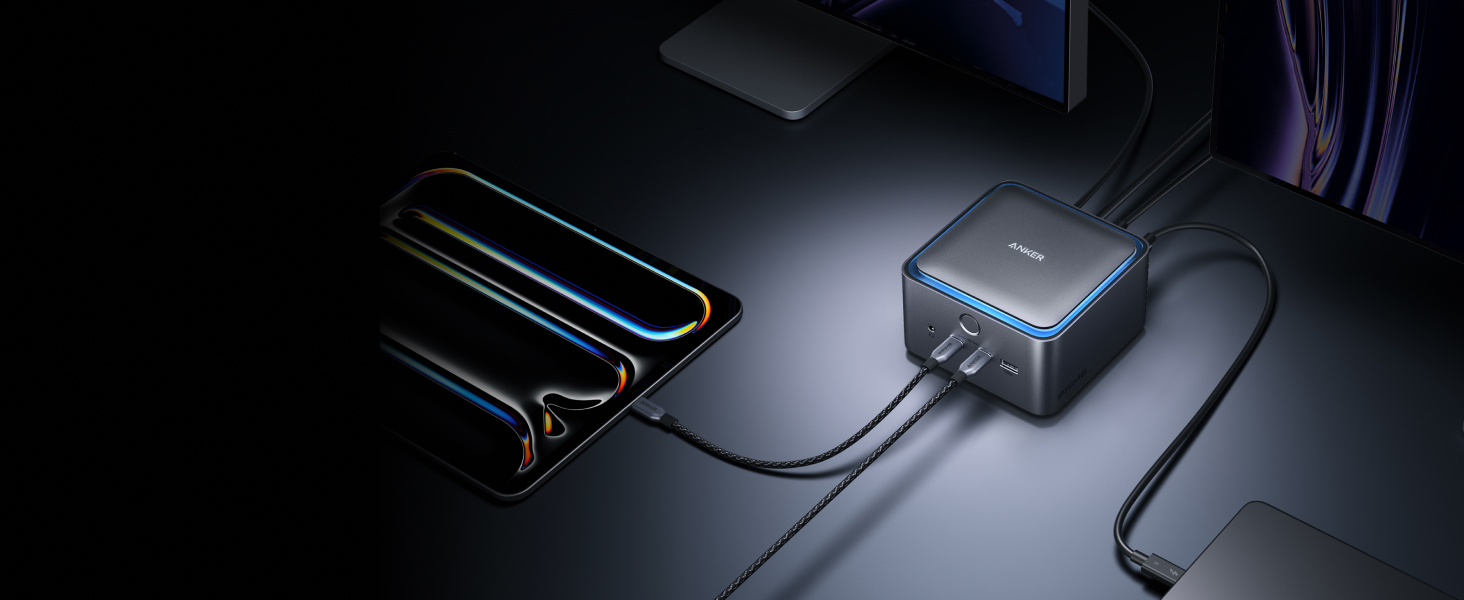
Transfer a 150GB file in just 25 seconds with TB5 speeds, power your devices with up to 140W charging, and drive dual 8K displays—all with advanced active cooling for sustained peak performance.
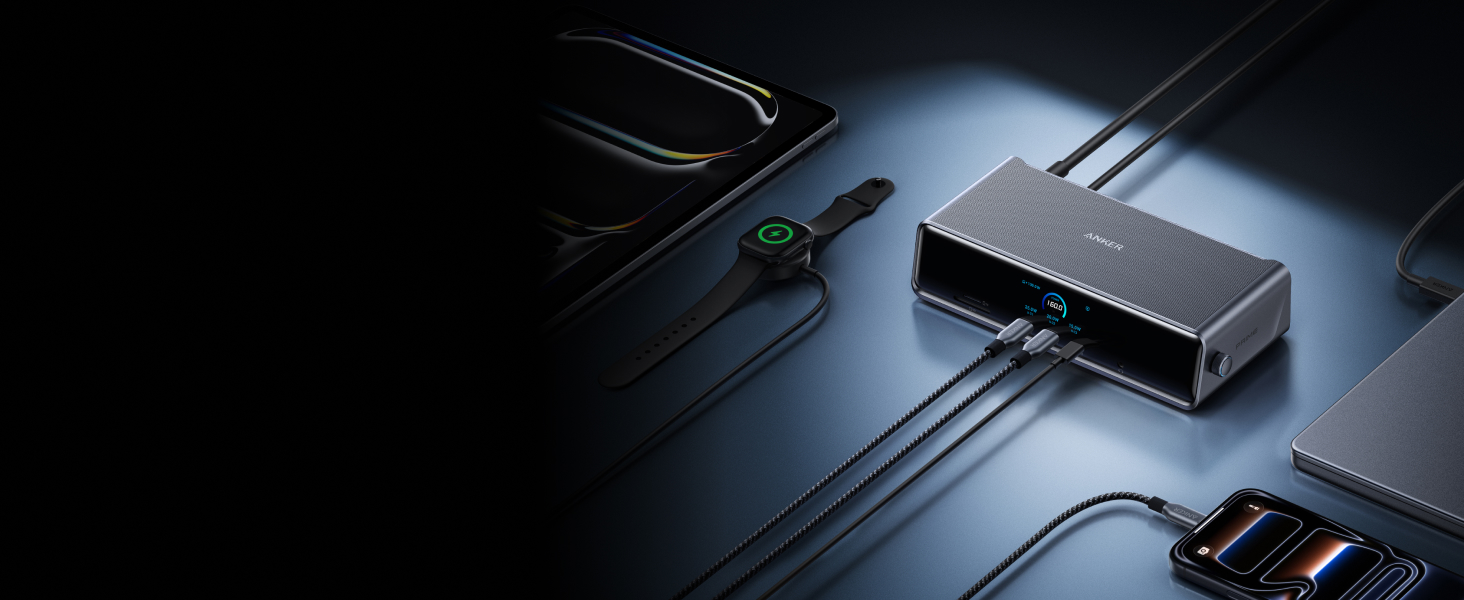
Power up three external monitors at once—Triple 4K—with real-time charging and performance updates on the smart display, all kept cool by ActiveShield 3.0 and a built-in fan.
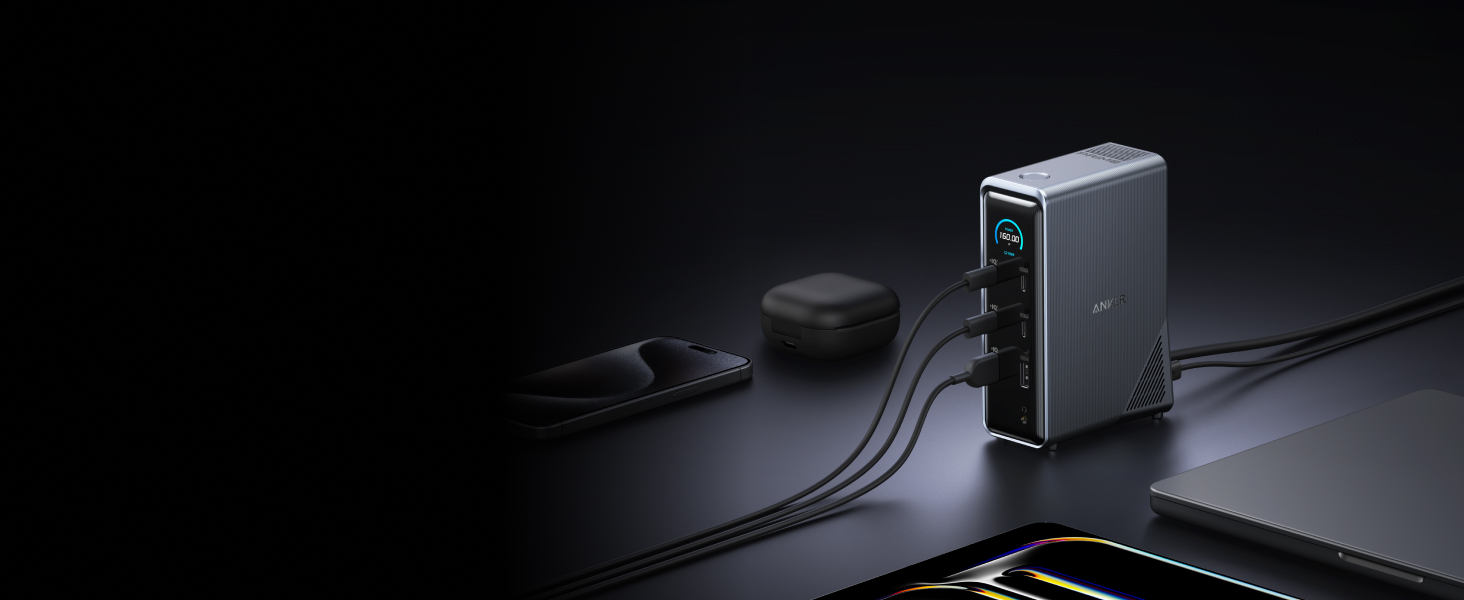
Bring together all your devices with a 14-in-1 solution—160W total output powers and charges up to four devices, while 11 data ports at up to 10Gbps keep everything running at peak speed.
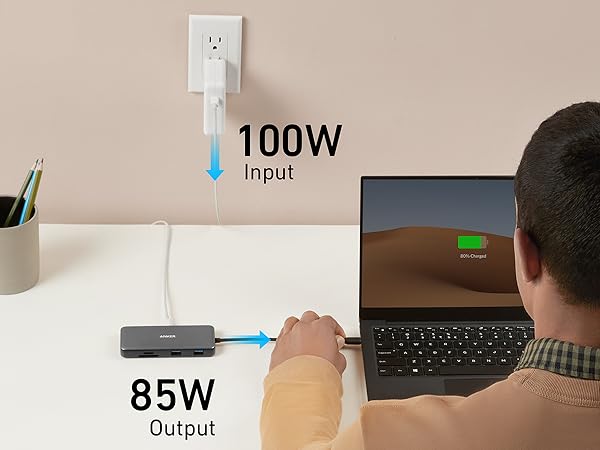
Up to 100W pass-through charging all while accessing the hub’s other functions
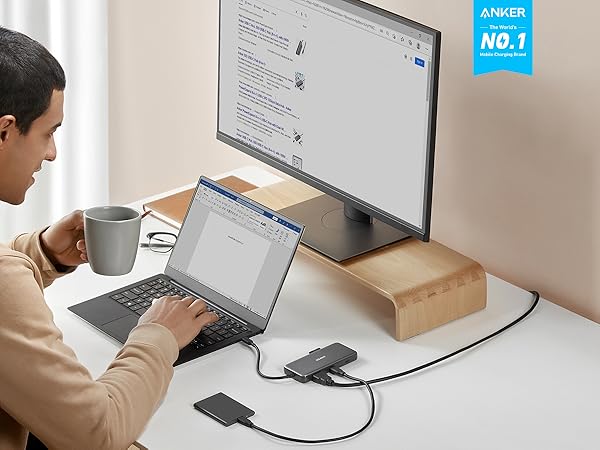
Connect to an external monitor in 4K@60Hz to enhance your productivity.
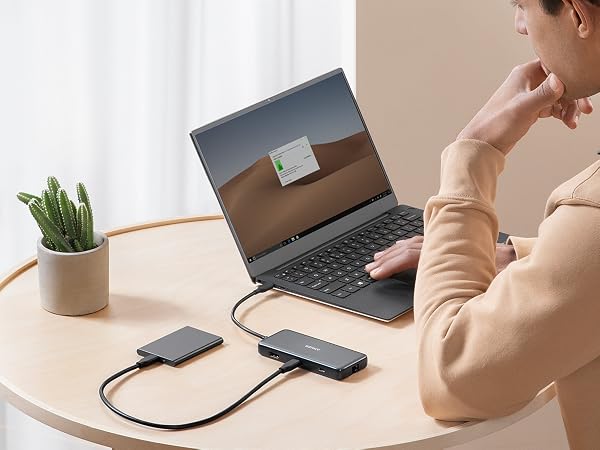
Transfer movies, photos, and music via the USB-C data port and dual USB-A ports
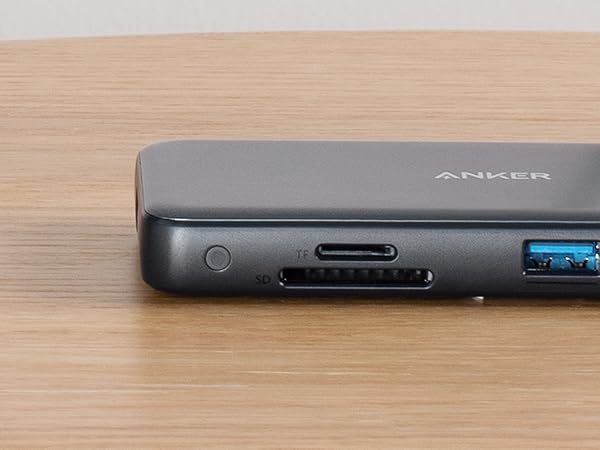
Easy transfer of photos and videos on your SD card
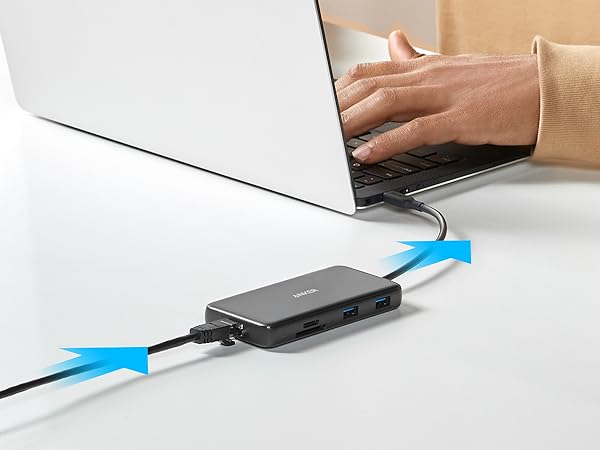
Connect your wireless router to the hub’s Ethernet port to access a stable wired internet connection


Transfer movies, photos, and music at speeds of up to 10 Gbps via the USB-C 3.2 Gen 2 port and the dual USB-A 3.2 Gen 2 ports.
Supports up to 100W (minus 15W for operation) pass-through charging so you can power up a 15” MacBook Pro at full speed—all while accessing the hub's other functions. (Charger not included).
Connect your wireless router to the hub's Ethernet port to access a stable wired internet connection of up to 1 Gbps.
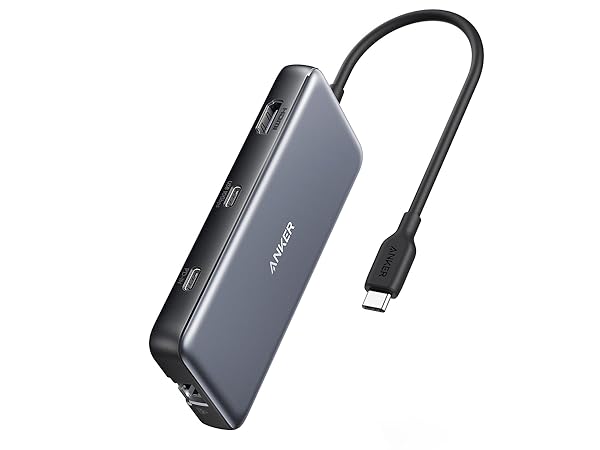
At only 0.6 inches thick and weighing just 4.4 oz, Anker 555 USB-C Hub (8-in-1) fits easily into your bag for effortless portability.
Data transfer Speed | 10Gbps |
Video Output Ports | 1 × HDMI 4K@60Hz |
USB-A Data Ports | 2 |
USB-C Data Ports | 1 |
USB-C PD Inputs | 1 × 100W |
Audio Ports | / |
SD/TF & Ethernet | SD/TF & Ethernet |
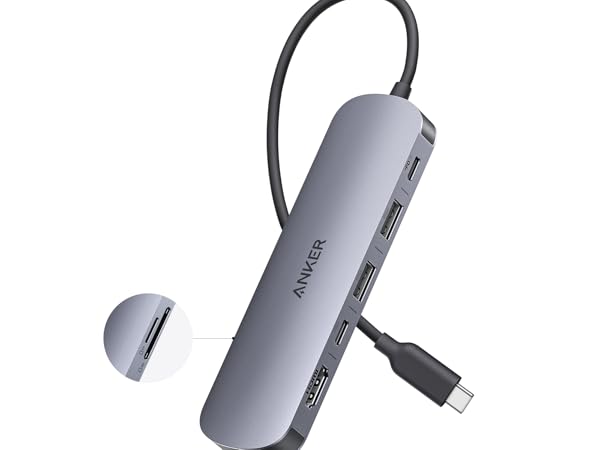
Data transfer Speed | 5Gbps |
Video Output Ports | 1 × HDMI 4K@60Hz |
USB-A Data Ports | 2 |
USB-C Data Ports | 1 |
USB-C PD Inputs | 1 × 100W |
Audio Ports | / |
SD/TF & Ethernet | SD/TF |
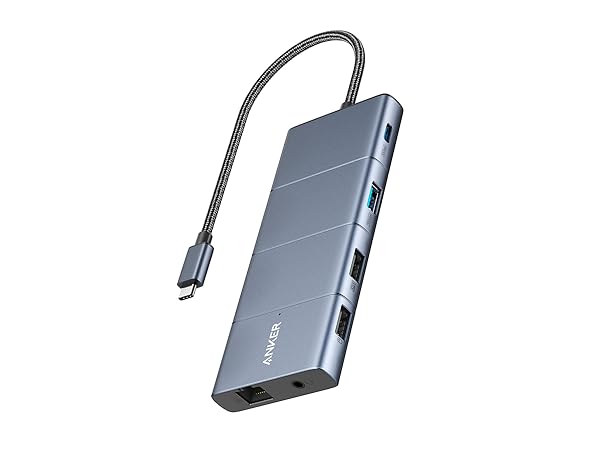
Data transfer Speed | 10Gbps |
Video Output Ports | 1 × HDMI 4K & DP 4K |
USB-A Data Ports | 3 |
USB-C Data Ports | 1 |
USB-C PD Inputs | 1 × 100W |
Audio Ports | 1 |
SD/TF & Ethernet | SD/TF & Ethernet |
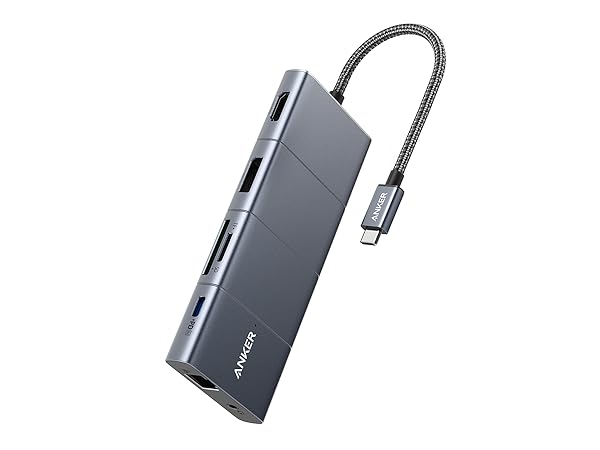
Data transfer Speed | 5Gbps |
Video Output Ports | 1 × HDMI 4K & DP 4K |
USB-A Data Ports | 3 |
USB-C Data Ports | 1 |
USB-C PD Inputs | 1 × 100W |
Audio Ports | 1 |
SD/TF & Ethernet | SD/TF & Ethernet |
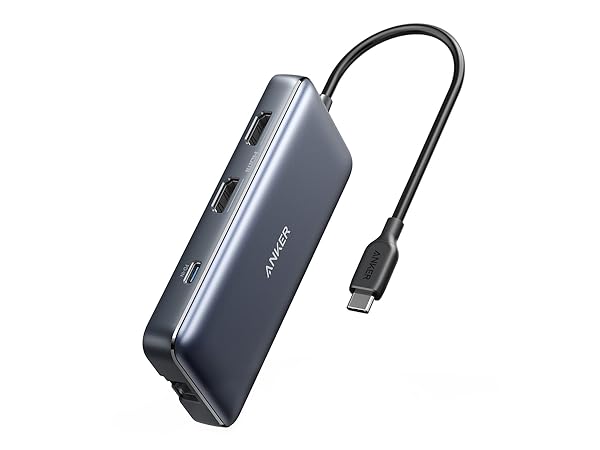
Data transfer Speed | 5Gbps |
Video Output Ports | 2 × HDMI 4K@30Hz |
USB-A Data Ports | 2 |
USB-C Data Ports | / |
USB-C PD Inputs | 1 × 100W |
Audio Ports | / |
SD/TF & Ethernet | SD/TF & Ethernet |
How can this hub achieve 85W Power Delivery charging?
To get 85W charging, use a USB-C wall charger and a USB-C to C cable that both support 100W PD charging.
Does this hub get hot?
When the hub is fully loaded, it may reach a surface temperature of around 149°F. However, this is normal for products of this kind.
Can I use the USB-C port on the hub to connect a monitor?
No, Anker 555 USB-C Hub supports display output only through its HDMI port. The USB-C ports do not support video output and cannot be used to connect a monitor.
Does the USB-C Power Delivery port support charging for tablets (including iPad Pro) or phones?
This hub can not provide pass-through charging to tablets (including iPad Pro) or phones when using the original wall charger that came with your mobile device. To support full-speed charging for iPad Pro, use an adapter that supports at least (45W).
Frequently Asked Questions: Why can't my HDMI resolution reach 4K@60Hz?
The HDMI port supports a variety of resolutions up to 4K@60Hz, including 1080p, 1080i, 720p, and 480p. For 4K@60Hz resolution, please confirm your device supports DP 1.4. Below are some devices that support DP1.4:
MacBook Air 2021/2022,
MacBook Pro 14/16" 2021, MacBook Pro 15” 2018 / 2019, MacBook Pro 16” 2019
iPad Pro 2018 / 2019 / 2020/2021/2022 (Only iPad Pros with iPadOS are compatible)
Notes
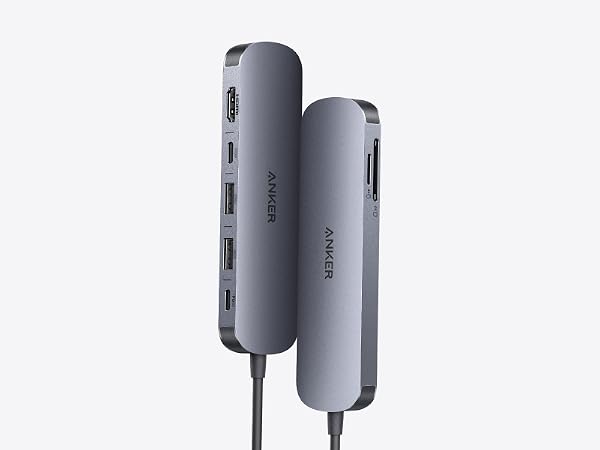
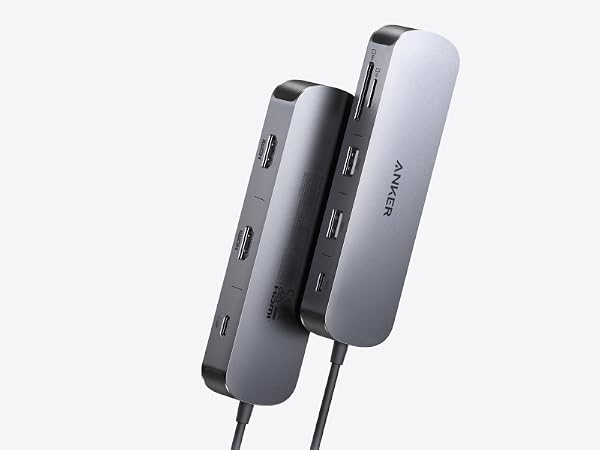
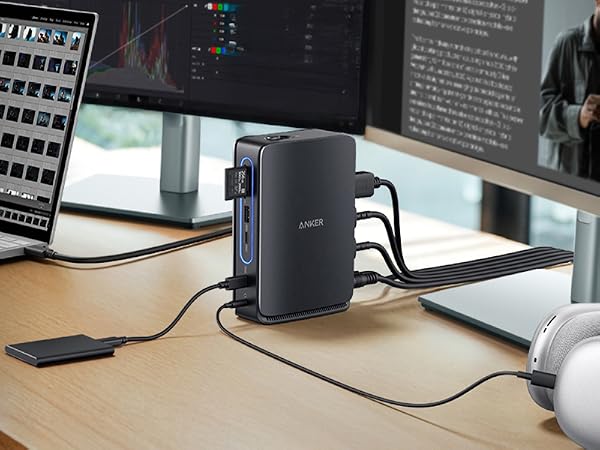
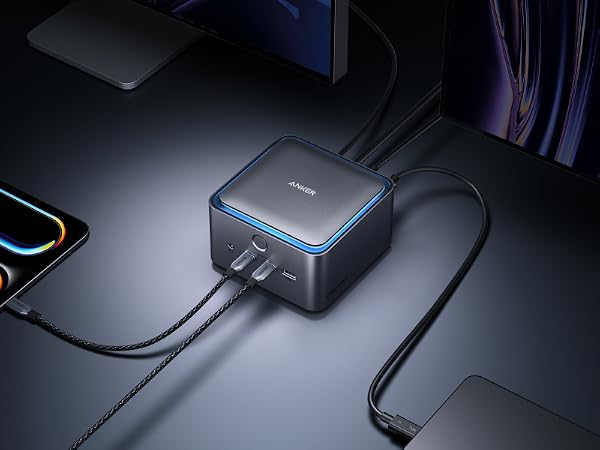
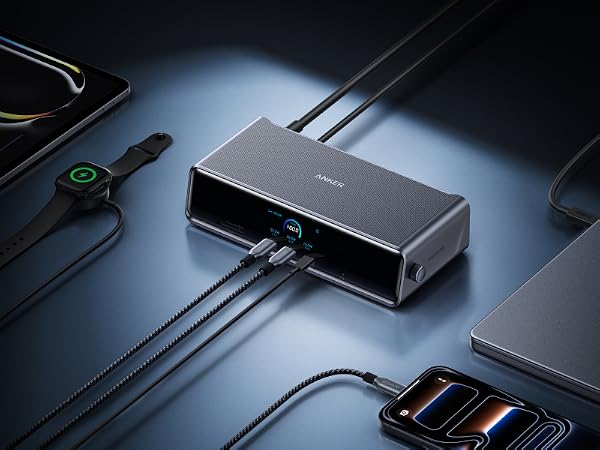
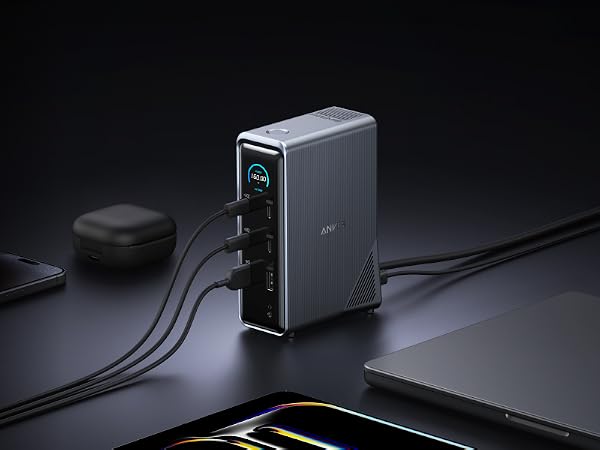
Experience cinematic 4K@60Hz output on an external display, transfer data at 5Gbps across three USB ports, and deliver up to 85W of pass-through charging—all in a sleek hub with SD/TF card slots.
Power two external monitors at up to 4K@60 Hz for seamless multitasking, transfer files at 10Gbps across every USB port, and deliver up to 85W of pass-through charging.
Switch effortlessly between full desktop setups and mobile work with a 13-in-1 dock for every connection, plus a detachable 6-in-1 hub for quick, on-the-go access.
Transfer a 150GB file in just 25 seconds with TB5 speeds, power your devices with up to 140W charging, and drive dual 8K displays—all with advanced active cooling for sustained peak performance.
Power up three external monitors at once—Triple 4K—with real-time charging and performance updates on the smart display, all kept cool by ActiveShield 3.0 and a built-in fan.
Bring together all your devices with a 14-in-1 solution—160W total output powers and charges up to four devices, while 11 data ports at up to 10Gbps keep everything running at peak speed.














| Brand | Anker |
| Color | Gray |
| Hardware Interface | Ethernet, HDMI, MicroSD, USB, USB Type C |
| Special Feature | Fast Data Transfer, HDMI, Heat Resistant, Portable, Powered |
| Compatible Devices | Laptops, Macbook Air, Smartphones, Tablets |
| Additional Features | Fast Data Transfer, HDMI, Heat Resistant, Portable, Powered |
| Total Usb Ports | 3 |
| Data Transfer Rate | 10 Gigabits Per Second |
| Number of Ports | 8 |
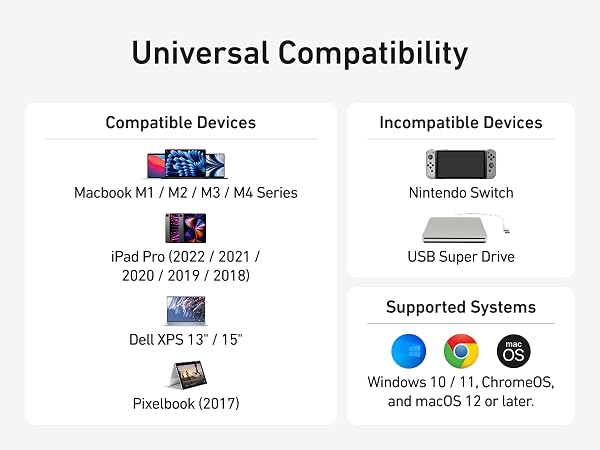
| Minimum Required Operating System Version | Mac OS 12 Monterey |
| Operating System | iPadOS |
| Enclosure Material | Aluminum |
| Item Dimensions L x W x H | 4.76"L x 2.17"W x 0.6"H |
| Item Weight | 0.28 Pounds |
| Manufacturer | Anker |
| UPC | 194644032999 |
| Mfr Part Number | A83830A1 |
| Model Number | A83830A1 |
| Warranty Description | 18 months |
| Unit Count | 1.0 Count |