






SABRENT USB Type-C 5-Port Hub – Power, Display, and Speed in One Compact Dock
SABRENT HB-TG5P — One Hub. Every Connection.
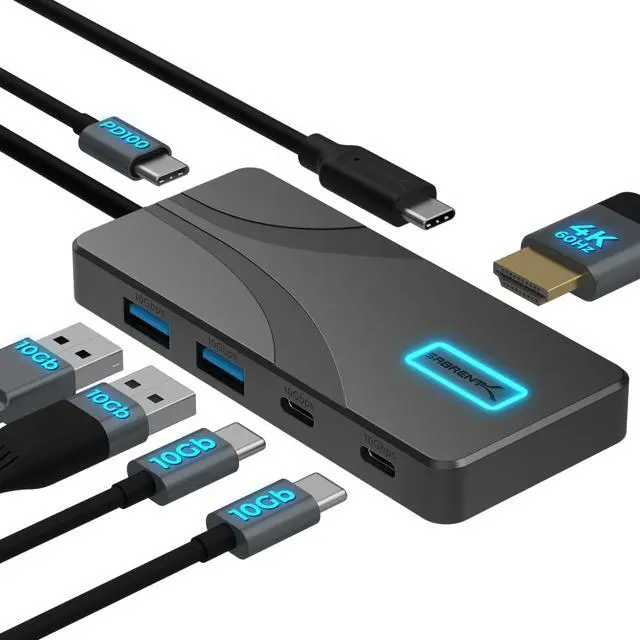
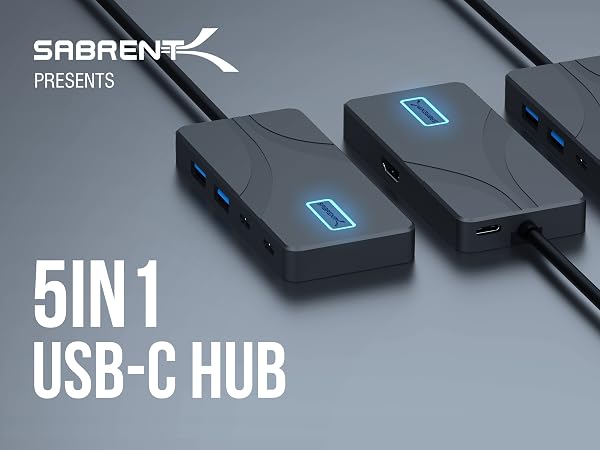
Turn a single USB-C port into a full workstation. The SABRENT USB-C 5-Port Hub delivers 10Gbps data speeds, 4K@60Hz HDMI display output, and up to 80W laptop charging — all through one compact, aluminum hub that fits in your pocket and performs on your desk.
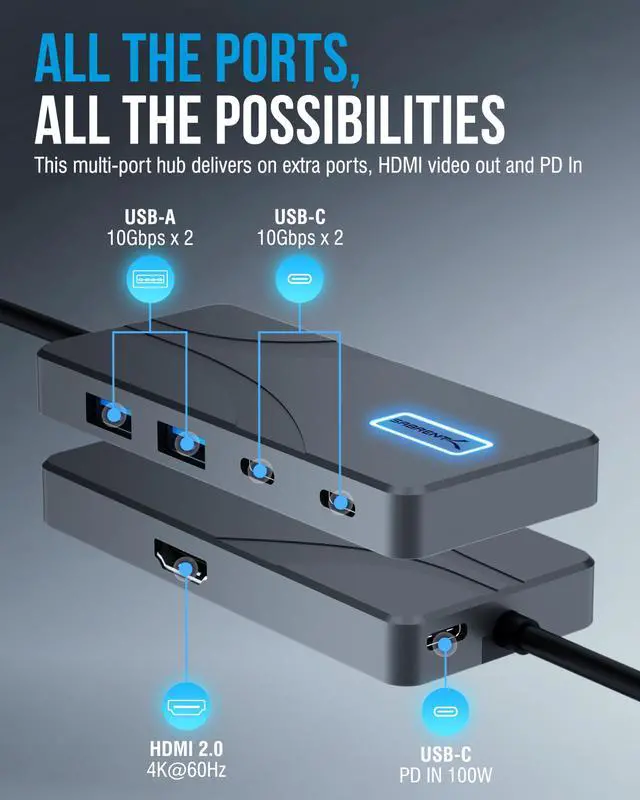
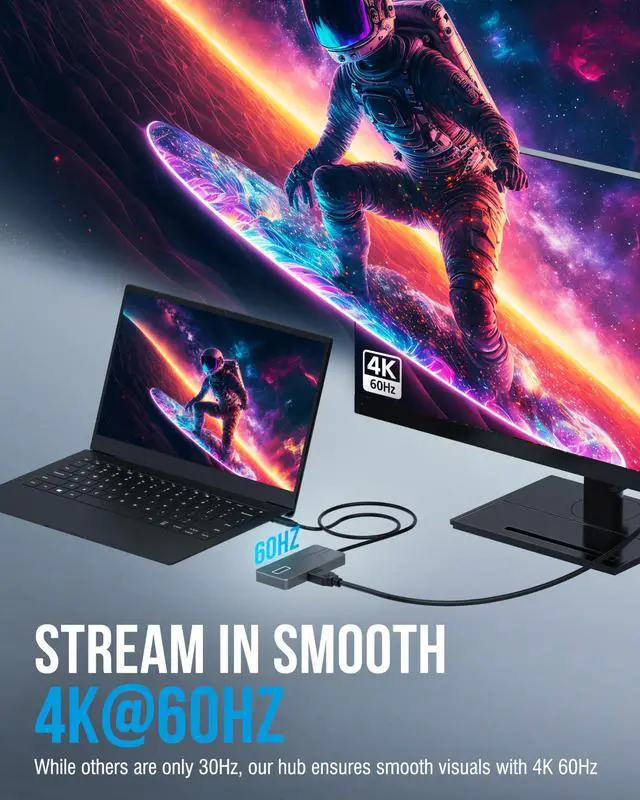
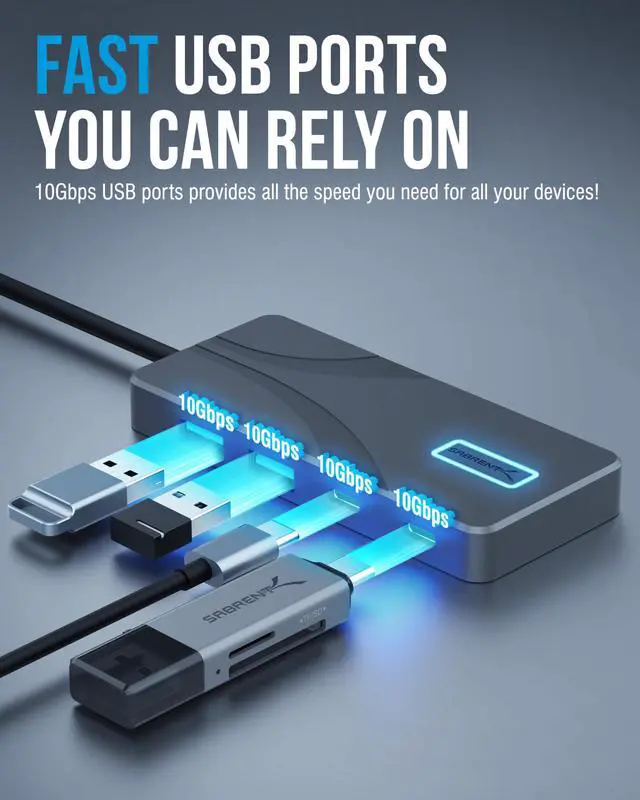
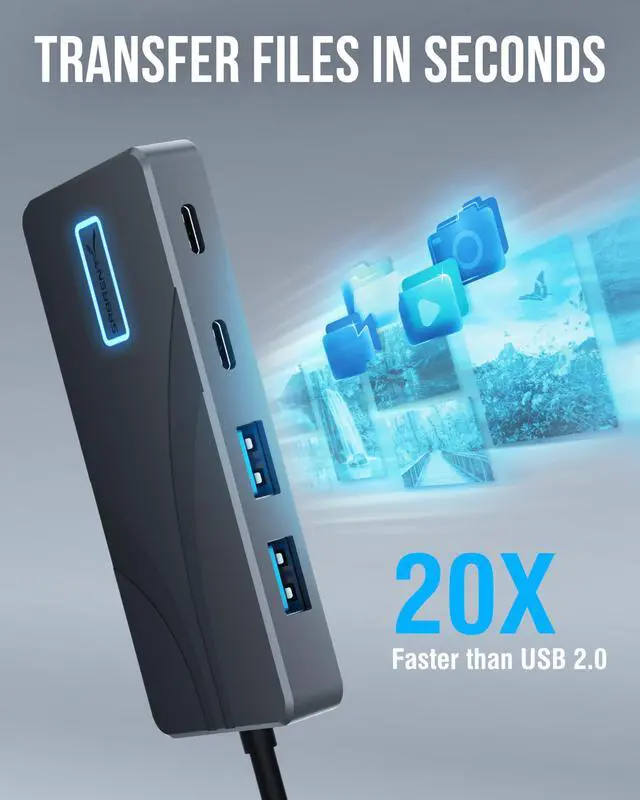
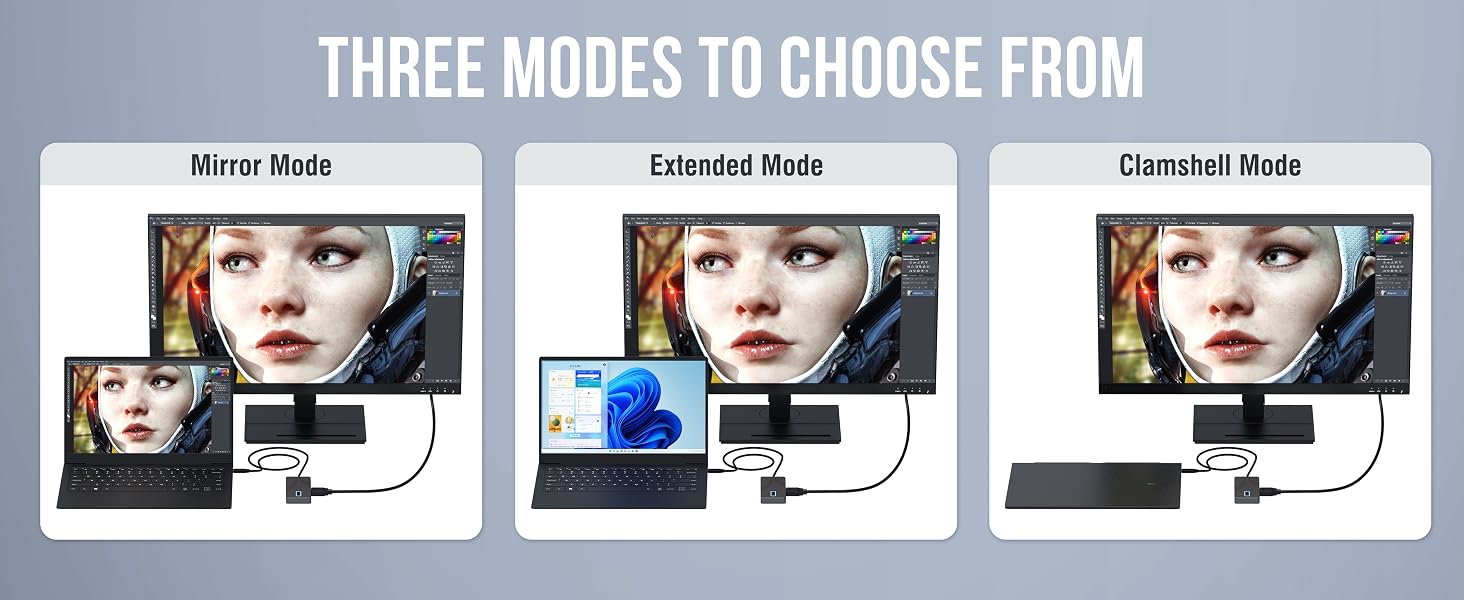
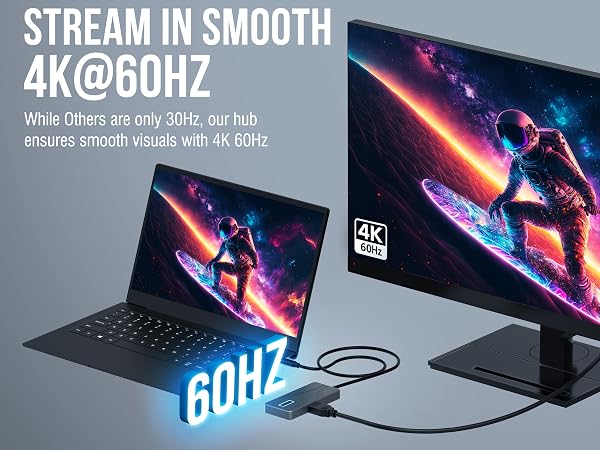
Built around USB 3.2 Gen 2, the hub expands your setup with 2× USB-A and 2× USB-C 10Gbps data ports for keyboards, mice, flash drives, gamepads, and everyday peripherals — plus a dedicated HDMI 2.0 port for sharp, smooth 4K output at up to 4096×2160@60Hz with HDR10, Dolby Vision, and HDCP 2.3 support. HDMI output is available on any USB-C host device that supports DisplayPort Alternate Mode, including MacBook Pro/Air (M1–M4), iPad Pro/Air with USB-C, and USB-C Windows, Chromebook, and Linux laptops.
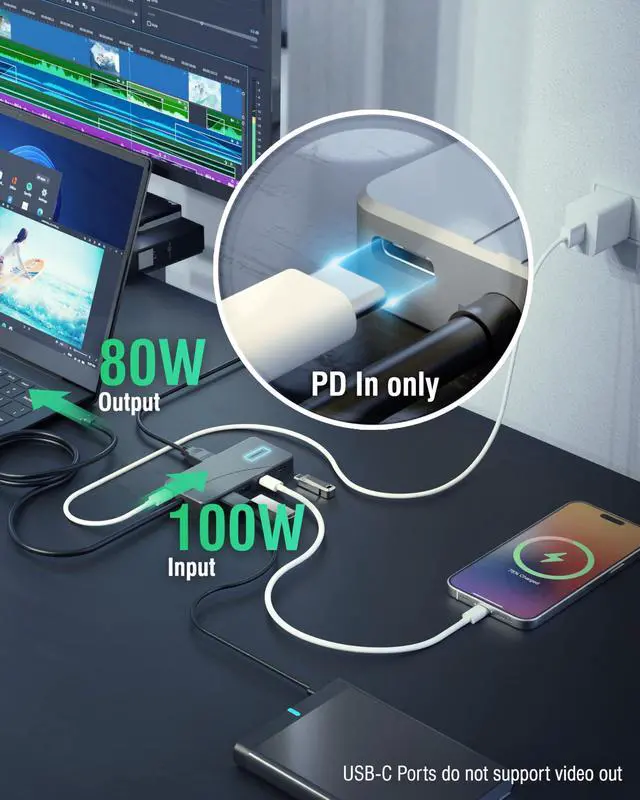
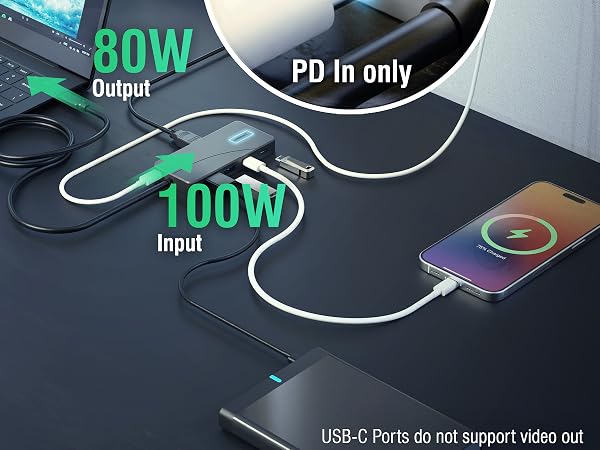
The dedicated PD Input port accepts up to 100W from your own USB-C charger (sold separately) and passes up to 80W back to your laptop — so your battery stays charged through the longest sessions without unplugging a thing.
A backlit power switch puts you in control. Press the SABRENT logo to activate the hub and the blue glow confirms it's ready. The 60cm integrated USB-C cable keeps your setup clean at your desk or packed flat in your bag. Premium aluminum housing handles the heat passively — no fans, no noise.
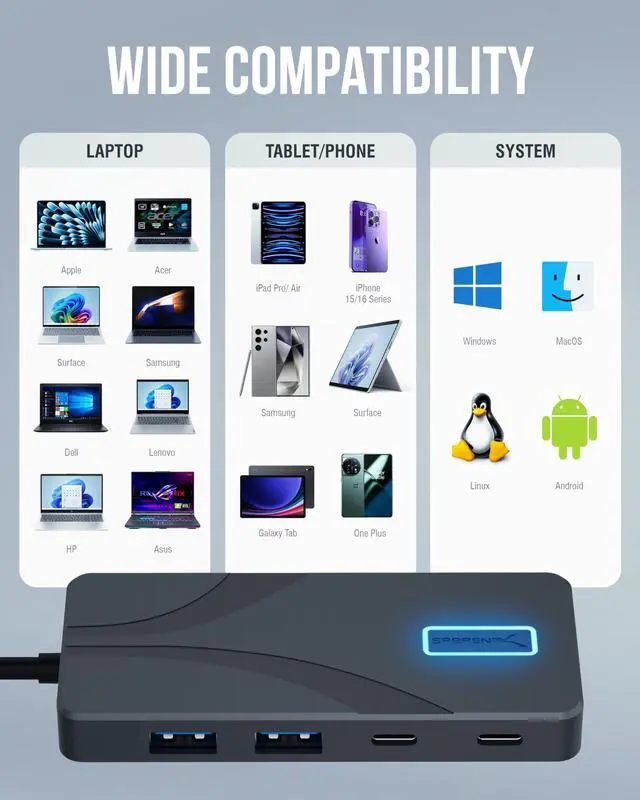
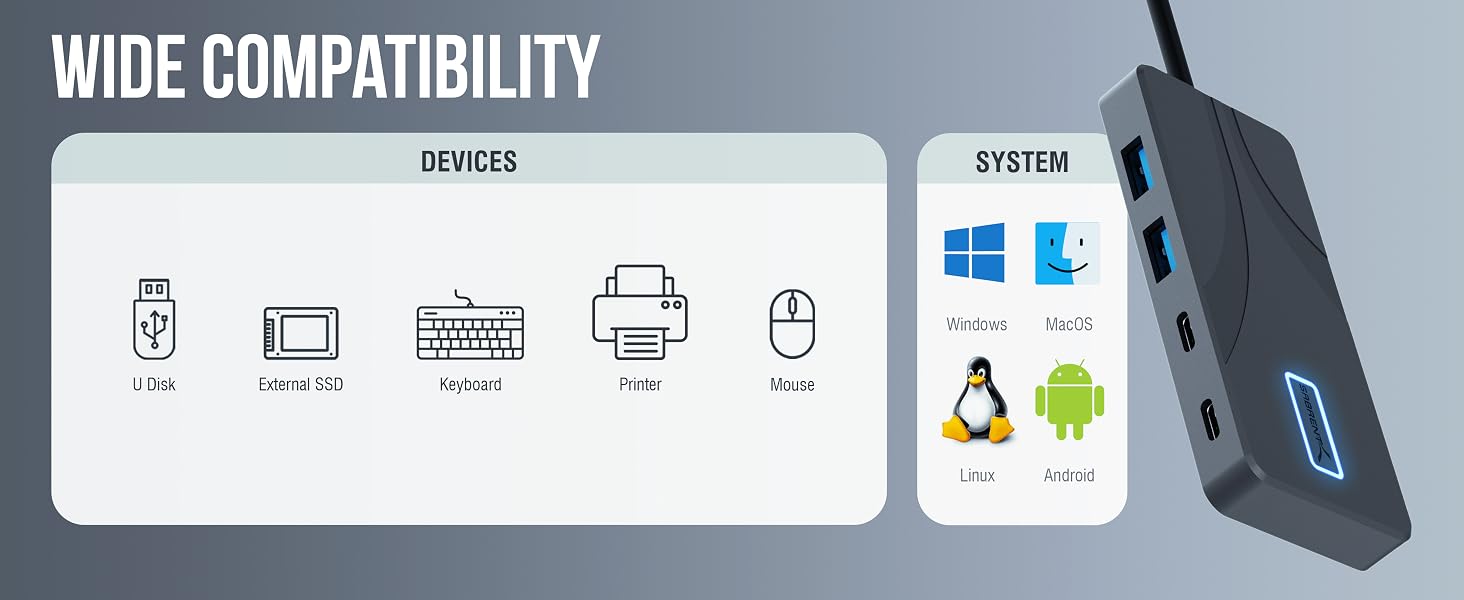
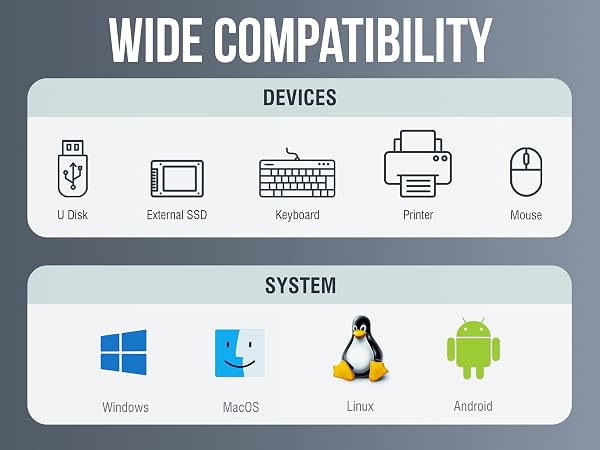
Plug in and go. No drivers, no configuration. Compatible with Windows, macOS, ChromeOS, and Linux right out of the box.
How do I turn the hub on?
Press the illuminated SABRENT logo on top to power on — blue light confirms it's active. The hub does not auto-activate when plugged in. Allow up to 10 seconds for newly connected devices to be recognized.
Does a power adapter come in the box? Do I need one?
No power adapter included. Hub works for data and HDMI without one. For laptop charging, connect your own USB-C PD charger (up to 100W) to the PD Input — hub delivers up to 80W to your laptop.
Will this work with my phone or tablet?
Phones and tablets connect for data and charging on all USB-C devices. HDMI output requires DisplayPort Alt Mode — supported on iPad Pro/Air. Most smartphones including iPhone do not support HDMI output through this hub.
My devices stop working after my laptop wakes from sleep. How do I fix this?
Cycle the hub's power button off and back on after your laptop wakes from sleep to restore all connections. On macOS, disconnecting and reconnecting the hub cable also resets the ports.
Can I connect an external hard drive to the USB ports?
Flash drives, bus-powered SSDs, and standard accessories work great. Bus-powered 3.5" HDDs need more power than the hub provides — connect them to their own power source before use.


SABRENT USB Type-C 5-Port Hub – Power, Display, and Speed in One Compact Dock
SABRENT HB-TG5P — One Hub. Every Connection.
Turn a single USB-C port into a full workstation. The SABRENT USB-C 5-Port Hub delivers 10Gbps data speeds, 4K@60Hz HDMI display output, and up to 80W laptop charging — all through one compact, aluminum hub that fits in your pocket and performs on your desk.
Built around USB 3.2 Gen 2, the hub expands your setup with 2× USB-A and 2× USB-C 10Gbps data ports for keyboards, mice, flash drives, gamepads, and everyday peripherals — plus a dedicated HDMI 2.0 port for sharp, smooth 4K output at up to 4096×2160@60Hz with HDR10, Dolby Vision, and HDCP 2.3 support. HDMI output is available on any USB-C host device that supports DisplayPort Alternate Mode, including MacBook Pro/Air (M1–M4), iPad Pro/Air with USB-C, and USB-C Windows, Chromebook, and Linux laptops.
The dedicated PD Input port accepts up to 100W from your own USB-C charger (sold separately) and passes up to 80W back to your laptop — so your battery stays charged through the longest sessions without unplugging a thing.
A backlit power switch puts you in control. Press the SABRENT logo to activate the hub and the blue glow confirms it's ready. The 60cm integrated USB-C cable keeps your setup clean at your desk or packed flat in your bag. Premium aluminum housing handles the heat passively — no fans, no noise.
Plug in and go. No drivers, no configuration. Compatible with Windows, macOS, ChromeOS, and Linux right out of the box.
| Host Interface | USB Type-C |
|---|---|
| Data Transfer Speed | Up to 10Gbps (USB 3.2 Gen 2) |
| USB Ports | 2× USB-C data, 2× USB-A data, 1× USB-C PD input |
| Display Output | HDMI 2.0 |
| Maximum Resolution | 4096×2160 @ 60Hz with HDR |
| HDCP Support | HDCP 1.4/2.2/2.3 |
| Display Requirement | Host must support DisplayPort Alternate Mode |
| Power Delivery Input | Up to 100W USB-C PD |
| Power Delivery Output | Up to 80W to host device |
| USB Port Power Output | 5V/1.5A per port (BC1.2) |
| Compatibility | Windows, macOS, ChromeOS, Linux |
| Plug and Play | No drivers required |
| Power Switch | Illuminated LED button — press to activate |
| Build Material | Aluminum housing |
| Cable Length | 60cm integrated (approx. 24 inches) |
| Package Contents | Hub only — no power adapter included |
How do I turn the hub on?
Press the illuminated SABRENT logo on top to power on — blue light confirms it's active. The hub does not auto-activate when plugged in. Allow up to 10 seconds for newly connected devices to be recognized.
Does a power adapter come in the box? Do I need one?
No power adapter included. Hub works for data and HDMI without one. For laptop charging, connect your own USB-C PD charger (up to 100W) to the PD Input — hub delivers up to 80W to your laptop.
Will this work with my phone or tablet?
Phones and tablets connect for data and charging on all USB-C devices. HDMI output requires DisplayPort Alt Mode — supported on iPad Pro/Air. Most smartphones including iPhone do not support HDMI output through this hub.
My devices stop working after my laptop wakes from sleep. How do I fix this?
Cycle the hub's power button off and back on after your laptop wakes from sleep to restore all connections. On macOS, disconnecting and reconnecting the hub cable also resets the ports.
Can I connect an external hard drive to the USB ports?
Flash drives, bus-powered SSDs, and standard accessories work great. Bus-powered 3.5" HDDs need more power than the hub provides — connect them to their own power source before use.