





Which devices should I connect to each USB port?
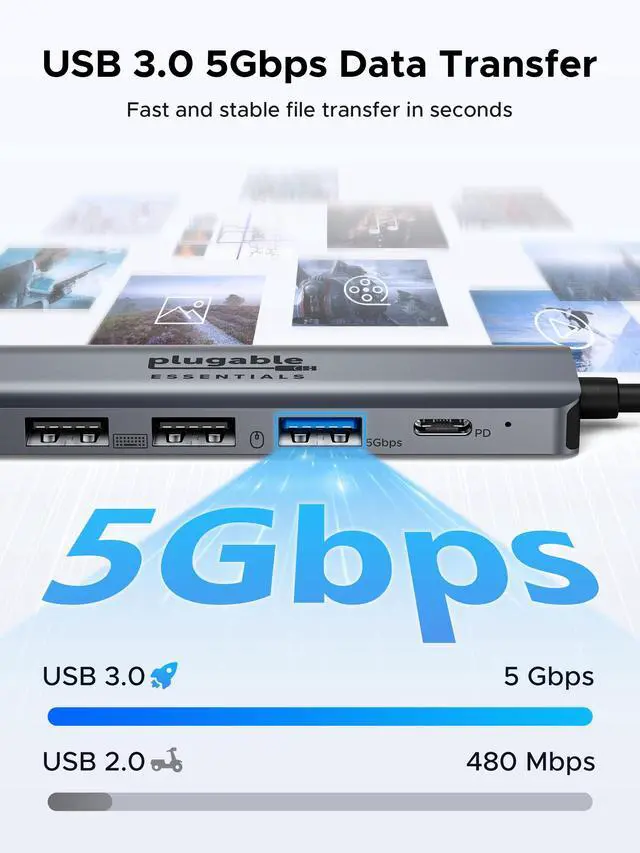
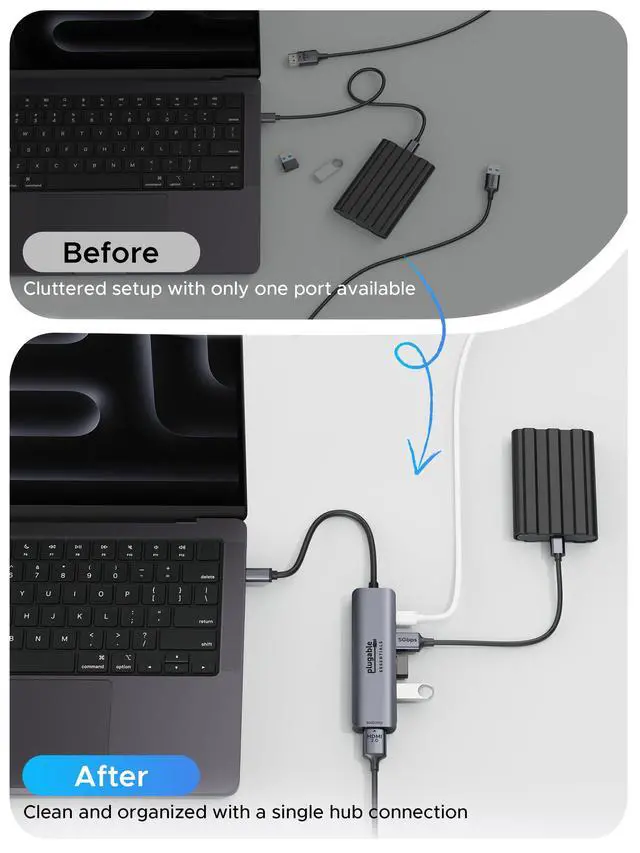
Use USB 3.0 for high-speed devices like SSDs and cameras; use USB 2.0 for keyboards, mice, and dongles.
When should I connect a USB-C charger?
Connect a charger to the PD port before use, especcially if you're using power-demanding devices like external storagge.
Which ports support charging, data, or video?
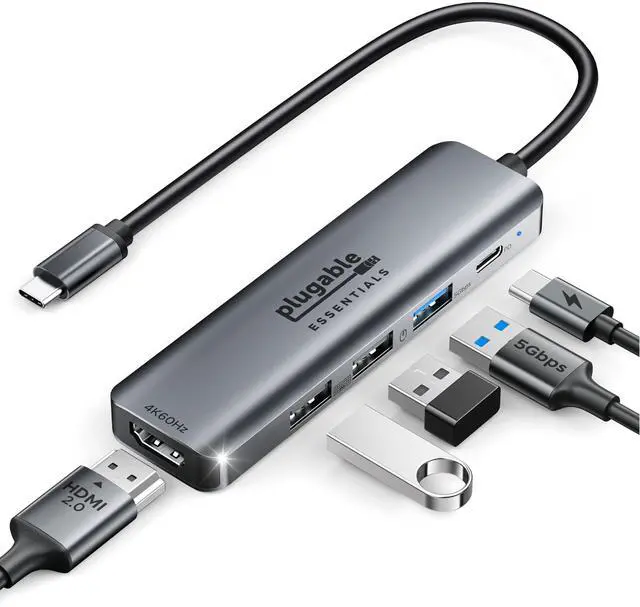
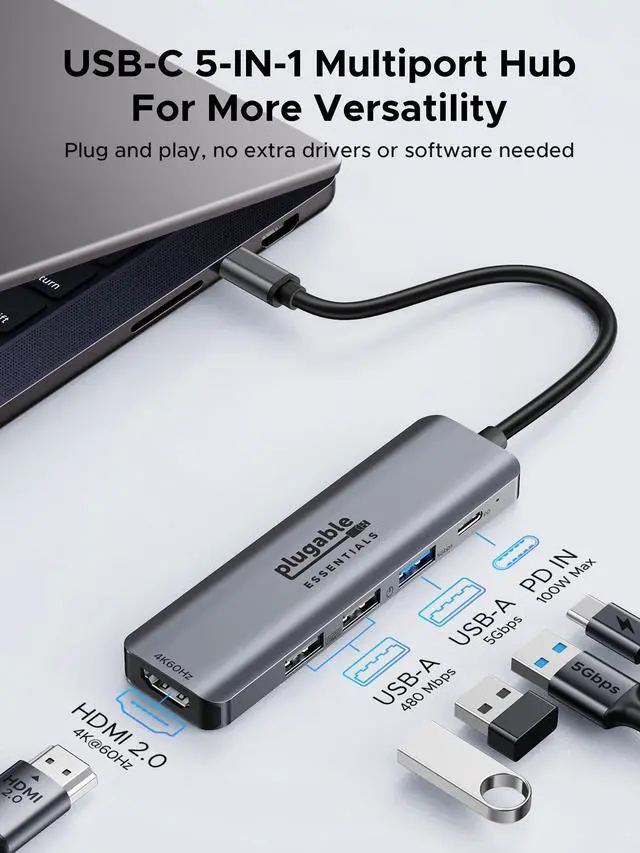
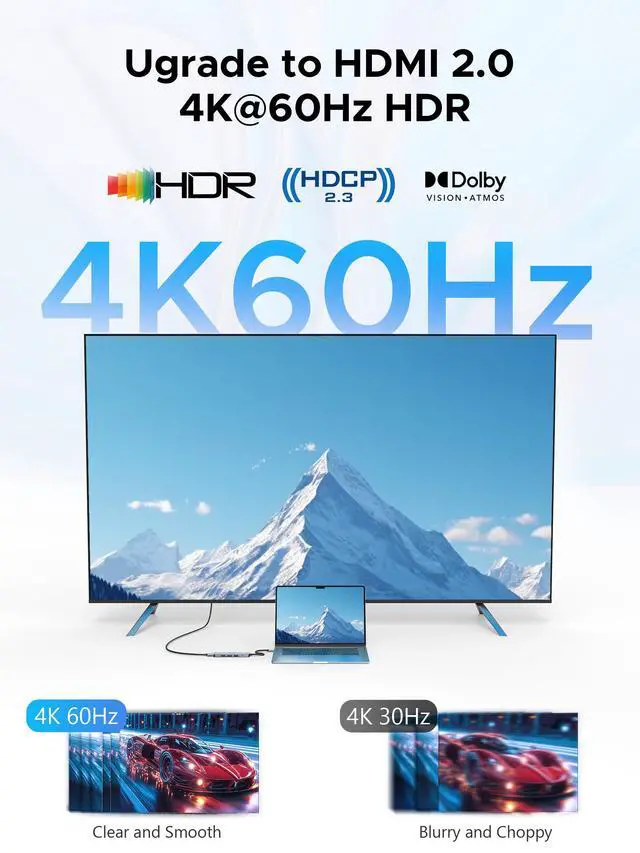
The three USB-A ports support data transfer only. The USB-C PD port supports charging only. The HDMI port supports video output only.

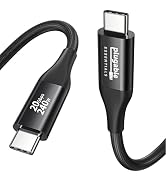
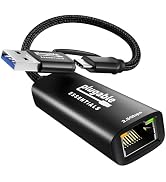
New Releases



Compatible Devices (Partial list)
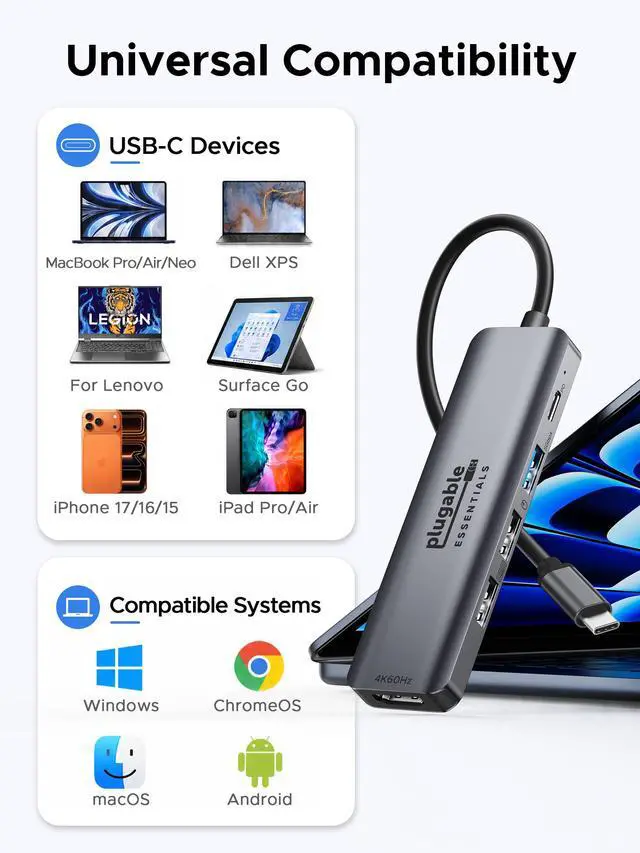
| *Important Note | The host device connected to this USB-C hub is required to support data, charging and video (DP Alt Mode). Basically, Thunderbolt 5/4/3 and USB C 3.2 Gen 2 (or above) support video output. *If your device is not included in the list, please feel free to tell us. |
|---|---|
| ?Apple | iPhone 17 / 16 / 15 / Pro / Pro Max / Plus / Air, MacBook Neo 2026, MacBook Pro 2026 - 2016, MacBook Air 2026 - 2018, MacBook 2017 - 2015, iMac 2020 - 2017, iMac Pro, Mac mini 2018, Mac Pro 2019, iPad Pro 2025 - 2018, iPad Air 4 / 5, iPad mini 6 (*M1 devices released in 2020 and M2 MacBook Air only support up to one external monitor) |
| ?Samsung | Galaxy Fold Series/ S26-23 Series / S22 Ultra / S22+ / S22 / S21 Ultra / S21+ / S21 / S20 Ultra / S20+ / S20 / S10+ / S10 / S10e / S9+ / S9 / S8+ / S8 / A90, Note 20 Ultra / 20 / 10+ / 10 / 9 / 8, Galaxy Tab S8 Ultra / S8+/ S8 / S7+ / S7 / S6 / S5e / S4, Galaxy Book |
| ?Dell | XPS 15 9575 / 9570 / 9560 / 9550, XPS 13 9375 / 9370 / 9360 / 9350, XPS 12 9250, Latitude 7373 / 7280 / 7480 / 5570 / 5490, Insiron 5570, Inspiron 13 7000 2-in-1 |
| ?Microsoft | Surface Book 2 / 3, Surface Go / Go 2 / Go 3, Surface Laptop 3 / 4 / SE / Go / Go 2 / studio, Surface Pro 7 / 7+ / 8 / X, Surface Studio 2, Surface Dock 2 - only works for Dock 2 rear ports |
| ?HP | Spectre 13 / x360 , Zbook / Zbook Studio / Zbook Studio x360, ProBook 430 G6, Envy 13 x360 2019/ 2018, Chromebook x2, EliteBook Folio G1 |
| ?Acer | Nitro 5 Spin / Spin 5 / Switch 5 / Swift 5 / Chromebook Tab 10 / TravelMate P2 |
| ?LG | V60 / V50 / V40 / V35+ / V35 / V30+ / V30 / V20 / G8 / G7+ / G7 / Q8 |
| ?OnePlus | 10 Pro / 10 / 9 Pro / 9R / 9 / 8 Pro / 8 / 7 Pro / 7 |
| ?Valve | Steam Deck |
| ??NOT Compatible | iPhone 17e, iPhone 16e; Samsung Galaxy Flip series / Galaxy A series (except A90) / Galaxy Tab A series / Google Pixel series (*NOT support video output over USB-C ports); Dell S2716DG / 2417H / U2520 / U3415W; Nintendo Switch Series |
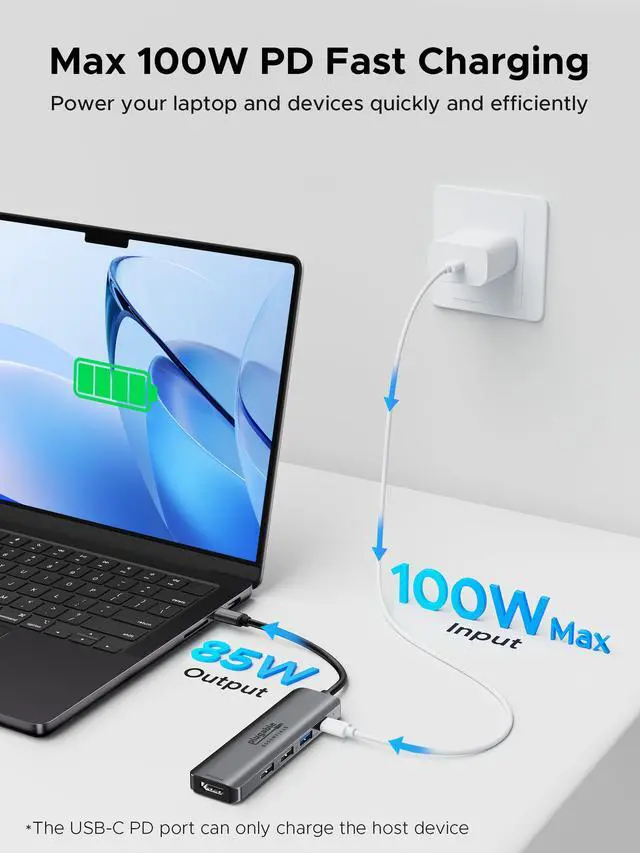
| Note | The USB-C PD-IN port is for charging ONLY (no data or video). For best performance, use a 100W USB-C PD charger. Up to 85W charging is available for your laptop. |
| Note | Use the 5Gbps port for hard drives, SSDs, and other high-speed devices. The 480Mbps ports are recommended for keyboard and mouse. |
| Note | When the hub is fully loaded, its surface may reach 149°F, which is normal for an aluminum shell usbc hub to dissipate heat and keep running properly. |
| Note | If using a wireless mouse, avoid placing too many metal objects between the receiver and the mouse, as this may cause signal interference. |
| Note | The ROG handheld requires a 100W charger to enable Turbo Mode. |
Which devices should I connect to each USB port?
Use USB 3.0 for high-speed devices like SSDs and cameras; use USB 2.0 for keyboards, mice, and dongles.
When should I connect a USB-C charger?
Connect a charger to the PD port before use, especcially if you're using power-demanding devices like external storagge.
Which ports support charging, data, or video?
The three USB-A ports support data transfer only. The USB-C PD port supports charging only. The HDMI port supports video output only.
New Releases