Meet Your Seller
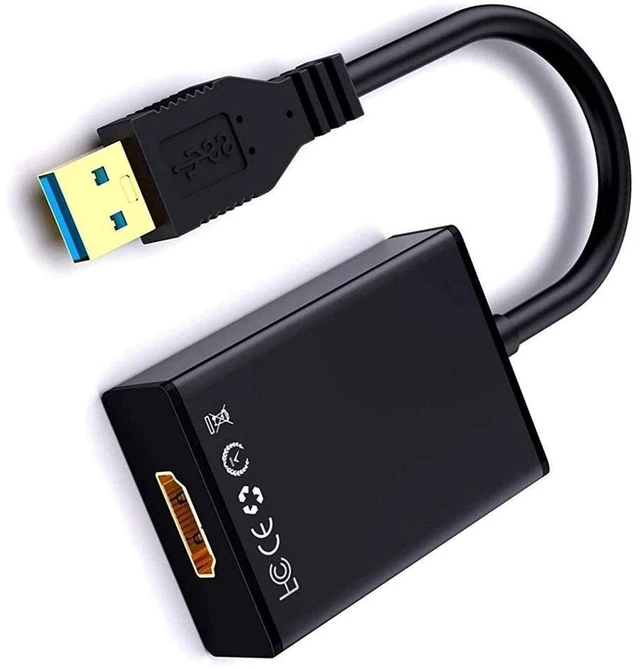
USB to HDMI Adapter USB 3.0/2.0 Video Converter Cable with Audio 1080P HD Output 1920x1080P@60Hz 3D Display Support Compatible with Windows XP/7/8/8.1/10 PC Laptop Projector HDTV
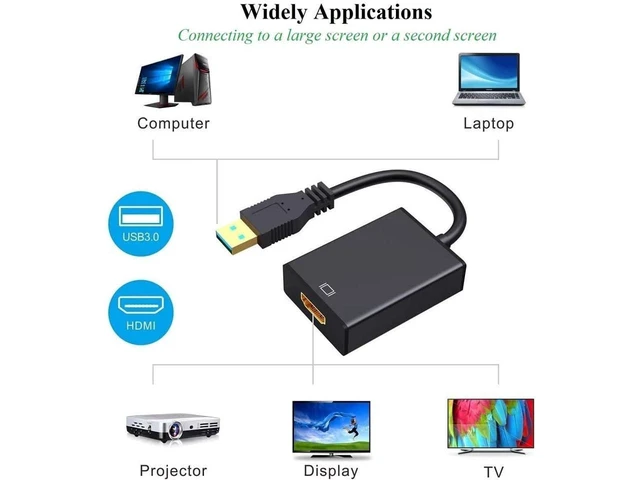
- Connect a PC or laptop to an HDTV, monitor, or projector through a USB interface and an HDMI interface for audio and video output.
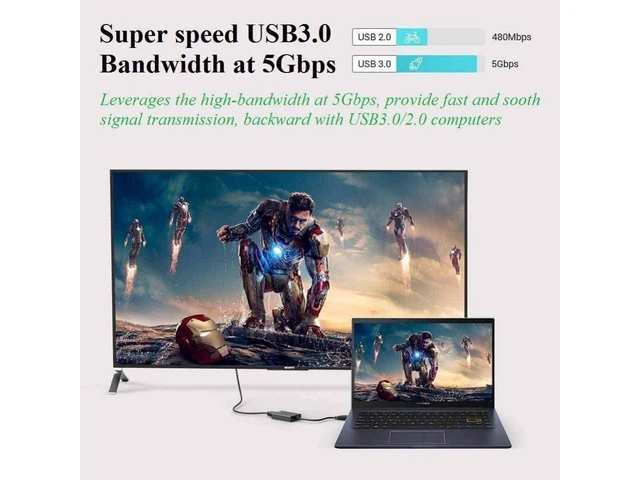
- Supports USB 3.0 and USB 2.0 input connections with HDMI output, providing flexible connectivity for compatible computer systems.
- Uses a high-bandwidth 5Gbps USB 3.0 interface to transmit high-definition video from the computer to a connected display.
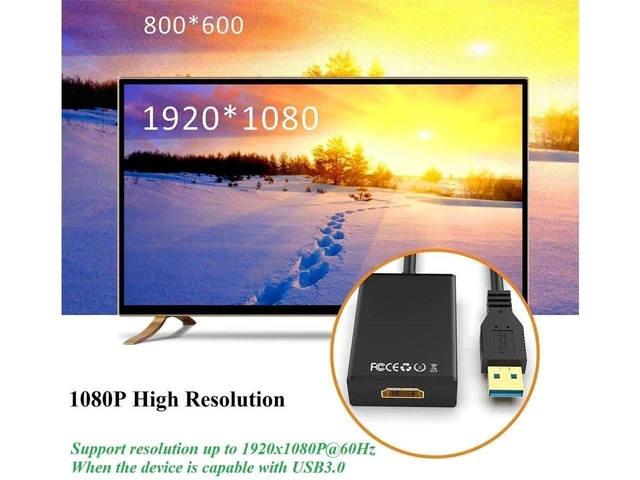
- Supports video resolution up to 1080P, including 1920x1080P at 60Hz when connected through USB 3.0.
- Supports 3D display output for compatible content and display equipment connected through the HDMI interface.
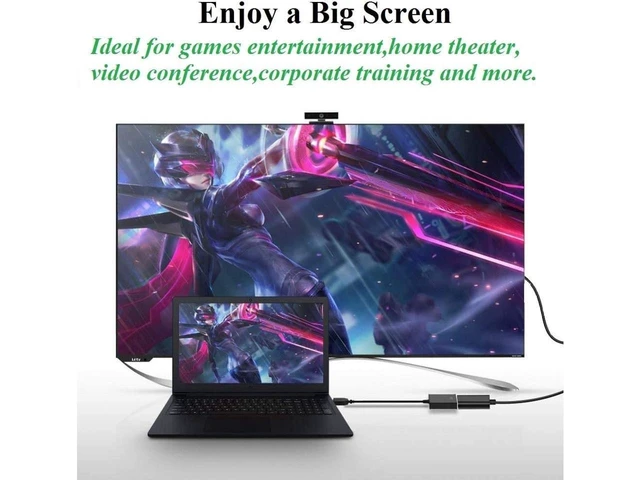
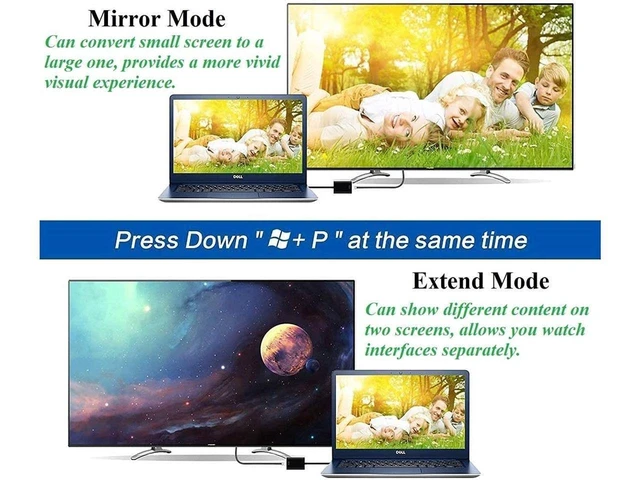
- Extend your computer desktop to two screens or synchronize the computer image with an external display for expanded viewing.
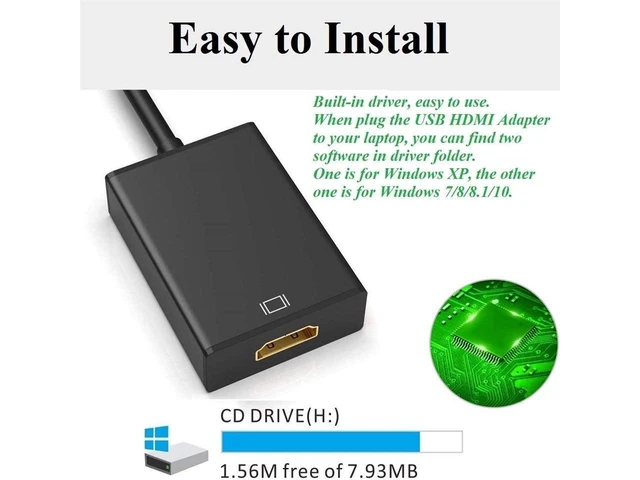
- Includes internal drivers for installation; when connected to the computer, follow the displayed installation prompts or consult the user manual.
- Compatible with Windows XP, Windows 7, Windows 8, Windows 8.1, and Windows 10 operating systems for supported PC and laptop setups.
Any questions? Ask CelesteSM will help you find out quickly.
Product Description:
USB to HDMI video cable converter with audio for connecting a computer through a USB interface to an HDMI-equipped HDTV, monitor, or projector. Supports video display output and extended-screen use.
Core Selling Points:
Transfers high-definition audio and video from a computer to an external display. Supports synchronized display output or extended dual-screen display for work, entertainment, home theater, video conferencing, and training. Internal drivers are available for installation.
Technical Specifications:
USB 3.0/2.0 to HDMI adapter. USB 3.0 bandwidth: 5Gbps. Video resolution: up to 1080P. Supports 1920x1080P@60Hz when connected through USB 3.0. Supports 3D display.
Before Purchase:
Compatible with Windows XP, 7, 8, 8.1, and 10. Connects a computer USB interface to an HDMI interface on an HDTV, monitor, or projector. Follow the driver installation prompts or user manual instructions after connecting to the computer.
Warranty & Returns
Warranty, Returns, And Additional Information
Warranty
- Please contact the Seller directly for warranty information. Warranty information may also be found on the Manufacturer's website.
- CONTACT
Return Policies
- Return for refund within: 30 days
- Return for replacement within: non-replaceable
- This item is covered by GeekSpace Return Policy
Manufacturer Contact Info
- For a directory of all our manufacturers, please click below.
- Manufacturers Directory