here!
I’m your shopping assistant for PC builds, upgrades, and everything tech.
Got questions? Ask away!
Start a conversation
here!
I’m your shopping assistant for PC builds, upgrades, and everything tech.
Got questions? Ask away!
Start a conversation



Any questions? Ask CelesteSM will help you find out quickly.
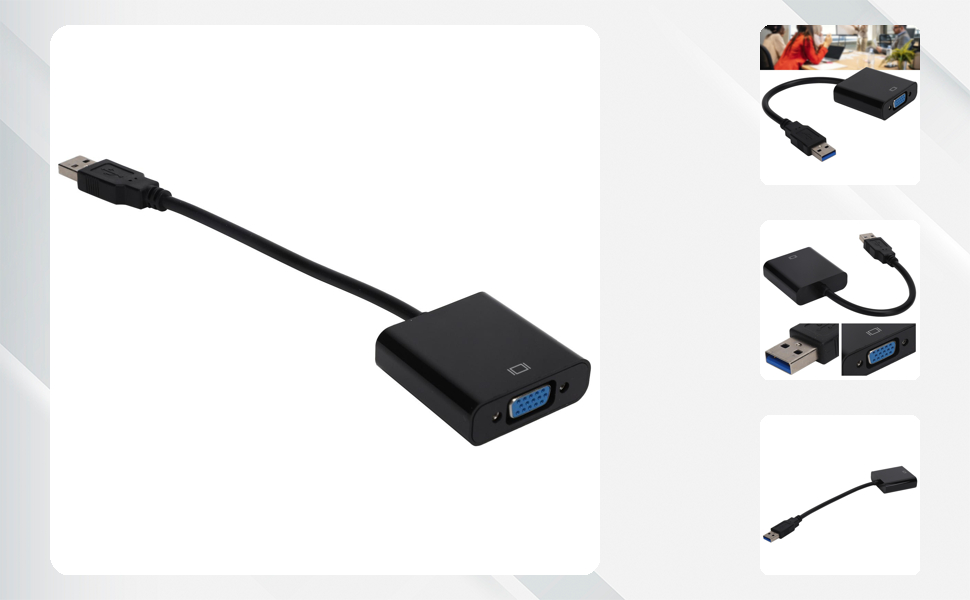
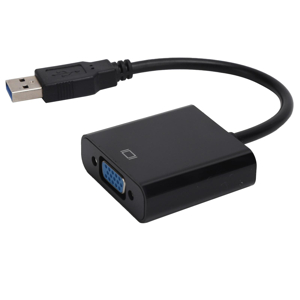
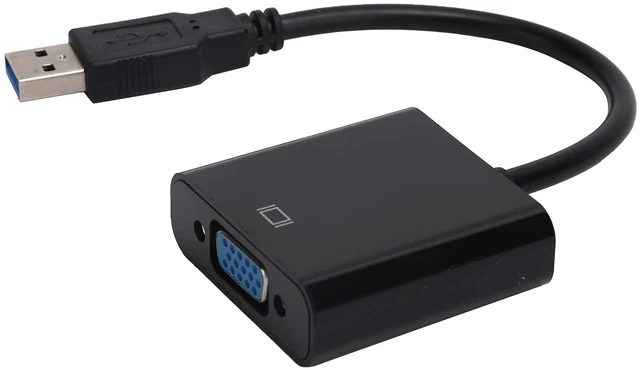
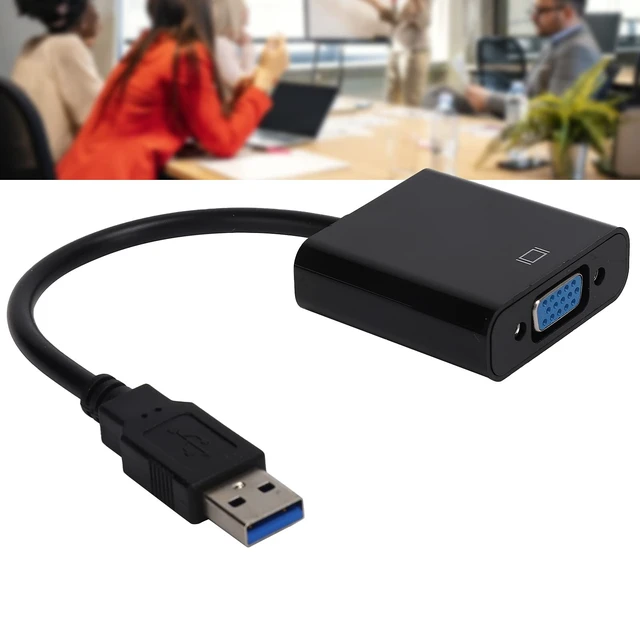
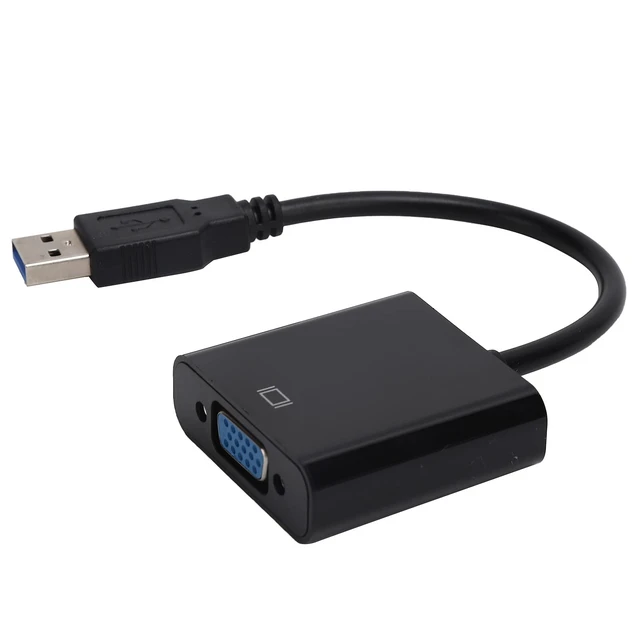
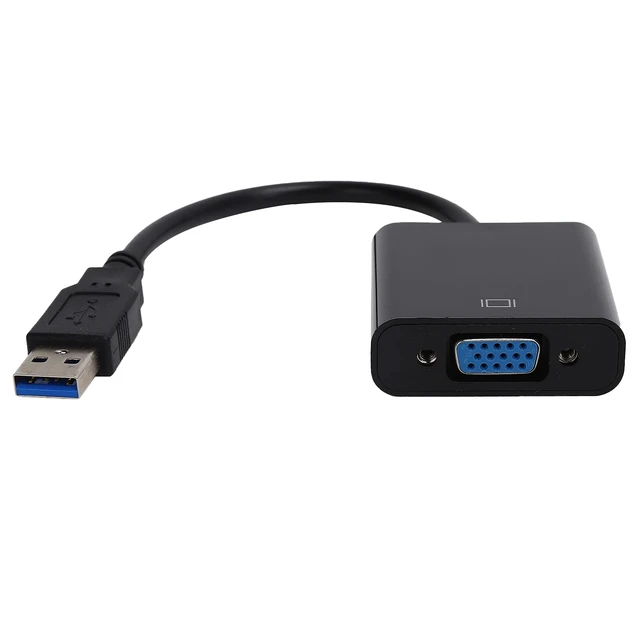
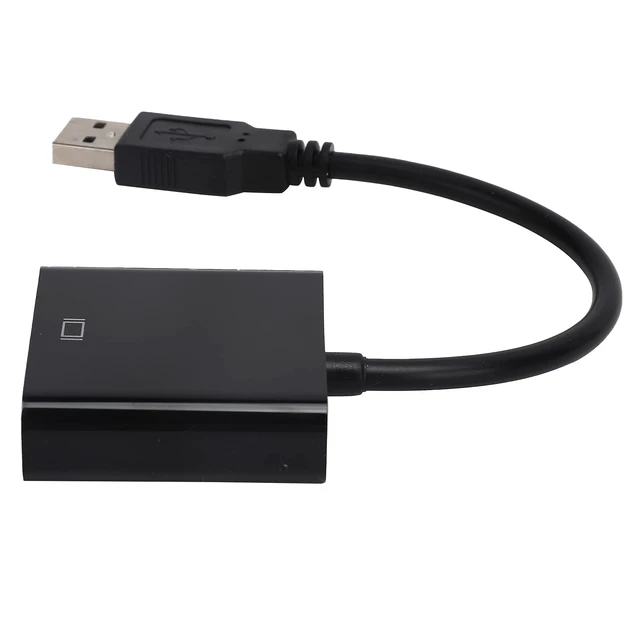
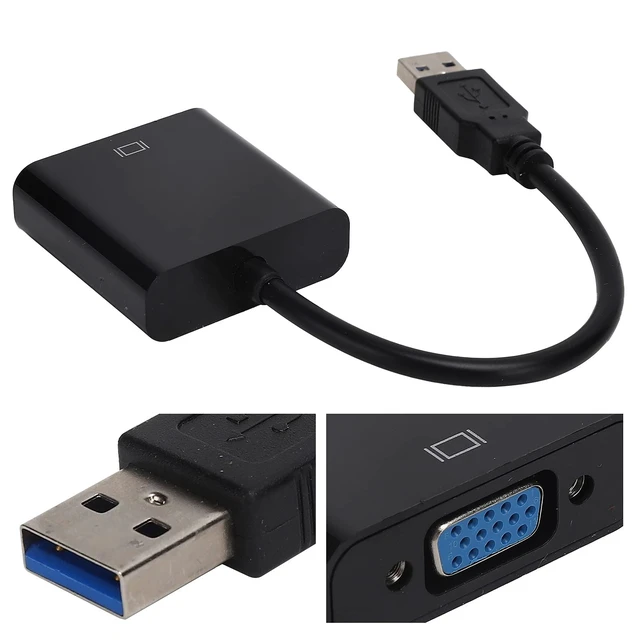
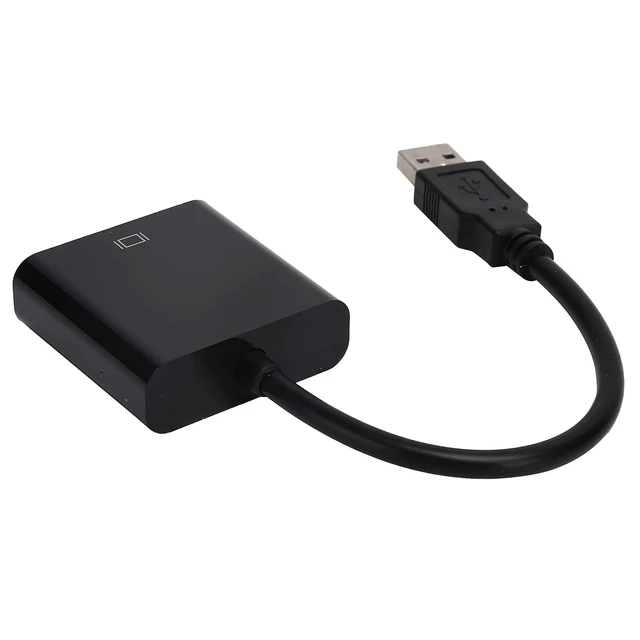
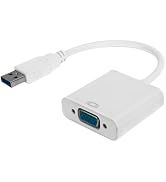
USB TO VGA CONNECTIVITY:USB3.0 to VGA Converter enables seamless connections between USB-supported devices like laptops and desktops, and VGA-compatible devices such as monitors, projectors, and TVs. It ensures versatility for various display setups in any environment.
BROAD DEVICE COMPATIBILITY:Compatible with multiple devices, including PC laptops running 10, various PCs, Chromebooks, and systems. External Video Cardcompatibility ensures users can leverage the device in numerous environments and applications.
FOUR DISPLAY MODES:Support for four distinct display modes—expansion, repeat, main screen, and auxiliary screen switching and rotation—offers users flexibility. This variety allows customization of the display setup according to individual needs or specific tasks.
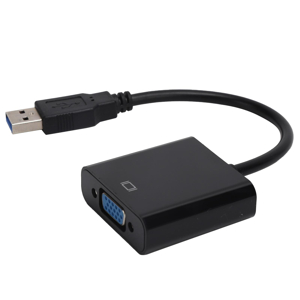
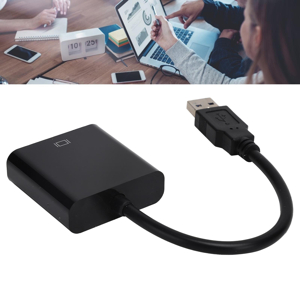
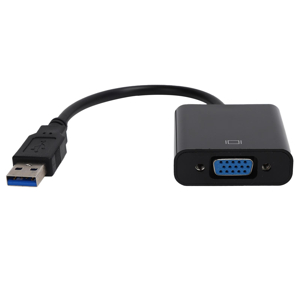
Specification:
Item Type: USB3.0 to VGA Converter
Material: ABS
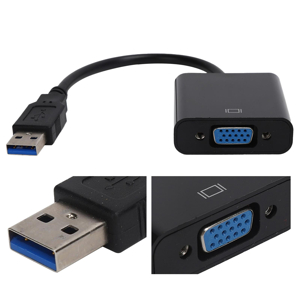
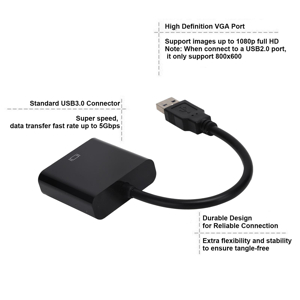
Input Port: USB3.0 male
Output Port: VGA 15-pin female
Output DDC Signal: 5Volts P-P (TTL)
Maximum Resolution: 1920x1080 at 60Hz (1080p)
Signal Transmission Rate: Up to 5Gbps
Working Temperature: -15?~+55?
Compatible Devices: PC laptop for 10, desktop, laptop, PC, monitor, projector, high-definition TV, for Chromebook/RPi, etc.
How to Use:
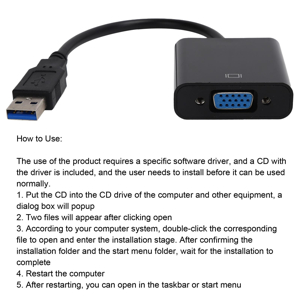
The use of the product requires a specific software driver, the product built in driver, and the user needs to install before it can be used normally.
1. Plug the product into the computer and wait for the driver of the device to popup
2. Click open and the corresponding driver file will appear
3. According to your computer system, double-click the corresponding file to open and enter the installation stage. After confirming the installation folder and the start menu folder, wait for the installation to complete
4. Restart the computer
5. After restarting, you can open in the taskbar or start menu
packing list:
1 x USB3.0 to VGA Converter
1 x CD
1 x User Manual
or1 x USB3.0 to VGA Converter
1 x User Manual
Notice:
1. Do not place the product in a corrosive place.
2. Please do not disassemble without authorization, damage caused will not be returned.
3. Do not place the product in damp or open areas.
USB TO VGA CONNECTIVITY:USB3.0 to VGA Converter enables seamless connections between USB-supported devices like laptops and desktops, and VGA-compatible devices such as monitors, projectors, and TVs. It ensures versatility for various display setups in any environment.
BROAD DEVICE COMPATIBILITY:Compatible with multiple devices, including PC laptops running 10, various PCs, Chromebooks, and systems. External Video Cardcompatibility ensures users can leverage the device in numerous environments and applications.
FOUR DISPLAY MODES:Support for four distinct display modes—expansion, repeat, main screen, and auxiliary screen switching and rotation—offers users flexibility. This variety allows customization of the display setup according to individual needs or specific tasks.
Specification:
Item Type: USB3.0 to VGA Converter
Material: ABS
Input Port: USB3.0 male
Output Port: VGA 15-pin female
Output DDC Signal: 5Volts P-P (TTL)
Maximum Resolution: 1920x1080 at 60Hz (1080p)
Signal Transmission Rate: Up to 5Gbps
Working Temperature: -15?~+55?
Compatible Devices: PC laptop for 10, desktop, laptop, PC, monitor, projector, high-definition TV, for Chromebook/RPi, etc.
How to Use:
The use of the product requires a specific software driver, the product built in driver, and the user needs to install before it can be used normally.
1. Plug the product into the computer and wait for the driver of the device to popup
2. Click open and the corresponding driver file will appear
3. According to your computer system, double-click the corresponding file to open and enter the installation stage. After confirming the installation folder and the start menu folder, wait for the installation to complete
4. Restart the computer
5. After restarting, you can open in the taskbar or start menu
packing list:
1 x USB3.0 to VGA Converter
1 x CD
1 x User Manual
or1 x USB3.0 to VGA Converter
1 x User Manual
Notice:
1. Do not place the product in a corrosive place.
2. Please do not disassemble without authorization, damage caused will not be returned.
3. Do not place the product in damp or open areas.
here!BONKZEBU is committed to providing you with
greatdeals and convenience! You can find whatever you
want










Specification:
Item Type: USB3.0 to VGA Converter
Material: ABS
Input Port: USB3.0 male
Output Port: VGA 15-pin female
Output DDC Signal: 5Volts P-P (TTL)
Maximum Resolution: 1920x1080 at 60Hz (1080p)
Signal Transmission Rate: Up to 5Gbps
Working Temperature: -15~+55
Compatible Devices: PC laptop for 10, desktop, laptop, PC, monitor, projector, high-definition TV, for Chromebook/RPi, etc.
How to Use:
The use of the product requires a specific software driver, the product built in driver, and the user needs to install before it can be used normally.
1. Plug the product into the computer and wait for the driver of the device to popup
2. Click open and the corresponding driver file will appear
3. According to your computer system, doubleclick the corresponding file to open and enter the installation stage. After confirming the installation folder and the start menu folder, wait for the installation to complete
4. Restart the computer
5. After restarting, you can open in the taskbar or start menu
packing list:
1 x USB3.0 to VGA Converter
1 x CD
1 x User Manual
or1 x USB3.0 to VGA Converter
1 x User Manual
Notice:
1. Do not place the product in a corrosive place.
2. Please do not disassemble without authorization, damage caused will not be returned.
3. Do not place the product in damp or open areas.
| Compatible Devices | Laptop, Monitor, PC, Projector, Television |
| Connector Type | USB, VGA |
| Color | Black |
| Brand | BONKZEBU |
| Number of Ports | 2 |
| Power Plug Type | No Plug |
| Unit Count | 1 Count |
| Model Number | BONKZEBU2mbgth5on6-11 |
| Manufacturer | BONKZEBU |
| Item Type Name | USB-to-VGA Adapters |
| Mfr Part Number | BONKZEBU2mbgth5on6-11 |