




 here!
I’m your shopping assistant for PC builds, upgrades, and everything tech.
Got questions? Ask away!
Start a conversation
here!
I’m your shopping assistant for PC builds, upgrades, and everything tech.
Got questions? Ask away!
Start a conversation



Any questions? Ask CelesteSM will help you find out quickly.
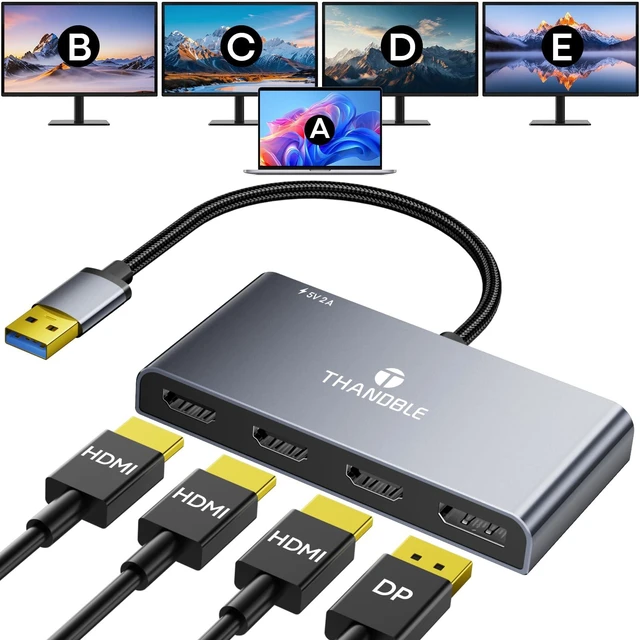
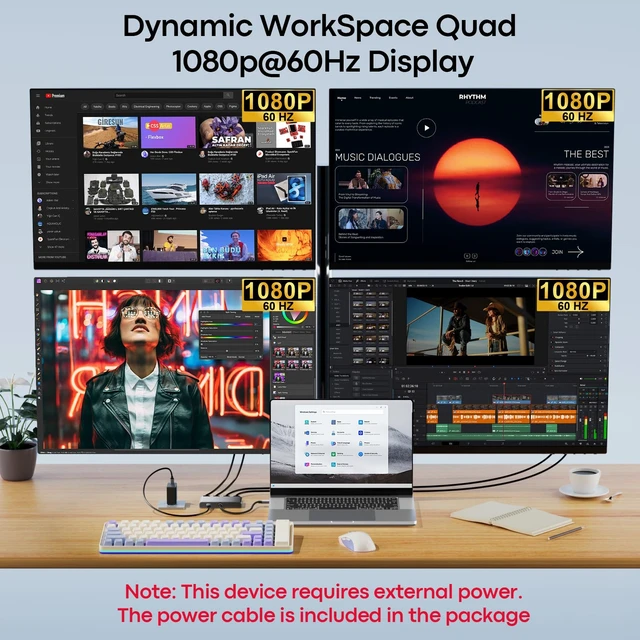
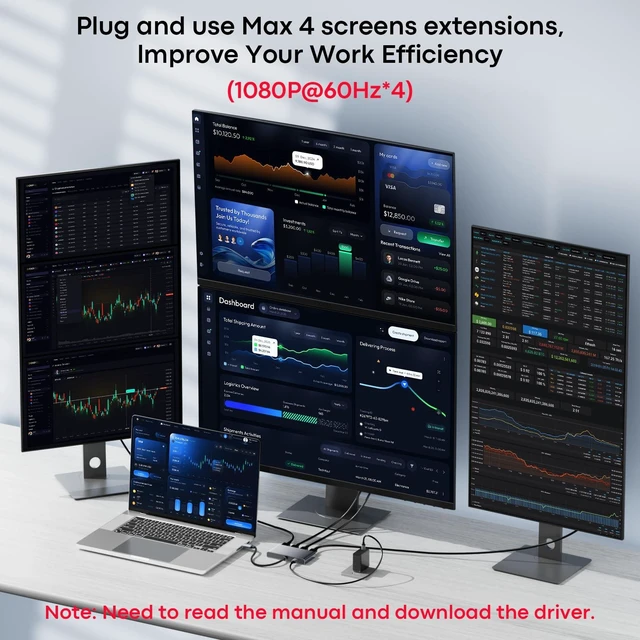
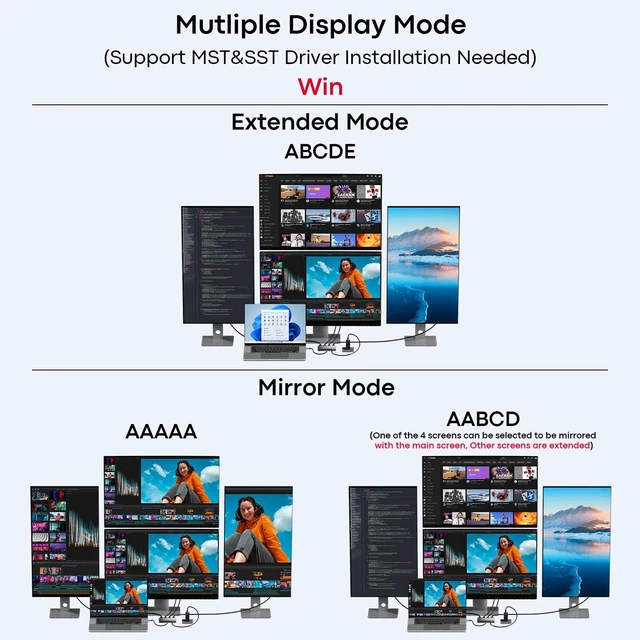
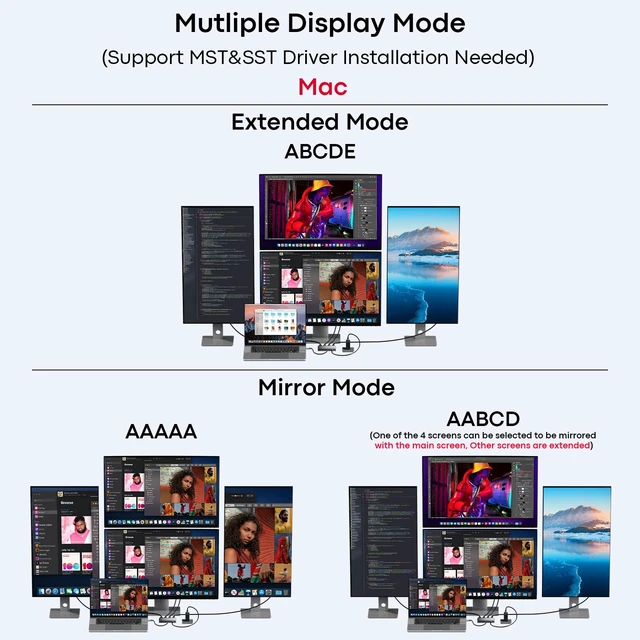
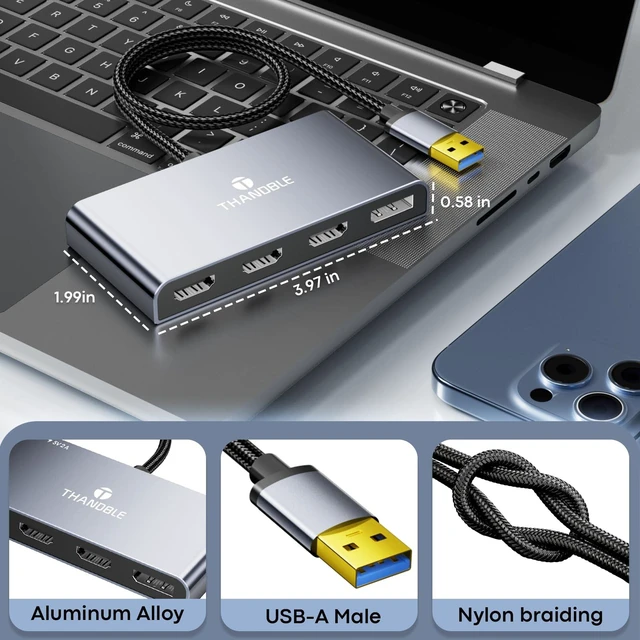
Turn Your Laptop Into a True Multi-Screen Command CenterStop toggling between windows and start seeing your entire workflow at once. The THANDBLE Quad Monitor Adapter converts a single USB-A 3.0 port into three HDMI and one DisplayPort output, each displaying an independent 1080p 60Hz desktop. Built for professionals who live in data, timelines, or code, it transforms your laptop into a panoramic workspace without the clutter of traditional docking stations.
Smart Power, Clean SignalThe USB to HDMI adapter runs immediately on USB bus power, so you can set up anywhere in seconds. When your work demands absolute stabilitythink all-day trading desks, 24/7 monitoring, or pixel-critical design reviewssimply connect any standard USB-C phone charger to the auxiliary power port. That extra 5V/2A feed ensures the video engine never has to compromise, eliminating any chance of flicker or signal loss during peak load.
Performance Built for Real Work
Full-Rate Quad Display: All four screens run at 1080p 60Hz concurrently, keeping video playback and animated dashboards butter-smooth.
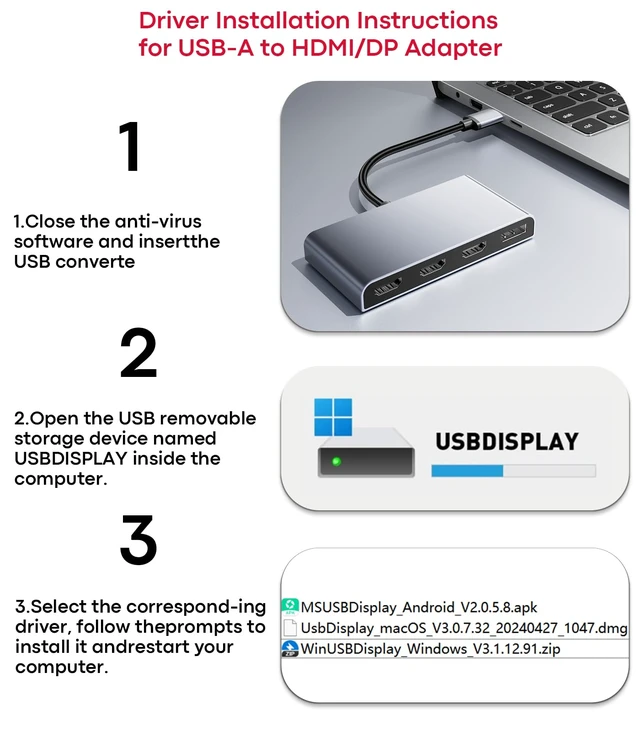
Driver Lives Onboard: No CDs, no downloads, no IT ticket. The USB to HDMI adapters internal memory stores the driver; install it once and it stays ready.
Enterprise-Tested Compatibility: Validated across Dell, HP, Lenovo, Surface, and Mac ecosystems. A single admin-level install is all it takes for permanent plug-and-play on that device.
Installation at a Glance
Plug the adapter into a USB-A 3.0 port. For optimal stability, also connect the USB-C power port to a 5V/2A charger.
Open the virtual disk that appears, run the driver installer.
Restart your computer, connect up to four monitors, and arrange them in your system display settings.


