

Your Browsing History
- Free 30-day Returns
$19.99
Ships from China.

Meet Your Seller

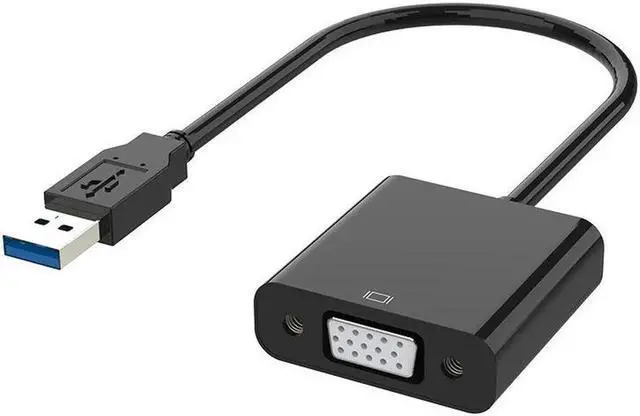
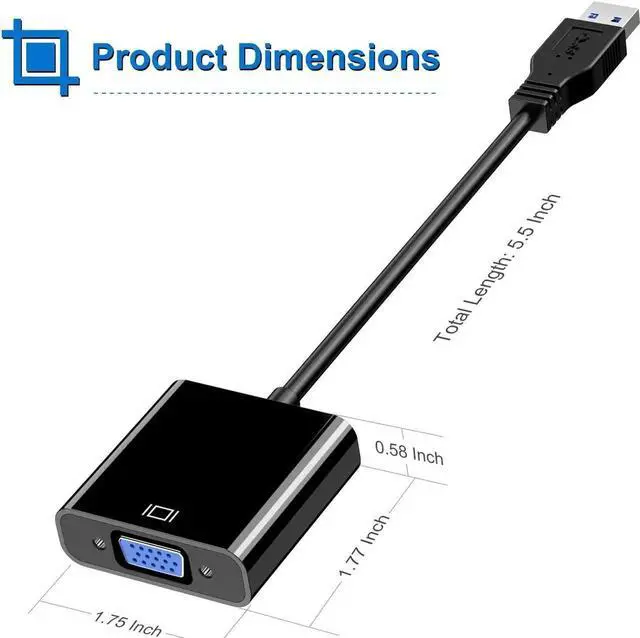


USB to VGA Adapter,USB 3.0 to VGA Adapter Multi-Display Video Converter- PC Laptop Windows 7/8/8.1/10,Desktop, Laptop, PC, Monitor, Projector, HDTV
Limited time offer, ends 09/13 By Nexus3C
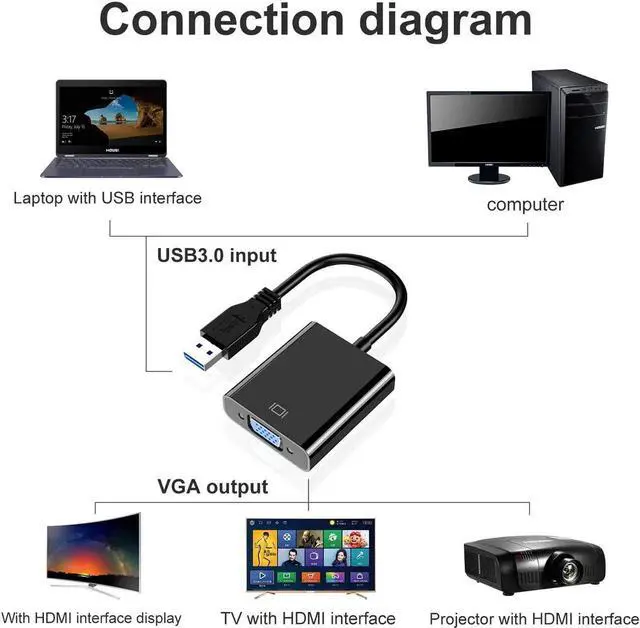
- [Application]: NOT Support Chromebook&MAC,This USB 3.0 to VGA Adapter is used to connected a USB-enabled devices(such as laptop, desktop) with a VGA-enabled devices(such as monitor, projector, TV) for multi-monitor solution.
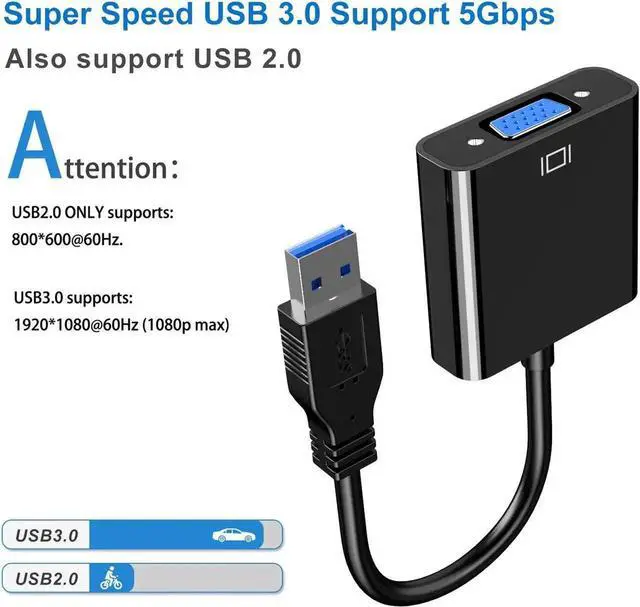
- [High Resolution]: Functions like an external graphics card offering flawless high definition video transmission to your monitor or projector. Supports up to 1920x1080 for compatibility with most displays, monitors and projectors with VGA. To ensure high resolution output, make sure that the USB port supports USB 3.0 to enable high resolution support.
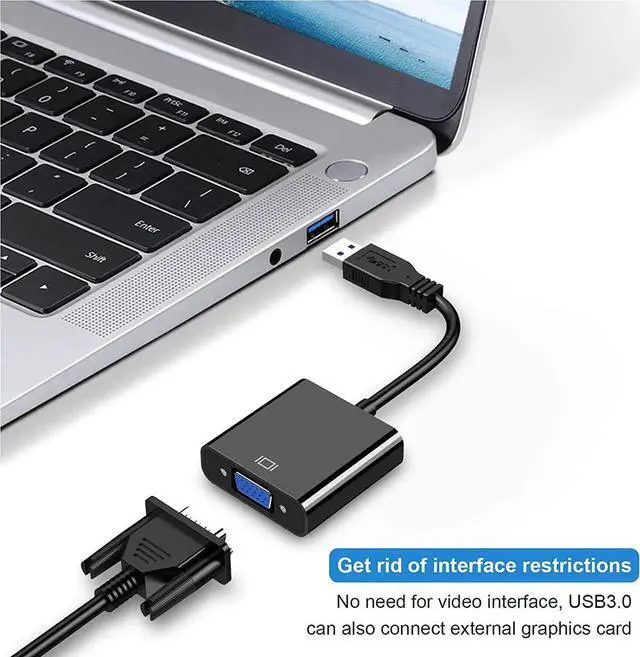
- [USB3.0 Interface, Fast Transmission.]: Leverages the adoption of USB 3.0 providing fast and smooth signal transmission. Backward compatible with USB2.0 computers.
- [Wide applications]: Compatible with Windows 10, Windows 8.1/8, Windows 7, Window XP, does not works for Chromebook,Linux,MAC OS,support mirror or extend screen display.
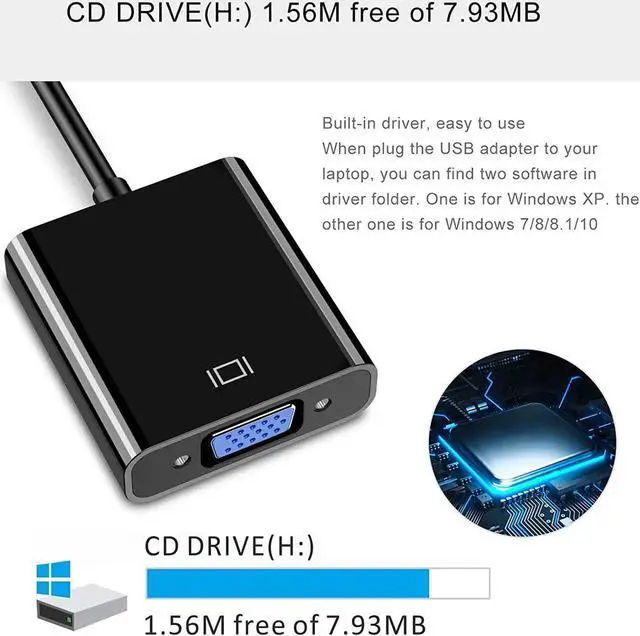
- Built-in driver. Please install the driver before use.
+
+
Overview
Specs
Reviews

Any questions? Our AI mode will help you find out quickly.
Try me now
DESCRIPTION
This USB 3.0 to VGA Adapter is used to connected a USB-enabled devices( such as laptop, desktop) with a VGA-enabled devices( such as monitor,projector, TV) for multi-monitor
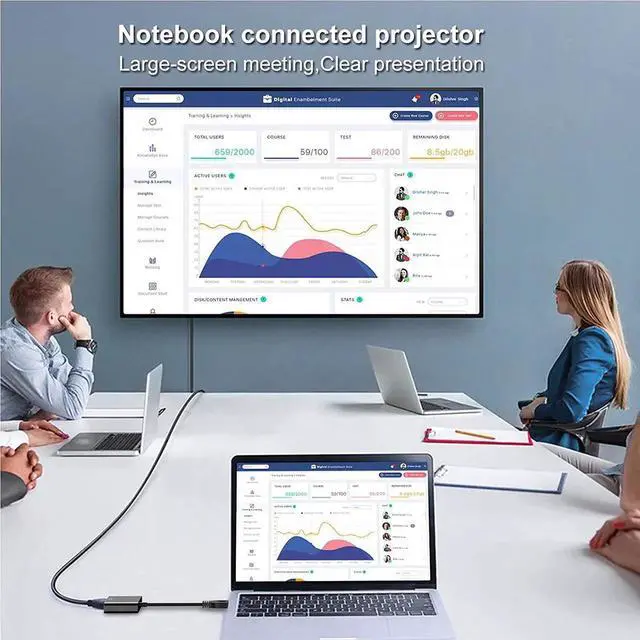
solution,extending working space with split-screen, mirroring display, etc
HIGH RESOLUTION
If connected to USB3.0 devices, resolution is adjustable and the maximum resolution can be up to 1920x1080@60Hz(1080p), if connected to USB2.0 devices, resolution is 800x600@60Hz.
HIGHLIGHTS
Leverages the adoption of USB 3.0 providing fast and smooth signal transmission. Backward compatible with USB2.0 computers.
COMPATIBLE LIST
PC Laptop Windows 7/8/8.1/10,Desktop, Laptop, PC,Monitor, Projector, HDTV, Raspberry Pi, Roku, Xbox and More,[Not Support Chromebook]
NEED Driver
Need Driver, just a few simple steps.
This product has a built-in driver. Please install the driver in the folder that pops up on the computer when you use it for the first time.
If the product can't work or you can't download the driver successfully, please contact our customer service email for latest driver, thanks!
Drivers must be installed before using the product
1: Drive is on the CD or Built-in Drive.
2: The driver can be downloaded from the Internet
https://support.frescologic.com/portal/kb/fresco-logic/drivers
Warranty & Returns
Warranty, Returns, And Additional Information
Warranty
- Please contact the Seller directly for warranty information. Warranty information may also be found on the Manufacturer's website.
- CONTACT
Return Policies
- Return for refund within: 30 days
- Return for replacement within: non-replaceable
- This item is covered by Nexus3C Return Policy
Manufacturer Contact Info
- For a directory of all our manufacturers, please click below.
- Manufacturers Directory
LOADING...