Product description
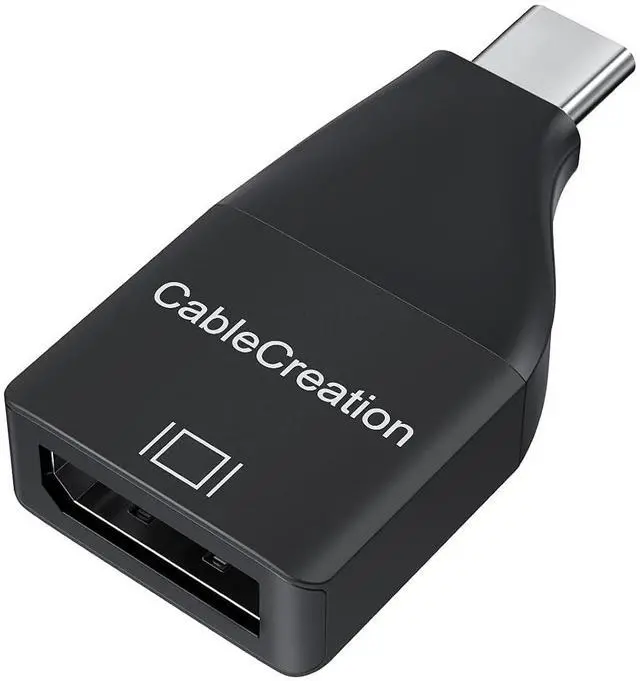
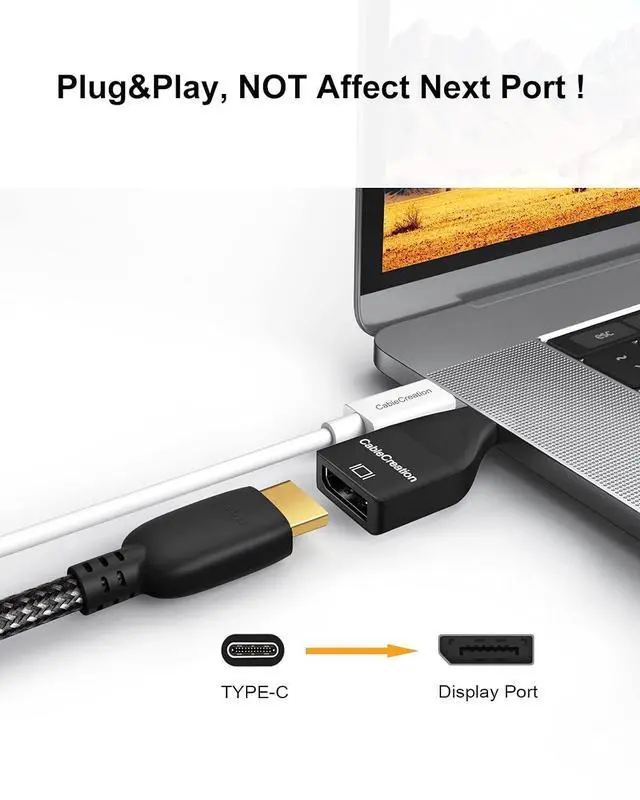
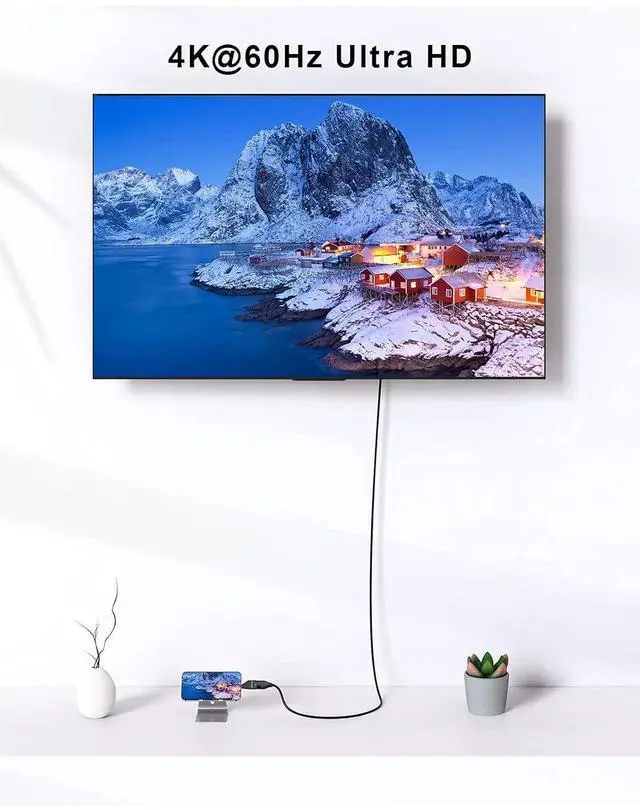
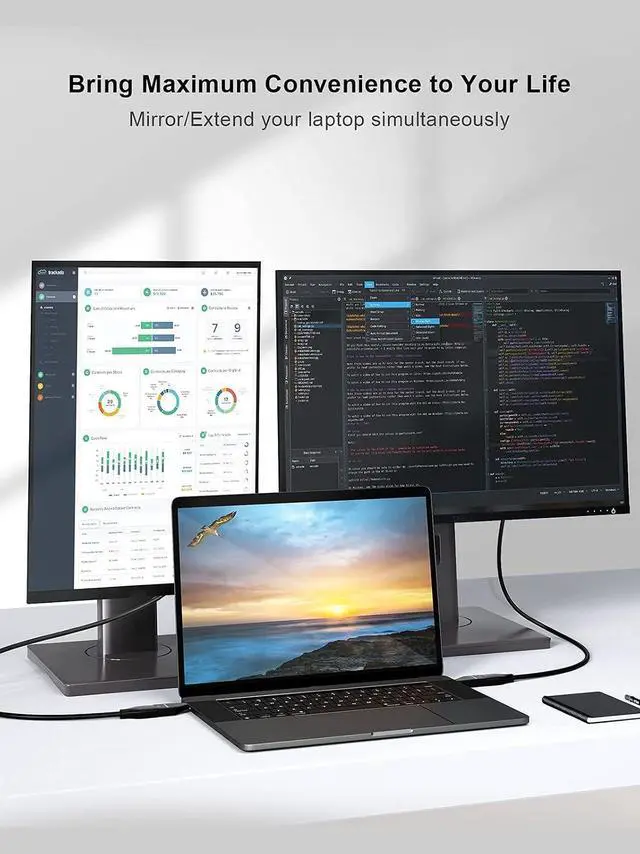
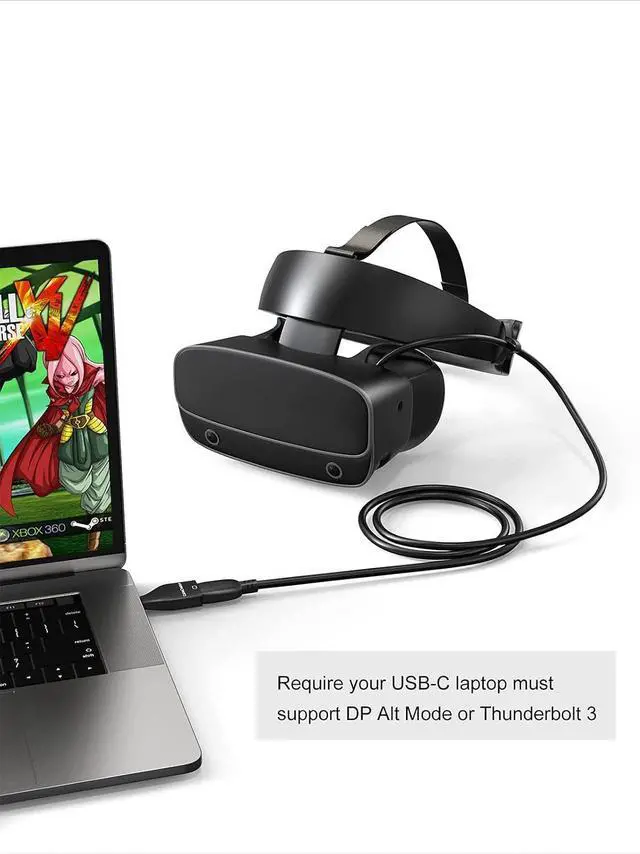
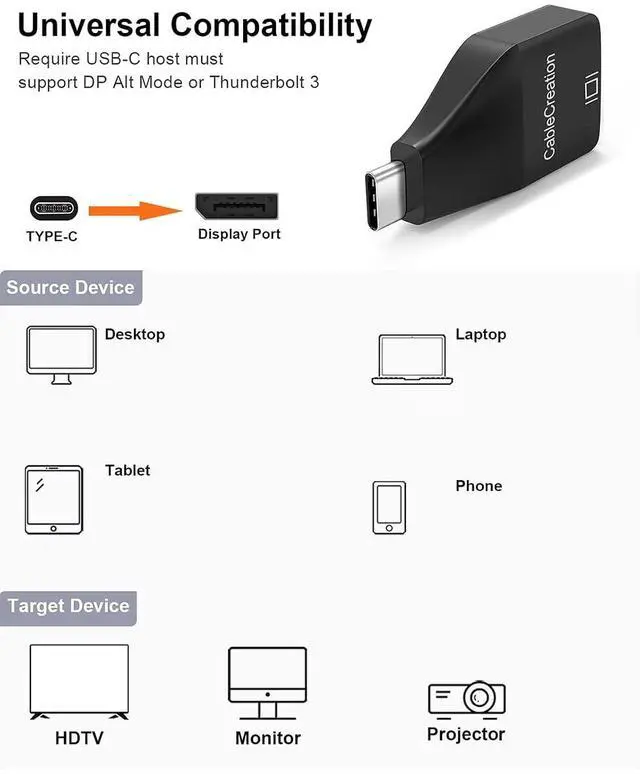
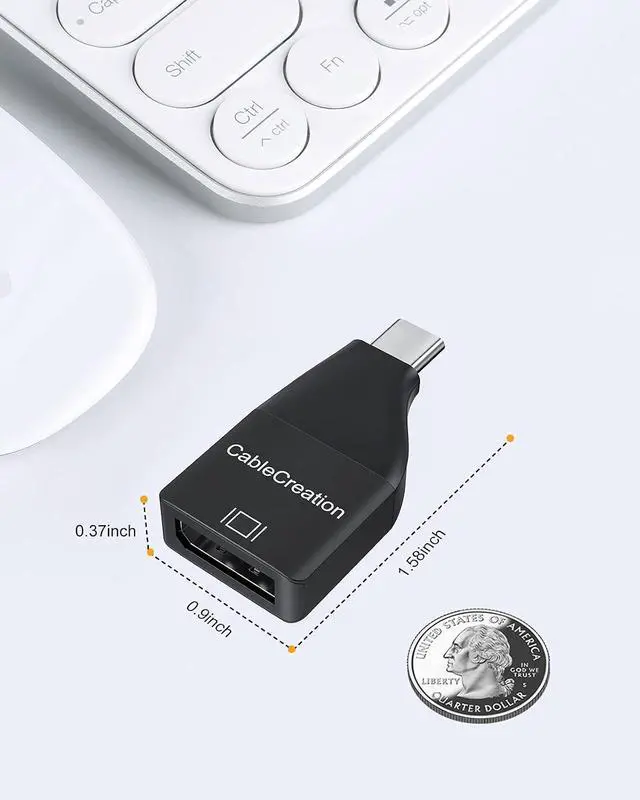
Troubleshooting Tips Before you start: Your devices USB-C port must support DP Alternate Mode or Thunderbolt 3/4 for video transmission. No signal? Ensure your monitor is set to the correct DisplayPort input. Try flipping the USBC connector (some ports are orientationsensitive). Reboot your source device with the adapter connected. Test with a different DP cable (rated for 4K@60Hz). Update your computers graphics driver or USBC firmware. Resolution not reaching 4K@60Hz? Check that your source device, DP cable, and monitor all support 4K@60Hz. Some older devices may max out at 4K@30Hz or lower try reducing the resolution or refresh rate in your display settings to confirm compatibility. If you're using a MacBook (2016 12inch) or similar, note that the device itself may be limited to 4K@30Hz. This is not an adapter issue. Ultra High Definition The USB C to DisplayPort Adapter supports resolution up to 4K@60Hz (3840×2160) when your host device, DP cable, and monitor all support it. Durable Material Aluminum alloy shell for better heat dissipation and laster longer. Mini Size & Portable Portable USB C to DisplayPort adapter is lightweight to carry in your bag, convenient for daily work, family gatherings, business trip.
USB Type C to DisplayPort Adapter 4K@60Hz Compatible devices ( not full list) 1. MacBook (2016+), MacBook Pro (2017+), MacBook Air (2018+), iPad Pro (2018+), iMac (2017+), Mac Mini (2018+), iPhone 15/16 series 2. Surface Book 2, Surface Go, Surface Pro 7+ 3. XPS 12/13/15, Latitude 5000/7000 series, Inspiron 5570 4. Spectre x360, EliteBook Folio, Envy 13 x360, ZBook 5. ThinkPad T/X series, Yoga 900/910/7i/9i, Legion Y series 6. Galaxy S8S21, Note 810, Tab S4/S6/S7 (DeX mode) 7. Steam Deck, Pixelbook/Pixel Slate, Gram, ZenBook/ROG
Phone Incompatible Devices List: 1. Devices without DP Alt Mode (e. g., Nintendo Switch, many Android tablets except highend models) 2. HDMI monitors (use a different adapter) 3. USBC ports that are chargeonly (check your device manual) USB C to DisplayPort USB C to DisplayPort USB C to DisplayPort USB C to DisplayPort USB C to DisplayPort DisplayPort to USB C Buying Options Add to Cart Buying Options Buying Options Buying Options Buying Options Customer Reviews 3.9 out of 5 stars 513 4.3 out of 5 stars 378 4.2 out of 5 stars 583 4.4 out of 5 stars 2, 860 4.4 out of 5 stars 2, 860 4.4 out of 5 stars 2, 860 Price no data $ 17.99 $17. 99 no data no data no data no data Version DP 1.2 DP 1.4 DP 1.2 DP 1.2 DP 1.4 DP 1.4 Resolution 4K@60Hz 8K@60Hz 4K@60Hz 4K@60Hz 8K@60Hz 8K@60Hz HDR no data no data no data Length no data no data no data 6FT 6FT 6FT Material ABS Aluminum ABS ABS ABS ABS





 here!
here!