




 here!
here!
I’m your shopping assistant for PC builds, upgrades, and everything tech.
Got questions? Ask away!
Start a conversation
here!
I’m your shopping assistant for PC builds, upgrades, and everything tech.
Got questions? Ask away!
Start a conversation



Any questions? Ask CelesteSM will help you find out quickly.
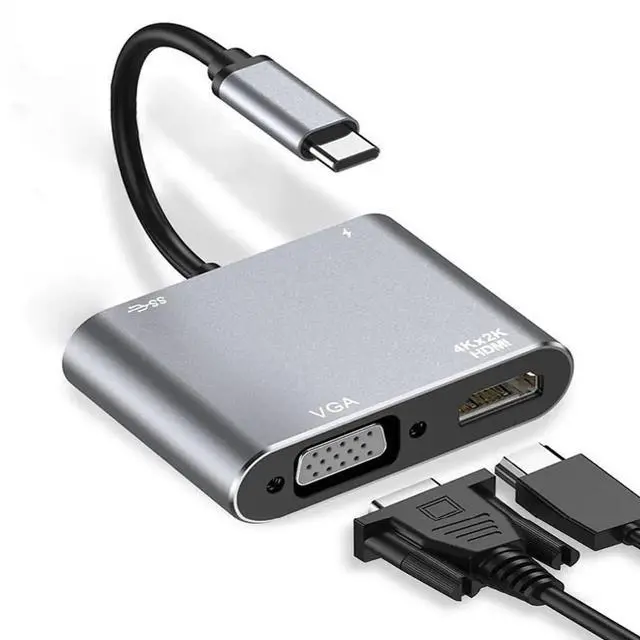
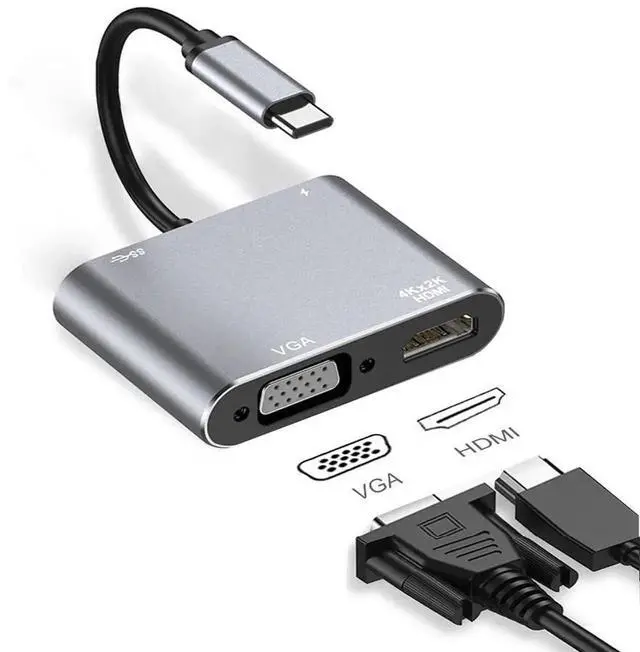
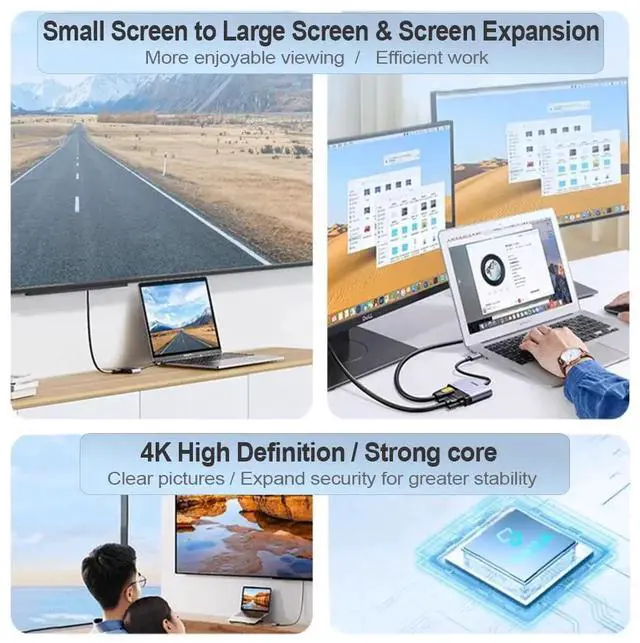
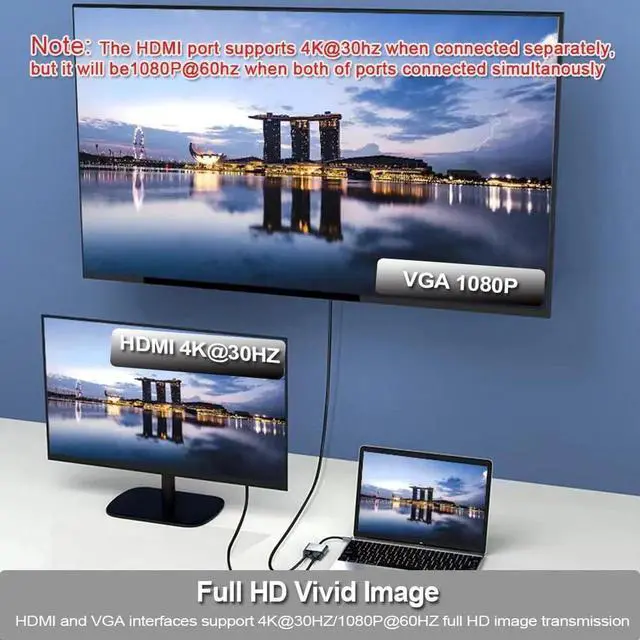
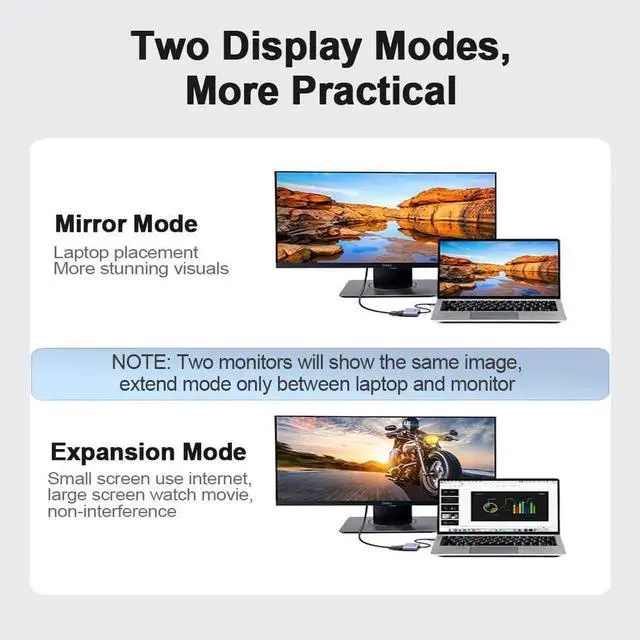
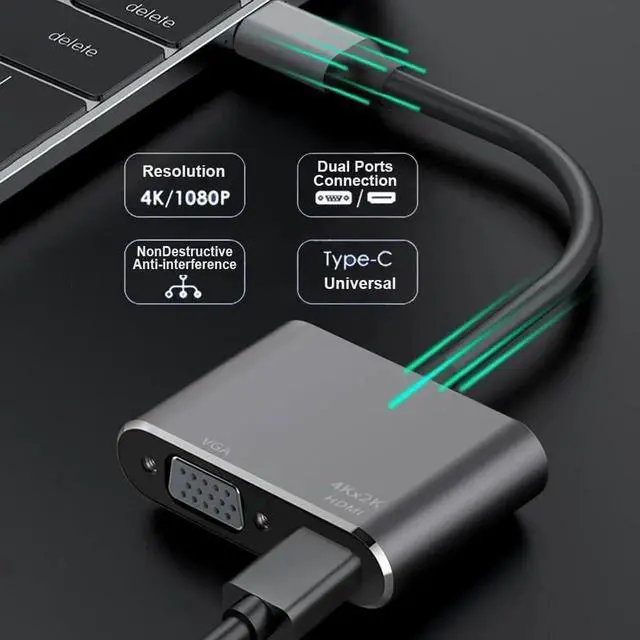
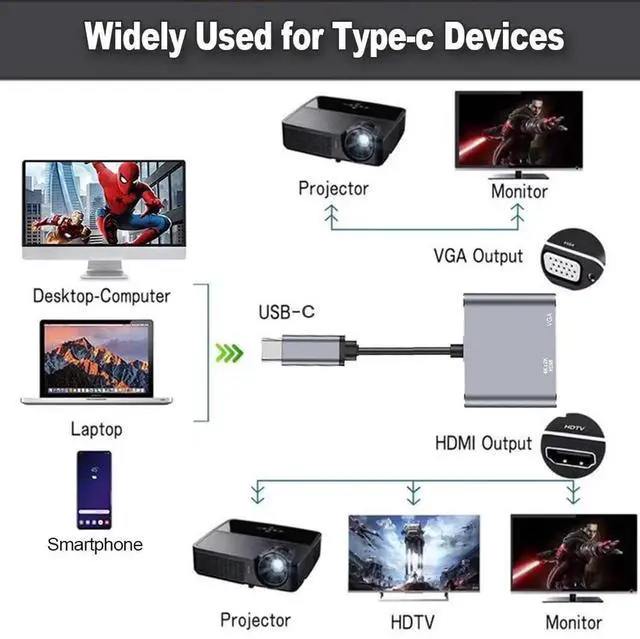
This 2-in-1 USB-C to HDMI VGA adapter expands one Type-C port into two video outputs, letting you connect two monitors, TVs or projectors at the same time. The HDMI port delivers crisp high-definition visuals while the VGA port offers stable 1080P display signal for legacy display devices.
Fully compliant with Thunderbolt 3 standard, it works flawlessly with MacBook Pro, iPad Pro & Air (2018/2019/2020), Dell XPS 13/15, Microsoft Surface Pro, Samsung Galaxy S8/S9 and Huawei P20. You can freely switch between screen mirroring and extended display modes for design editing, classroom presentations and daily multi-tasking.
No complicated software installation required. Just plug the adapter into your video-capable USB-C port to activate dual displays instantly. Its slim lightweight shell takes little space in bags, perfect for home office, school and outdoor business trips.
Note: VGA port only transmits video without audio; HDMI and VGA cannot output independent different resolutions simultaneously. Please confirm your devices USB-C port supports DP Alt Mode video output before purchase.


