




 here!
here!
I’m your shopping assistant for PC builds, upgrades, and everything tech.
Got questions? Ask away!
Start a conversation
here!
I’m your shopping assistant for PC builds, upgrades, and everything tech.
Got questions? Ask away!
Start a conversation



Any questions? Ask CelesteSM will help you find out quickly.

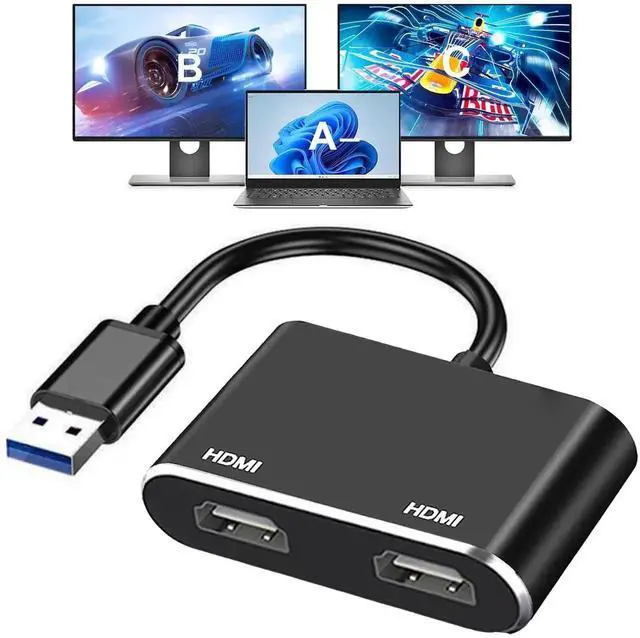
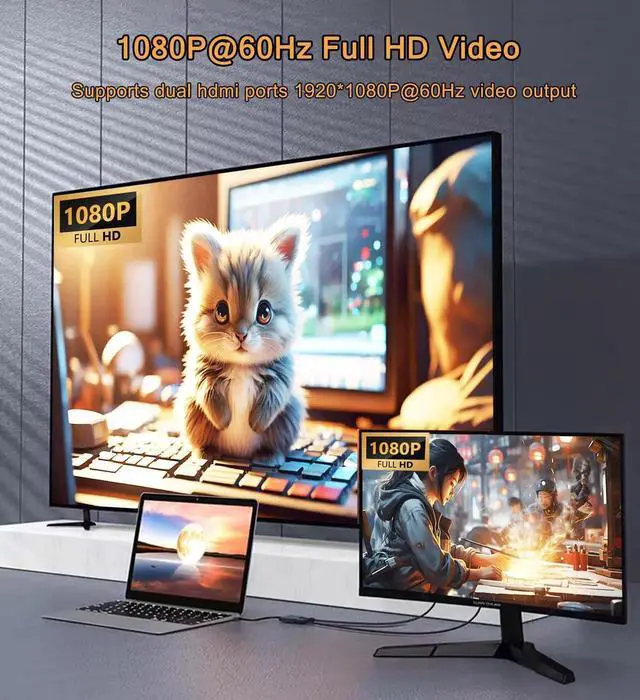
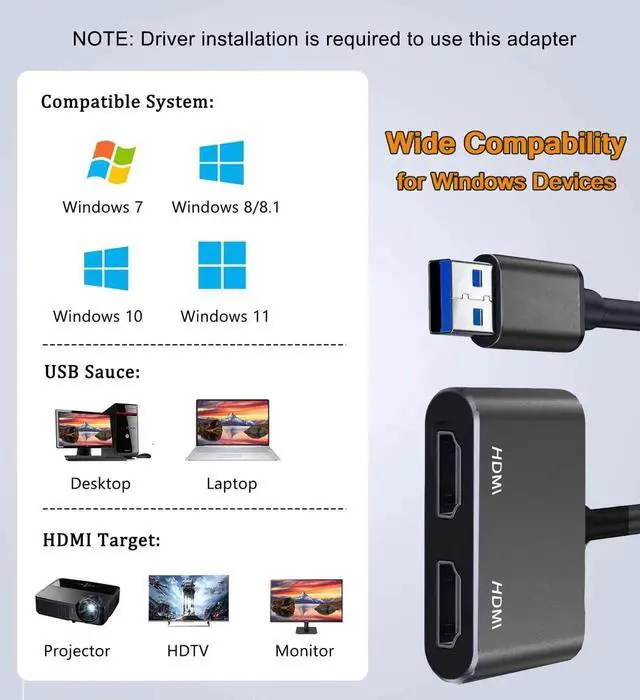
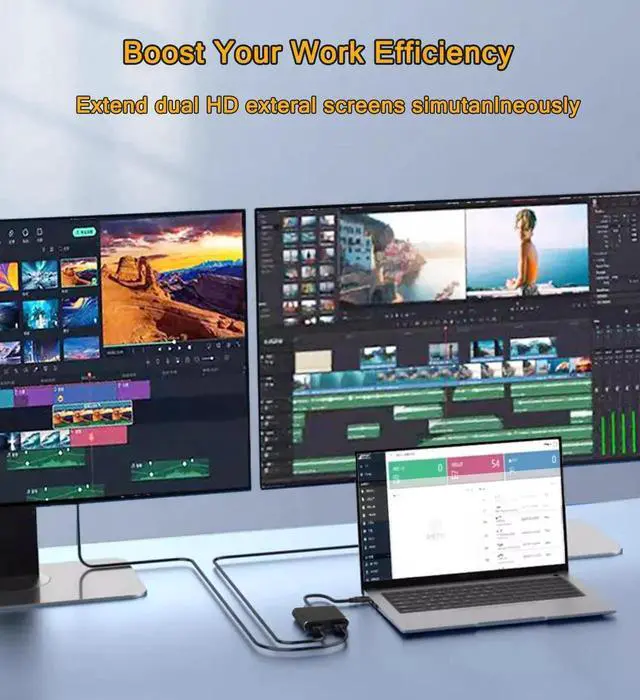
This USB 3.0 to dual HDMI external graphics converter lets you connect two HDMI monitors via a single USB 3.0 port, ideal for laptops or desktops lacking extra native video interfaces. It outputs clear Full HD 1080P video at 60Hz and carries built-in audio transmission for screens with speakers.
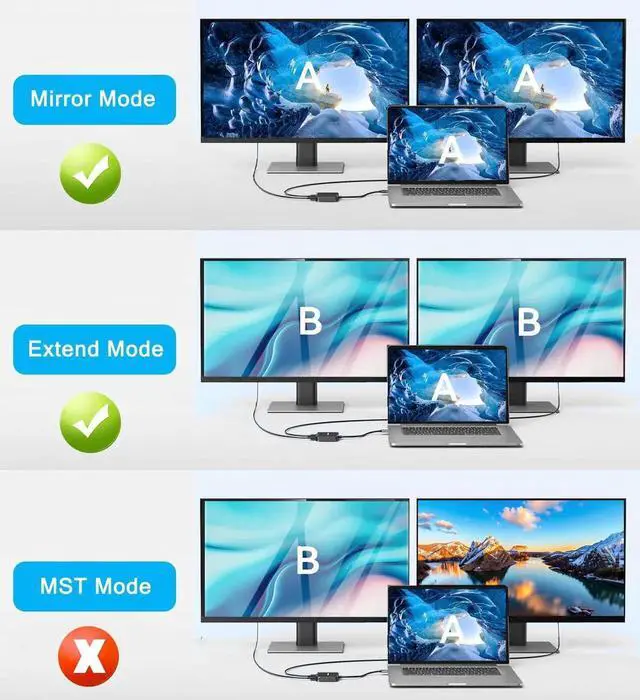
With USB 3.0 high-speed transmission, it effectively reduces picture stuttering and frame drops during multi-screen work, video playback and online meetings. You can switch freely between mirror mode (same screen content on two displays) and extended mode (independent split workspace) to greatly improve efficiency for coding, graphic design and document processing.
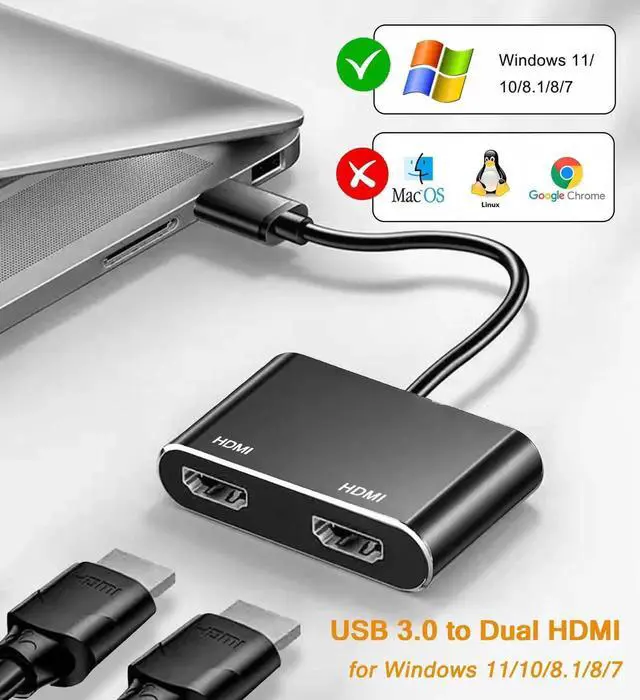
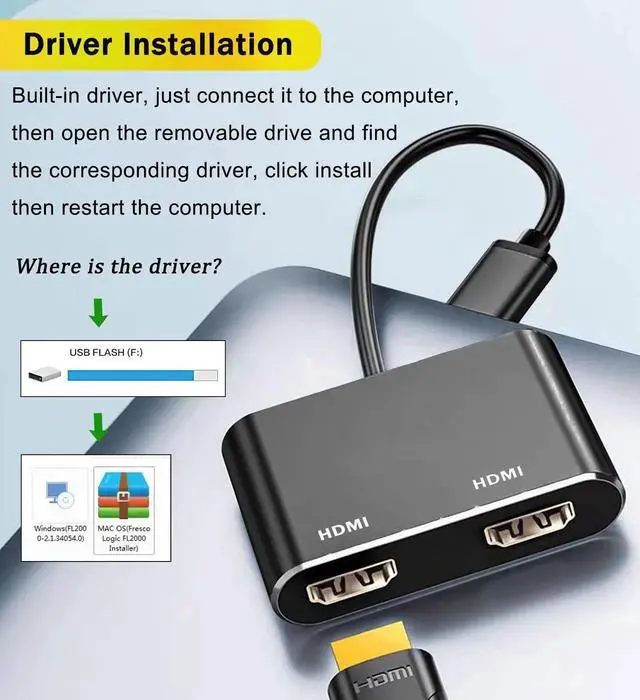
Plug-and-play after simple driver installation, fully compatible with Windows laptops and desktops. Compact cable integrated design saves storage space, easy to carry for office switching and business travel.
Note: Not compatible with Mac OS, Chrome OS or Linux systems. USB 2.0 ports will cause low resolution and screen lag. Two HDMI displays can only run same resolution under extended mode.


