• $50.22
  • Free 30-day Returns
  • Ships from China.
    Price alert
    Shop it at NeweggBusiness.

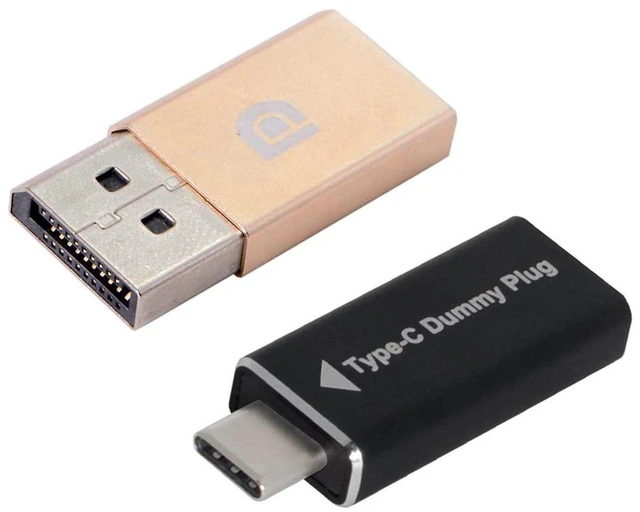
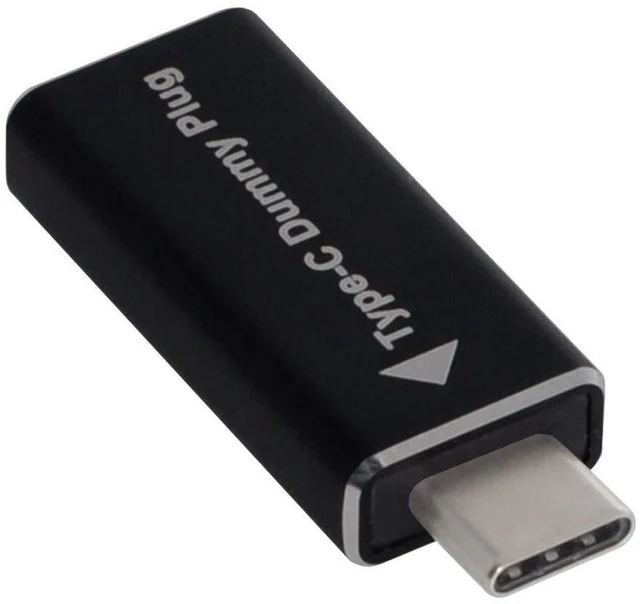
    AJMRTC USB-C to DisplayPort Virtual Display Adapter, DDC EDID Dummy Plug Headless Ghost Display Emulator, 1920x1080P@60Hz for Headless Server, Remote Desktop, GPU Rendering

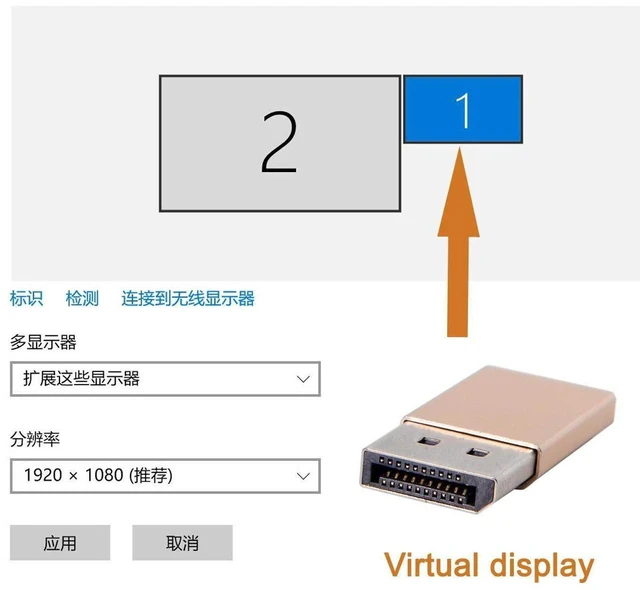
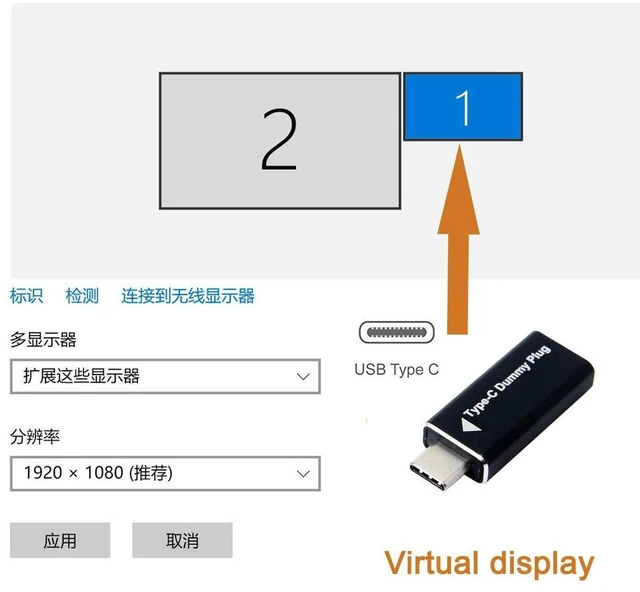
    • 1. Built-in DDC EDID chip, simulates a real 1080P@60Hz DP monitor to activate GPU output on headless PCs
    • 2. Plug and play, no driver or extra power required, works immediately after inserting into Type-C DP Alt Mode port
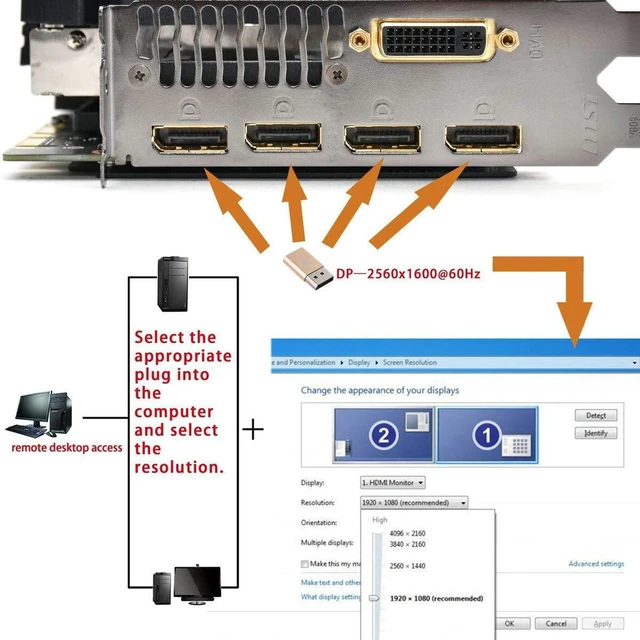
    • 3. Unlocks GPU acceleration for remote desktop, video streaming, rendering, simulation and mining rig tasks
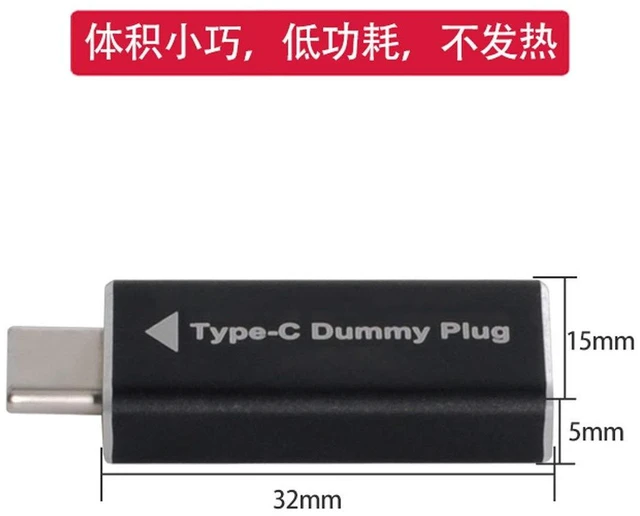
    • 4. Ultra compact low-profile design, fits tightly on laptops, mini PCs, servers and GPU workstations
    • 5. Wide OS compatibility, supports Windows, macOS, Linux for headless deployment and colocation server
    +
    +
    Overview
    Specs
    Reviews

    Any questions? Ask CelesteSM will help you find out quickly.

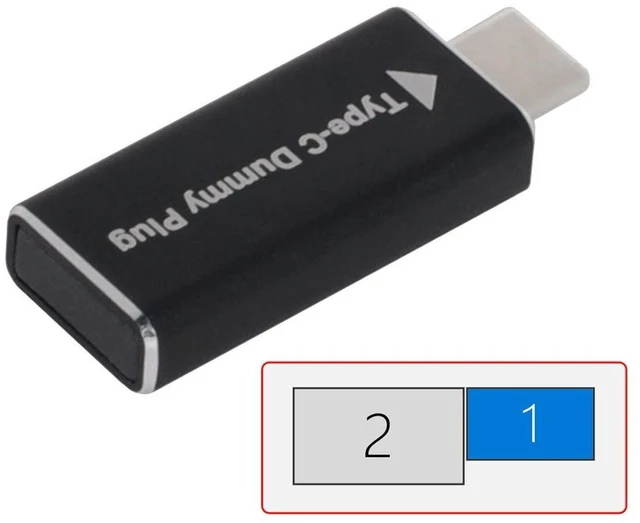
    AJMRTC USB-C DisplayPort EDID dummy plug is a headless ghost display emulator. It simulates a physical 1920x1080@60Hz DP monitor via DDC EDID data, so the system will keep the graphics card active even without a real monitor connected. It requires your Type-C port to support DP Alt Mode. No software installation or power supply is needed. It helps maintain GPU hardware acceleration for remote desktop, OBS streaming, 3D rendering, computational simulation and mining rigs. Small and lightweight, it is perfect for unattended servers, mini hosts and colocation machines running 24/7.


    Specifications

    1. Brand: AJMRTC
    2. Interface: USB-C Male (DP Alt Mode)
    3. Emulated Signal: DisplayPort via DDC EDID
    4. Fixed Resolution: 1920x1080@60Hz
    5. Installation: Plug and Play, Driver-free
    6. Supported OS: Windows, macOS, Linux
    7. Requirement: USB-C port with DisplayPort Alt Mode
    8. Application: Headless Server, Remote Desktop, GPU Rendering, Streaming, Mining Rig


    Warranty & Returns

    Warranty, Returns, And Additional Information

    Warranty

    • Please contact the Seller directly for warranty information. Warranty information may also be found on the Manufacturer's website.
    • CONTACT

    Return Policies

    Manufacturer Contact Info

    LOADING...