• $214.08
  • Free 30-day Returns
  • Ships from China.
    Price alert
    Shop it at NeweggBusiness.

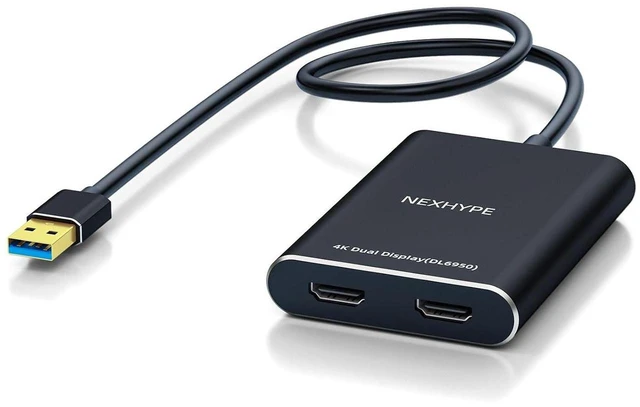
    AJMRTC USB 3.0 / USB-C to Dual HDMI 4K DisplayLink Adapter, Dual Monitor Converter, Support Extended & Mirror Mode, Compatible with Windows, Apple Mac M1 M2 M3, Driver Required

    • - Hybrid 2-in-1 connector supports both USB-A 3.0 and USB-C host ports, works on old and new laptops without extra adapters
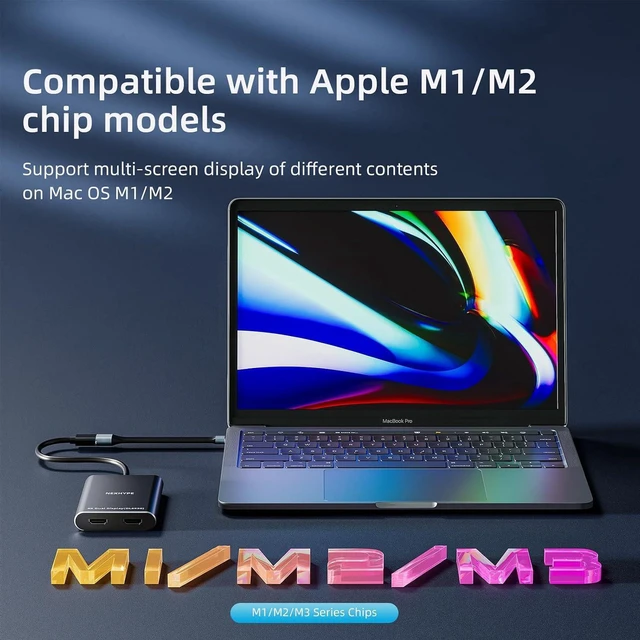
    • - Powered by DisplayLink chipset, breaks the native single external display limit of Apple M1/M2/M3 MacBooks
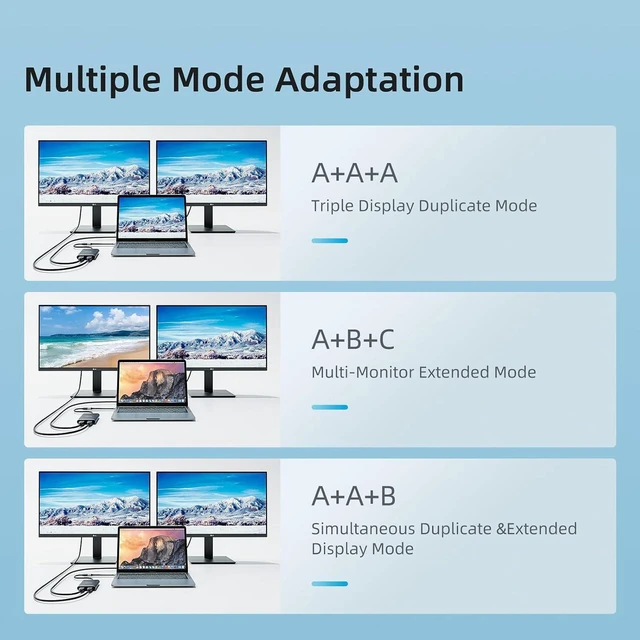
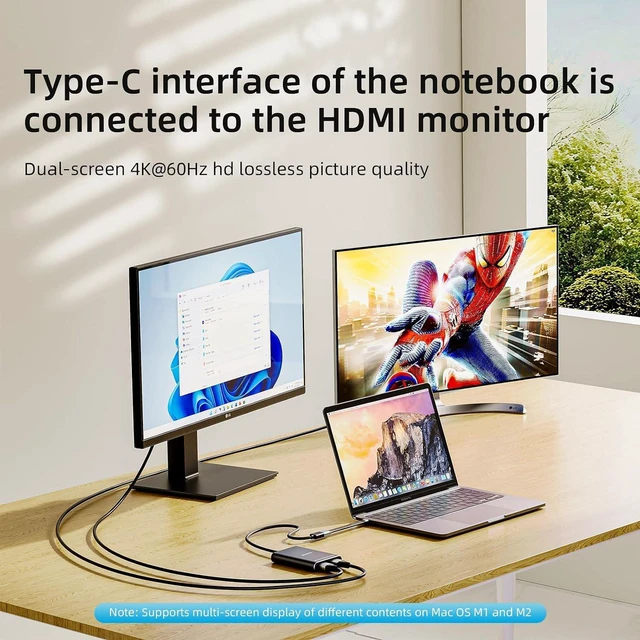
    • - Dual HDMI outputs support 4K resolution, selectable extended desktop or mirror clone mode for flexible multitasking
    • - Built-in audio pass-through via HDMI, ideal for office work, coding, spreadsheet management and presentation
    • - Important: DisplayLink driver installation is mandatory; HDCP protected streaming content is not supported
    +
    +
    Overview
    Specs
    Reviews

    Any questions? Ask CelesteSM will help you find out quickly.

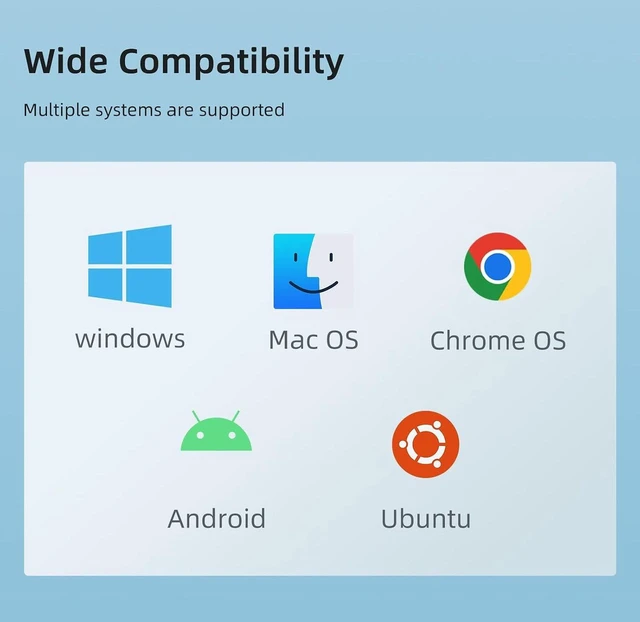
    AJMRTC multi-monitor adapter uses DisplayLink USB graphics technology instead of relying on native USB-C DP Alt Mode. It connects two HDMI monitors through one USB 3.0 port, expanding your workspace for higher productivity. It is widely compatible with Windows 10/11 and macOS with M-series chips. Please download the official DisplayLink driver and grant screen recording permission on macOS. It is optimized for productivity tasks and not recommended for high-frame-rate gaming.


    Specifications

    1. Brand: AJMRTC
    2. Input: USB-A 3.0 Male + USB-C Male
    3. Output: 2 x HDMI Female
    4. Max Resolution: Dual 4K@30Hz
    5. Technology: DisplayLink USB Graphics
    6. Supported Modes: Extended / Mirror
    7. Audio: HDMI Audio Pass-Through
    8. Compatible Systems: Windows 10/11, macOS (M1/M2/M3)
    9. Compatible Devices: USB-C Laptops, USB 3.0 Laptops, MacBook Air, MacBook Pro
    10. Note: Driver required; HDCP protected video playback is unsupported


    Warranty & Returns

    Warranty, Returns, And Additional Information

    Warranty

    • Please contact the Seller directly for warranty information. Warranty information may also be found on the Manufacturer's website.
    • CONTACT

    Return Policies

    Manufacturer Contact Info

    LOADING...