





RayHom offers high quality laptop batteries, the main outstanding features including:
1.100% New from Manufacturer
2.Grade A cells ensure fast charging and low power consumption
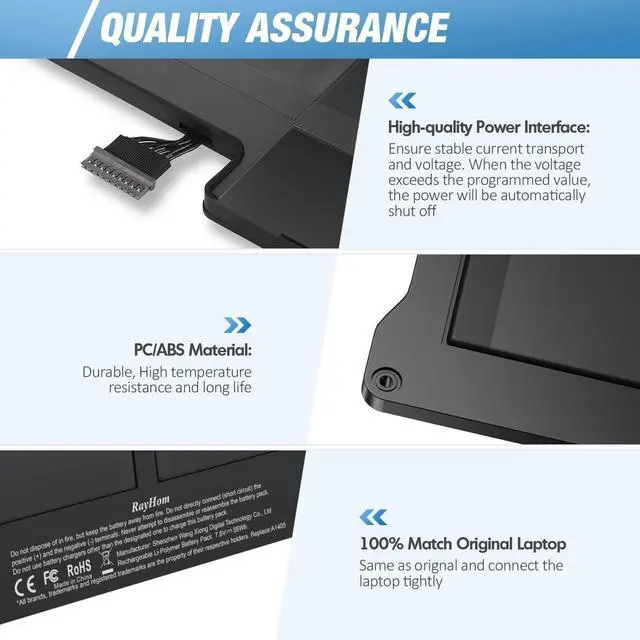
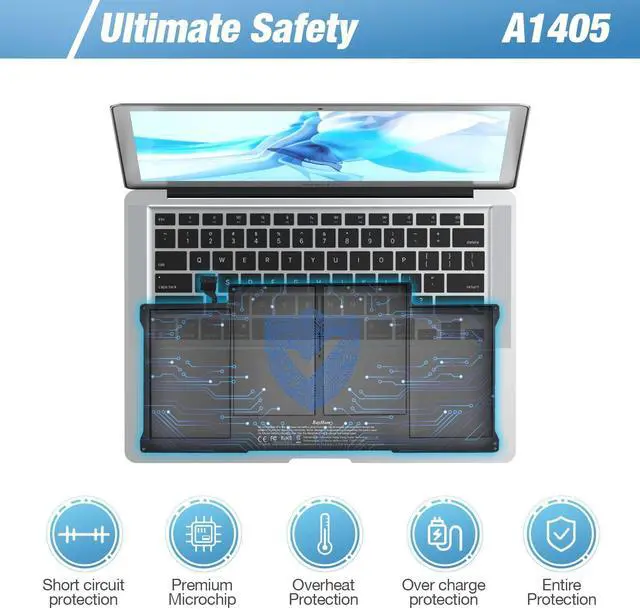
3.Built-in circuit protection ensures both safety and stability
4.About 500 recharge cycles over the life of battery
5.Overcharge and Discharge Circuit Protection
Our aim is to make every customer have a pleasant shopping experience, solve your all issue


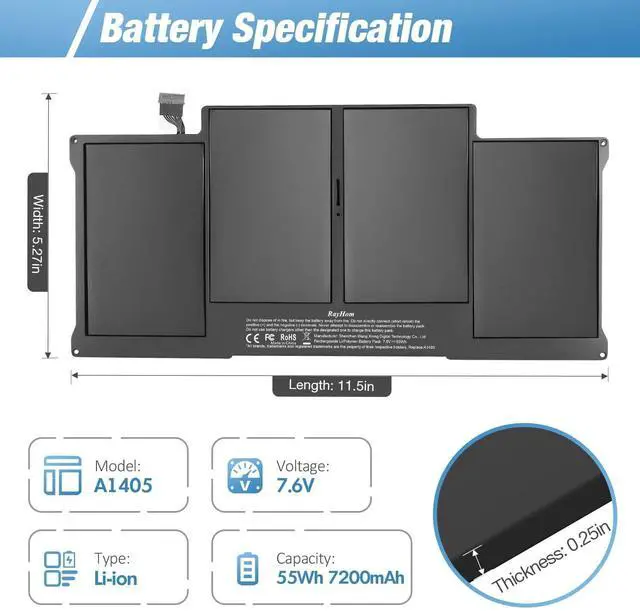
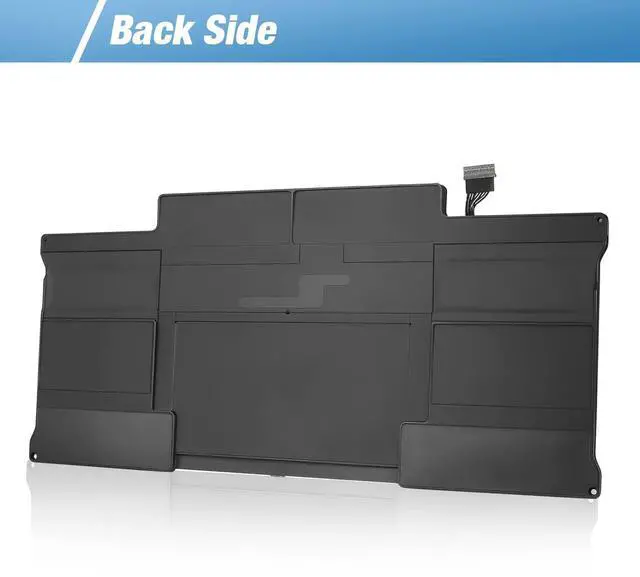
A1405 Battery Specifications
- Capacity : 55Wh
- Voltage : 7.6V
- Type : Li-Polymer battery
- Cells : 4 Cell

High Quality Chip
- Low Power Consumption
- Charges Quickly
- Steady Output

Packing List
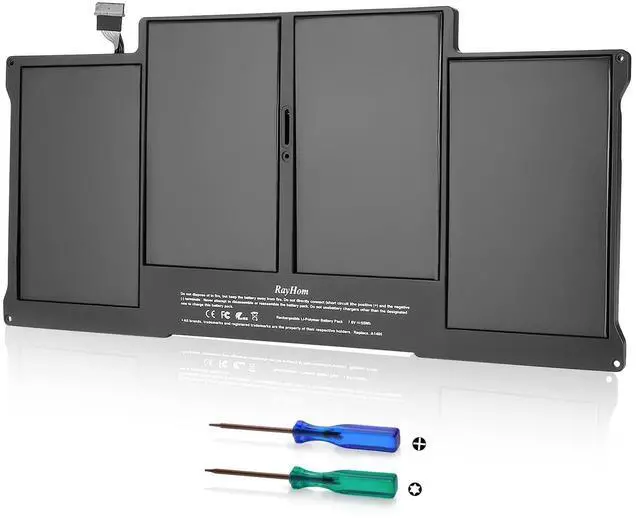
- 1 x RayHom A1405 battery
- 2 x Screwdrivers
- 1 x Instruction Manual


How to use the battery correctly to ensure lasting longer battery life:
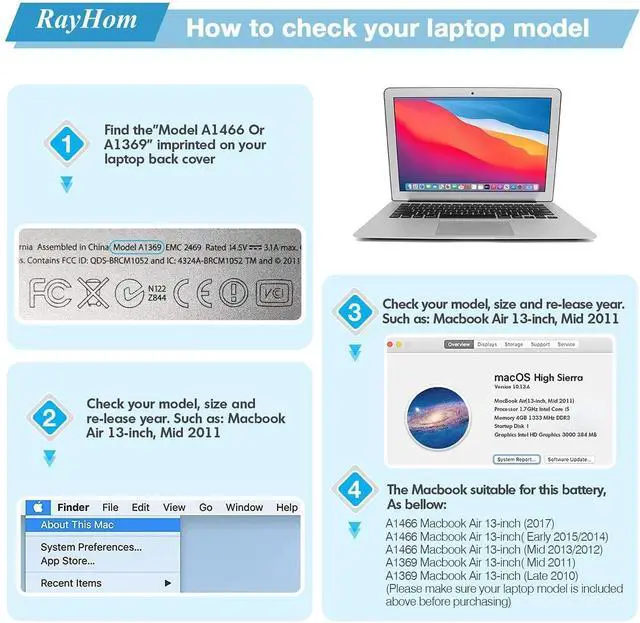
1.Before purchase our Replacement Laptop battery, please confirm your MacBook model match this battery. Click the Logo on the upper left corner of the MacBook screen--About this Mac--More info--Serial number--Check your laptop's version on Apple's official website or Google the serial number.
2.To prevent safety issues from transportation ,all battery out off factory are charged 40-50%,(you can check from laptop Battery indicator icon). For initial using of the battery, please discharge it to 5%(not to 0%) and then charge to 100%, and cycle 3-4 times to activate the battery’s maximum capacity.
3.In daily using, please recharge immediately when battery reduced to 15% level. Or it will shorten the battery life and cause damages to the battery.
4.If the battery do not use for a long time, better to charge the battery to a minimum 50% electricity. Otherwise,it will cause unable to charge again.
5.To maintain the best battery state,replacement battery needs to be fully discharge to 15% and recharge to 100% each 2 month.
6.Do not disassemble, crush or puncture. Do not dispose the battery in fire or water.
7.Do not unplug the battery during charging ,better to turn off the Mackbook when recharge the battery. Don't connect adapter for a long time while using the battery. It may damage the battery.
8.If your laptop can’t be charged or cannot be fully charged,there may be possibilities that the adapter does not compatible with the laptop or there’s some damage with the adapter. Please switch off your laptop and try again or change to a correct adapter.
RayHom offers high quality laptop batteries, the main outstanding features including:
1.100% New from Manufacturer
2.Grade A cells ensure fast charging and low power consumption
3.Built-in circuit protection ensures both safety and stability
4.About 500 recharge cycles over the life of battery
5.Overcharge and Discharge Circuit Protection
Our aim is to make every customer have a pleasant shopping experience, solve your all issue
A1405 Battery Specifications
- Capacity : 55Wh
- Voltage : 7.6V
- Type : Li-Polymer battery
- Cells : 4 Cell
High Quality Chip
- Low Power Consumption
- Charges Quickly
- Steady Output
Packing List
- 1 x RayHom A1405 battery
- 2 x Screwdrivers
- 1 x Instruction Manual
How to use the battery correctly to ensure lasting longer battery life:
1.Before purchase our Replacement Laptop battery, please confirm your MacBook model match this battery. Click the Logo on the upper left corner of the MacBook screen--About this Mac--More info--Serial number--Check your laptop's version on Apple's official website or Google the serial number.
2.To prevent safety issues from transportation ,all battery out off factory are charged 40-50%,(you can check from laptop Battery indicator icon). For initial using of the battery, please discharge it to 5%(not to 0%) and then charge to 100%, and cycle 3-4 times to activate the battery’s maximum capacity.
3.In daily using, please recharge immediately when battery reduced to 15% level. Or it will shorten the battery life and cause damages to the battery.
4.If the battery do not use for a long time, better to charge the battery to a minimum 50% electricity. Otherwise,it will cause unable to charge again.
5.To maintain the best battery state,replacement battery needs to be fully discharge to 15% and recharge to 100% each 2 month.
6.Do not disassemble, crush or puncture. Do not dispose the battery in fire or water.
7.Do not unplug the battery during charging ,better to turn off the Mackbook when recharge the battery. Don't connect adapter for a long time while using the battery. It may damage the battery.
8.If your laptop can’t be charged or cannot be fully charged,there may be possibilities that the adapter does not compatible with the laptop or there’s some damage with the adapter. Please switch off your laptop and try again or change to a correct adapter.