




EFOHANA
Technology makes life better.

About Our Brand:
EFOHANA is a battery supplier from China, born in 2017, specializing in the battery field for more than 7 years, located in the beautiful city of Shenzhen, the capital of science and technology innovation.
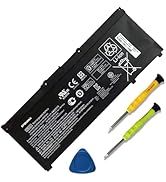
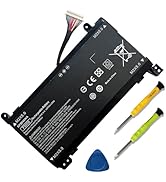
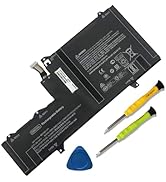
Replacement for Hp Batteries
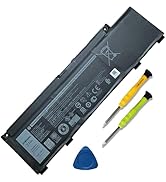
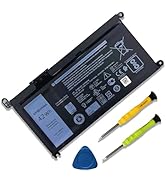
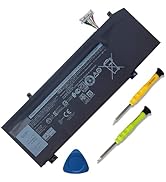
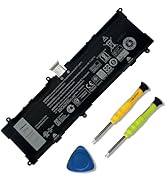
Replacement for Dell Batteries
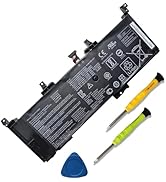
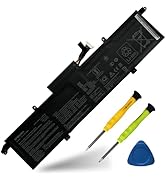
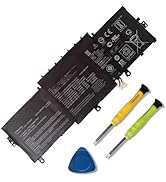
Replacement for Asus Batteries
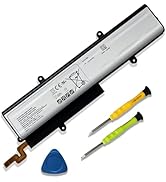
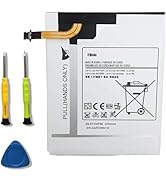
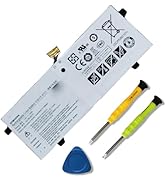
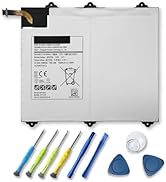
Replacement for Samsung
What Do We Do?
We specialize in providing our customers with products and services in the field of energy storage for laptops and power tools. We are confident in the performance of our products. Strict adherence to compatibility guidelines, quality control standards and environmental safety standards.
Our Values
Responsibility, credibility, innovations, the customer comes first
Our Missions
Promote the development of new energy technologies, provide green and efficient energy solutions for mankind, and promote the harmonious coexistence of man and nature.

Welcome to EFOHANA Store:
EFOHANA is committed to providing you with high quality laptop batteries, tablet batteries, adapters and other products. We will also provide you with high quality and efficient after-sales service to attract and retain more customers.

Specification
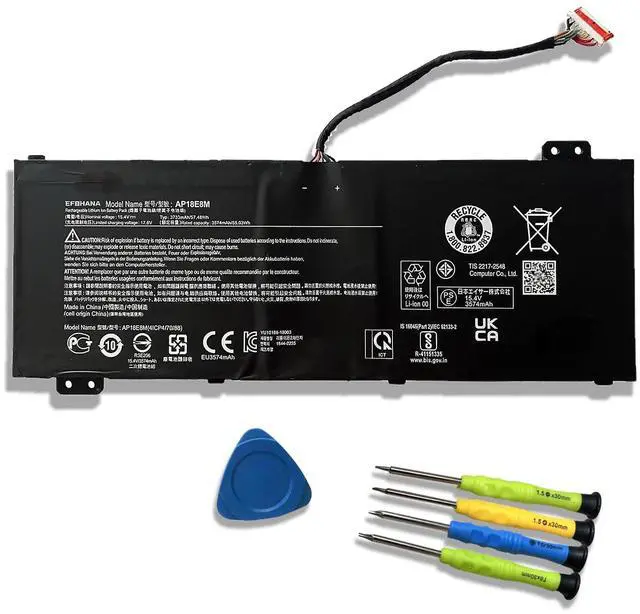
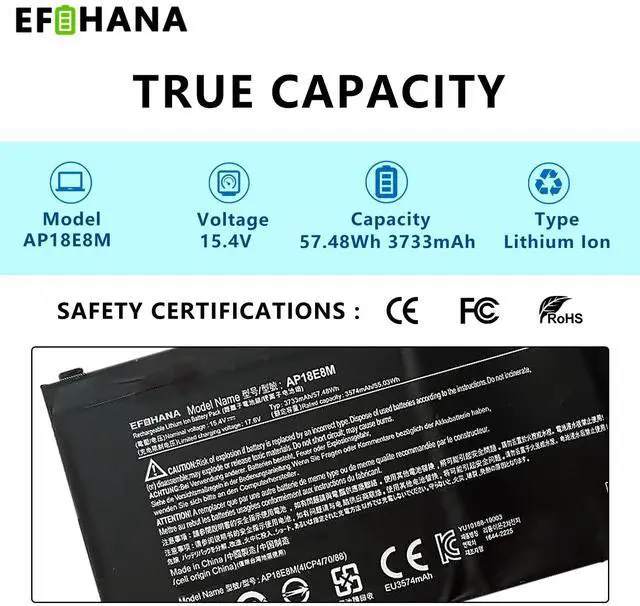
Model: AP18E8M
Voltage: 15.4V
Capatity: 57.48Wh 3733mAh
Battery Condition: Brand New
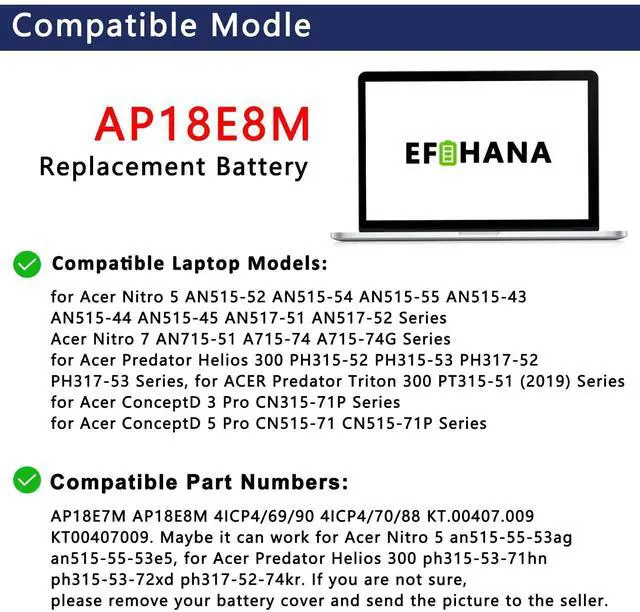
Compatible Part Number :
- AP18E8M / AP18E7M / 4ICP4/70/88 4ICP4/69/90 / KT.00407.009

Compatible Models(Use "Ctrl"+"F" to find your laptop model):
- for Acer Aspire 7 A715-74G series.
- for Acer ConceptD 3 CN314-72, Ezel CC314-72, Pro CN315-71P series.
- for Acer ConceptD 5 CN515-71,ConceptD 7 CN515-71P series.
- for Acer Nitro 5 AN515-43,AN515-44,AN515-55, AN515-56,AN515-57,AN515-58,AN517-41,AN517-51,AN517-52,AN517-53,AN517-54 series.
- for Acer Nitro 7 AN715-51,AN715-52 series.
- for Acer Predator Helios 300 PH315-52,PH315-53, PH317-54,PH317-55 series.
- for Acer Predator Triton 300 PT315-51,PT315-52,PT315-53 series.
- for Acer Swift 3 SF314-510G series.
- for Acer Swift X SFX14 SFX14-41G series.
Why choose to buy our products?

Grade A Cells
- We wanted to deliver a battery that doesn't only only last long, but also safe for use. We’ve incorporated Grade A battery cells to ensure longer battery life, durability, and lower power consumption. All of our batteries offer 1000+ recharge cycles over life of battery.

Top circuit boards and smart chip
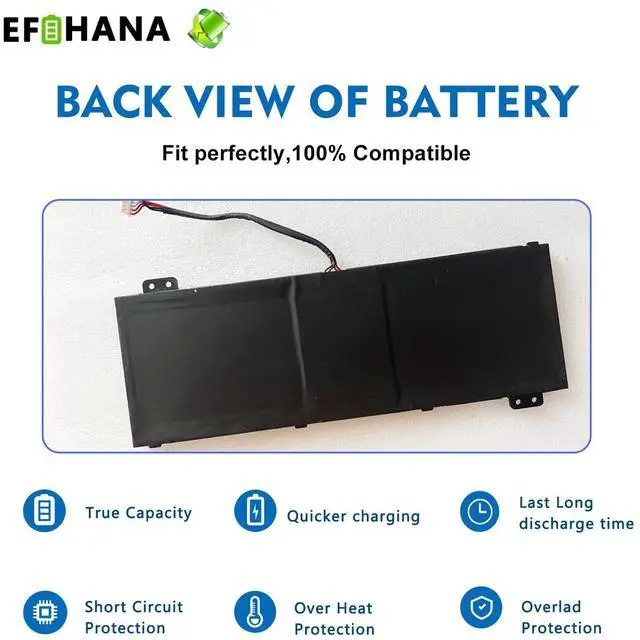
- Each battery contains built in multi-protection functions such as short circuit, overheat & overload for maximum safety.

Product details
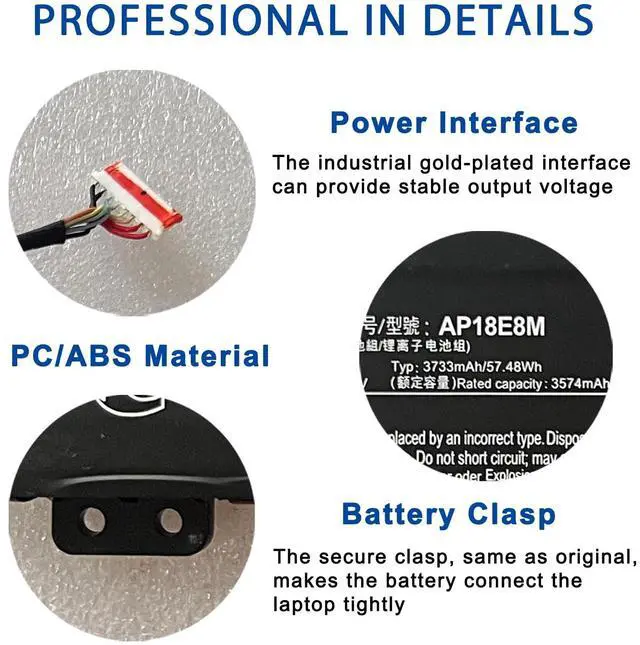
- Power Interface: Gold-plated connector points to ensure current transport excellently and serve stably.
- Enclosure: The enclosure is made of ABS + PC high quality material, it has high temperature resistant function to protect your laptop overheat.
- Battery Buckle: The battery buckle is closely connected to the laptop, and the metal interface is stably powered.

100% compatible
- All of our batteries are brand new and are 100% compatible to meet OEM specifications for safety and efficiency. Same size as original battery, Don't worry about assembly and adaptation issues.
Application Scenarios:

Install A New Battery:
- You need to turn off your laptop and disconnect the power.
- Disconnect the connection between the old battery and the motherboard to avoid unnecessary damage caused by disassembling the battery. Then unscrew the old battery screws one by one and carefully save each screw.
- Remove the old battery, carefully install the new battery on the battery case, screw in the screw, and connect the wiring of the new battery.
- If you don't understand the above steps, you can search for the video about laptop battery installation on YouTube. Maybe it will help you.

Laptop Maintenance Tips:
- New battery: For use a new battery, you’d better try a few cycles of discharging to 5%. then charging up to 95%. So that it can be activated completely.
- Overuse: Do not always run out of a battery to 0%, this would make it damaged or usage life shortened.
- Charging sequence: when charging, first install the battery, then turn on the power, when fully charged, first cut off the power, then pull the power plug.
- Long-term storage:Please store the unused battery fully charged.(Charge it once a month) Do not store at low power to prevent reduce the lifespan of a battery.

The following are troubleshooting: methods:
- Turn off the laptop.
- Unplug AC power.
- Remove the battery.
- Replace AC power.
- Turn on laptop,allow OS to boot.
- Once logged in to the machine,perform a normal shut donw.
- Unplug AC power.
- Replace battery.

Why should we choose efohana battery?
- About battery safety: Compatible with laptop, safety and stability.
- Regarding the capacity of the battery: The capacity of the new battery cell consumes power slowly and has little loss.
- About battery life: The average life of a brand new battery is 2-4 years.
Welcome to EFOHANA Store:
EFOHANA is committed to providing you with high quality laptop batteries, tablet batteries, adapters and other products. We will also provide you with high quality and efficient after-sales service to attract and retain more customers.
Specification
Model: AP18E8M
Voltage: 15.4V
Capatity: 57.48Wh 3733mAh
Battery Condition: Brand New
Compatible Part Number :
- AP18E8M / AP18E7M / 4ICP4/70/88 4ICP4/69/90 / KT.00407.009
Compatible Models(Use "Ctrl"+"F" to find your laptop model):
- for Acer Aspire 7 A715-74G series.
- for Acer ConceptD 3 CN314-72, Ezel CC314-72, Pro CN315-71P series.
- for Acer ConceptD 5 CN515-71,ConceptD 7 CN515-71P series.
- for Acer Nitro 5 AN515-43,AN515-44,AN515-55, AN515-56,AN515-57,AN515-58,AN517-41,AN517-51,AN517-52,AN517-53,AN517-54 series.
- for Acer Nitro 7 AN715-51,AN715-52 series.
- for Acer Predator Helios 300 PH315-52,PH315-53, PH317-54,PH317-55 series.
- for Acer Predator Triton 300 PT315-51,PT315-52,PT315-53 series.
- for Acer Swift 3 SF314-510G series.
- for Acer Swift X SFX14 SFX14-41G series.
Why choose to buy our products?
Grade A Cells
- We wanted to deliver a battery that doesn't only only last long, but also safe for use. We’ve incorporated Grade A battery cells to ensure longer battery life, durability, and lower power consumption. All of our batteries offer 1000+ recharge cycles over life of battery.
Top circuit boards and smart chip
- Each battery contains built in multi-protection functions such as short circuit, overheat & overload for maximum safety.
Product details
- Power Interface: Gold-plated connector points to ensure current transport excellently and serve stably.
- Enclosure: The enclosure is made of ABS + PC high quality material, it has high temperature resistant function to protect your laptop overheat.
- Battery Buckle: The battery buckle is closely connected to the laptop, and the metal interface is stably powered.
100% compatible
- All of our batteries are brand new and are 100% compatible to meet OEM specifications for safety and efficiency. Same size as original battery, Don't worry about assembly and adaptation issues.
Application Scenarios:
Install A New Battery:
- You need to turn off your laptop and disconnect the power.
- Disconnect the connection between the old battery and the motherboard to avoid unnecessary damage caused by disassembling the battery. Then unscrew the old battery screws one by one and carefully save each screw.
- Remove the old battery, carefully install the new battery on the battery case, screw in the screw, and connect the wiring of the new battery.
- If you don't understand the above steps, you can search for the video about laptop battery installation on YouTube. Maybe it will help you.
Laptop Maintenance Tips:
- New battery: For use a new battery, you’d better try a few cycles of discharging to 5%. then charging up to 95%. So that it can be activated completely.
- Overuse: Do not always run out of a battery to 0%, this would make it damaged or usage life shortened.
- Charging sequence: when charging, first install the battery, then turn on the power, when fully charged, first cut off the power, then pull the power plug.
- Long-term storage:Please store the unused battery fully charged.(Charge it once a month) Do not store at low power to prevent reduce the lifespan of a battery.
The following are troubleshooting: methods:
- Turn off the laptop.
- Unplug AC power.
- Remove the battery.
- Replace AC power.
- Turn on laptop,allow OS to boot.
- Once logged in to the machine,perform a normal shut donw.
- Unplug AC power.
- Replace battery.
Why should we choose efohana battery?
- About battery safety: Compatible with laptop, safety and stability.
- Regarding the capacity of the battery: The capacity of the new battery cell consumes power slowly and has little loss.
- About battery life: The average life of a brand new battery is 2-4 years.
EFOHANA
Technology makes life better.
About Our Brand:
EFOHANA is a battery supplier from China, born in 2017, specializing in the battery field for more than 7 years, located in the beautiful city of Shenzhen, the capital of science and technology innovation.
Replacement for Hp Batteries
Replacement for Dell Batteries
Replacement for Asus Batteries
Replacement for Samsung
What Do We Do?
We specialize in providing our customers with products and services in the field of energy storage for laptops and power tools. We are confident in the performance of our products. Strict adherence to compatibility guidelines, quality control standards and environmental safety standards.
Our Values
Responsibility, credibility, innovations, the customer comes first
Our Missions
Promote the development of new energy technologies, provide green and efficient energy solutions for mankind, and promote the harmonious coexistence of man and nature.