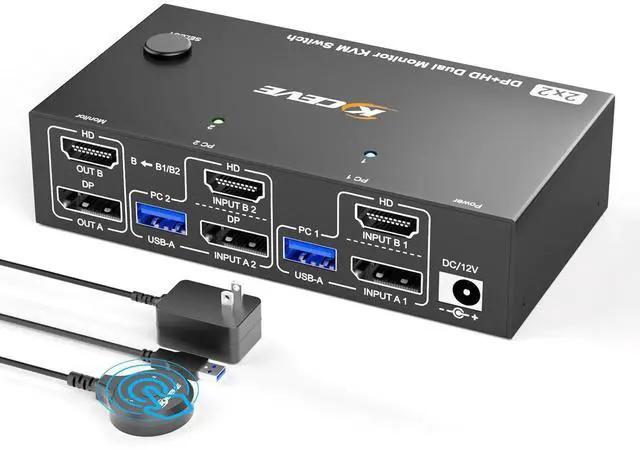
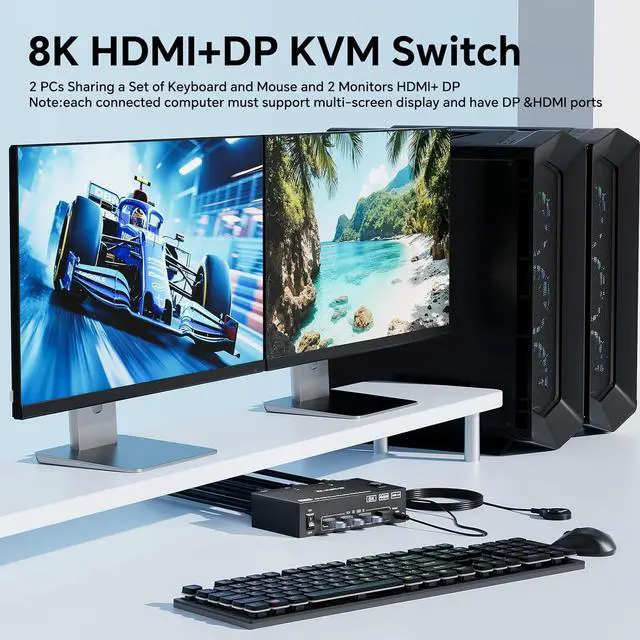
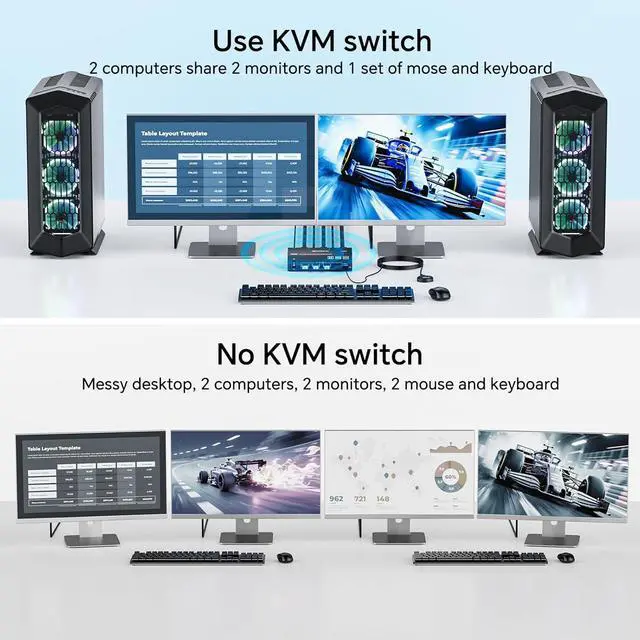
The dual monitor KVM switch allows two computers or laptops to share two monitors and 4 USB3.0 devices.KVM switches support Extended&Mirrored Modes,press "Window+P",a small window will pop up,in which to choose "Mirror" Mode or "Extend" Mode.
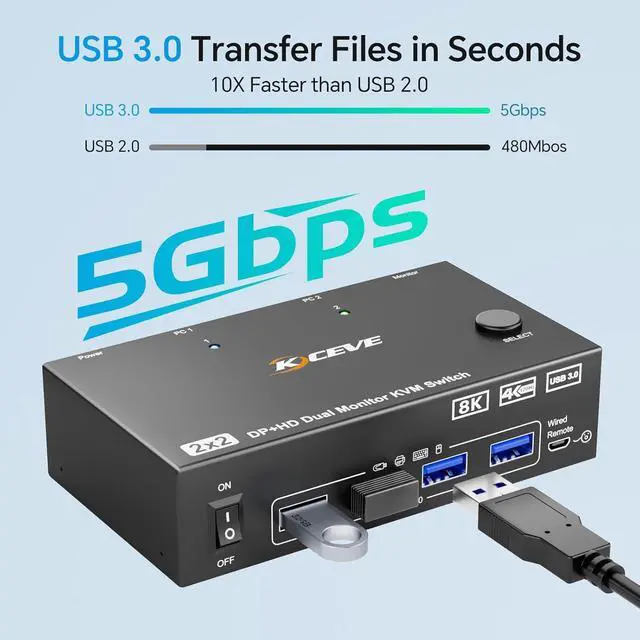
. . . KVM Switch 2 monitors 2 computers with 4 USB 3.0 ports can be used to 2 PCs share USB devices,keyboard,mouse,camera,etc.The USB 3.0 transmission is more stable and faster--10 times faster than USB 2.0.A 12V power supply (included) is required when using high-power USB devices.
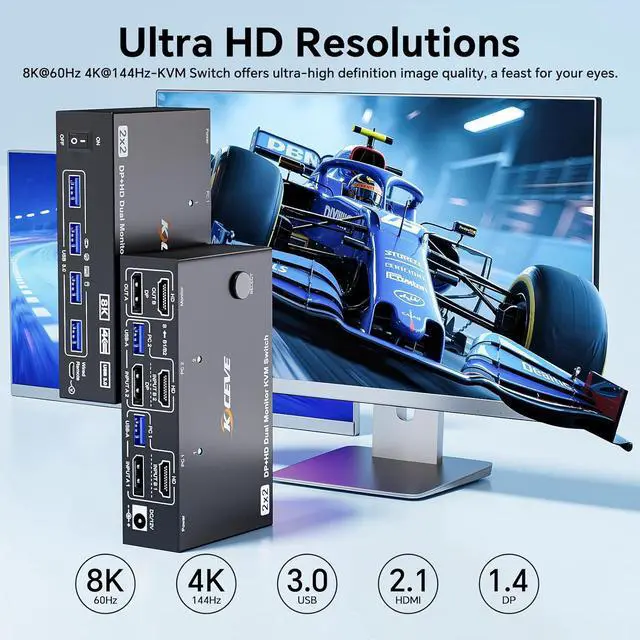
8K KVM switch supports up to
[email protected] can also be backward compatible with 8K@30Hz,4K@120Hz/60Hz etc,please pay attention to the setting of this parameter when you use KVM switches.Brings you realistic visual enjoyment(For optimal performance,please use an 8K HDMI 2.1+DP1.4 cable.The shorter the cable,the better)
+ & Extended mode can output two different images,allowing you to move the application window to another screen and efficiently handle multitasking.Mirrored mode will copy the image from the main screen to the secondary screen,suitable for presenting PPTs or other works.
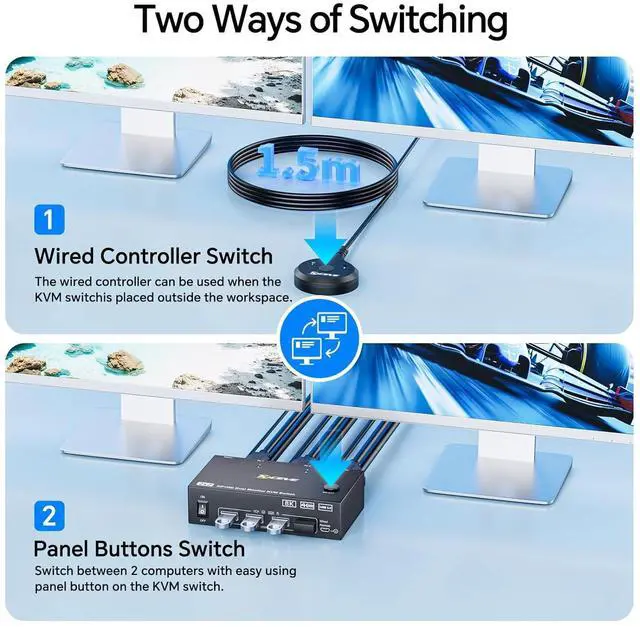
& The 2 computers 2 monitors switch driver-free for Windows,Mac OS, Linux and Chrome OS.just plug and play and without any installation.It is widely applied for conference room,multimedia classroom,and other environments,etc.You can press the button on the panel or use the wired remote(included)to switch the computers,LED indicate the active computer.
:1*Dual Monitor USB3.0 KVM Switch,2*USB3.0 Cables(1.5m/4.9ft),1*Wired Remote ((1.5m/4.9ft)),1*User Manual,1*12V Power Adapter
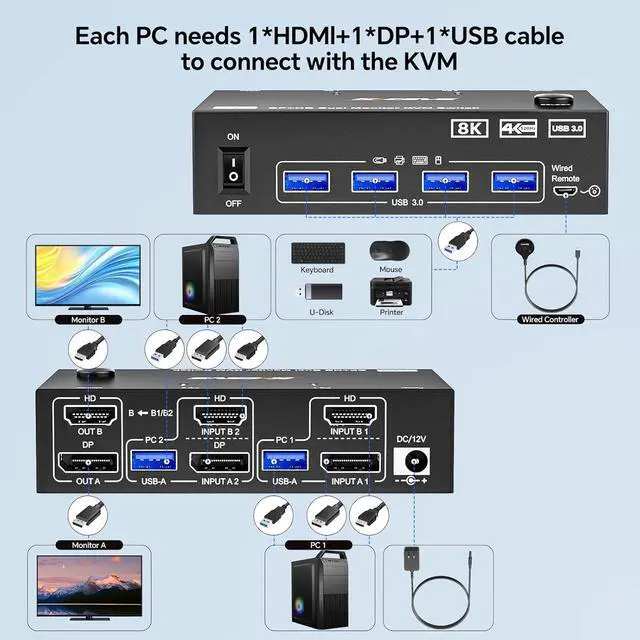
:(1) To make 8K resolution running please use 8K cables and make sure that computer and monitor are all support 8k.(2 )Using DP cable and HDMI cable connect to INPUTA and INPUT B respectively,please make sure that your computer have 1DP port +1HDMI port.(3)When connecting high-power USB devices,please connect a 12V power supply.