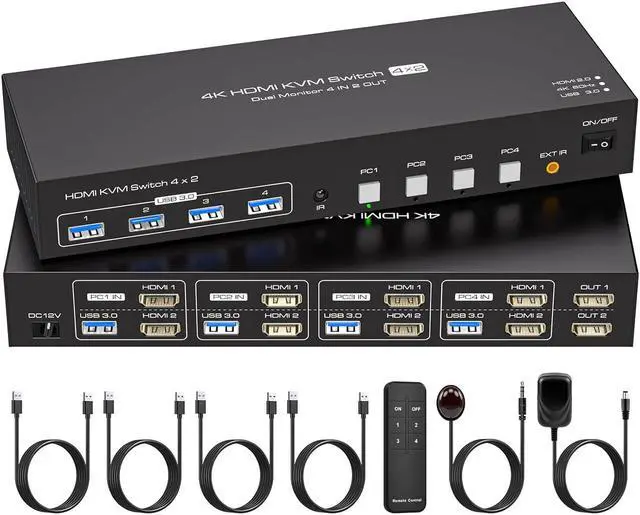
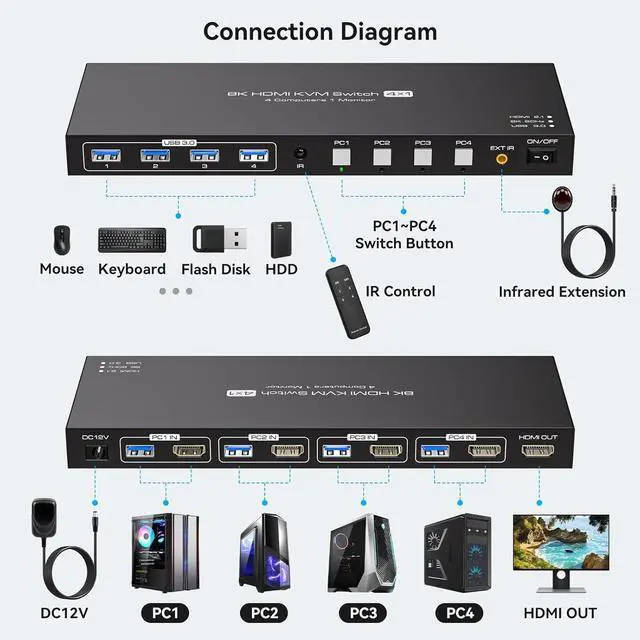
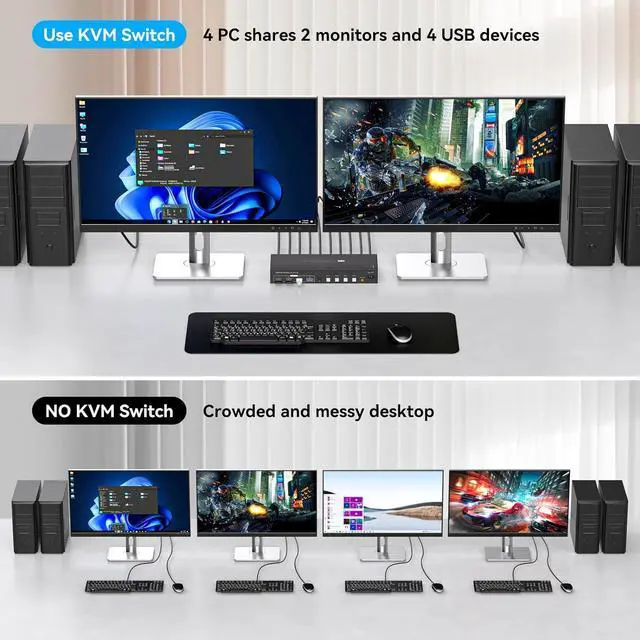
kvm switch 4 computers 2 monitorsThe hdmi kvm switch 4 port allows you to share 2 monitors and 4 USB 3.0 devices between 4 computers or laptops. You can control all 4 computers and 2 monitors directly with a single set of keyboard and mouse, greatly simplifying your office setup and increasing efficiency.(Please note: This device requires that all of your computers contain at least two HDMI ports and that each of your monitors contain one HDMI port.)
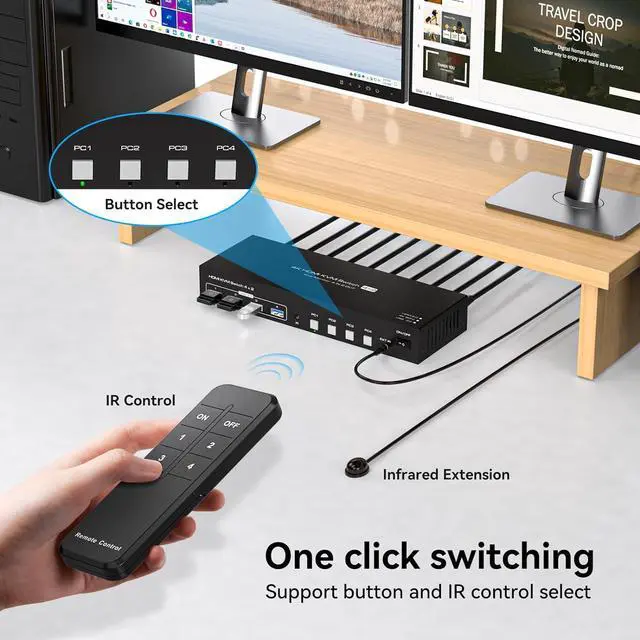
Two switching modesThe kvm switch dual monitor allows for one-touch switching via panel buttons or an included external infrared remote control. LED lights indicate the active computer, providing added convenience. Please note: When using the infrared remote control, ensure that the IR cable is connected to the device.(The device does not support hotkey switching)
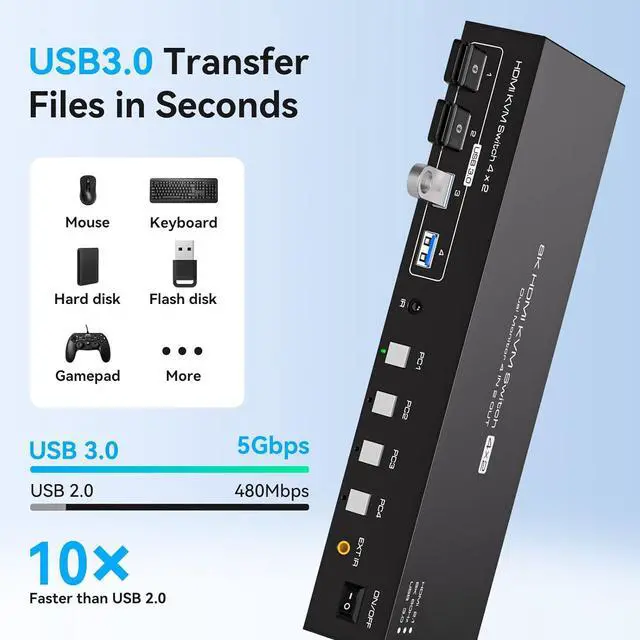
With 4 USB 3.0 PortsThe kvm switch 4 computers is equipped with 4 standard USB 3.0 ports, allowing for the sharing of up to 4 USB 3.0 devices such as mice, keyboards, printers, scanners, etc. It provides data transfer rates of up to 5Gbps and is backward-compatible with USB 2.0/1.1/1.0. It supports plug and play functionality, reducing wear and tear from frequent device connections.(Please note: This device does not support switching Bluetooth mice and keyboards that do not contain a USB receiver.)
Ultra HD 4K@60HzThe kvm switch 2 monitors is equipped with a standard HDMI 2.0 port, with a maximum resolution of 4K@60Hz, 2K@120Hz, and is backward compatible with lower resolutions. It supports dual-display replication and extension modes, providing a vivid visual experience. To achieve optimal performance, ensure that your computer, monitor, and connecting cables all support 4K@60Hz. Note: To use replication and extension modes, your computer's graphics card must support these modes
Stable Transmission & Ease of UseThe 4 port kvm is equipped with a 12V1A external power adapter, allowing the device to job smoothly when connected to high-power devices. The switcher is plug-and-play, requiring no additional driver installation, making it simple and convenient to use. Note: External power connection is required for normal job.
Wide CompatibilityThe HDMI KVM switcher is widely compatible with Windows/Vista/XP/Mac OS/Linux and Unix systems. It supports the switching of most HDMI devices or signal sources, such as set-top boxes, personal computers, and laptops. It is widely used in offices, classrooms, meeting rooms, home theaters, and gaming venues
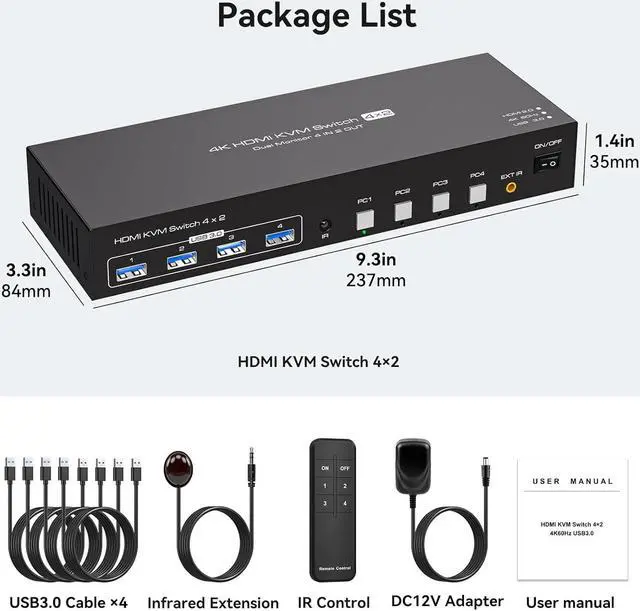
What you will GetYou will receive a 1*4 in 2 out KVM switcher, 4*USB 3.0 A to A cables, 1*12V1A external power supply, 1*IR cable, 1*remote control (excluding battery), and 1*user manual. If you have any questions or issues, please contact us immediately. Our professional customer service team is here to help