

Your Browsing History
- Free 30-day Returns
$38.99
Ships from China.


Meet Your Seller

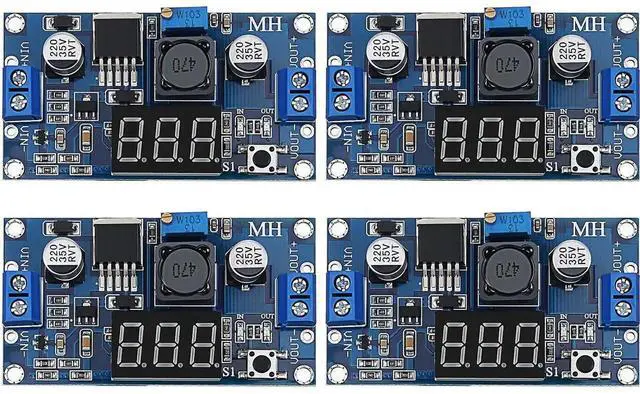
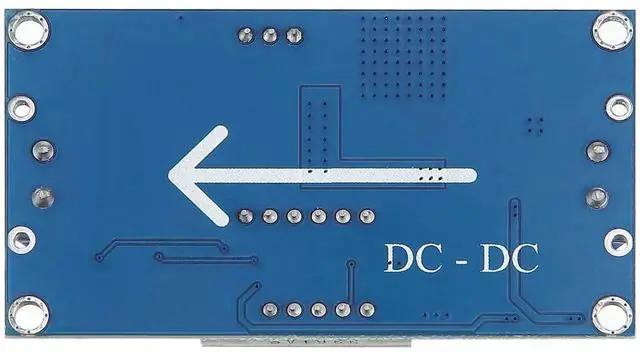
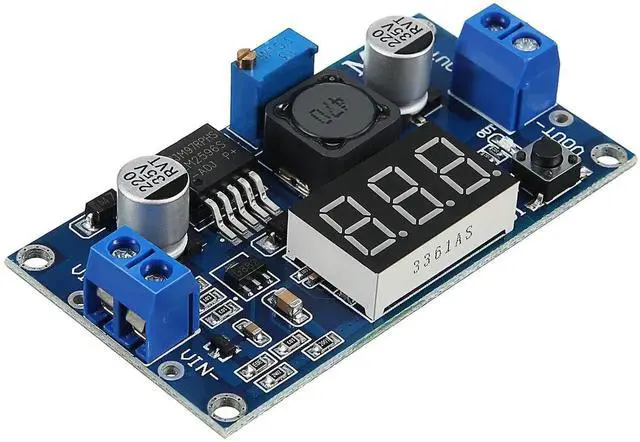
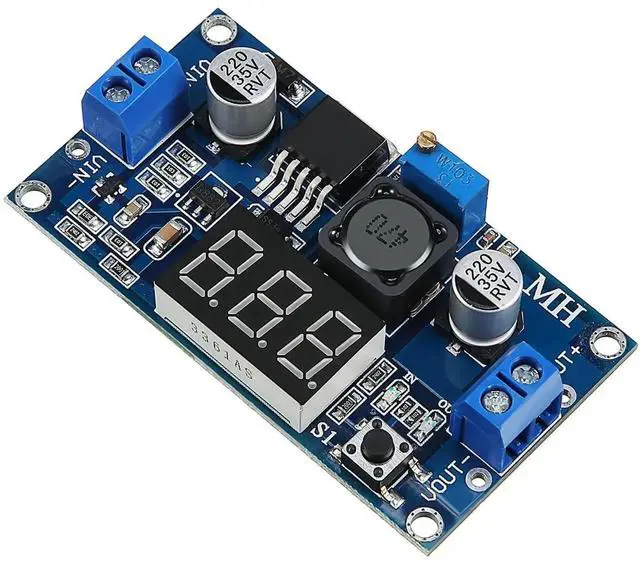
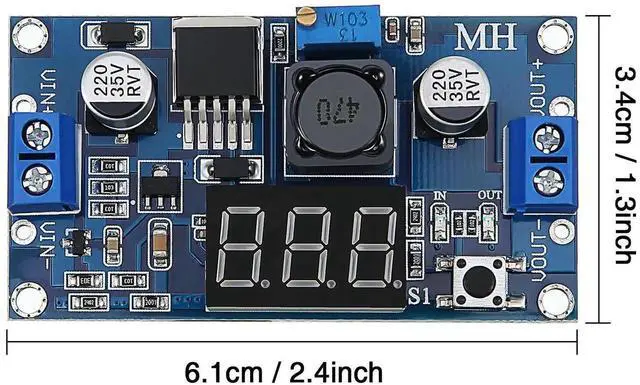


Aomoproing 4 Pieces Adjustable LM2596S DC-DC Buck Converter Reduced Voltage Regulator Power Module 36V 24V 12V to 5V 2A Voltage Stabilizer with Digital Voltmeter Display
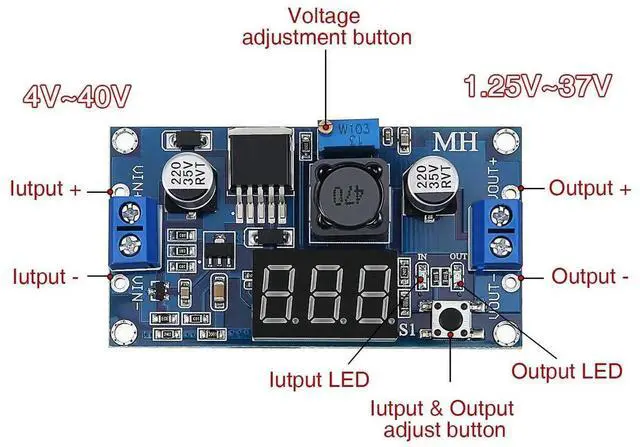
- Product parameters: input voltage is 4.0V - 40V, output voltage is 1.25V - 37V, output current is 2A (normal and stable) and 3A max, conversion efficiency 92% (highest), output ripple under 30mV, switching frequency 150KHz, operating temperature is -45 to 85 degree Celsius
- Simple to operate: the voltmeter can be turned off, and the switch can be turned off by pressing and holding the switch for more than 1 second and less than 4 seconds, once the voltmeter is turned off, simply press the switch to turn on the voltmeter
- Easy to use: with terminal block, no soldering iron is also convenient to use, and retain the wire bond point (the input voltage must be higher than the voltage to be output by 1v or more)
- Output current: the maximum output current can be as high as 3A, the recommended working current is about 2A, more than 2A plus heat sink
+
+
Overview
Specs
Reviews

Any questions? Our AI mode will help you find out quickly.
Try me now
Features:
How to use:
1. Press the button in a short time (1 second) so that "in" LED lighted, the voltmeter shows the value of input voltage.
2. Press the button in a short time (1 second) again so that "out" LED lighted, the voltmeter shows the value of output voltage.
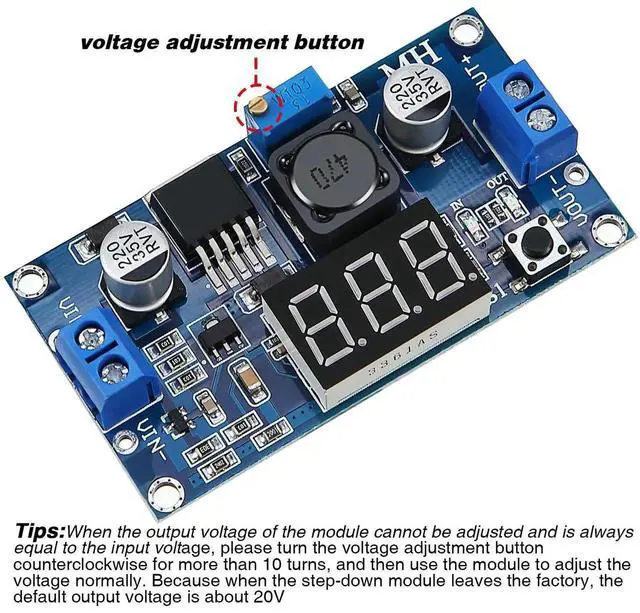
3. Rotate the top screw of potentiometer clockwise to boost the value of the output voltage, anti-clockwise to reduce it.
4. Long press the button between 1 and 4 seconds to turn off the voltmeter.
How to adjust accuracy of input/output voltage:
(for the person who need a highly accurate value of number)
1. Long press the button for more than 4 seconds, then release, voltmeter and "in" LED flash in synchronization entering into the input voltage calibration mode.
2. Press the button in a short time (1 second) to adjust the value (range from -0.5 - 0.5V)
3. Long press the button for more than 2 seconds and then release to enter the output voltage calibration mode.
4. After calibration, long press the button for more than 2 seconds all parameters will be saved automatically and back to the voltage display.
Specification:
Function:
Built in over-temperature protection function
Built in current limit function
Built in output short-circuit protection function
Size: approx. 6.6 x 3.9 x 1.8 cm/ 2.6 x 1.5 x 0.7 inches
Package include:
4 x LM2596s buck converter DC to DC
Note:
Please keep away from little kids.
- Nice design: with 150KHz internal oscillation frequency, features low power consumption and high efficiency; When the output voltage cannot be adjusted and is always equal to the input voltage, please turn the potentiometer counterclockwise for more than 10 turns, and then use the module to adjust the voltage normally; This is because when the module leaves the factory, the default output voltage is about 20V
Warranty & Returns
Warranty, Returns, And Additional Information
Warranty
- Please contact the Seller directly for warranty information. Warranty information may also be found on the Manufacturer's website.
- CONTACT
Return Policies
- Return for refund within: 30 days
- Return for replacement within: 30 days
- This item is covered by Chancelv Return Policy
Manufacturer Contact Info
- For a directory of all our manufacturers, please click below.
- Manufacturers Directory
LOADING...