• $19.36
  • Free 30-day Returns
  • Ships from China.
    Price alert
    Shop it at NeweggBusiness.

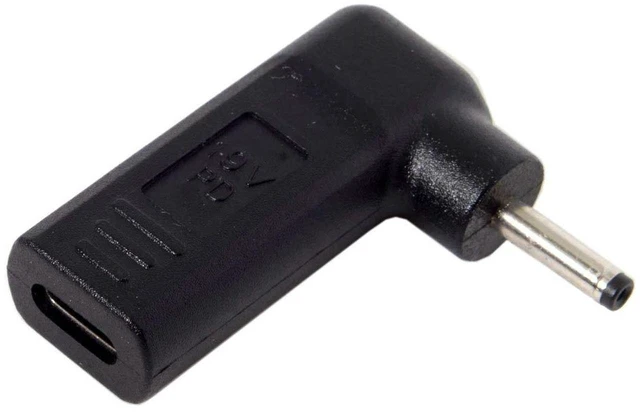
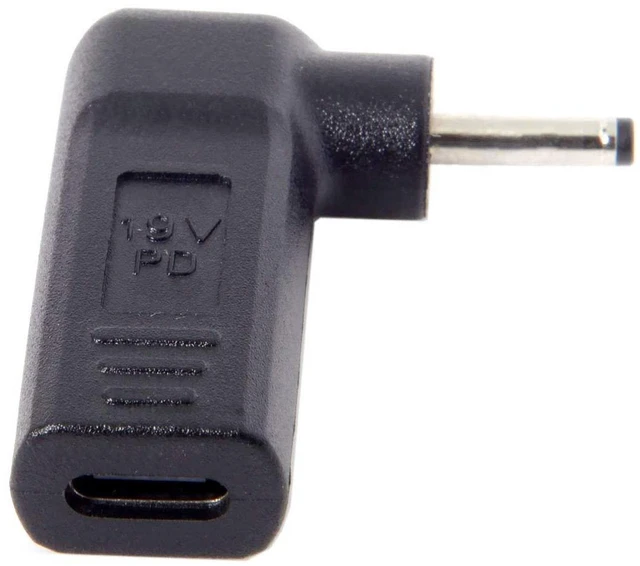
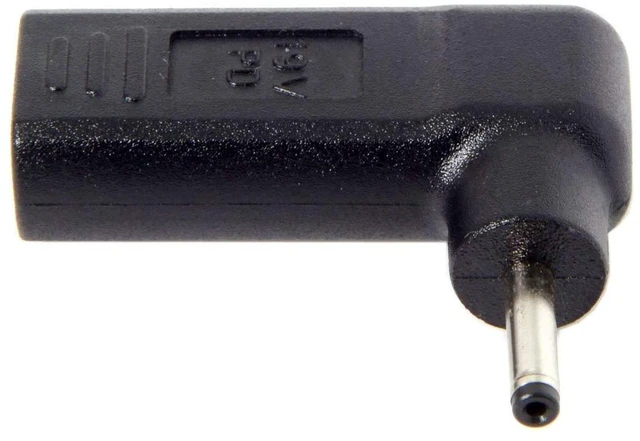
    AJMRTC USB 3.1 Type-C to DC 20V PD Trigger Emulator Adapter, 90 Degree Angled USB-C PD Power Converter with 3.0x1.1mm Barrel Plug for Devices with 3.0*1.1mm DC Jack

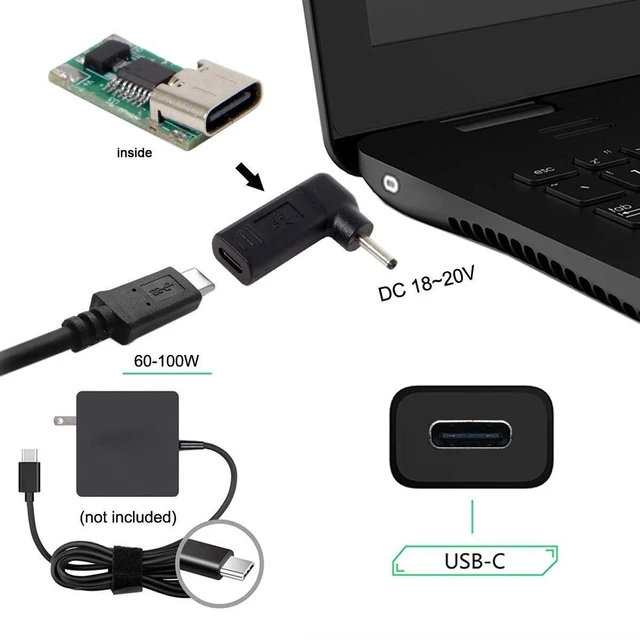
    • 1. 90° angled USB-C PD trigger adapter negotiates and locks fixed 20V DC output via 3.0x1.1mm barrel plug from USB-C PD power supply
    • 2. Built-in PD emulator chip automatically communicates with PD chargers to activate 20V power profile and ensure stable power delivery
    • 3. Standard 3.0x1.1mm DC barrel connector, suitable for electronics equipped with this size DC power jack
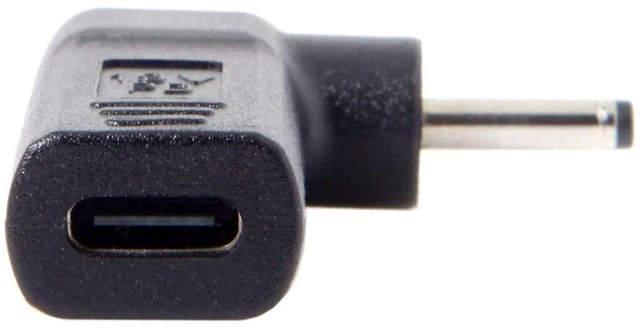
    • 4. 90-degree angled Type-C plug reduces cable tension, saves space for installation in compact and confined environments
    • 5. Must use USB-C PD power source; regular non-PD chargers or power banks cannot trigger 20V voltage output
    +
    +
    Overview
    Specs
    Reviews

    Any questions? Ask CelesteSM will help you find out quickly.

    AJMRTC USB 3.1 Type-C to DC 20V PD trigger adapter is fitted with a 90-degree angled USB-C male connector and integrated PD emulator trigger chip. It negotiates with USB-C PD chargers to request fixed 20V power and outputs through the 3.0x1.1mm DC barrel plug. This adapter supplies 20V power for devices with matching 3.0x1.1mm DC jack. The angled design prevents sharp cable bends in tight spaces. Note: This adapter only works with USB-C PD power adapters. Non-PD power sources cannot activate the 20V output. Please verify your device voltage and DC polarity before purchase.


    Specifications
    1. Brand: AJMRTC
    2. Input: USB 3.1 Type-C Male, 90° Angled
    3. Output: DC 3.0x1.1mm Barrel Plug, 20V
    4. Core Chip: PD Emulator Trigger IC
    5. Power Source Requirement: USB-C PD Charger / PD Power Bank
    6. Function: Power Conversion Only, No Data Transfer
    7. Application: 20V DC powered electronics with 3.0x1.1mm DC jack


    Warranty & Returns

    Warranty, Returns, And Additional Information

    Warranty

    • Please contact the Seller directly for warranty information. Warranty information may also be found on the Manufacturer's website.
    • CONTACT

    Return Policies

    Manufacturer Contact Info

    LOADING...