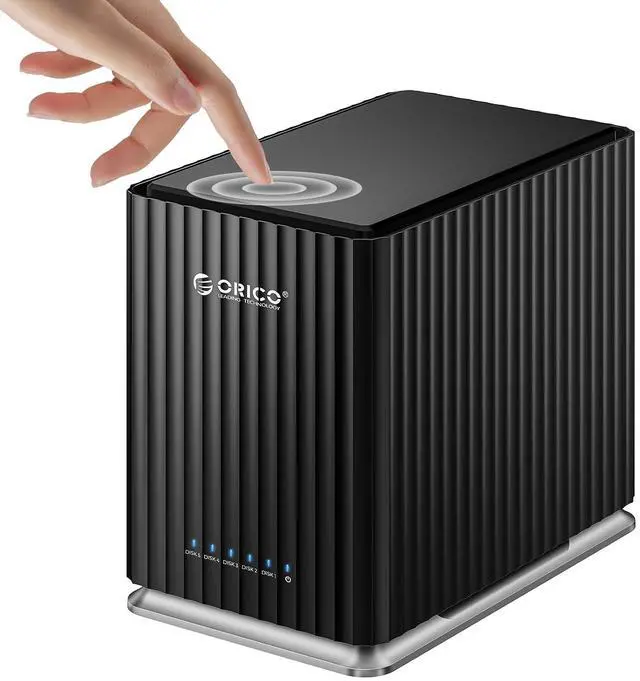
Product description ORICO 5 Bay Type-C DAS
Storage Enclosure Tray: 5
Bay Color: Black
Model Size: 94mm (L) * 146.5 mm (W) *213mm (H)
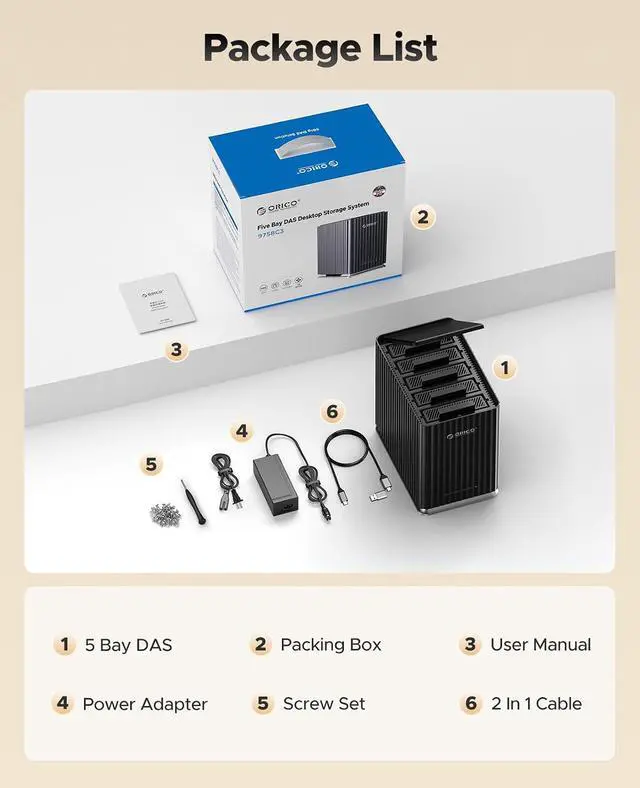
Data Cable: 1M USB C 2-in-1 cable
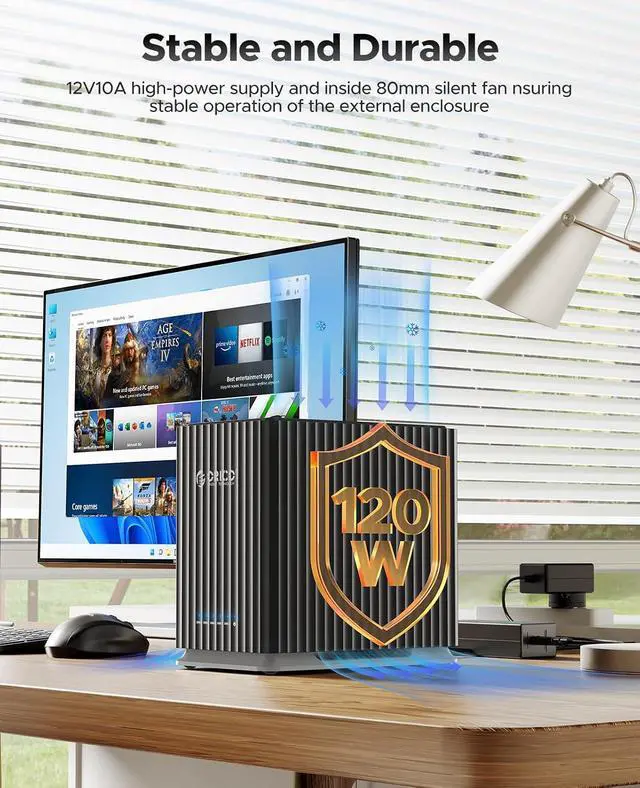
Power Adapter: 12V/10A (110-240V)
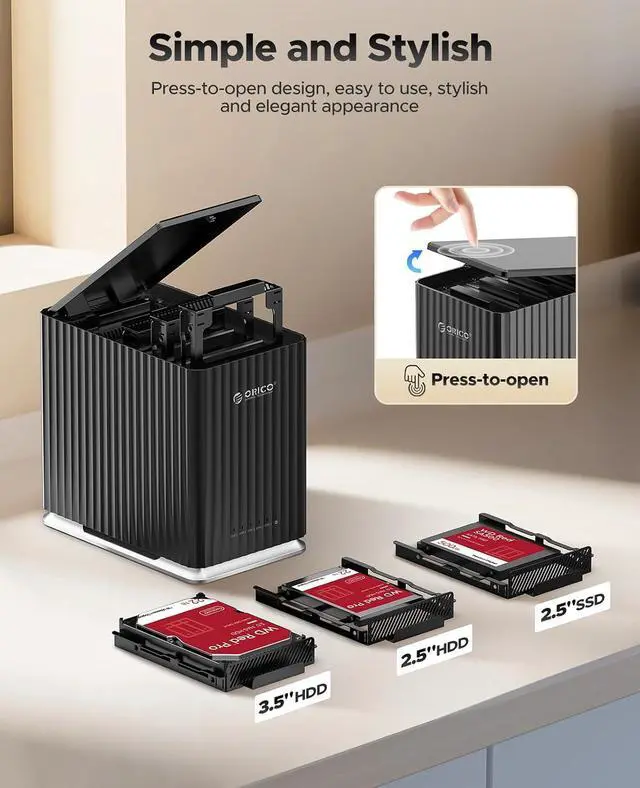
Install: Press to open+screws fixed
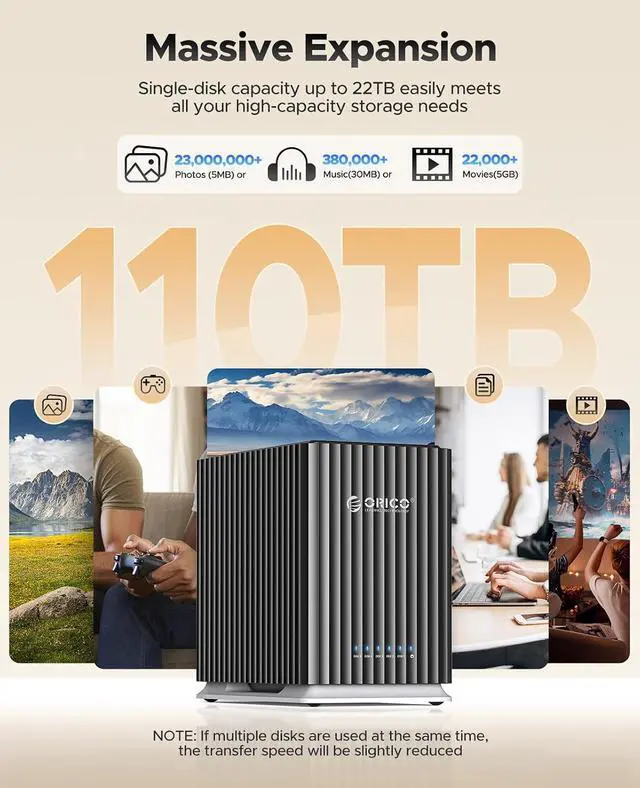
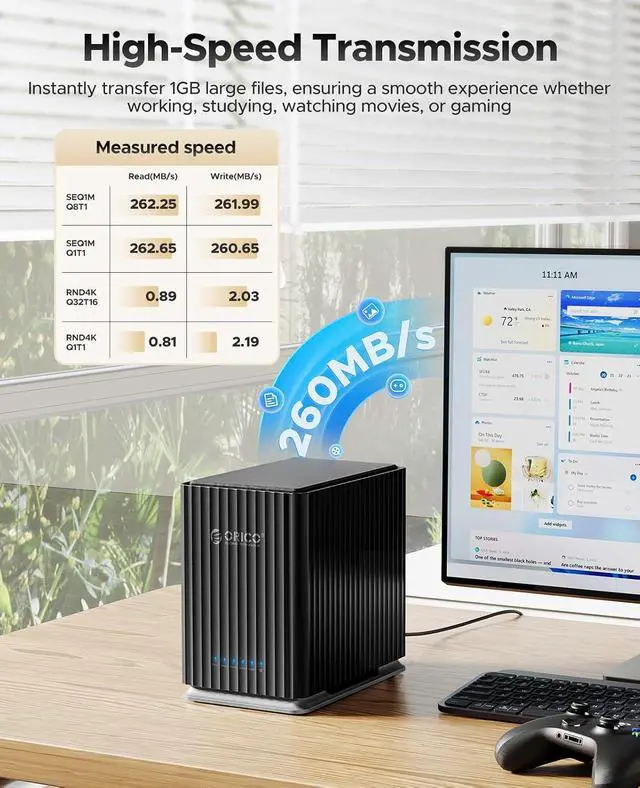
Auto Sleep: After Work 10 minutes Hardware Interface USB Type C Transfer Protocol: 5Gbps Maximum Capacity 22TB x 5
Support Hard Disk: 2.5 3.5 HDD SSD SATA I II III
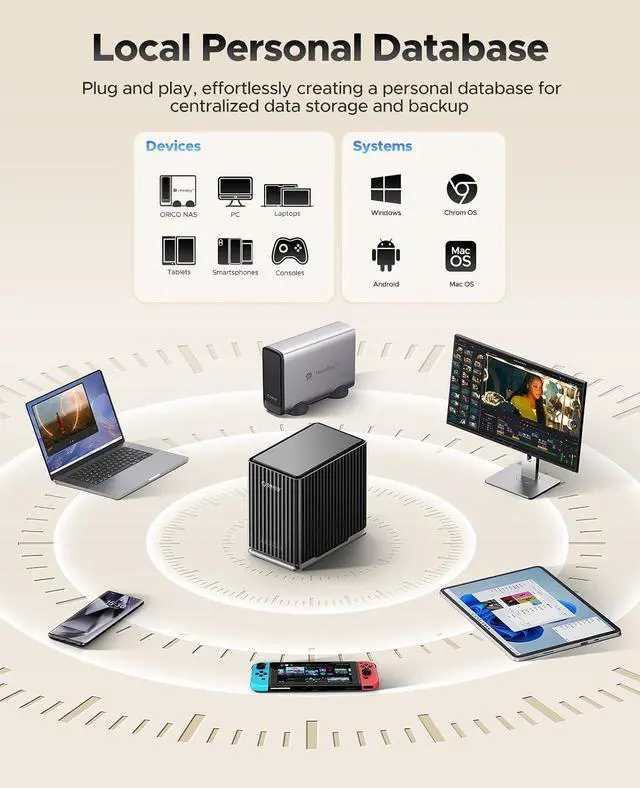
Support System: WindowsMac OS (Only one disk can be read at a time on Linux)
Support Hardware Devices: PC, Laptop, Tablet, SmartPhone, Game consoles, Smart TV, Router
Heat Dissipation: Ventilation holes and built-in 120mm silent fan for better cooling
Troubleshooting Disconnection Issue1: Check the USB interface connected to the host. Some USB interfaces may have insufficient power supply issues and cannot power high-power USB devices. Replace the USB interface for testing and troubleshooting. 2. USB interface driver issues can also cause usage problems. Based on the system, conduct detection, troubleshooting, and update the USB and computer motherboard-related drivers.
3: Use the original USB data cable that comes with the product for connection and use. If you replace it with another data cable, please ensure that the replacement function is normal and there are no faults.
4: Use the original power adapter provided with the product. Do not replace it with other power adapters of different specifications without authorization.
5: Please check to ensure that each hard disk is functioning properly, with no physical faults and no other adverse conditions. Ensure that the USB connection cable is properly connected without any poor contact or other issues.
6: Some old hard disks may develop logical bad sectors and other issues due to long-term use. Repartitioning and formatting the hard disk can reduce the occurrence of problems.
7: Some hard disks may have certain files, software, etc. inside that conflict with the computer system. You can also reformat the hard disk to reduce the occurrence of problems.
Cooling Fan1: The product comes with a built-in cooling fan. The fan itself generates wind noise during operation, and the normal noise level is between 30 and 40 decibels.
2: As this product uses mechanical hard disks, the internal disks/heads of the mechanical hard disk will rotate during operation, generating corresponding vibrations and rotational sounds. Additionally, due to the varying degrees of newness of the mechanical hard disk, the degree of vibration and the volume of sound produced by the internal disk rotation also differ. Some of the noise comes from the operation of the mechanical hard disk itself.





 here!
here!