Your Browsing History
- Free 30-day Returns
$31.59
Ships from China.
Meet Your Seller
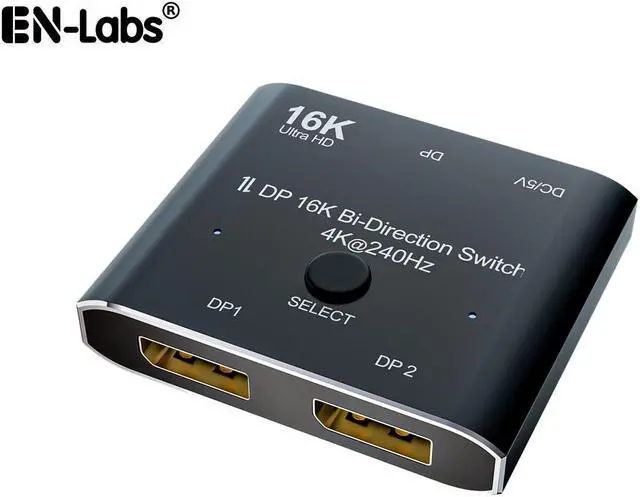
16K@60Hz DP 2x1 Bi-Direction Switch DisplayPort-compatible 8K@120Hz 4K@240Hz Switcher Converter for Multiple Source and Displays Video Converter
Limited time offer, ends 07/31 By EN Labs Marketplace
- 16K DisplayPort-compatible 2x1 Bi-Direction Switch
- Allow you to connect two DP source to one DP display or connect one DisplayPort source to toggle between two displays.
- Two displays CANNOT display simultaneously, Press"Select"button to switch between two displays
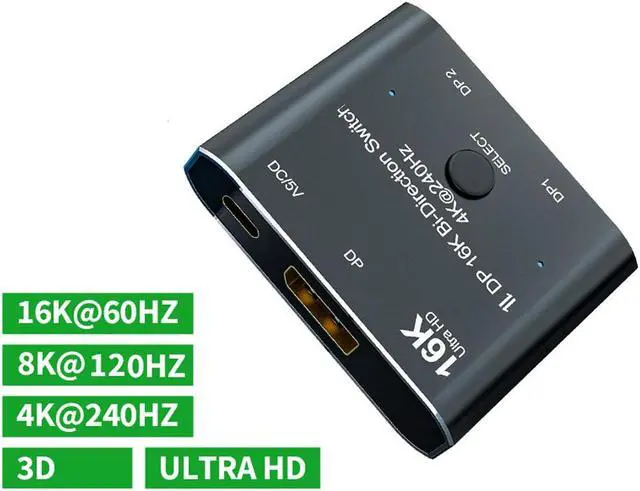
- Support 16K@60Hz,8K@120Hz,4K@240Hz,1080P@240Hz resolution
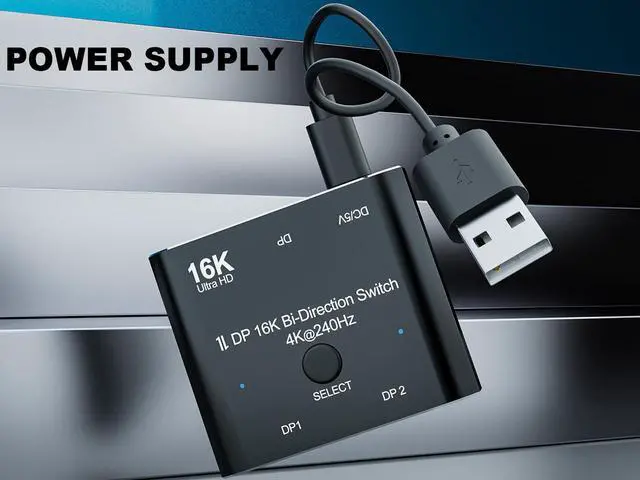
- USB-C power is necessary for connecting when use the switch
+
+
Overview
Specs
Reviews
Any questions? Our AI beta will help you find out quickly.
Try me now
Features
Bi-Direction DisplayPort-compatible Switch
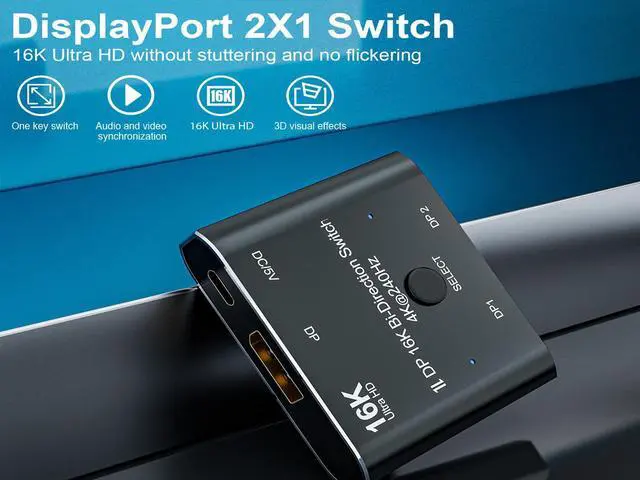
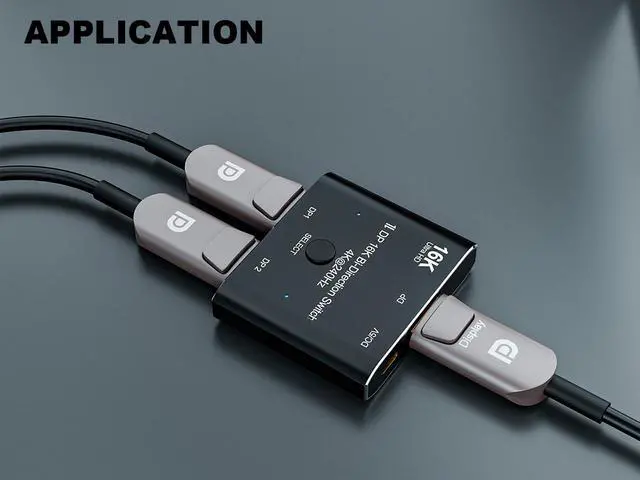
The switcher allow you to connect two DisplayPort-compatible source to one DisplayPort-compatible display or connect one DisplayPort-compatible source to toggle between two displays.
Important Note:Two displays can't display simultaneously,Press"Select"button to switch between two displays
Two Working Modes
Mode one (display switch):One source connects two displays. Two displays can't display simultaneously, Press"Select"button to switch between two displays
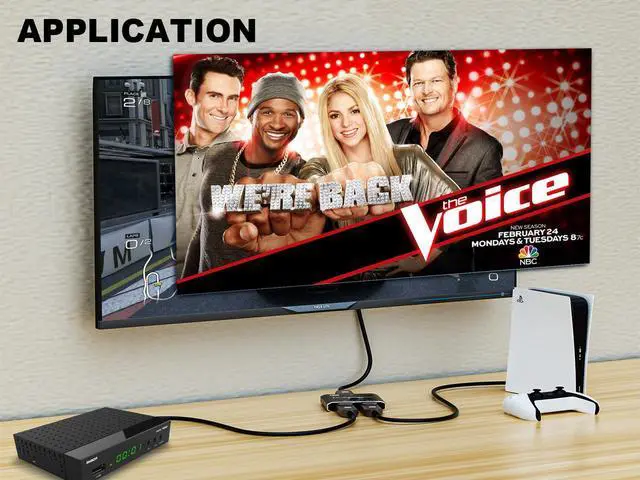
Mode two (Source switch ):Two source connects to a single display. Press"Select"button to switch between two source for display
16K@60Hz resolution Switch
Support 16K@60Hz,8K@60Hz,4K@240Hz,4K@144Hz,1080P@240Hz resolution, provide you with transfer rates up to 80Gbps and backward compatible with all previous DP standards. (You need connect standard DP2.0 cable to enjoy visual effects.)
External 5V power required
USB 5V power supply is necessary for the switch using.
The power supply interface is USB-C port
Note
This is manual switch,not a automatically switch.

Bi-Direction DisplayPort-compatible Switch
The switcher allow you to connect two DisplayPort-compatible source to one DisplayPort-compatible display or connect one DisplayPort-compatible source to toggle between two displays.
Important Note:Two displays can't display simultaneously,Press"Select"button to switch between two displays
Two Working Modes
Mode one (display switch):One source connects two displays. Two displays can't display simultaneously, Press"Select"button to switch between two displays
Mode two (Source switch ):Two source connects to a single display. Press"Select"button to switch between two source for display
16K@60Hz resolution Switch
Support 16K@60Hz,8K@60Hz,4K@240Hz,4K@144Hz,1080P@240Hz resolution, provide you with transfer rates up to 80Gbps and backward compatible with all previous DP standards. (You need connect standard DP2.0 cable to enjoy visual effects.)
External 5V power required
USB 5V power supply is necessary for the switch using.
The power supply interface is USB-C port
Note
This is manual switch,not a automatically switch.
Warranty & Returns
Warranty, Returns, And Additional Information
Warranty
- Please contact the Seller directly for warranty information. Warranty information may also be found on the Manufacturer's website.
- CONTACT
Return Policies
- Return for refund within: 30 days
- Return for replacement within: 60 days
- This item is covered by EN Labs Marketplace Return Policy
Manufacturer Contact Info
- For a directory of all our manufacturers, please click below.
- Manufacturers Directory
LOADING...