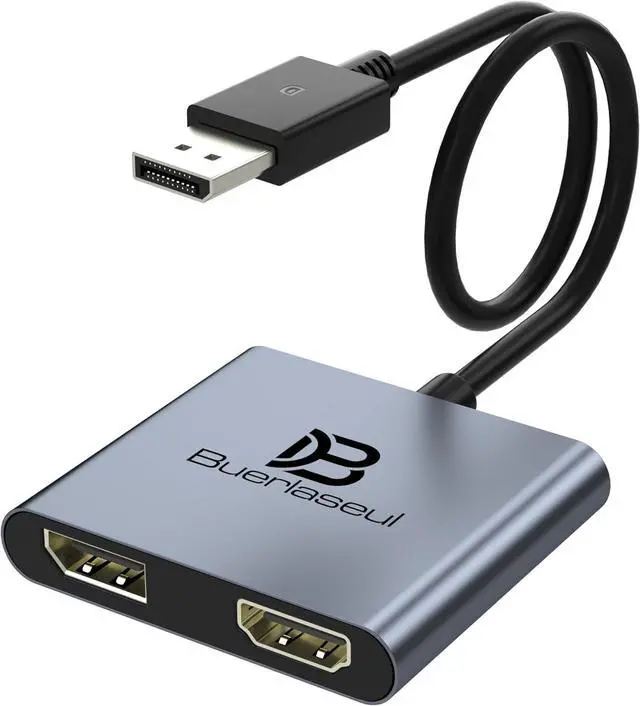
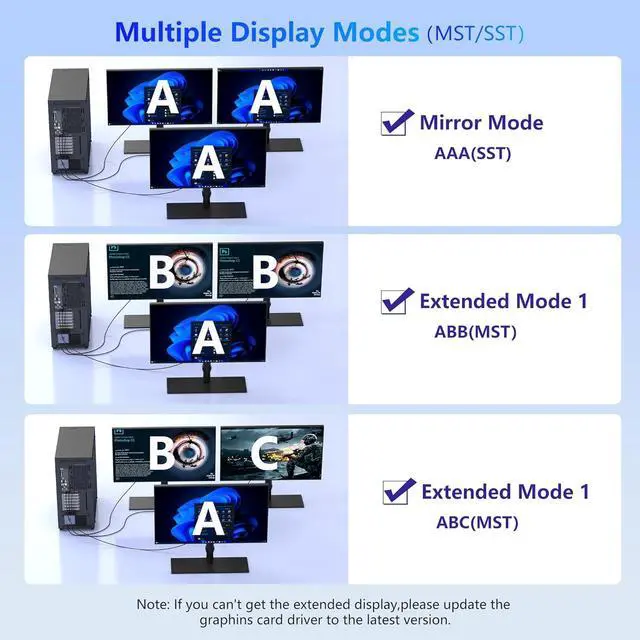
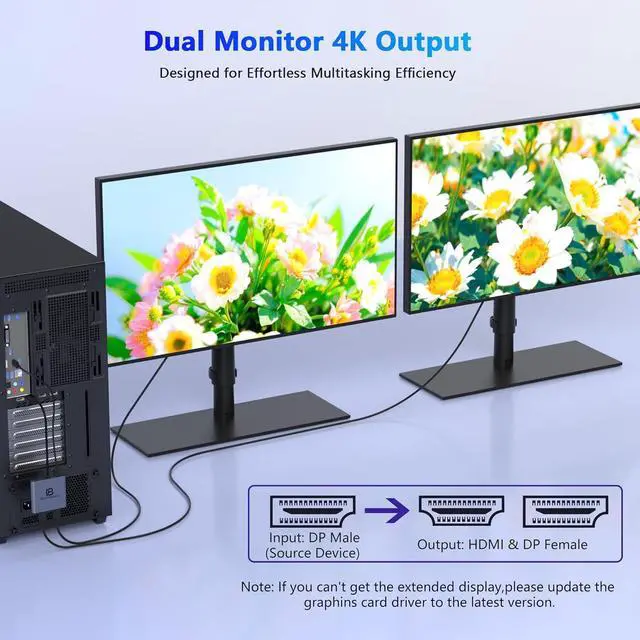
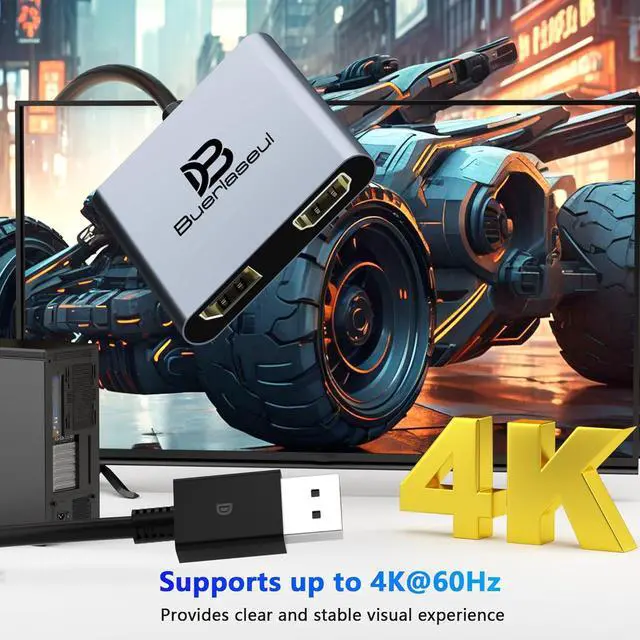
DP to HDMI & DisplayPort Adapter with 4K@60Hz SupportThis versatile adapter converts one DisplayPort signal into two independent HDMI or DisplayPort outputs allowing you to set up dual monitors for work or entertainment. It supports both Extended and Mirror modes for flexible screen arrangement. For optimal performance we recommend connecting to a 5V/2A power adapter (sold separately). 4K@60Hz Single Display & 4K@30Hz Dual DisplayEnjoy vivid 4K visuals with support for 4K@60Hz on a single display or 4K@30Hz across two displays simultaneously. Advanced image processing ensures rich colors sharp contrast and smooth motion ideal for productivity gaming and multimedia consumption.
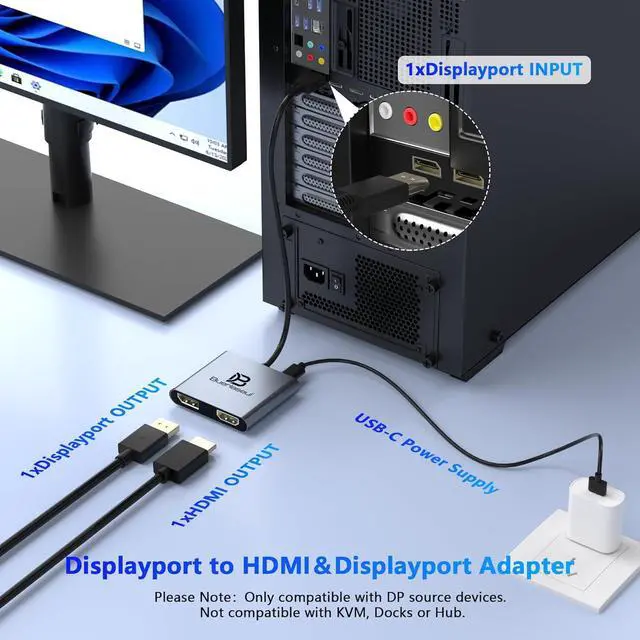
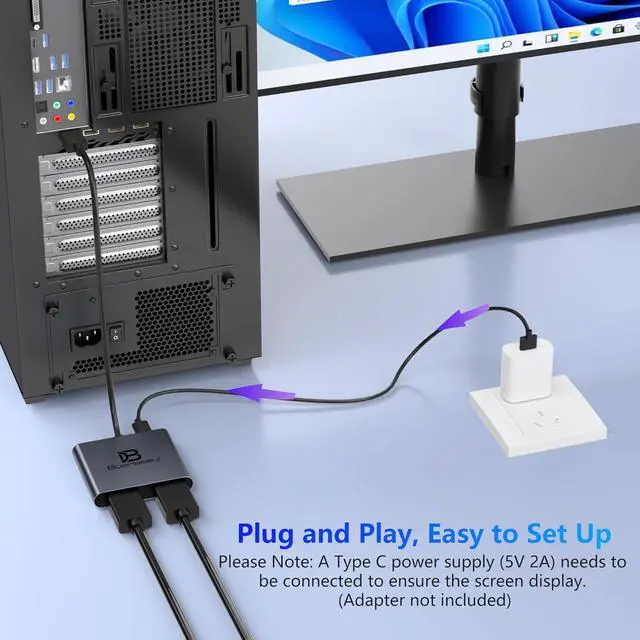
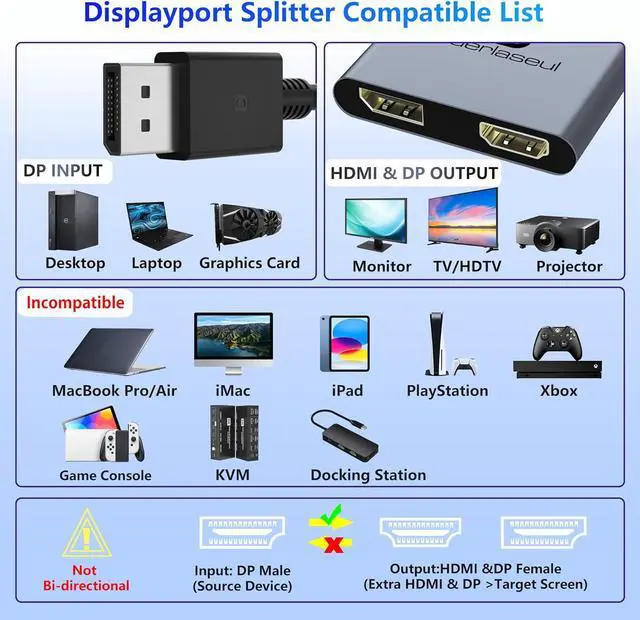
Broad Compatibility with DisplayPort Featuring a high-performance chipset this converter is compatible with most devices equipped with DisplayPort source ports including desktops ( ) and graphics cards (AMD NVIDIA). Ensure your GPU supports >18Gbps bandwidth for stable multi-monitor expansion. If no signal is detected try updating your graphics driver to the latest version. Plug & Play Setup with Universal PowerNo drivers or software requiredsimply connect your DP source to the adapter power it via the included USB-C cable and attach your HDMI or DisplayPort displays using standard cables. Designed for reliable standalone use; do not connect to KVMs hubs or docking stations to ensure compatibility and stable performance.
Key Usage Guidelines for Seamless OperationConfirm your source device has a DisplayPort output (not HDMI or USB); This is a one-way converter from DP source to HDMI/DisplayPort displays only; Always connect the USB-C power cable to ensure consistent operation. For any questions or assistance please feel free to contact our support team.


 Top Rated


