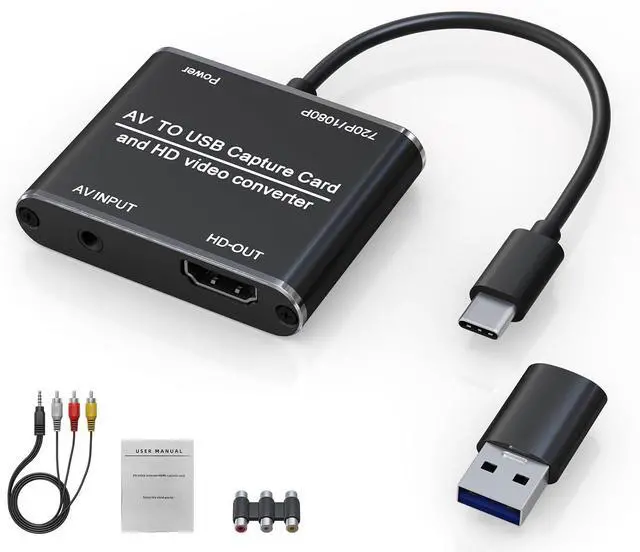
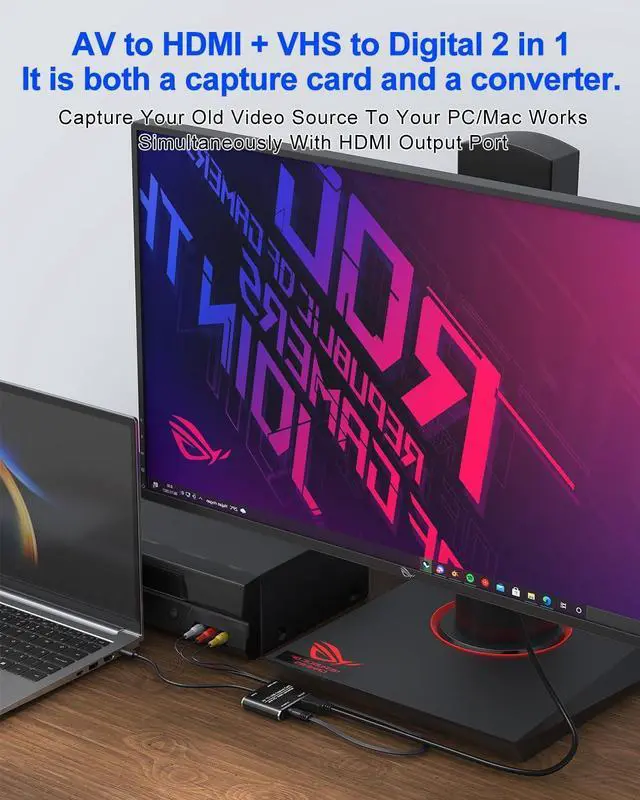
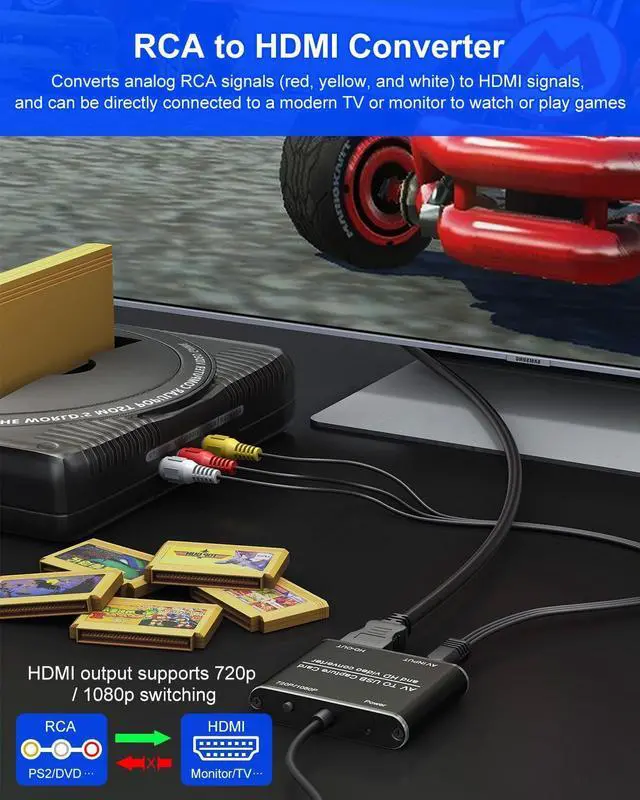
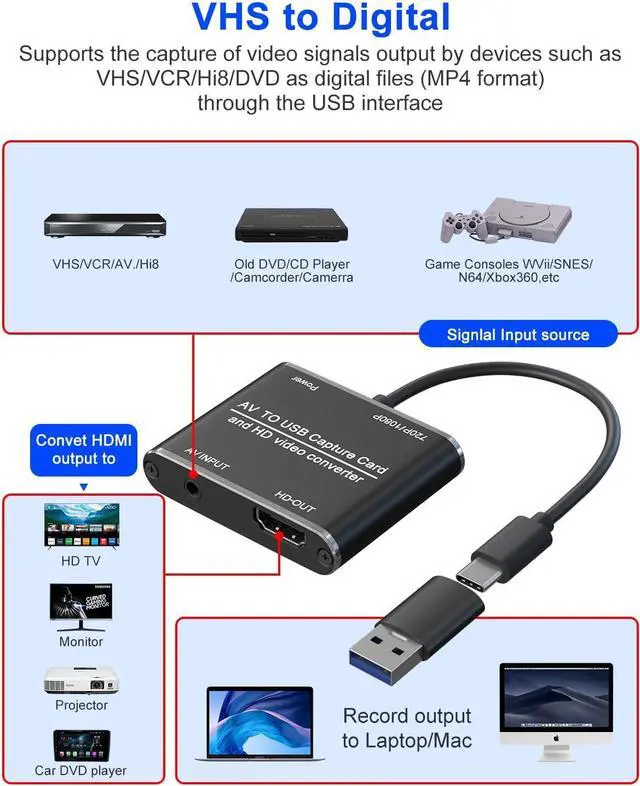
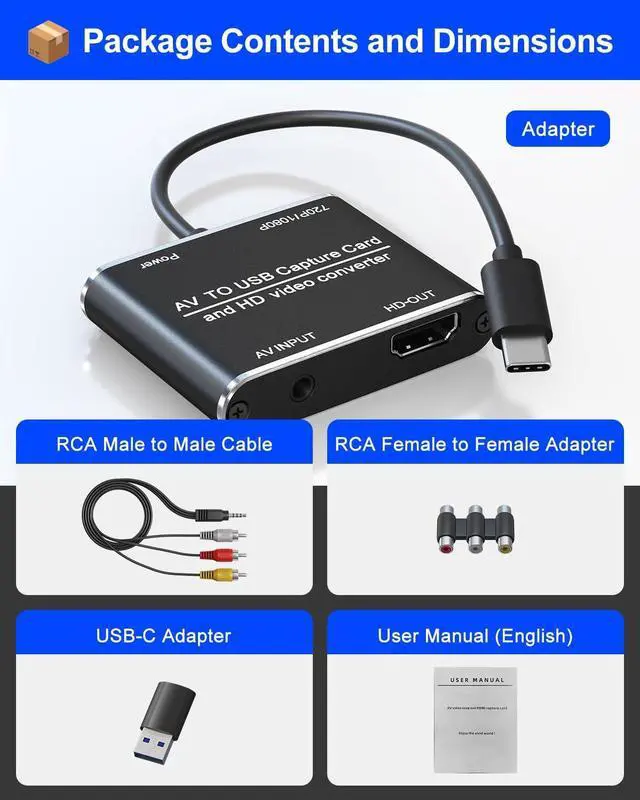
Dual Functionality When used as an RCA to HDMI converter it easily converts RCA composite (yellow white and red) input to HDMI 720P/1080P (60Hz) output allowing you to connect your favorite legacy devices to a modern HDMI-compatible TV or monitor for video or game playback. When recording capture video to a computer via USB/USB-C you can also connect a monitor via the HDMI port for real-time preview. Wide Compatibility The RCA to HDMI adapter is compatible with a wide range of devices including VCRs DVDs VHS players gaming consoles (such as Xbox PS3 PS2 Wii N64 SNES).
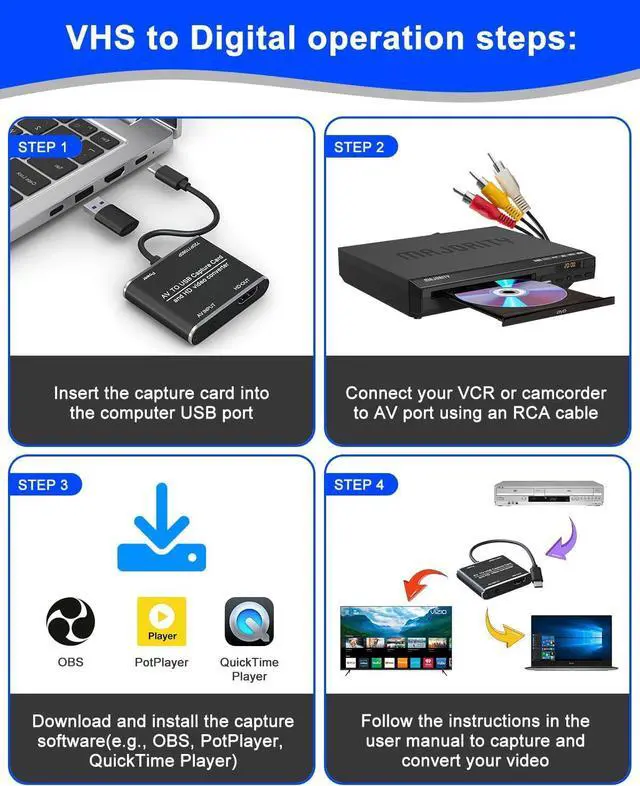
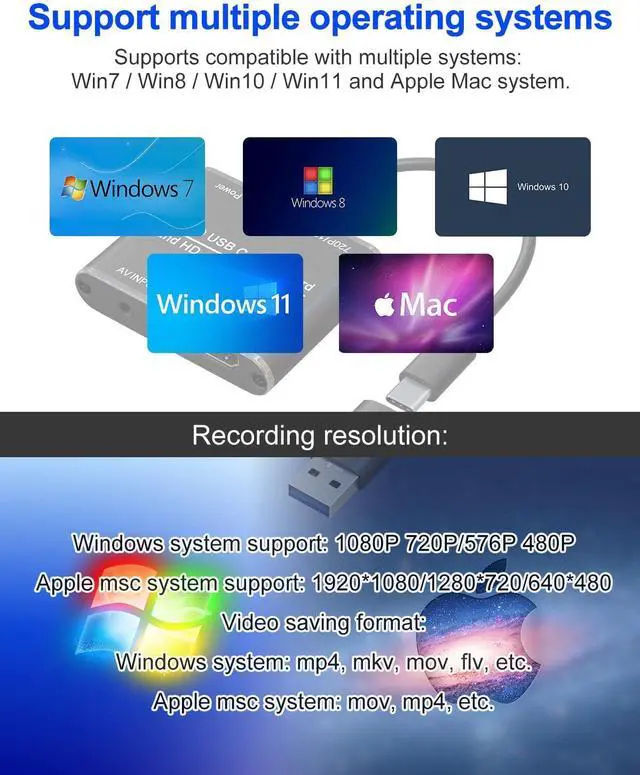
It supports multiple source formats including PAL NTSC 3.58 NTSC 4.43 SECAM PAL/M and PAL/N standard TV signals. Enjoy the flexibility of connecting various devices bringing your entertainment to lifeSoftware Required When used as a standalone RCA to HDMI converter plug and play no drivers required. When it's time to record video to your computer. This capture device requires video capture software to function. We recommend OBS Studio or PotPlayer for Windows users and QuickTime Player (built-in) for macOS users. Download your preferred software before use to ensure smooth recording. 1080P HD Output Supports up to 1080P HD video output for crisp and clear recordings.
Compatible with most capture software on Windows and Mac.
Note: When used as a video capture card use the HDMI loop-through output to preview the video on a monitor. Audio will not play during preview but will be recorded. Audio Tip of Software Restart OBS After Audio Setup For proper audio output make sure to configure your sound settings first then restart OBS Studio. Skipping this step may result in no sound during recording. Follow the setup instructions carefully for the best performance.