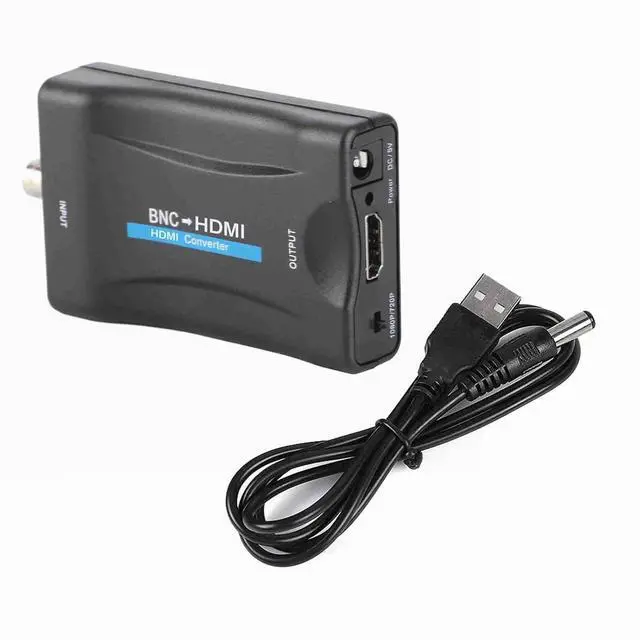
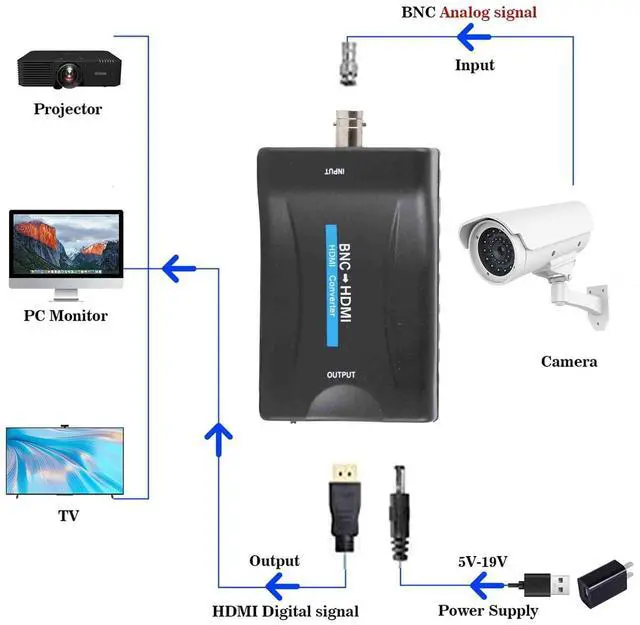
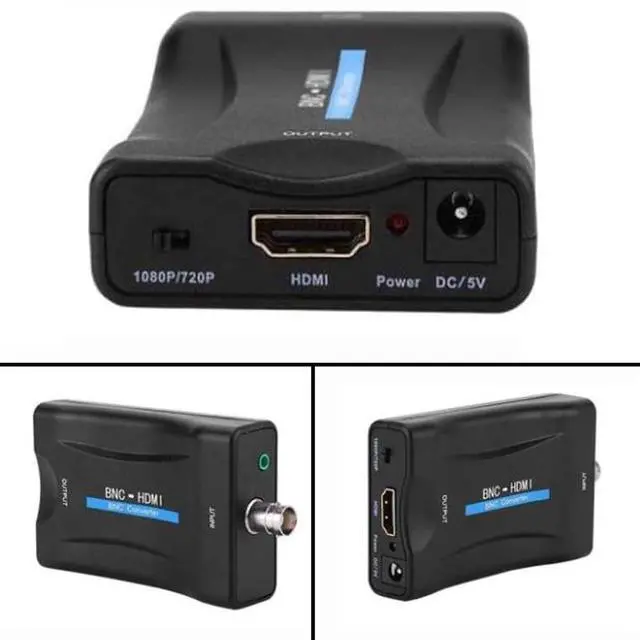
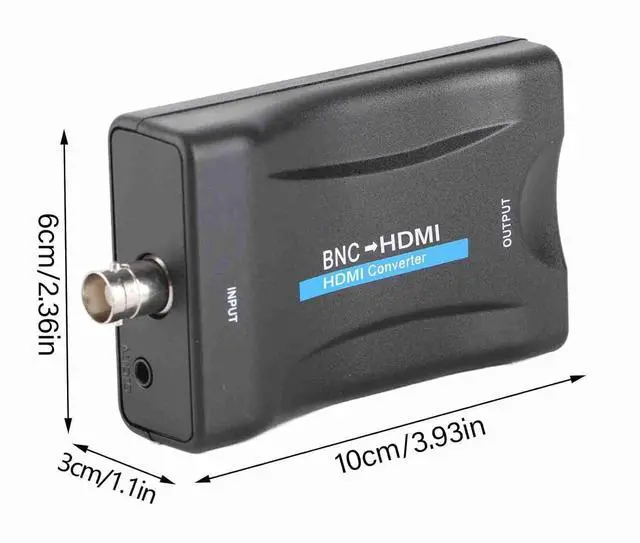
Note 1: The Input of This BNC to hdtv converter is Coax BNC Not for Coax RF. Not work for antenna and cable TV. If you use a TV set as the monitor switch theinput or source button on the TV clicker to the HMID mode.
Note 2: The connection order is crucial as it determines whether the device will work. First connect the power cable and BNC cable. Once everything is ready then connect the HDTV cable.
Note 3: This BNC to HDMI Converter does NOT include cables. Before purchase please ensure you have compatible BNC cables for proper connectivity. If unsure contact our customer support team for assistance. This will help avoid compatibility issues and ensure the product meets your needs.
Note 4: Make sure your security camera supports CVBS signal output before order. For old CCTV you need to check out the camera type. This converter only support CVBS Analog Camera it can not work with HD-CVI / HD-TVI / AHD Camera. For multi-mode output camera you need swtich the output signal to CVBS mode otherwise it may not work.
Package Included: BNC to Hdmi Adapter USB power cable. (Power adapter and BNC cables not included)