

Your Browsing History
- Free 30-day Returns
$30.39
Ships from China.


Meet Your Seller


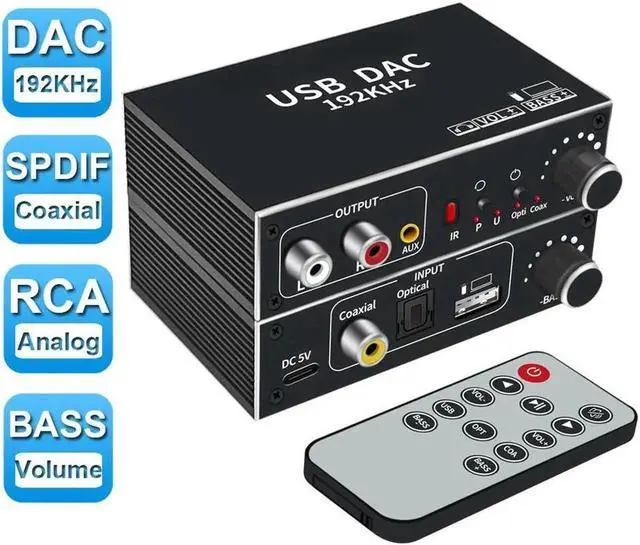


Digital to Analog Audio Converter 192kHz Aluminum DAC Converter Volume Control, Digital Optical Coaxial Toslink to Analog Stereo L/R RCA 3.5mm Adapter for TV DVD PS4 Xbox Amp Cinema
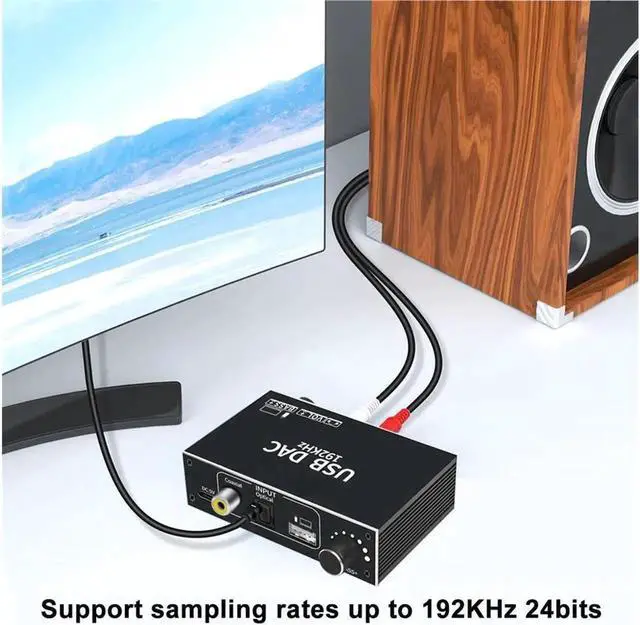
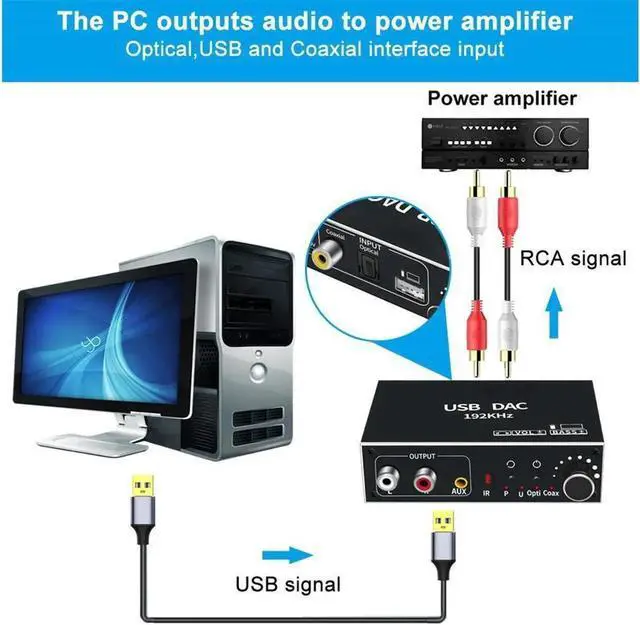
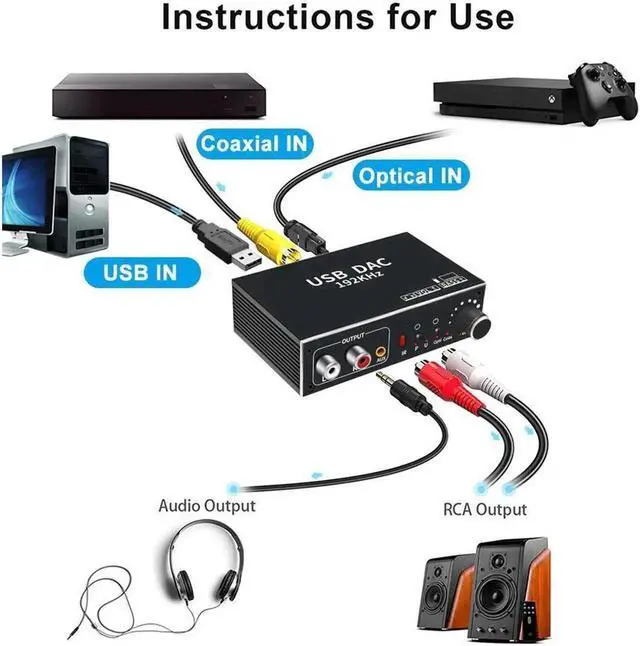
- AUBEAMTO DAC Digital to Analog Audio Converter ,support USB(For PC),Optical SPDIF and Coaxial as audio input,support RCA(L/R) and 3.5mm jack as audio output,192KHz 24 bit sampling rates.
- 192khz DAC optical digital to analog adapter converter
- Inputs: Coaxial, Toslink & USB
- Optical/Coaxial input audio format: PCM / LPCM
- Optical/Coaxial input sampling rate: 32, 44.1, 48, 96 and 192KHz
- Headphone amplifying power: 125mW x2 @ 32
- Suggest headphone esistance range: 32-600
- It can convert optical, USB(For PC), and Coaxial digital audio signals into stereo analog audio signals that are connected to the amplifier. Help users solve the problem of connecting different audio interfaces to analog amplifiers.Compatible with PS3, HD DVD, PS4, Sky HD, plasma Blu-ray home theater, AV amplifiers, etc; Note: 5.1 channel signal is not compatible (such as Dolby AC3); Set the format steps: Setting--Sound--Audio Format-PCM/LPCM
+
+
Overview
Specs
Reviews

Any questions? Our AI mode will help you find out quickly.
Try me now
AUBEAMTO DAC Digital to Analog Audio Converter, support USB (For PC), Optical SPDIF and Coaxial as audio input, support RCA(L/R) and 3.5 mm jack as audio output, 192KHz 24 bit sampling rates.
192khz DAC optical digital to analog adapter converter
Inputs: Coaxial, Toslink & USB
Optical/Coaxial input audio format: PCM / LPCM
Optical/Coaxial input sampling rate: 32, 44.1, 48, 96 and 192KHz
Headphone amplifying power: 125mW x2 @ 32
Suggest headphone esistance range: 32-600
It can convert optical, USB (For PC), and Coaxial digital audio signals into stereo analog audio signals that are connected to the amplifier. Help users solve the problem of connecting different audio interfaces to analog amplifiers. Compatible with PS3, HD DVD, PS4, Sky HD, plasma Blu-ray home theater, AV amplifiers, etc;
Note: 5.1 channel signal is not compatible (such as Dolby AC3);
Set the format steps: Setting--Sound--Audio Format-PCM/LPCM
Warranty & Returns
Warranty, Returns, And Additional Information
Warranty
- Please contact the Seller directly for warranty information. Warranty information may also be found on the Manufacturer's website.
- CONTACT
Return Policies
- Return for refund within: 30 days
- Return for replacement within: 30 days
- This item is covered by Chancelv Return Policy
Manufacturer Contact Info
- For a directory of all our manufacturers, please click below.
- Manufacturers Directory
LOADING...