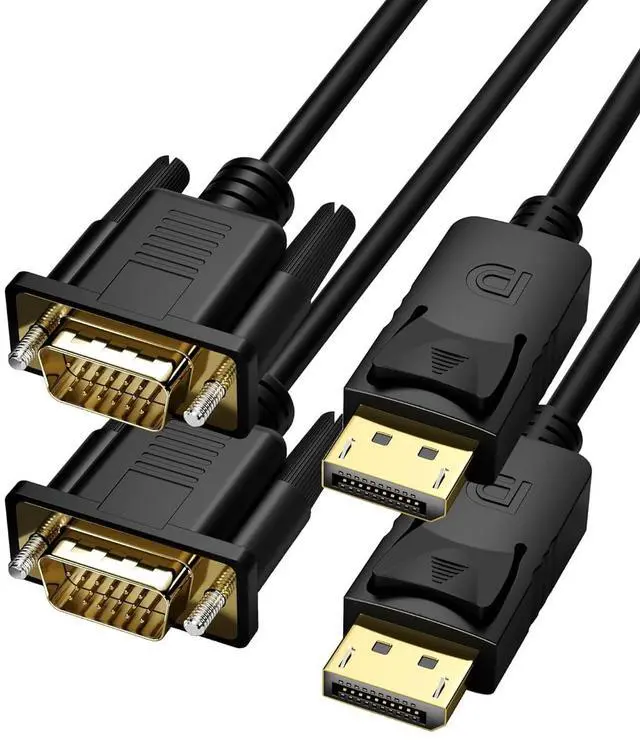
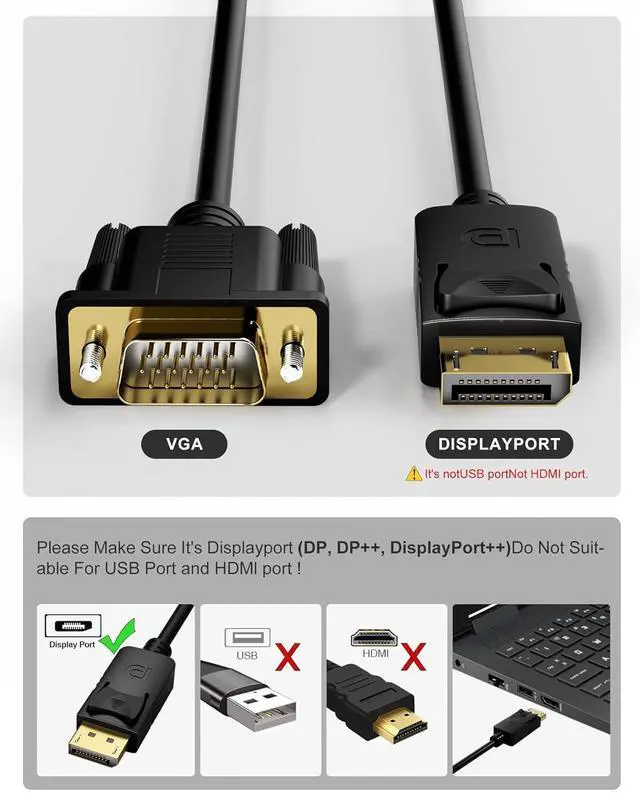
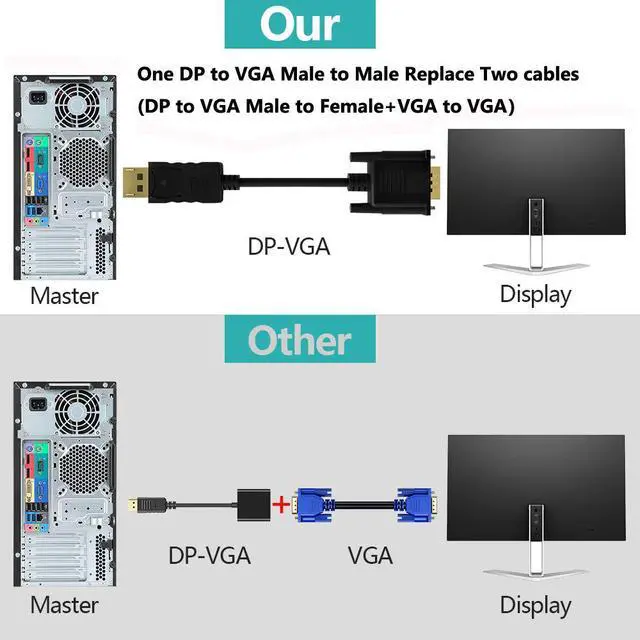
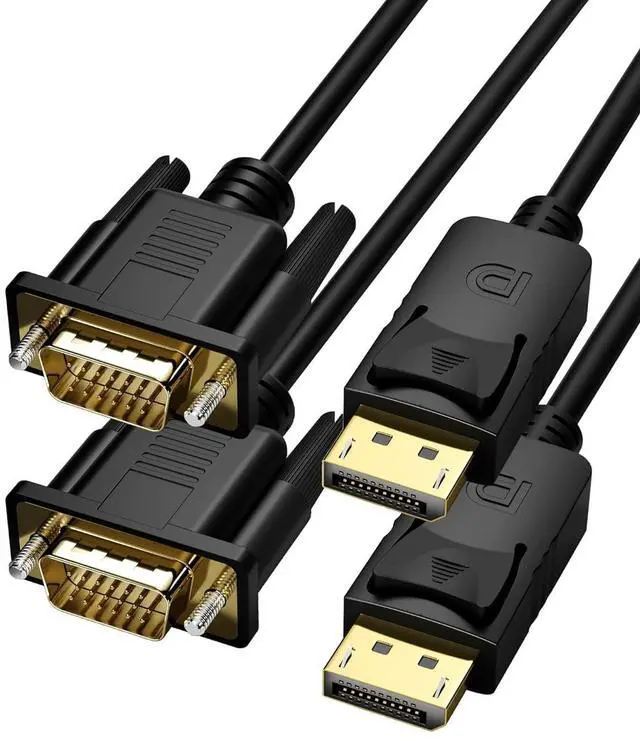
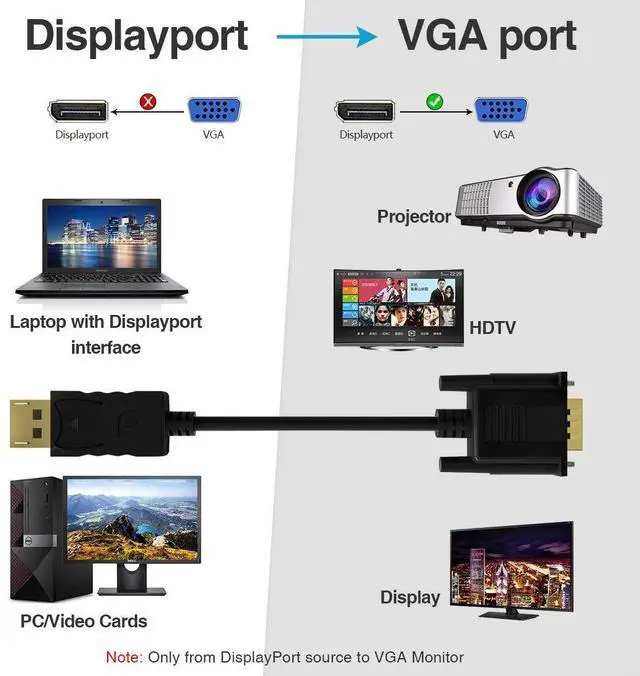
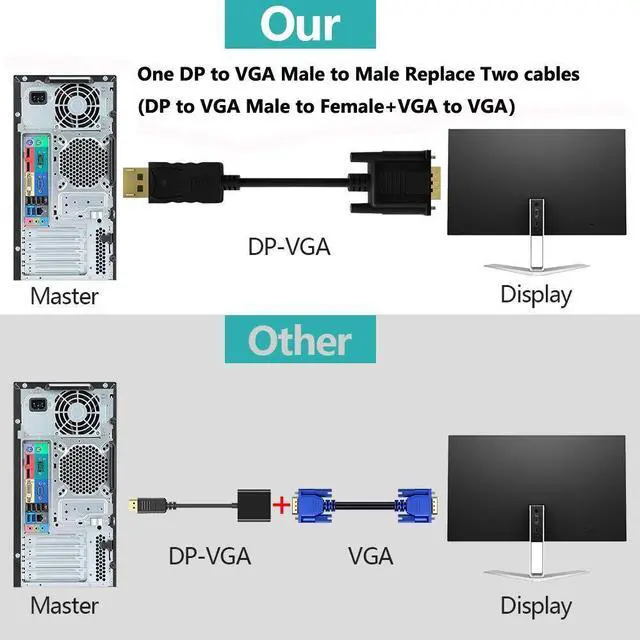
DP to VGA FOBOIU DisplayPort to VGA 3 feet 2 pack cable contains an advanced chip will allow you to send a high quality video signal for optimal performance. Directly connects DisplayPort (DP DP++ DisplayPort++) desktop or laptop to a monitor or projector with VGA port for video streaming and flawless gaming.?
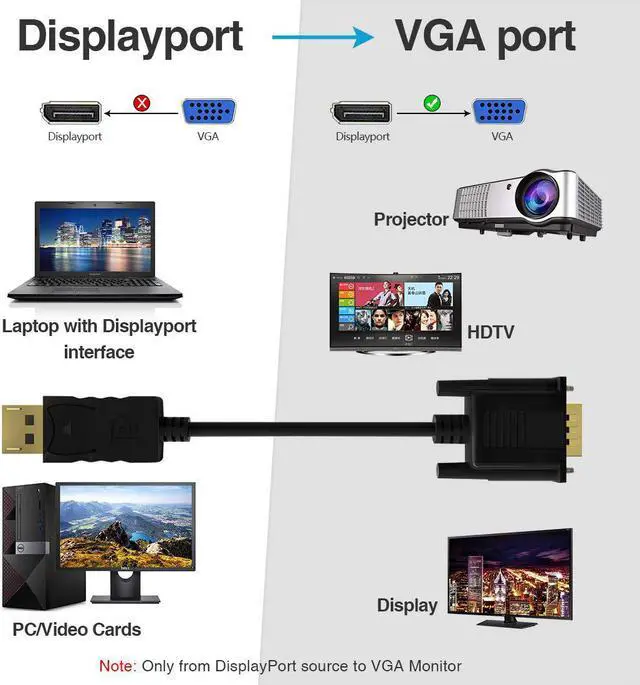
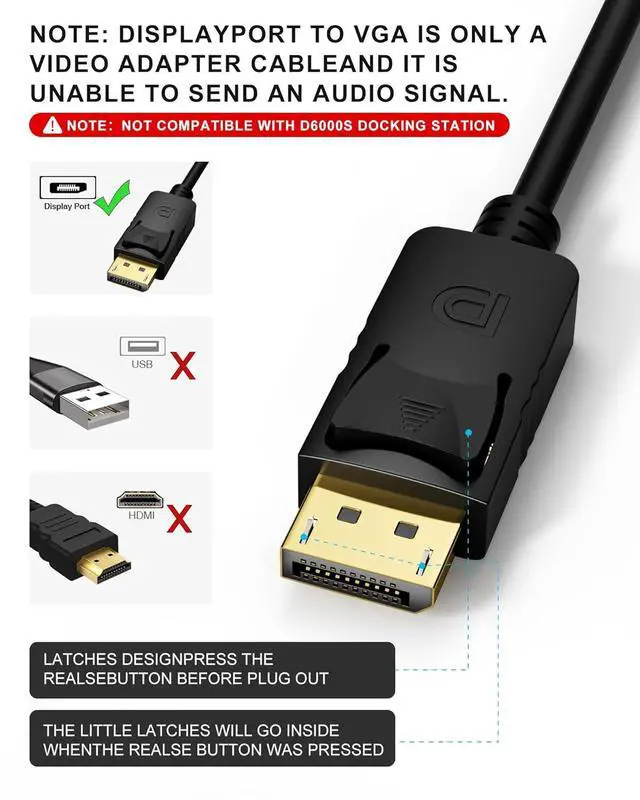
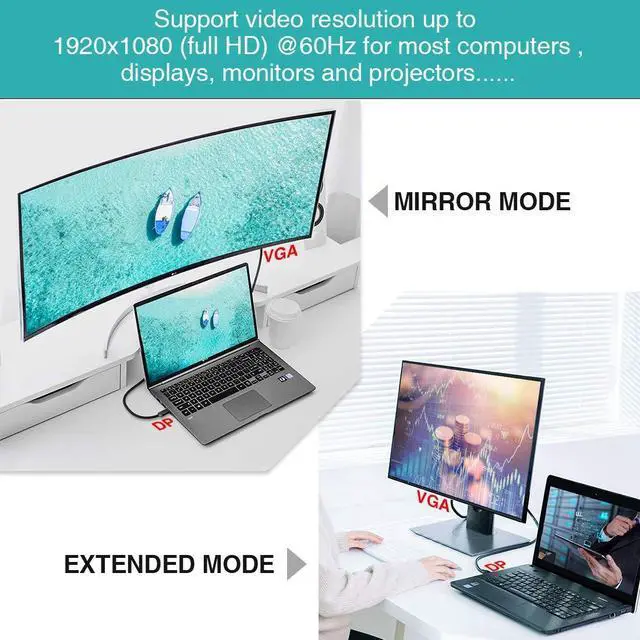
NOTE: Only from Displayport Source to VGA Display can't bi-directional. and Not Mini DisplayPort to VGA Cable.? Only connect from PC to monitor can't connect from monitor to monitor. Extended Mode and
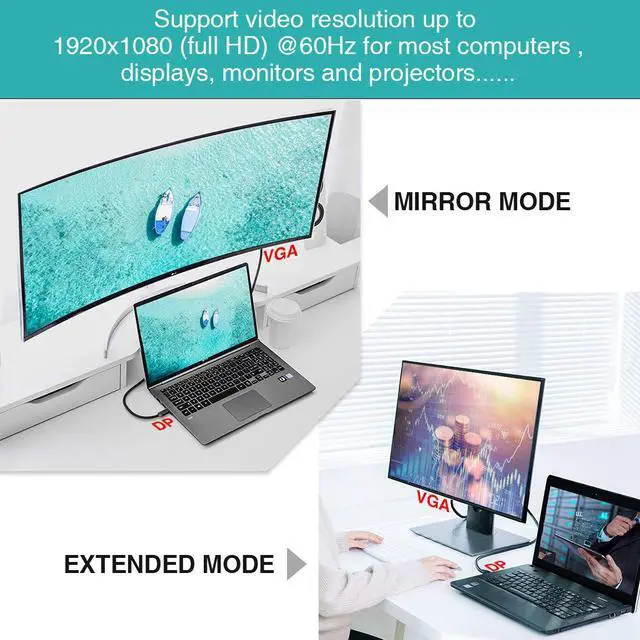
Mirror Mode Extended mode: Works like a charm for multitasking. You could double your workspace through by working in the laptop and watching the movie in the HDTV at the same time. Display Port to
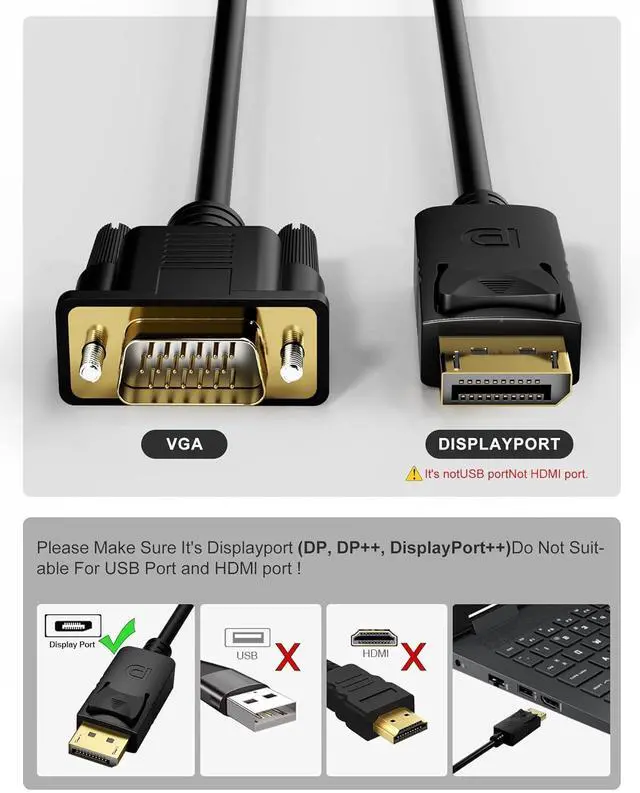
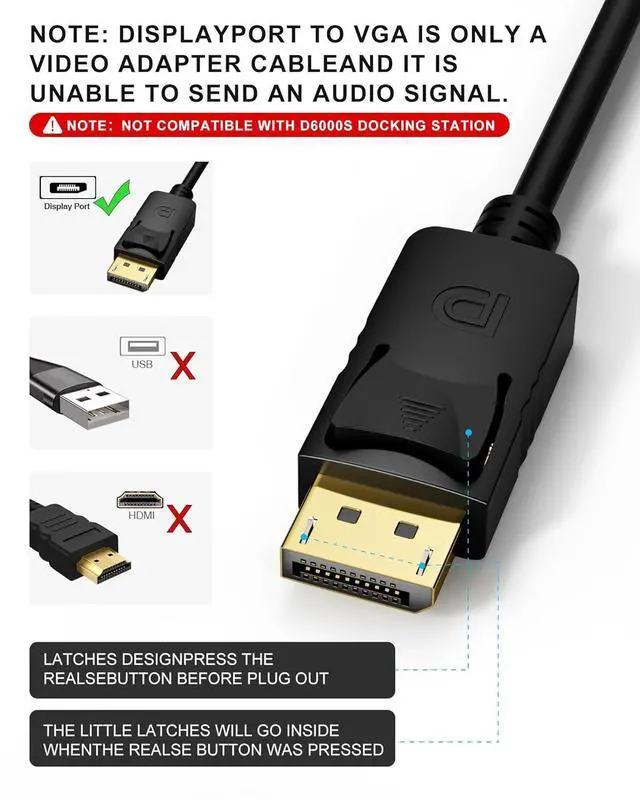
VGA Mirror mode: Makes your holiday or wedding photos and favorite films so much more interesting and enjoyable on the big screen. Only connect from Displayport Source(Laptop/PC with DP Inport) to VGA Display(Monitor/Projector with VGA Output). Latches Design Display to vga with latches provides a secure and stable connection. Remember to press the realse button before you plug out.
Note: this is Display Port to VGA cable? "not DP to HDMI"? "not vga to dp port" and? "not USB port cable". Not Compatible with D6000S Docking Station. Quality and Assurance? Not DP to HDMI "not vga to dp port" and "not USB port cable". Gold plated connectors in the display to vga cable ensures a maximum signal quality and stable signal transmission. Plug and play no need of driver and external power. Foboiu offers a 12-month Unconditional Warranty. Quality and Assurance Gold plated connectors in the display to vga cable ensures a maximum signal quality and stable signal transmission. Plug and play no need of driver and external power. Foboiu offers a 12-month Unconditional Warranty. Compatibility Notice C For Standard VGA Monitors Only. Equipped with the conversion chip this uni-directional DP to VGA cable is ideal for most monitors and projectors with a standard VGA input. Not compatible with displays some /HP all-in-one PCs legacy monitors or industrial/custom systems. Please confirm your device supports DisplayPort output and that your display has a VGA input port (for some older models please manually switch to the correct VGA input).
Not compatible with HDMI USB-C or reverse signal conversion (VGA to DP).





 here!
here!
 Top Rated