


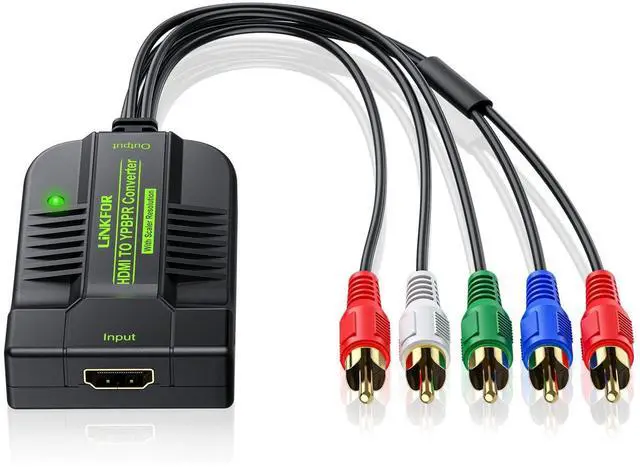
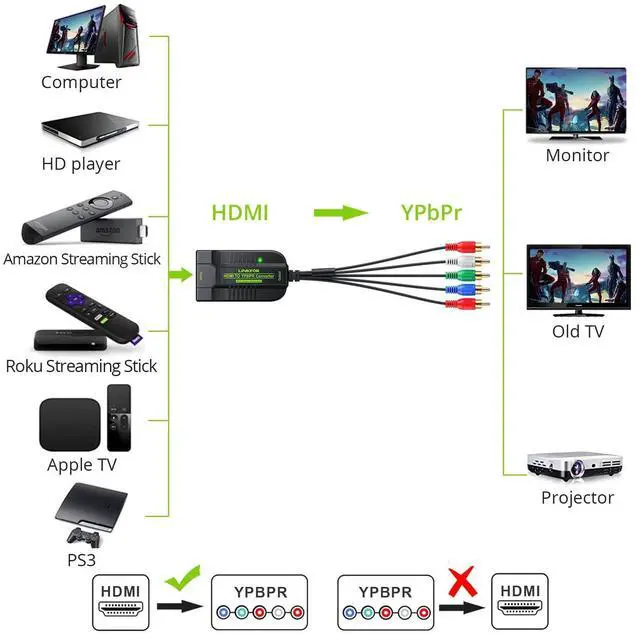
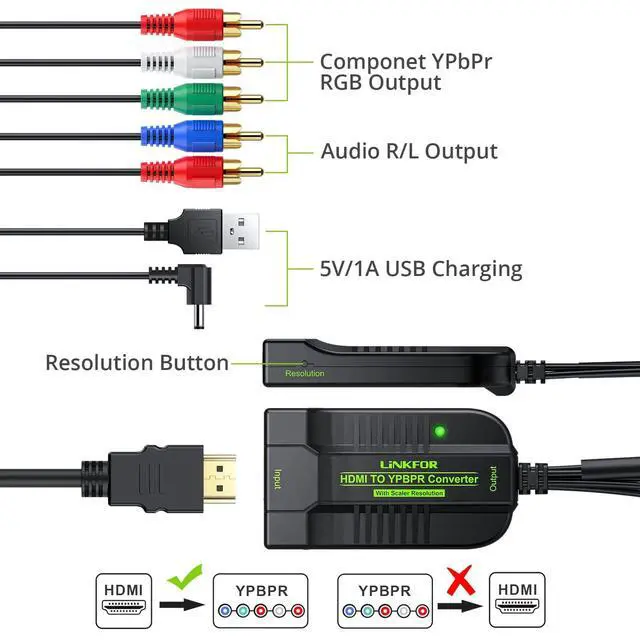
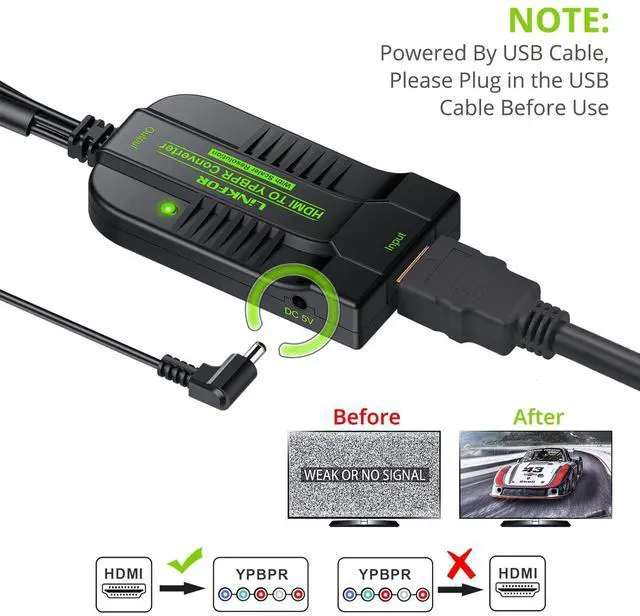


Only Supports HDMI to Component, can NOT reverse

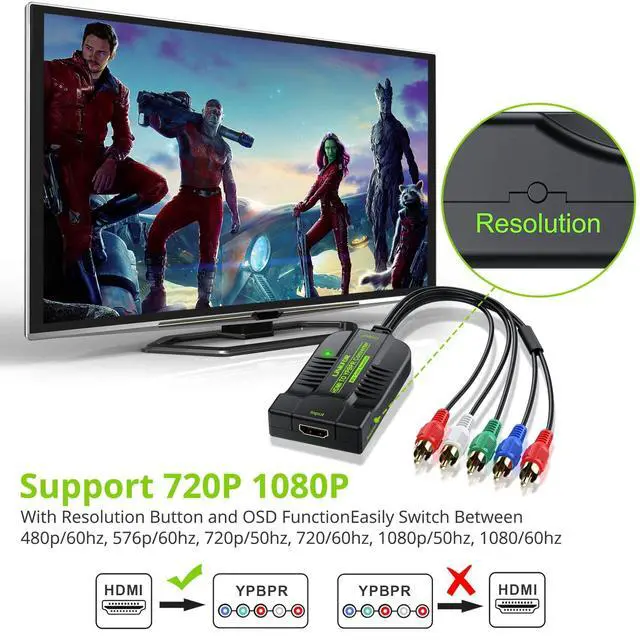
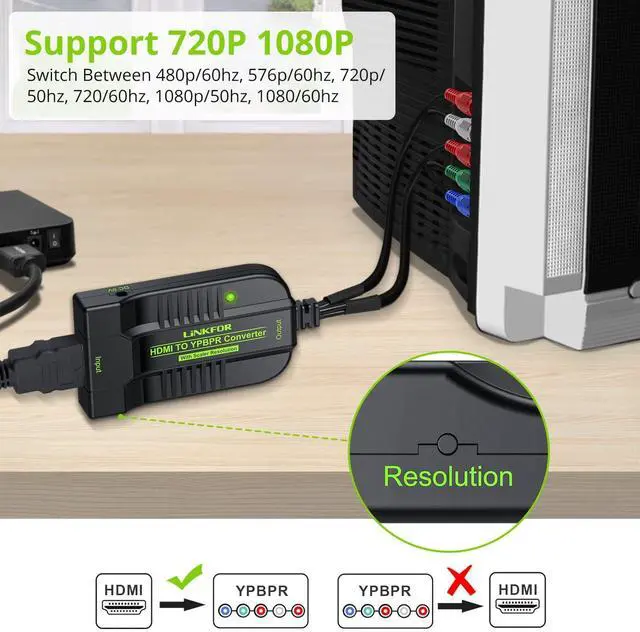
Support 1080P@60Hz
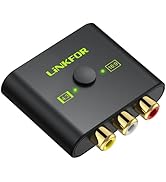
With the “Resolution” button and OSD (On-Screen Display) function, you can conveniently adjust the resolution. (480p/60hz, 576p/60hz, 720p/50hz, 720/60hz, 1080p/50hz, 1080/60hz)

Using Method:
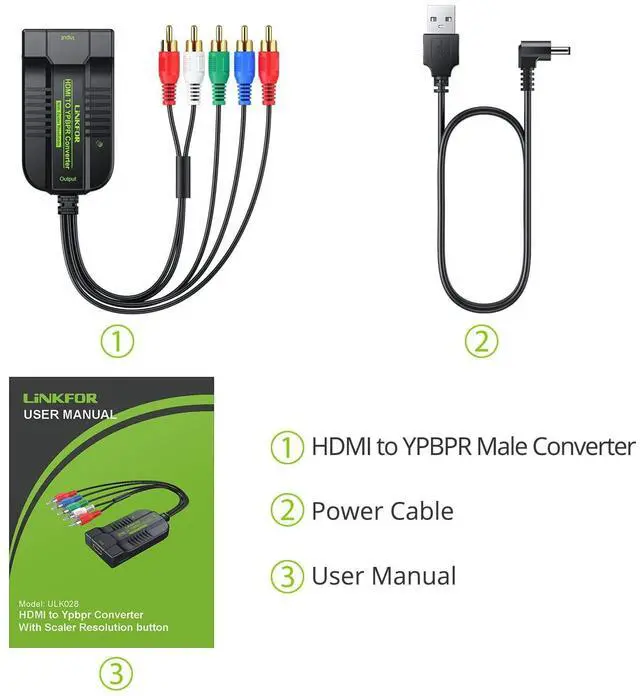
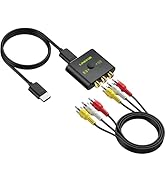
- Connect the HDMI input from source device to this converter.
- Connect the YPbPr output of this converter to the display device.
- Power on all connected devices, Choose the input of the display device to its YPbPr channel and set the signal output of the in source device to HDMI.


HDMI DAC
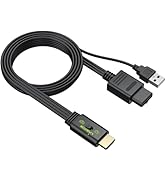
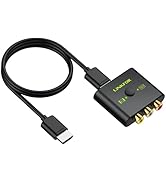
 HDMI 1.3 to Male YPbPr |  HDMI to YPbPr Converter |  HDMI to YPbPr converter |  VGA to HDMI + VGA Adapter | |
|---|---|---|---|---|
Customer Reviews | — | — | — | — |
Price | — | — | — | — |
Input | HDMI | 5RCA(YPbPr RGB + Audio R/L) | HDMI | VGA |
Output | 5RCA(YPbPr RGB + Audio R/L) | HDMI | 5RCA(YPbPr RGB + Audio R/L) | HDMI VGA Adapter |
Resolution Button | ? | ? | ? | ? |
Max. Resolution | 1080p | 1080p | 1080p | 1080p |
OSD | ? | ? | ? | ? |


About US
LiNKFOR, a professional connectivity manufacturer, we focus on 5 product lines: HDMI switcher, optical splitter; DAC converter, microphone system and audio amplifier.
We strive to provide customers with innovative products, allowing you to easily obtain and use the connected components which needed in a business technology program.

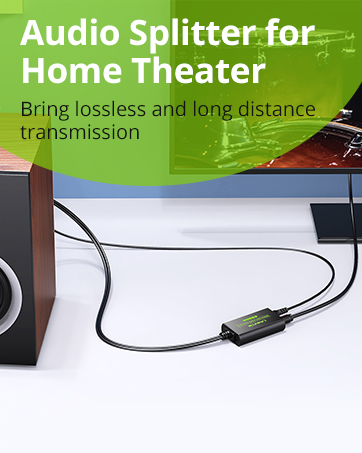
What makes our products unique?
The user-centered concept flows in our blood and runs through our research and development, design, production, marketing, and service. To make it easier to connect, we are constantly innovating products to enhance the usability and richness so that your traditional electronics are no longer useless.
Nowaday our reliable connecting equipment are continuously used in Home theater, office conference and general entertainment like DJ stages, karaoke, and parties.
From legacy products to the latest technology, LiNKFOR is your trusted connectivity advisor.
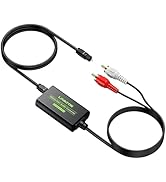
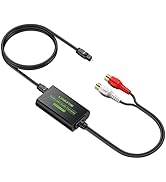
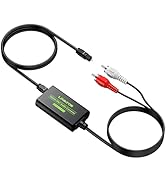
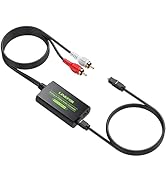
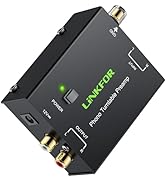
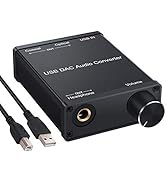
DAC Converter
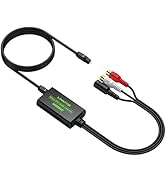
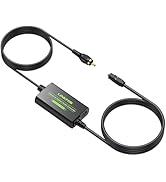
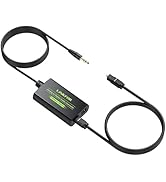
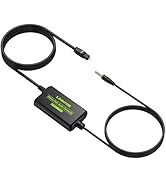
New Item
New Item
New Item
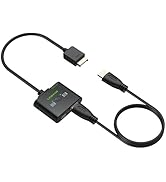
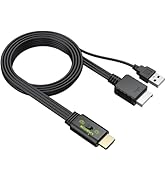
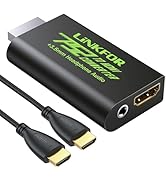
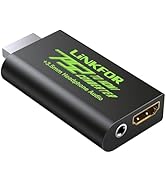
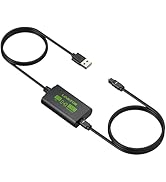
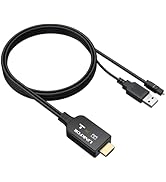
PS2 to HDMI Converter
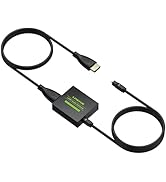
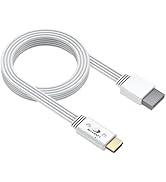
HDMI Converter
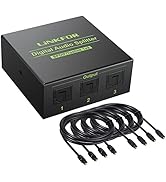
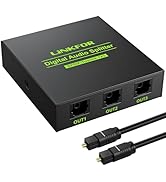
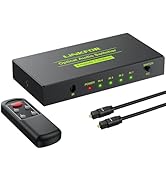
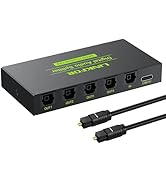
Optical Cable Splitter
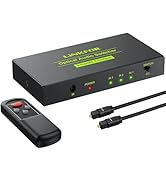
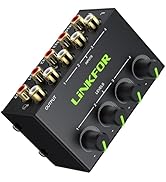
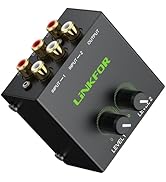
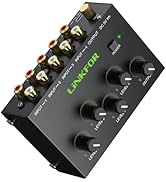
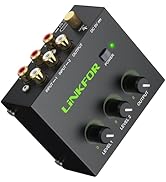
Stereo Audio Mixer
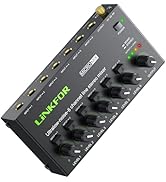
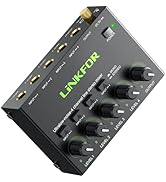
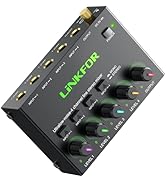
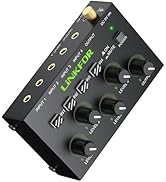
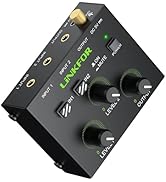
Stereo Audio Mixer
New item
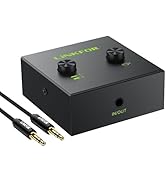
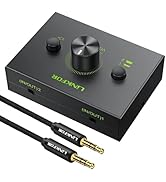
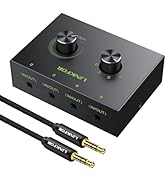
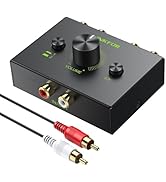
Audio Switch
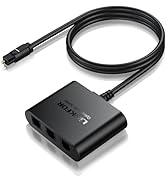
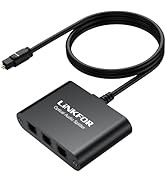
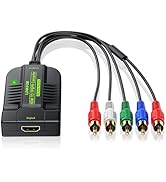
Optical Cable Splitter
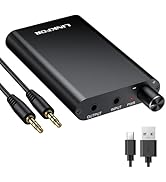
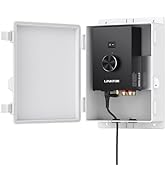
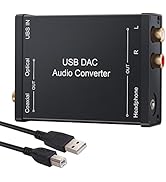
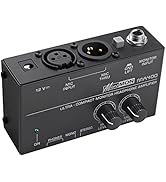
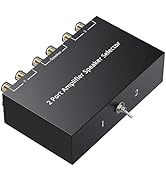
Amplifier
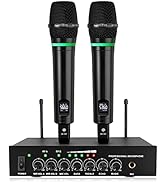
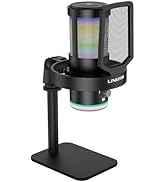
Microphone

Only Supports HDMI to Component, can NOT reverse
Support 1080P@60Hz
With the “Resolution” button and OSD (On-Screen Display) function, you can conveniently adjust the resolution. (480p/60hz, 576p/60hz, 720p/50hz, 720/60hz, 1080p/50hz, 1080/60hz)
Using Method:
- Connect the HDMI input from source device to this converter.
- Connect the YPbPr output of this converter to the display device.
- Power on all connected devices, Choose the input of the display device to its YPbPr channel and set the signal output of the in source device to HDMI.


HDMI DAC
HDMI 1.3 to Male YPbPr | HDMI to YPbPr Converter | HDMI to YPbPr converter | VGA to HDMI + VGA Adapter |
|---|---|---|---|
| Customer Reviews | |||
| — | — | — | — |
| Price | |||
| — | — | — | — |
| Input | |||
| HDMI | 5RCA(YPbPr RGB + Audio R/L) | HDMI | VGA |
| Output | |||
| 5RCA(YPbPr RGB + Audio R/L) | HDMI | 5RCA(YPbPr RGB + Audio R/L) | HDMI VGA Adapter |
| Resolution Button | |||
| ? | ? | ? | ? |
| Max. Resolution | |||
| 1080p | 1080p | 1080p | 1080p |
| OSD | |||
| ? | ? | ? | ? |
About US
LiNKFOR, a professional connectivity manufacturer, we focus on 5 product lines: HDMI switcher, optical splitter; DAC converter, microphone system and audio amplifier.
We strive to provide customers with innovative products, allowing you to easily obtain and use the connected components which needed in a business technology program.
What makes our products unique?
The user-centered concept flows in our blood and runs through our research and development, design, production, marketing, and service. To make it easier to connect, we are constantly innovating products to enhance the usability and richness so that your traditional electronics are no longer useless.
Nowaday our reliable connecting equipment are continuously used in Home theater, office conference and general entertainment like DJ stages, karaoke, and parties.
From legacy products to the latest technology, LiNKFOR is your trusted connectivity advisor.
DAC Converter
New Item
New Item
New Item
PS2 to HDMI Converter
HDMI Converter
Optical Cable Splitter
Stereo Audio Mixer
Stereo Audio Mixer
New item
Audio Switch
Optical Cable Splitter
Amplifier
Microphone