


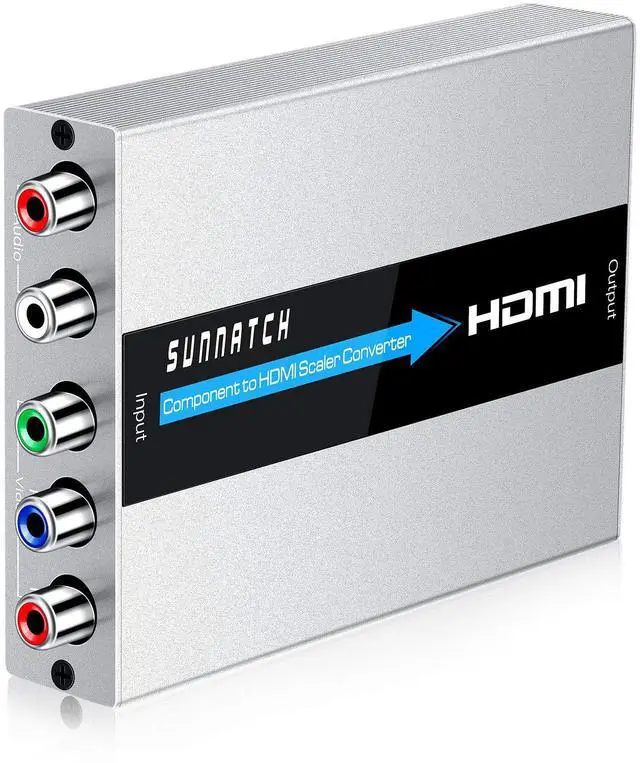


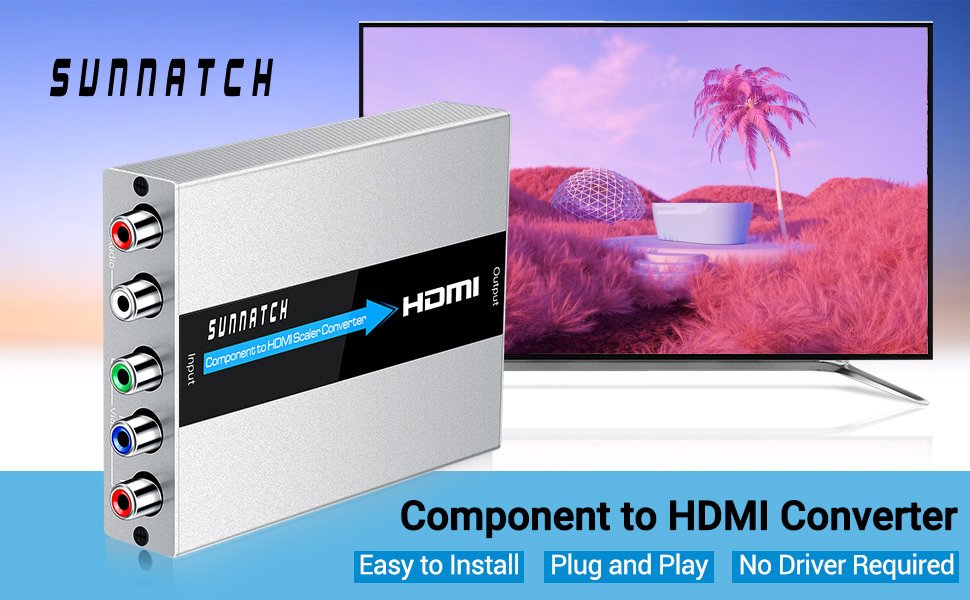
SUNNATCH Component to HDMI Converter allows users to enjoy their larger images and videos on their desired display. With the built-in scaler engine, this YPbPr to HDMI Converter can easily solve many issues that caused by the unstable timing output of some devices.
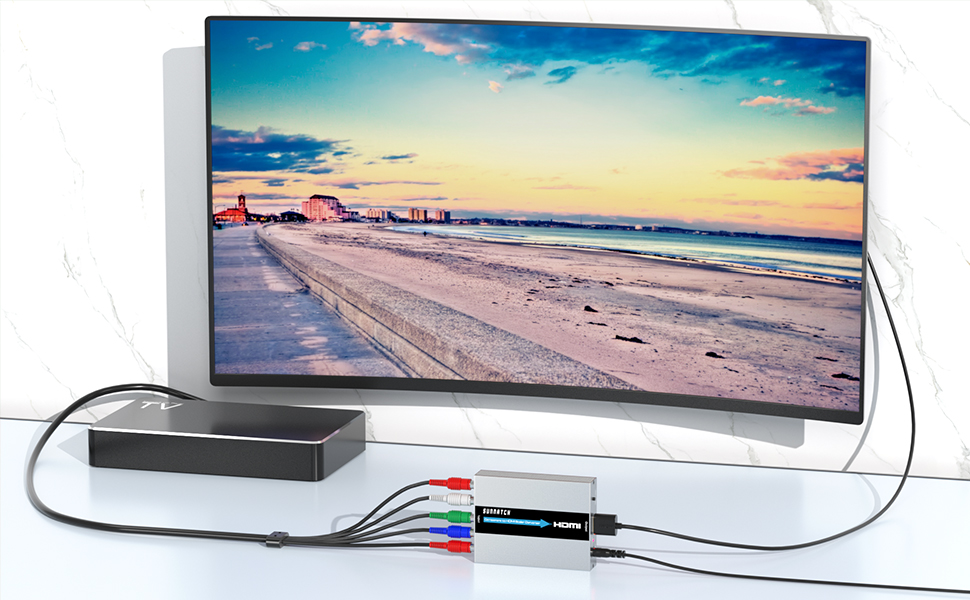
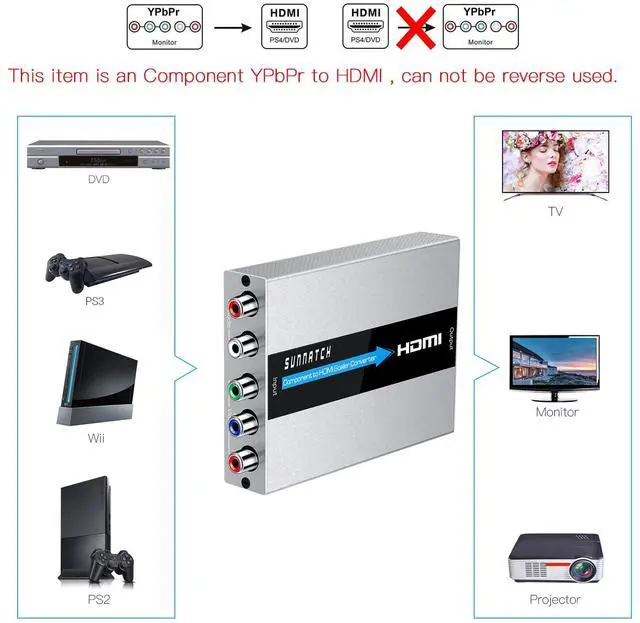
SUNNATCH Component to HDMI converter does NOT support HDMI to Component. It can't be reverse used.
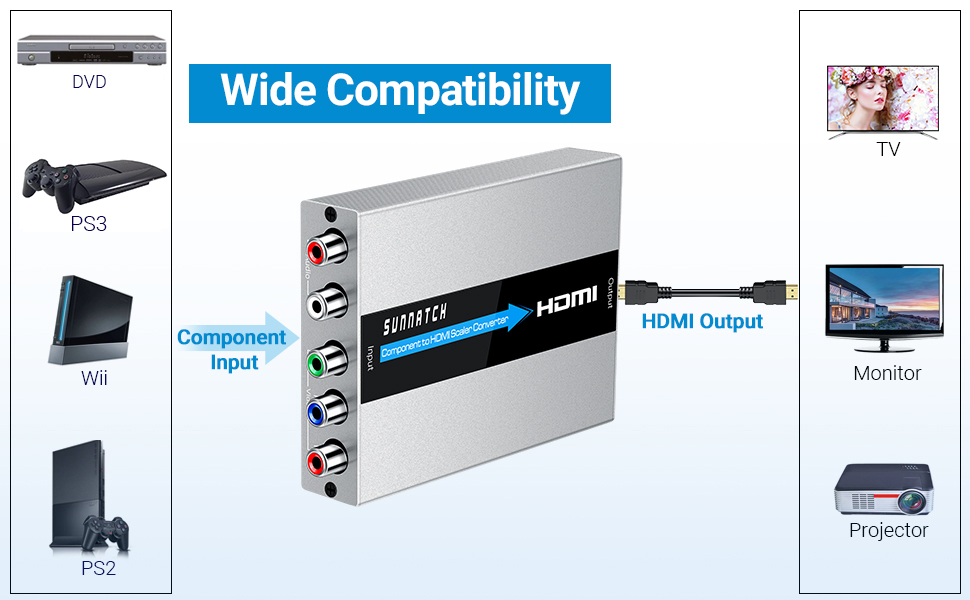
Wide Compatibility:
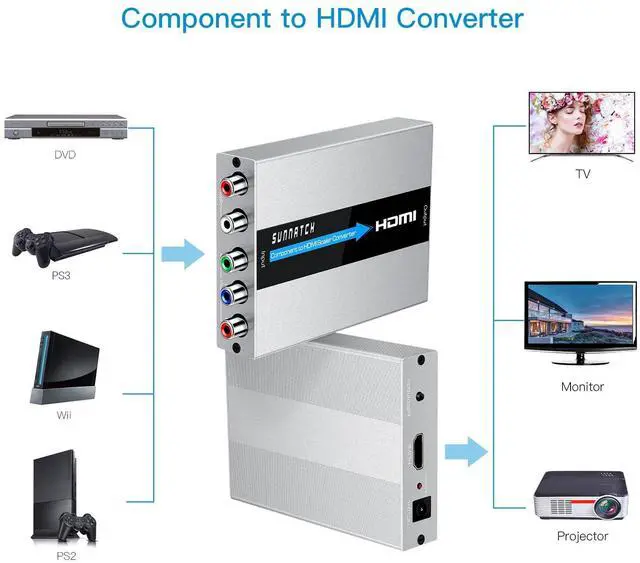
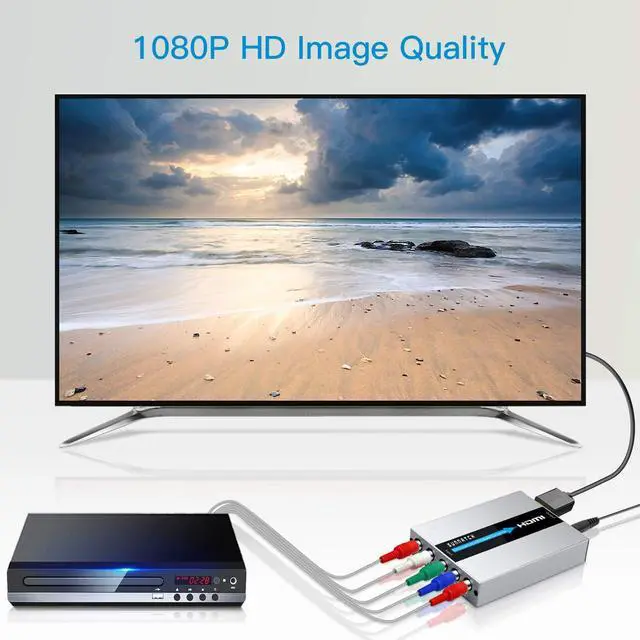
Component to HDMI converter is used to connect component source devices(such as DVD, PSP, PS2, ect) to HDMI displays(such as HDTV, monitor, projector, ect). Please make sure your signal device has Component output.
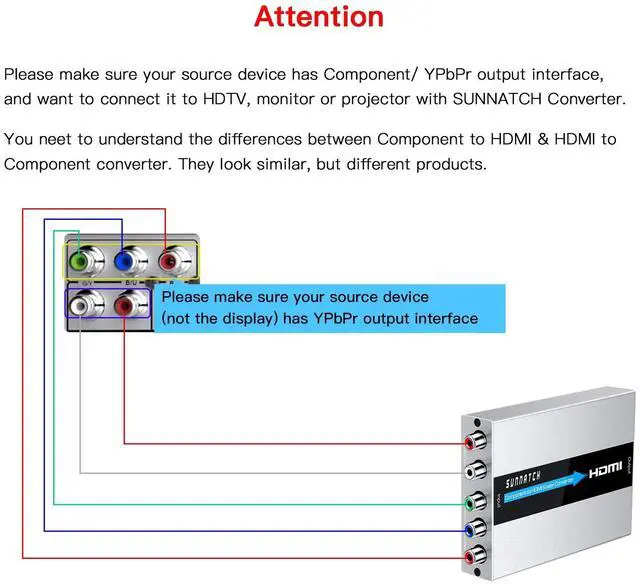
The connectors must be correctly connected, Otherwise it will cause the screen to be abnormal.
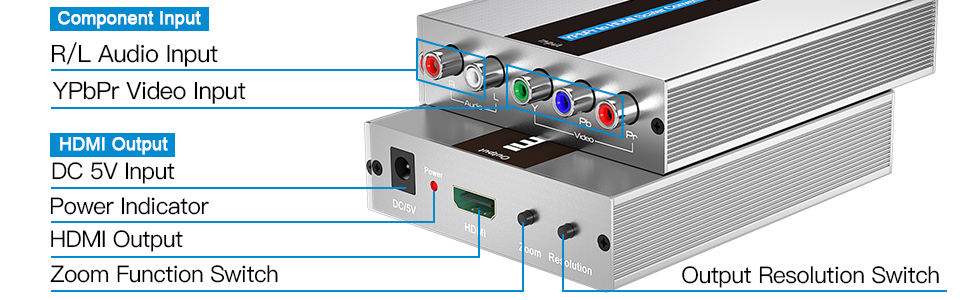
Video: green connects to green(Y), blue connects to blue(Pb), red connects to red(Pr). Audio: white connects to white, red connects to red.
The compatibility issues when using resolution pass-through converters:
1. No video output.
2. Black and white screen.
3. Distorted image.
4. Image cuts in and out.
5. Flickering pictures, ect.
Specification:
1. Product Type: YPbPr/ Component + R/ L to HDMI Converter.
2. Interface Type: YPbPr/ Component + R/ L Input & HDMI Output.
3. Component Input resolutions: 480i@60Hz, 480p@60Hz, 576i@50Hz, 576p@50Hz, 720P@50/60Hz, 1080i@50/60Hz, 1080p@50/60Hz.
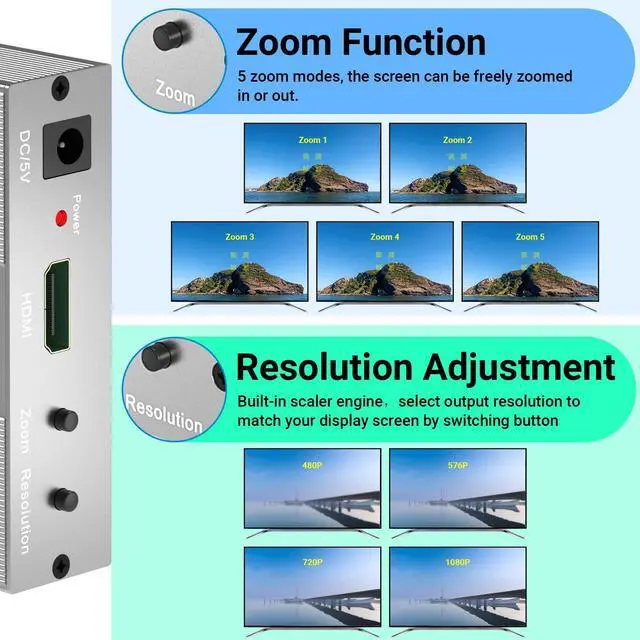
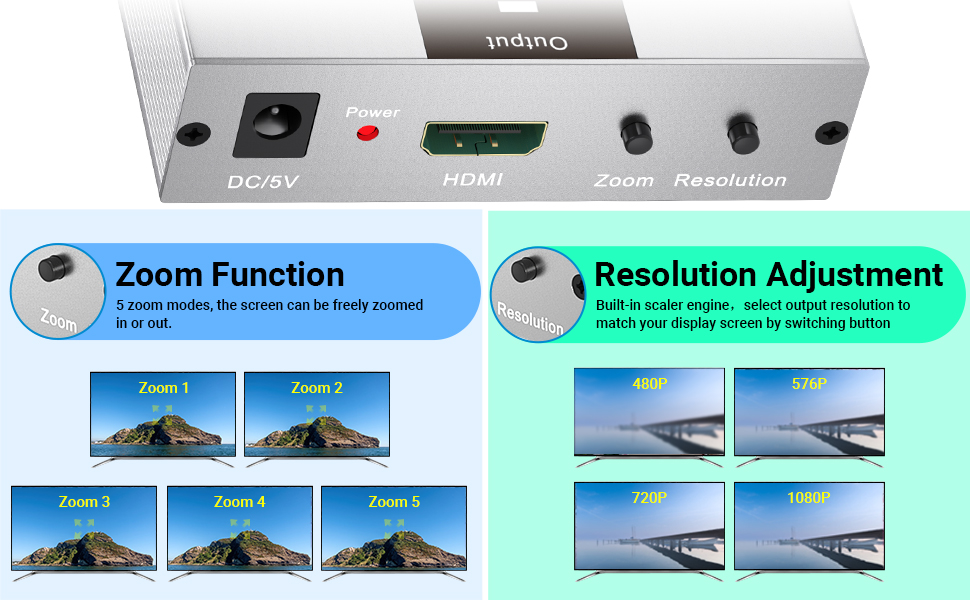
4. HDMI output resolutions: 800 x 600@60Hz, 1024 x 768@60Hz, 1280 x 1024@60Hz, 720P@60Hz, 1080P@60Hz. You can select the output resolutions by pressing the switch button on the converter.
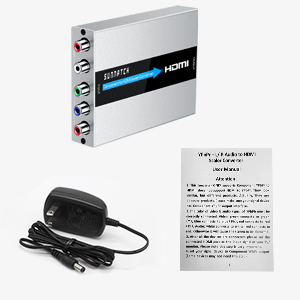
Package List:
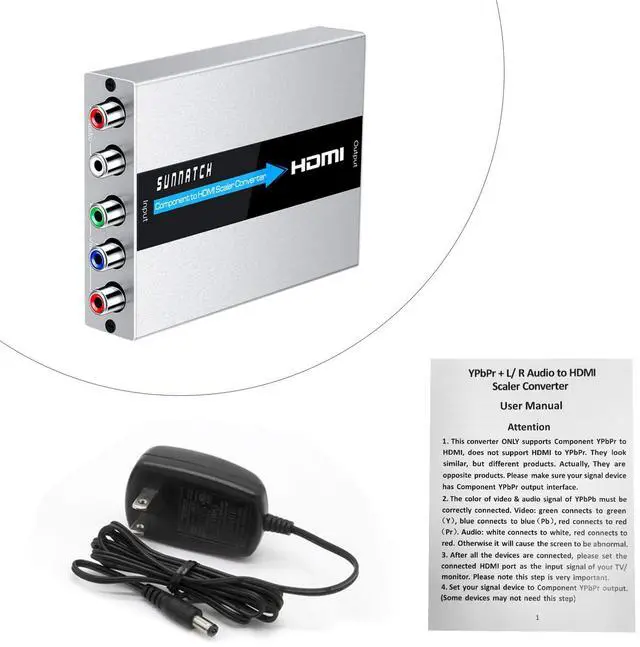
- 1 x RGB to HDMI Converter
- 1 x 5V DC Power Supply
- 1 x User Manual
SUNNATCH Component to HDMI Converter allows users to enjoy their larger images and videos on their desired display. With the built-in scaler engine, this YPbPr to HDMI Converter can easily solve many issues that caused by the unstable timing output of some devices.
SUNNATCH Component to HDMI converter does NOT support HDMI to Component. It can't be reverse used.
Wide Compatibility:
Component to HDMI converter is used to connect component source devices(such as DVD, PSP, PS2, ect) to HDMI displays(such as HDTV, monitor, projector, ect). Please make sure your signal device has Component output.
The connectors must be correctly connected, Otherwise it will cause the screen to be abnormal.
Video: green connects to green(Y), blue connects to blue(Pb), red connects to red(Pr). Audio: white connects to white, red connects to red.
The compatibility issues when using resolution pass-through converters:
1. No video output.
2. Black and white screen.
3. Distorted image.
4. Image cuts in and out.
5. Flickering pictures, ect.
Specification:
1. Product Type: YPbPr/ Component + R/ L to HDMI Converter.
2. Interface Type: YPbPr/ Component + R/ L Input & HDMI Output.
3. Component Input resolutions: 480i@60Hz, 480p@60Hz, 576i@50Hz, 576p@50Hz, 720P@50/60Hz, 1080i@50/60Hz, 1080p@50/60Hz.
4. HDMI output resolutions: 800 x 600@60Hz, 1024 x 768@60Hz, 1280 x 1024@60Hz, 720P@60Hz, 1080P@60Hz. You can select the output resolutions by pressing the switch button on the converter.
Package List:
- 1 x RGB to HDMI Converter
- 1 x 5V DC Power Supply
- 1 x User Manual