




VHS to USB Converter- Digitize your video tapes on your MAC or PC
- This product needs to be used in conjunction with video capture software.
- The current length of the cable will work the best, so we don’t suggest to use USB extension cable, it will weaken current and sometimes cann’t offer enough power to run.
- If there is no CD-ROM port on your computer or the software in CD isn't compatible with your computer or video device, you need to download the capture software like OBS free online. And follow the use manual to install and set up the OBS software.
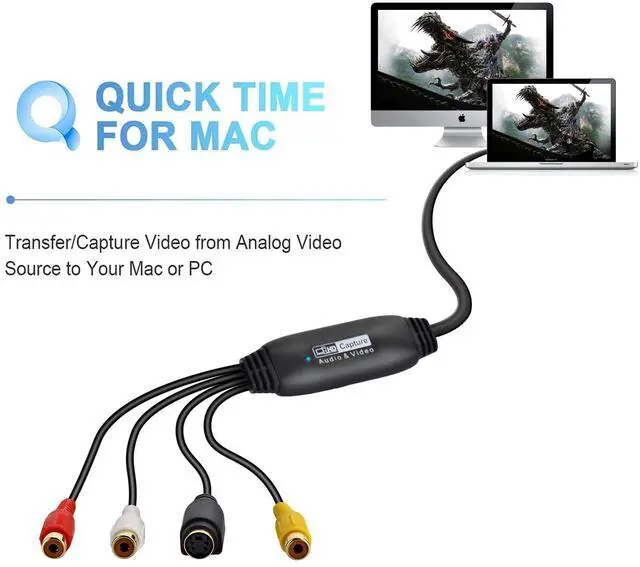
- If you use this on Mac, you don't need to download any software or driver, you can follow those steps: Open "Application" find "QuickTime player"; then select "File" - "New Movie Recording"; last set the setting to "AV TO USB2.0".
- Please make sure the cable is suitable for the connector of your video device.

How to Connect with your Video to Digital Converter?
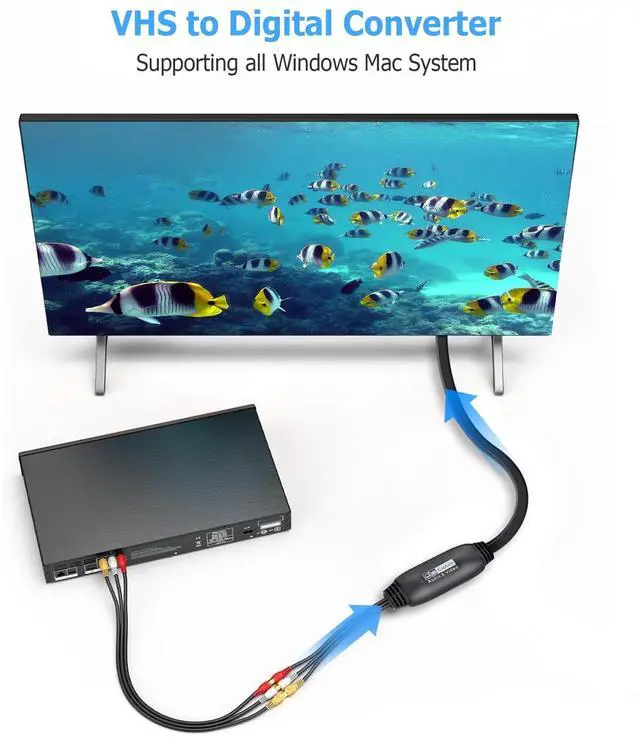
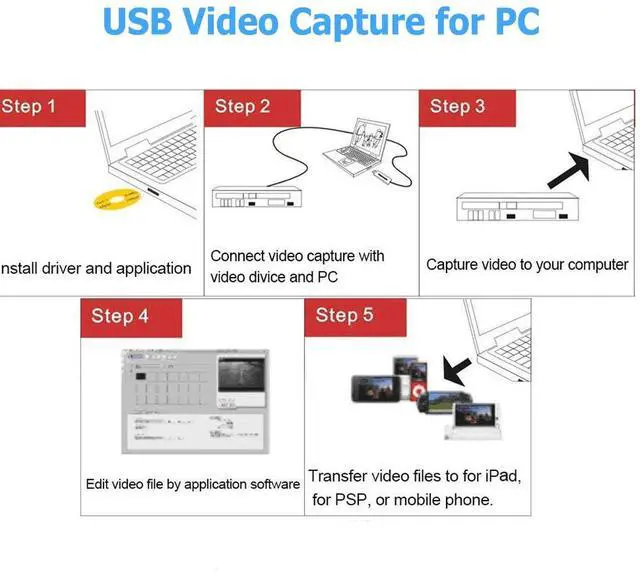
Step 1 - InsertVideo Capture Device to a USB 2.0 port on your PC. The driver will be shown automatically installed.
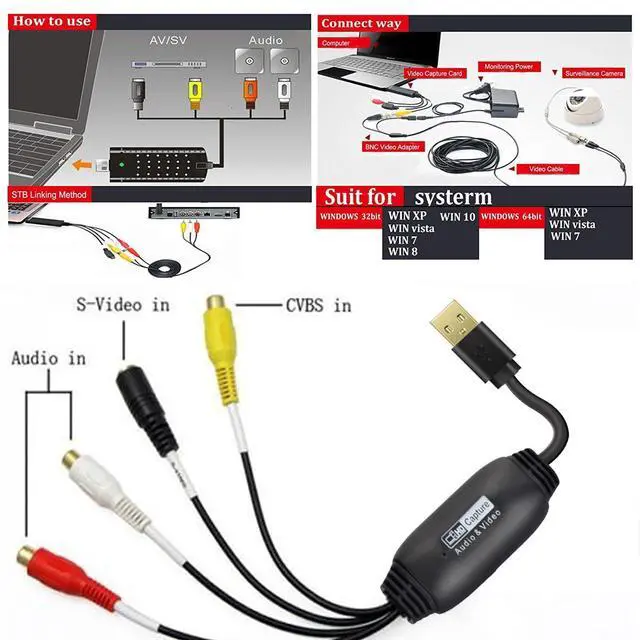
Step 2 - Connect Video Converter to your video sources with RCA or S-Video cable.
Step 3 - Open driver or QuickTime Player and run it.
Step 4 - Follow instructions in the user manual to begin capturing / converting your videos.
Package includes:
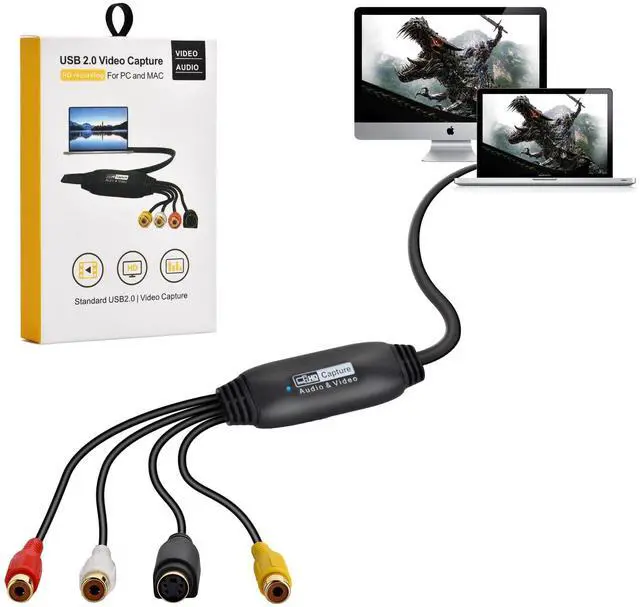
1 X USB AV/SV VIDEO AUDIO CAPTURE ADAPTER
1 X User Manual
1 X CD-ROM

Supporting kinds of systems:
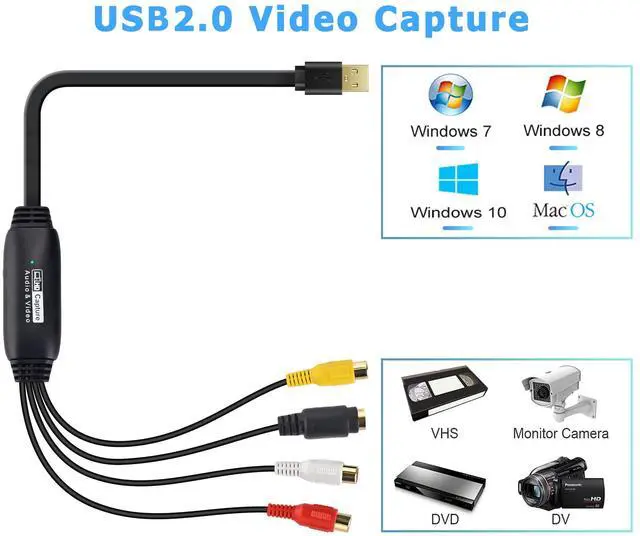
Win 2000, Win Xp, Win Vista, Win 7, Win 8,Win 10, Apple MAC OS X
Applicable equipment, such as: Camcorder, SetTop, Box

Plug & Play:
Digitize video from a VCR, camcorder and other analog video sources for playback on your Mac, PC and iPad. Transfer video to your Mac or PC from a VCR, DVR, camcorder, or any other analog video device.

Preserve Your Old Home videos:
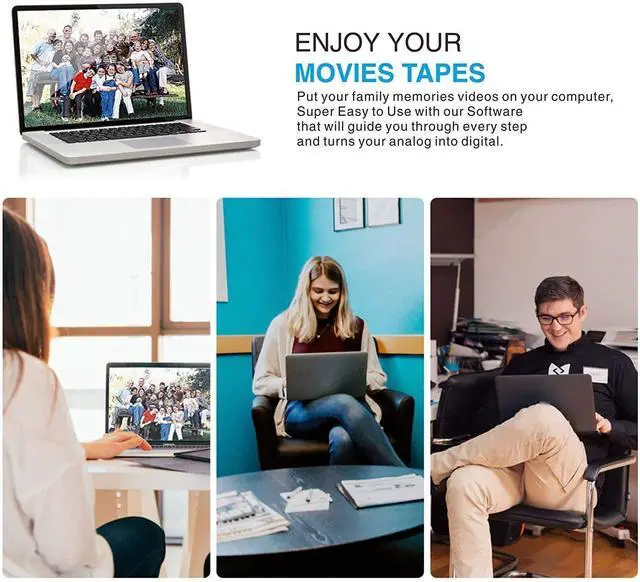
You can share all your old & precious videos on social media anytime.This the best way to digitize home videos to playback on your computer, or to upload to YouTube. So you can enjoy these videos with your family and friends anywhere.

VHS to USB Converter- Digitize your video tapes on your MAC or PC
- This product needs to be used in conjunction with video capture software.
- The current length of the cable will work the best, so we don’t suggest to use USB extension cable, it will weaken current and sometimes cann’t offer enough power to run.
- If there is no CD-ROM port on your computer or the software in CD isn't compatible with your computer or video device, you need to download the capture software like OBS free online. And follow the use manual to install and set up the OBS software.
- If you use this on Mac, you don't need to download any software or driver, you can follow those steps: Open "Application" find "QuickTime player"; then select "File" - "New Movie Recording"; last set the setting to "AV TO USB2.0".
- Please make sure the cable is suitable for the connector of your video device.
How to Connect with your Video to Digital Converter?
Step 1 - InsertVideo Capture Device to a USB 2.0 port on your PC. The driver will be shown automatically installed.
Step 2 - Connect Video Converter to your video sources with RCA or S-Video cable.
Step 3 - Open driver or QuickTime Player and run it.
Step 4 - Follow instructions in the user manual to begin capturing / converting your videos.
Package includes:
1 X USB AV/SV VIDEO AUDIO CAPTURE ADAPTER
1 X User Manual
1 X CD-ROM
Supporting kinds of systems:
Win 2000, Win Xp, Win Vista, Win 7, Win 8,Win 10, Apple MAC OS X
Applicable equipment, such as: Camcorder, SetTop, Box
Plug & Play:
Digitize video from a VCR, camcorder and other analog video sources for playback on your Mac, PC and iPad. Transfer video to your Mac or PC from a VCR, DVR, camcorder, or any other analog video device.
Preserve Your Old Home videos:
You can share all your old & precious videos on social media anytime.This the best way to digitize home videos to playback on your computer, or to upload to YouTube. So you can enjoy these videos with your family and friends anywhere.