• $24.99
  • Free 30-day Returns
  • Sold by BlissElectro

    Shipped by BlissElectro

    Price alert
    Shop it at NeweggBusiness.

    Meet Your Seller

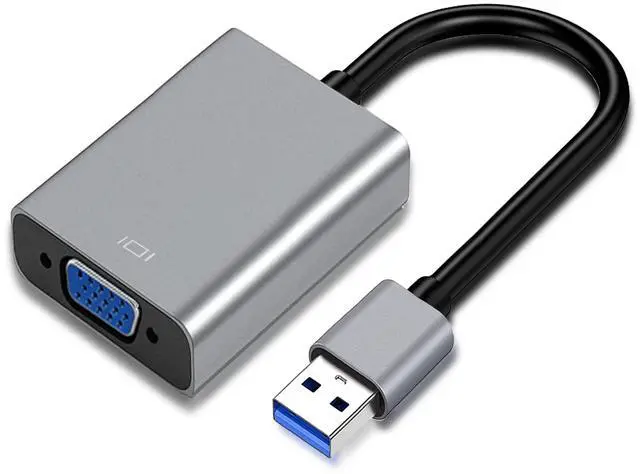
    USB 3.0 to VGA Adapter for Monitor Windows 11/10 / 8, for Laptop, Multiple Monitors for Desktop PC TV

    • This USB to VGA adapter can connect PC images to TV, monitor, and projector with VGA interfaces through the USB interface.
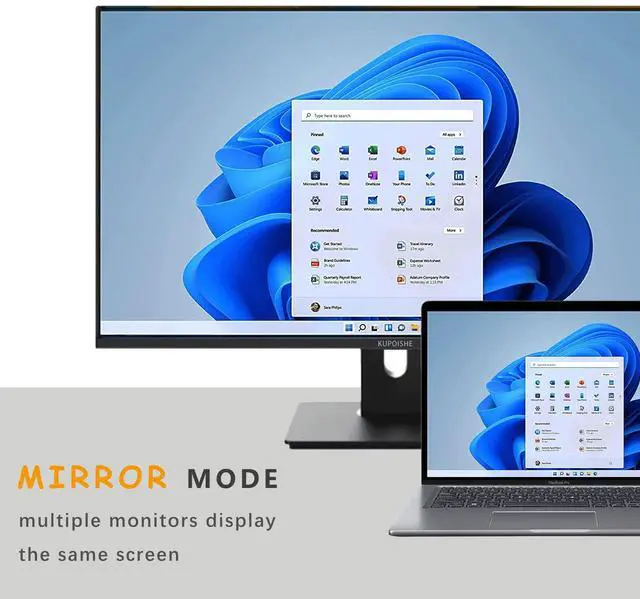
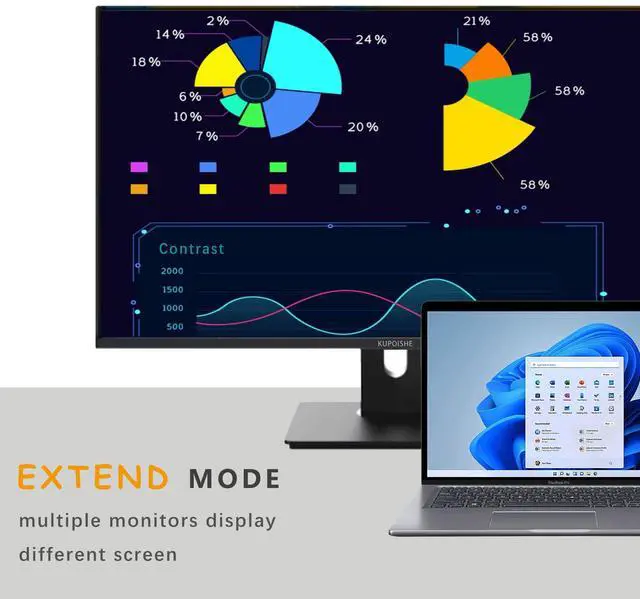
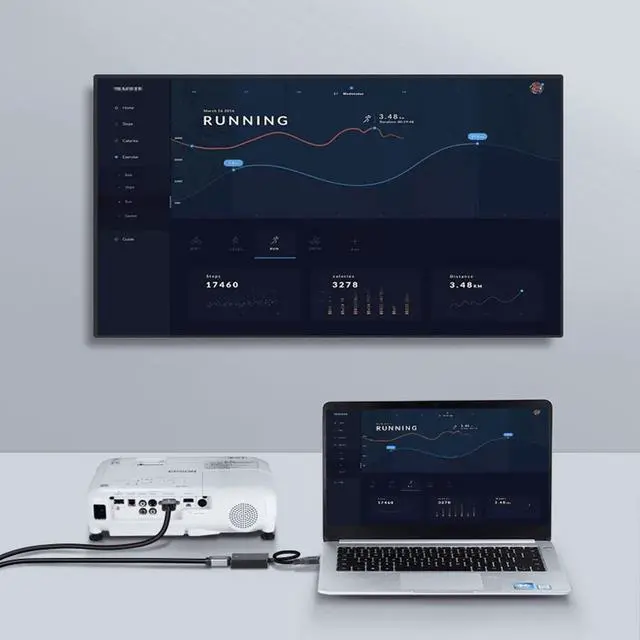
    • The VGA USB converter can not only synchronize the two monitors, but also expand the computer desktop with an additional display to improve work efficiency.
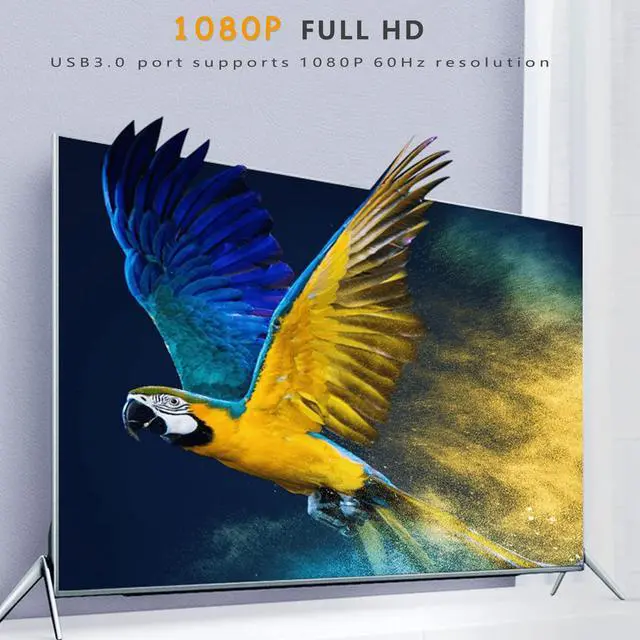
    • Using USB3.0 high bandwidth (5Gbps) can provide high-definition images for HDTV or display, the resolution is up to 1920x1080p. (If it is USB2.0, only 800x600)
    • Only need to run the driver once for the first time, then the HDMI adapter can be used at any time, support hot plug.
    • All our products are provided with 30 days unconditional return and 12 months warranty.
    +
    +
    Overview
    Specs
    Reviews
    avatar

    Any questions? Our AI beta will help you find out quickly.

    USB3.0 TO VGA ADAPTER

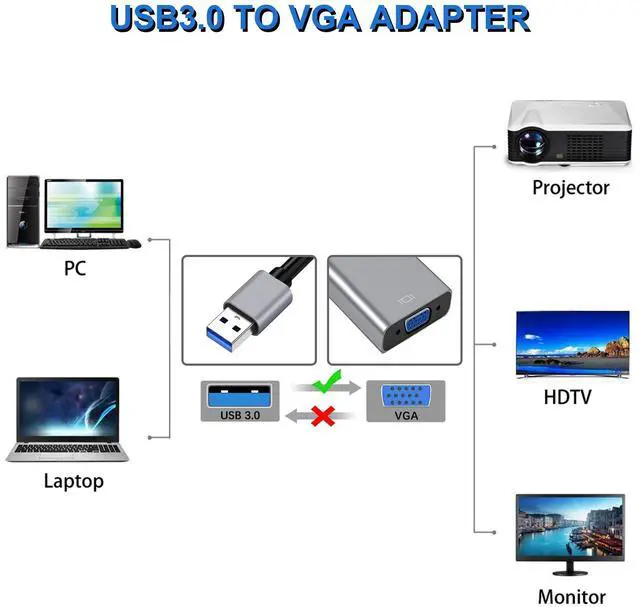
    The USB 3.0 to VGA adapter can transmit video from a Windows laptop or desktop computer to a monitor, TV or projector to achieve multi-screen display.

    HOW TO USE:

    1. Connect the VGA adapter to the windows computer's USB3.0 port and connect it to the monitor with VGA cable.

    2. Install the driver from the CD or network download. (Double-click to run, and select [Next] as prompted)

    3. Now you can get the second monitor, press combination [windows key + p key] to call up more functions.

    Drive file acquisition method:

    -The attached CD

    -Network download

    https://support.frescologic.com/portal/en/kb/fresco-logic/drivers

    NOTE:

    - USB3.0 or above supports the maximum resolution of 1920 x 1080p

    - USB2.0 or below supports a maximum resolution of 800 x 600p

    - Not suitable for chromebook

    - Install the driver file before first use.

    - USB to VGA one-way transmission, not VGA to USB.

    Warranty & Returns

    Warranty, Returns, And Additional Information

    Warranty

    • Please contact the Seller directly for warranty information. Warranty information may also be found on the Manufacturer's website.
    • CONTACT

    Return Policies

    Manufacturer Contact Info

    LOADING...