






The Simplest Way to Convert Video Tapes to Digital Video
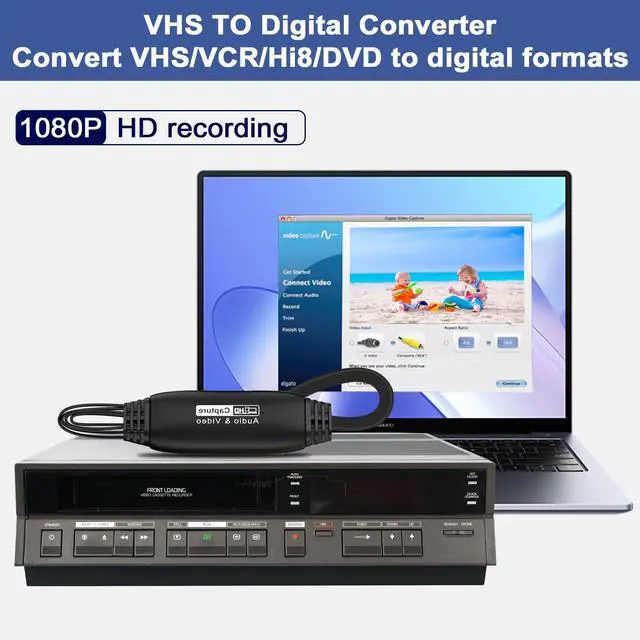
Kunman Pet VHS TO Digital Converter put your good memories on your computer.
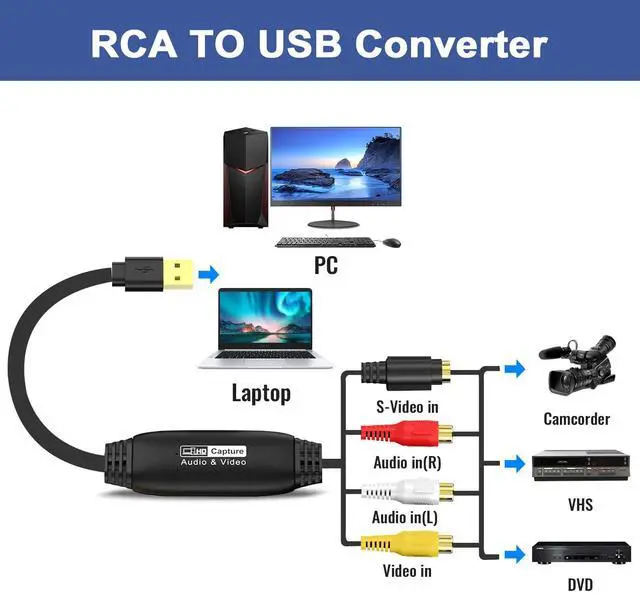
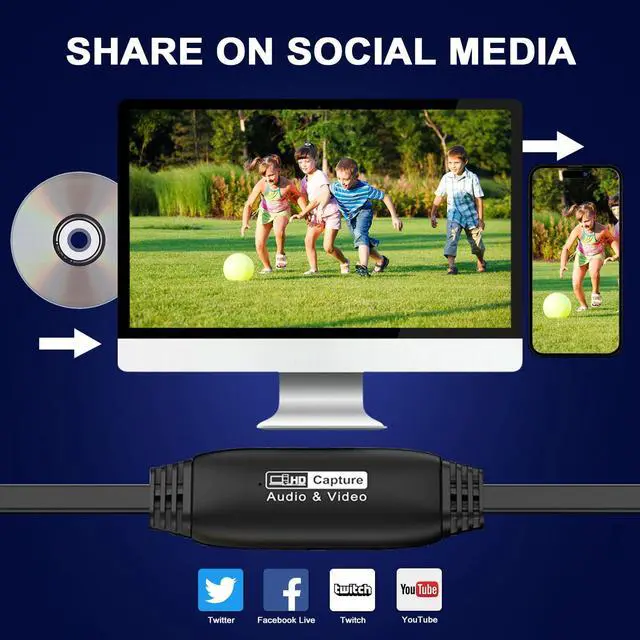
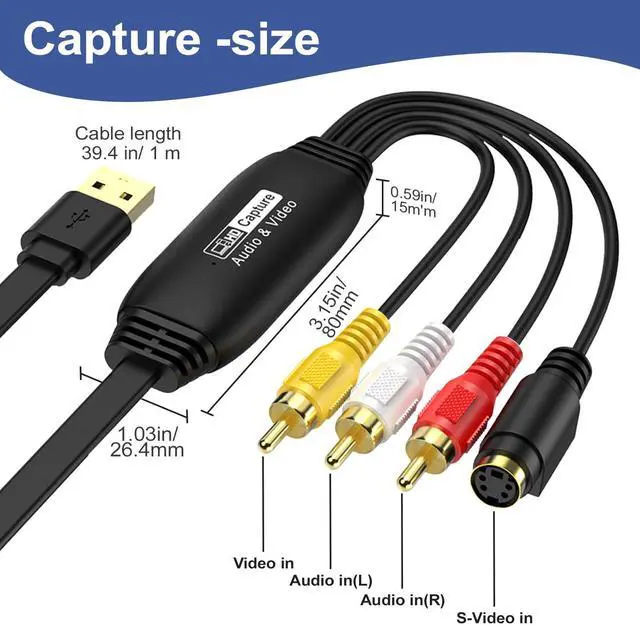
The Video Capture can connect any device that has composite "RCA" or S-Video outputs to your Mac or PC, digitizing video from VHS, 8mm/Hi8, VCR, mini dv, camcorder or other analogue video sources. With the video converter, you can easily save your video in your computer or external hard drive; you can play back the video on your computer; you can put it into video editing software; you can upload it to any social media like YouTube or Facebook.
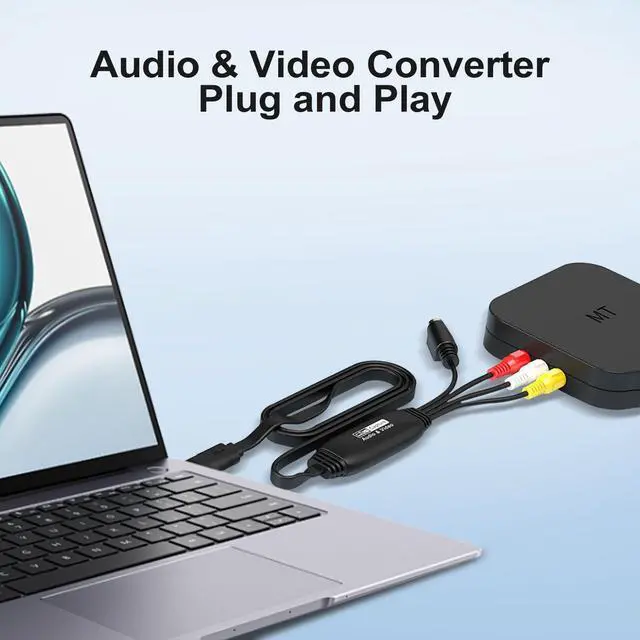
Kunman Pet RCA TO USB Converter is easy to use. Just connect your tape player to computer with the converter and download capture software.
Step 1: Download capture software (OBS studio/PotPlayer/Quicktime Player/XSplit) or insert the included software CD to install the driver files.
Step 2: Plug the Video Capture Device into your computer, and it will be automatically recognized.
Step 3: Connect your VHS player to the Video Converter.
Step 4: Capture your video.
System Requirements
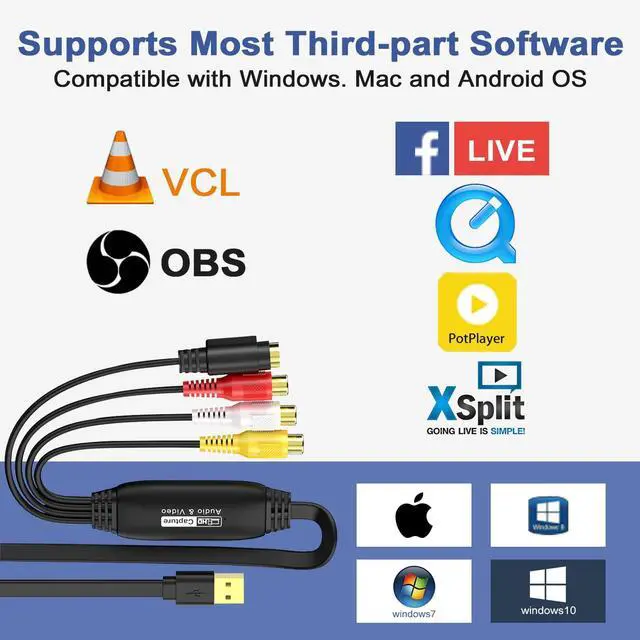
- Windows vista,XP,7,8,10,11
- Mac OS
- Linux
- Android
Specifications
- Video formats: NTSC, PAL
- Video resolution: UP TO 1080P, support MJPEG and YUV2
- Output video formats: MPEG-4, MKV, AVI, H.264
- Output audio formats: mp3, WMA, ogg Vorbis, FLAC, AAC
- Capture software supported: OBS Studio, PotPlayer, QuickTime Player, XSplit and more
What's in the box?
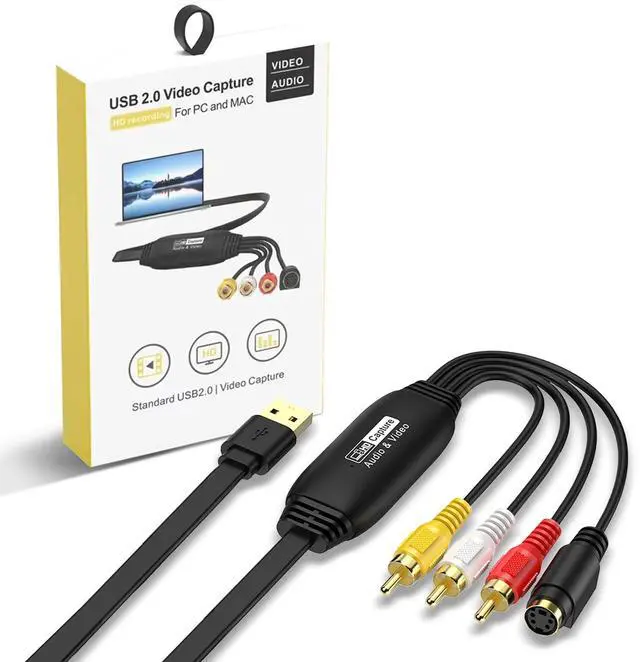
- USB Video Capture Card*1PC
- Disc with recording software*1PC
- User Manual*1PC
The Simplest Way to Convert Video Tapes to Digital Video
Kunman Pet VHS TO Digital Converter put your good memories on your computer.
The Video Capture can connect any device that has composite "RCA" or S-Video outputs to your Mac or PC, digitizing video from VHS, 8mm/Hi8, VCR, mini dv, camcorder or other analogue video sources. With the video converter, you can easily save your video in your computer or external hard drive; you can play back the video on your computer; you can put it into video editing software; you can upload it to any social media like YouTube or Facebook.
Kunman Pet RCA TO USB Converter is easy to use. Just connect your tape player to computer with the converter and download capture software.
Step 1: Download capture software (OBS studio/PotPlayer/Quicktime Player/XSplit) or insert the included software CD to install the driver files.
Step 2: Plug the Video Capture Device into your computer, and it will be automatically recognized.
Step 3: Connect your VHS player to the Video Converter.
Step 4: Capture your video.
System Requirements
- Windows vista,XP,7,8,10,11
- Mac OS
- Linux
- Android
Specifications
- Video formats: NTSC, PAL
- Video resolution: UP TO 1080P, support MJPEG and YUV2
- Output video formats: MPEG-4, MKV, AVI, H.264
- Output audio formats: mp3, WMA, ogg Vorbis, FLAC, AAC
- Capture software supported: OBS Studio, PotPlayer, QuickTime Player, XSplit and more
What's in the box?
- USB Video Capture Card*1PC
- Disc with recording software*1PC
- User Manual*1PC